Adobe Acrobat Reader is the software most people reach for when they need to open a PDF, and there's a good reason for that. Adobe invented the PDF format back in the early 1990s, so the company's own reader tends to render files exactly the way their creators intended, right down to the fonts, images, and layout.
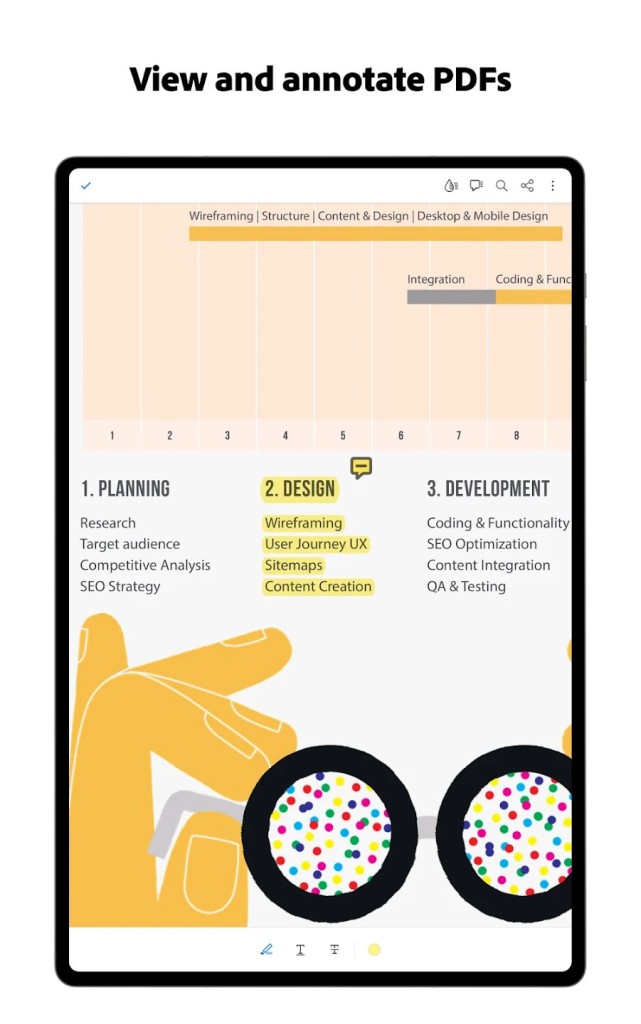
The app does far more than simply display documents. You can highlight passages, add sticky notes, draw freehand comments, and mark up a file for a colleague without ever printing a page. Filling out forms is straightforward too, whether the document was built as an interactive form or arrived as a flat scan that you need to type over.
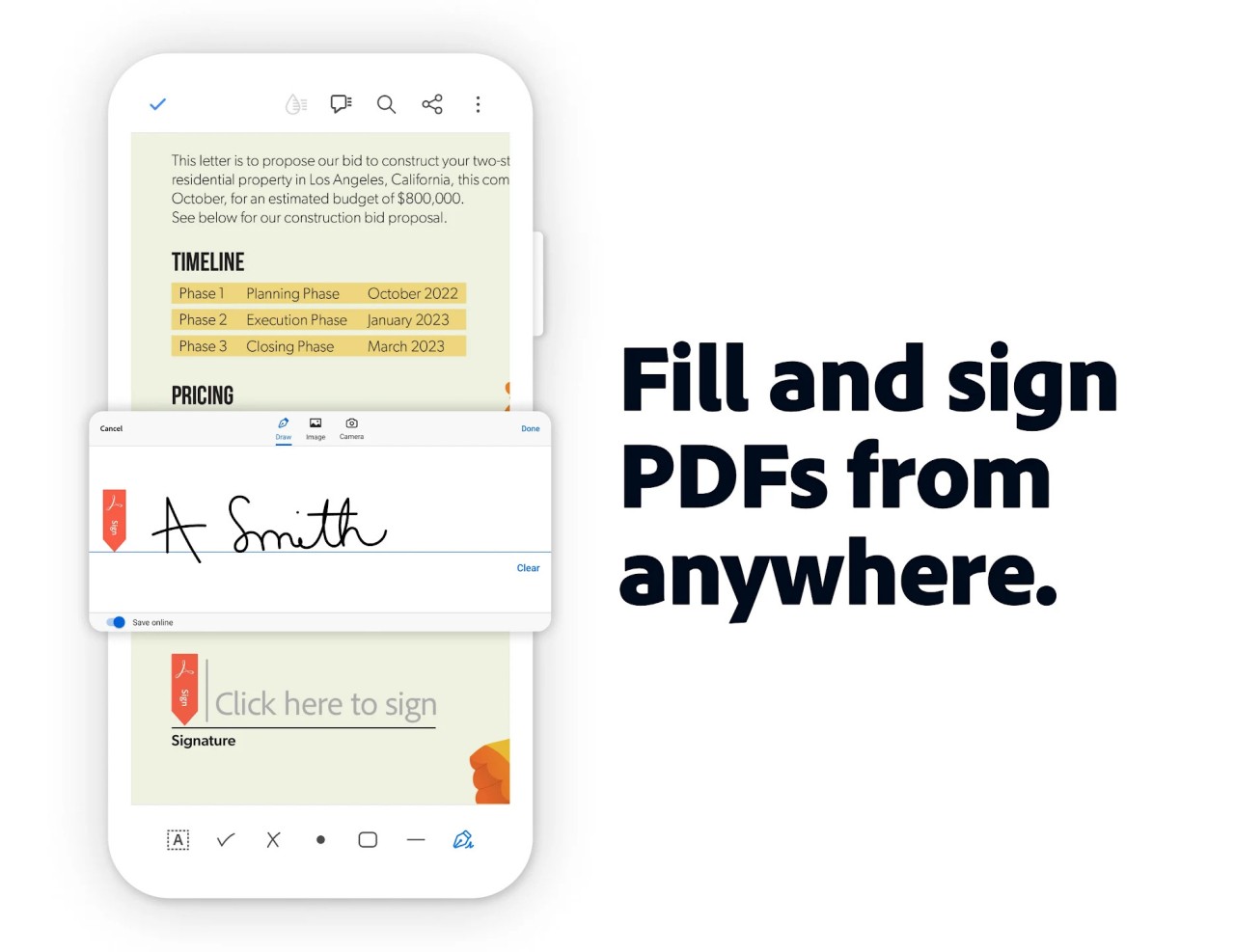
Signing documents is where a lot of people end up spending their time. Acrobat Reader lets you add a typed, drawn, or image-based signature to a contract and send it back in minutes, which has quietly replaced the print-sign-scan routine for millions of users. Cloud storage ties into all of this, so a file you mark up on your laptop shows up on your phone a moment later.
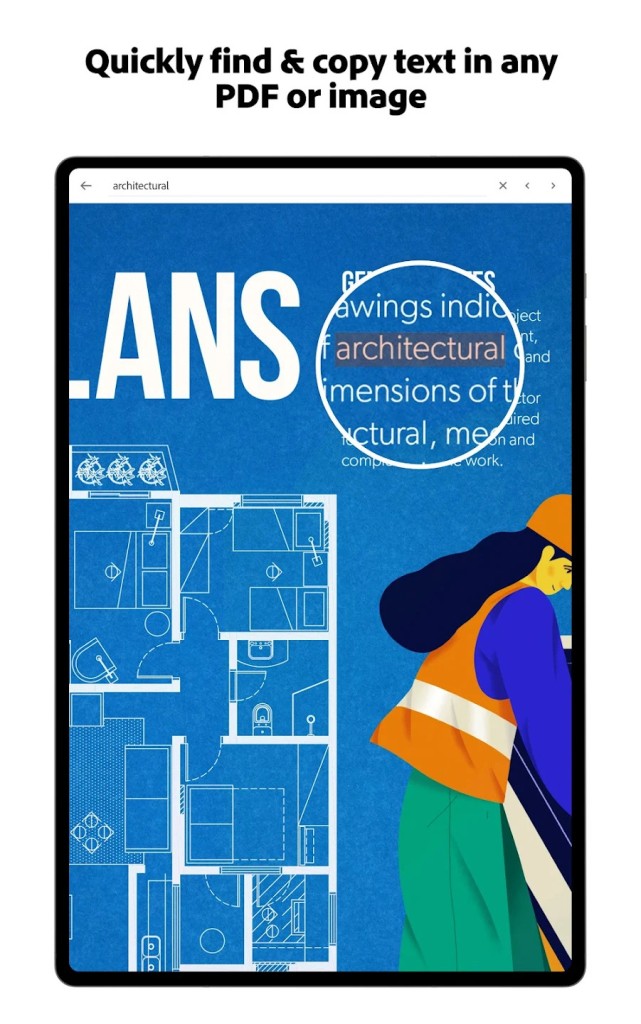
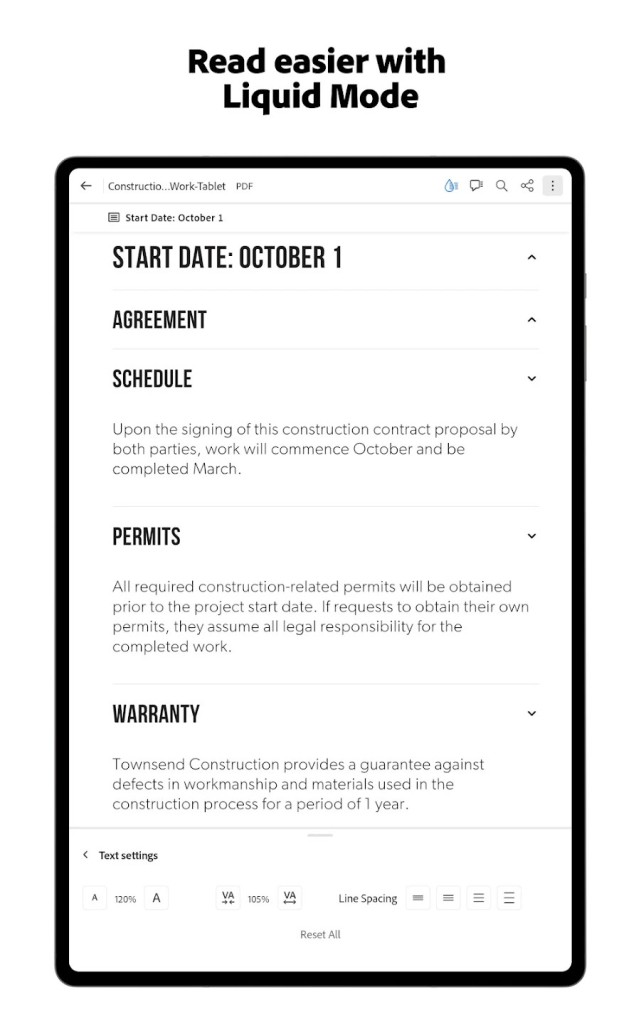
Speed and reliability are the other reasons the app sticks around. It handles large, image-heavy files and complex multi-page reports without choking, and its search function digs through long documents quickly. Accessibility features, including support for screen readers and reflowed text, make it a practical choice for readers who need them.
The free version does have its ceiling. If you want to edit the actual text inside a PDF, merge several files into one, convert a PDF back into a Word or Excel document, or password-protect a file, you'll run into a paywall that pushes you toward Acrobat Pro. Reader is built for viewing and light interaction, not heavy document surgery.
Cross-platform support is genuinely wide. Acrobat Reader runs on Windows and macOS, and the mobile apps for iOS and Android carry most of the same viewing, commenting, and signing tools in your pocket. A web-based version handles quick tasks straight from a browser when you'd rather not install anything.
For anyone who deals with contracts, reports, tax forms, or ebooks on a regular basis, Acrobat Reader covers the basics without asking for a cent. It's a dependable, no-fuss tool that does exactly what it promises, and that's why it has stayed on so many machines for so long.
Why Should I Download Adobe Acrobat Reader?
If you work with PDFs at all, Acrobat Reader gives you the most faithful view of them. Because Adobe created the format, files open the way their authors designed them, with no shifted margins or swapped fonts that sometimes crop up in third-party viewers.
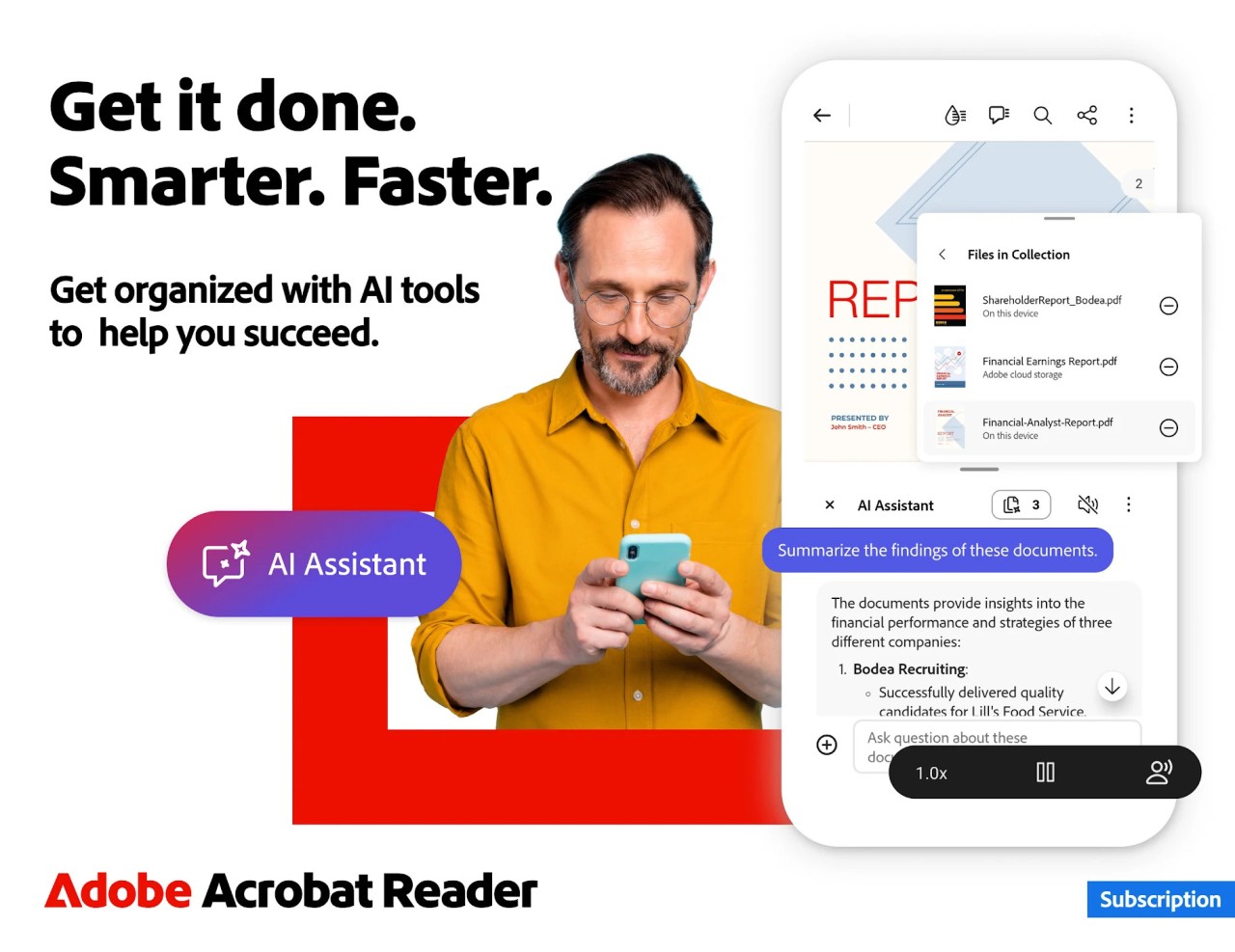
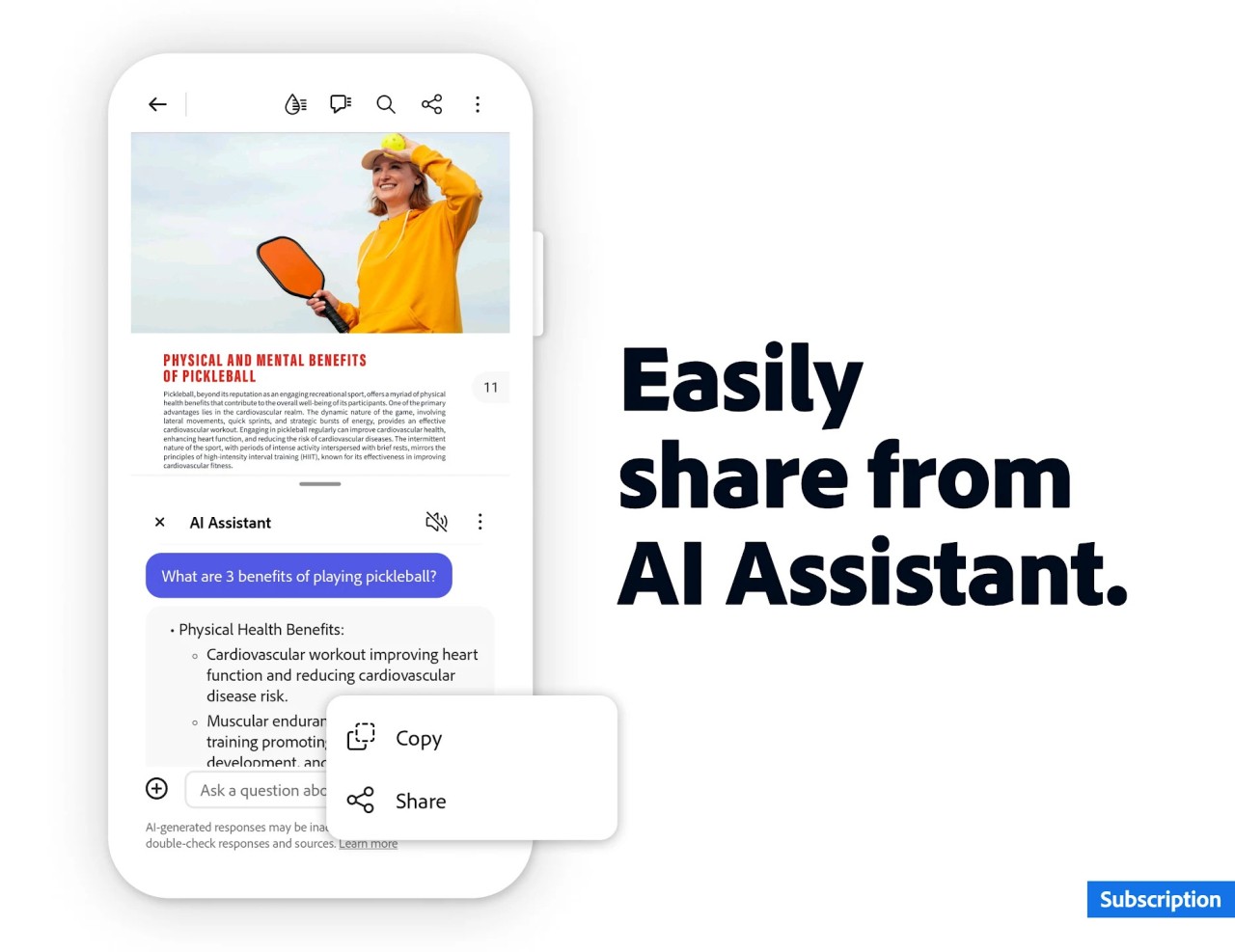
Beyond just reading, the app lets you get things done. You can sign a contract, fill out a job application, comment on a draft, or highlight the important parts of a long report, all without printing anything. For a lot of everyday paperwork, that's the whole job handled in one place.
It also connects your devices. Open a document on your desktop, add a few notes, and pick it back up on your phone during your commute thanks to Adobe's cloud sync. If you regularly send and receive PDFs, having Reader installed simply saves you time.
Is Adobe Acrobat Reader Free?
Yes. Adobe Acrobat Reader is free to download and use on Windows, macOS, iOS, and Android. You can view, print, annotate, fill forms, and sign documents without paying anything or hitting a trial timer.
The catch is that Adobe reserves its more powerful tools for the paid Acrobat Pro subscription. Editing the text inside a PDF, converting files to and from Office formats, combining multiple documents, and adding password protection all sit behind that paywall.
For the vast majority of people who just need to open, read, and sign documents, the free version is plenty. You only need to consider paying if your work involves regularly reshaping or exporting the contents of your PDFs rather than simply viewing them.
What Operating Systems Are Compatible with Adobe Acrobat Reader?
Adobe Acrobat Reader runs on all the major desktop and mobile platforms. On the desktop side, that means Windows and macOS, with regular updates that keep the app working smoothly on recent versions of each.
For phones and tablets, there are dedicated apps on both iOS and Android. These mobile versions carry over most of what you'd expect from the desktop app, including viewing, commenting, form filling, and signing, so you can keep working when you're away from your computer.
There's also a browser-based version for quick jobs. If you're on a Chromebook or a machine where you'd rather not install software, you can handle basic PDF tasks straight from the web through Adobe's online tools.
What Are the Alternatives to Adobe Acrobat Reader?
Adobe's reader is popular, but it isn't your only option, and some of the alternatives are lighter or faster depending on what you need. Foxit PDF Reader is a well-rounded choice that pairs a full set of annotation and form tools with a smaller footprint than Adobe's app.
If speed is your priority, Sumatra PDF is a stripped-down, open-source viewer that opens files almost instantly and stays out of your way. For anyone who wants more editing muscle without a hefty subscription, PDF-XChange Editor packs in markup, OCR, and page management at a friendlier price.
Linux users and open-source fans often turn to Okular, a capable document viewer that handles PDFs alongside ebooks and other formats. Each of these covers the everyday tasks well, so the right pick comes down to whether you value speed, editing power, or a small install.