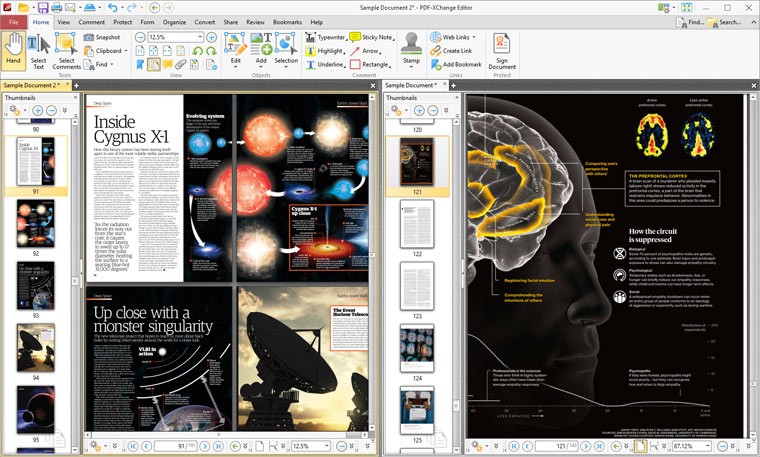
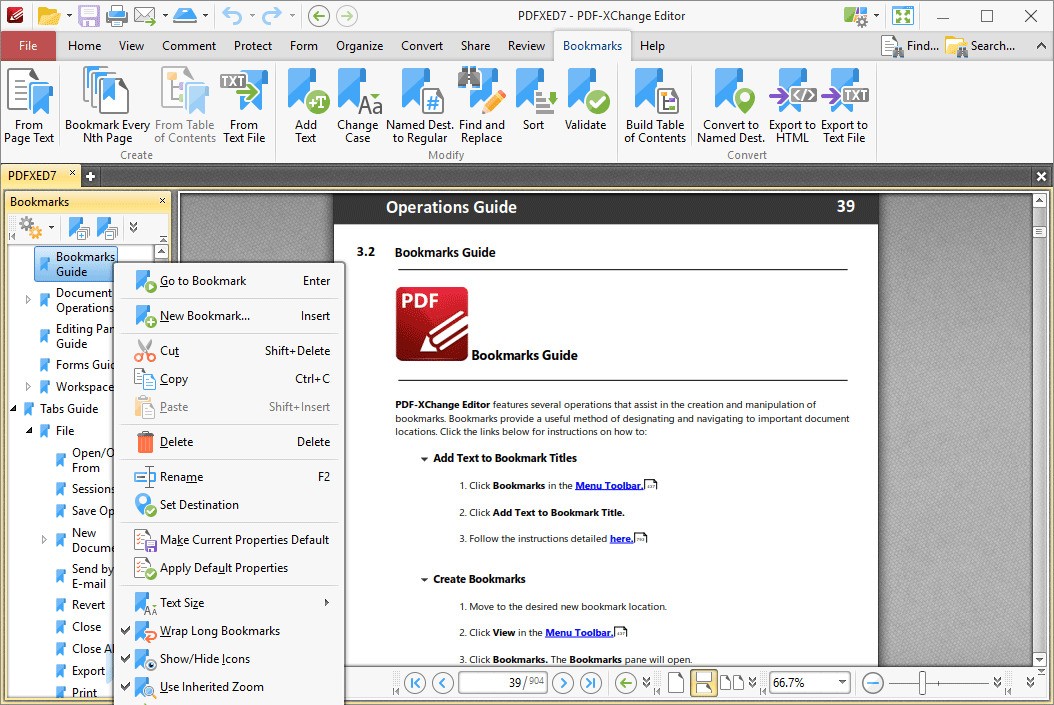
PDF-XChange Editor is for people who edit PDFs but aren't paying thousands of dollars for Acrobat Pro. It runs on Windows. You can edit text inside PDFs, add comments, mark pages, and fill forms.
It opens files quickly. A large PDF loads in seconds, not the ten to fifteen second wait you get with Adobe Acrobat. This adds up if you edit multiple documents daily.
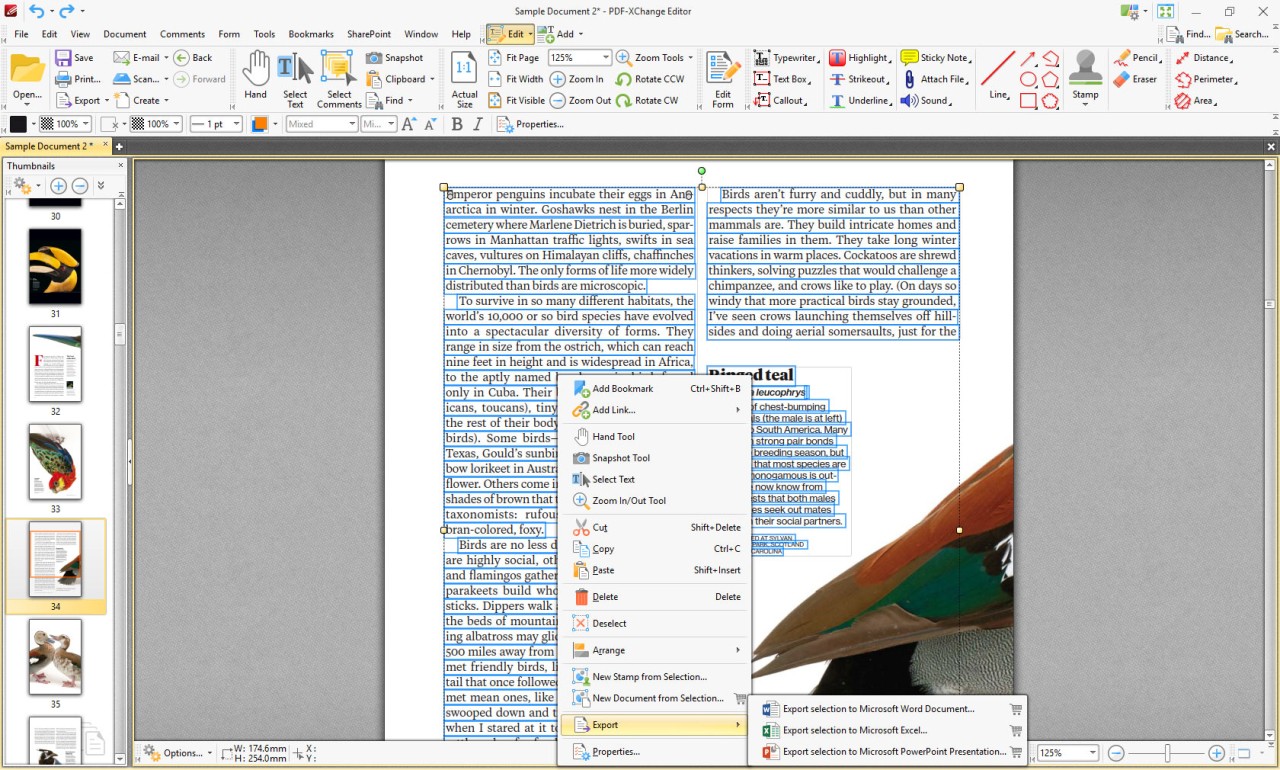
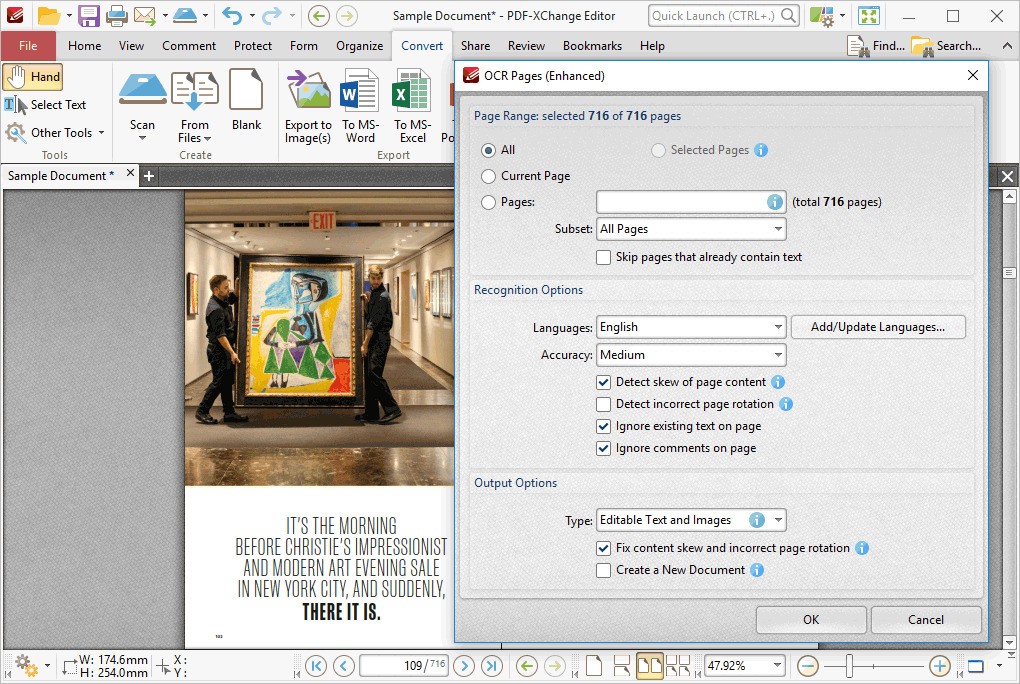
You can select text and change it. You can add text boxes. You can delete content. These aren't fancy features. They're basic editing that most PDF editors should have but some make you pay for.
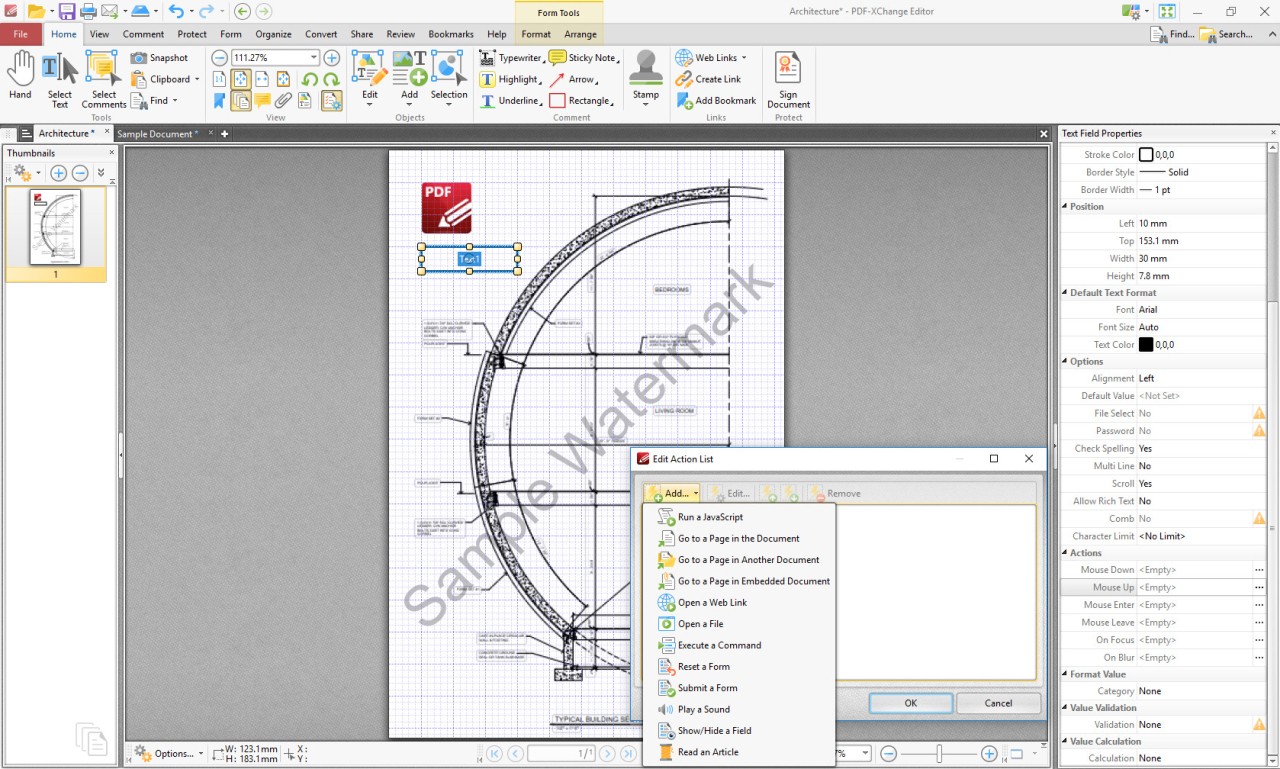
Forms are easy to fill. The software recognizes form fields and lets you tab between them. It remembers what you typed in similar fields. No clicking around hunting for form boxes.
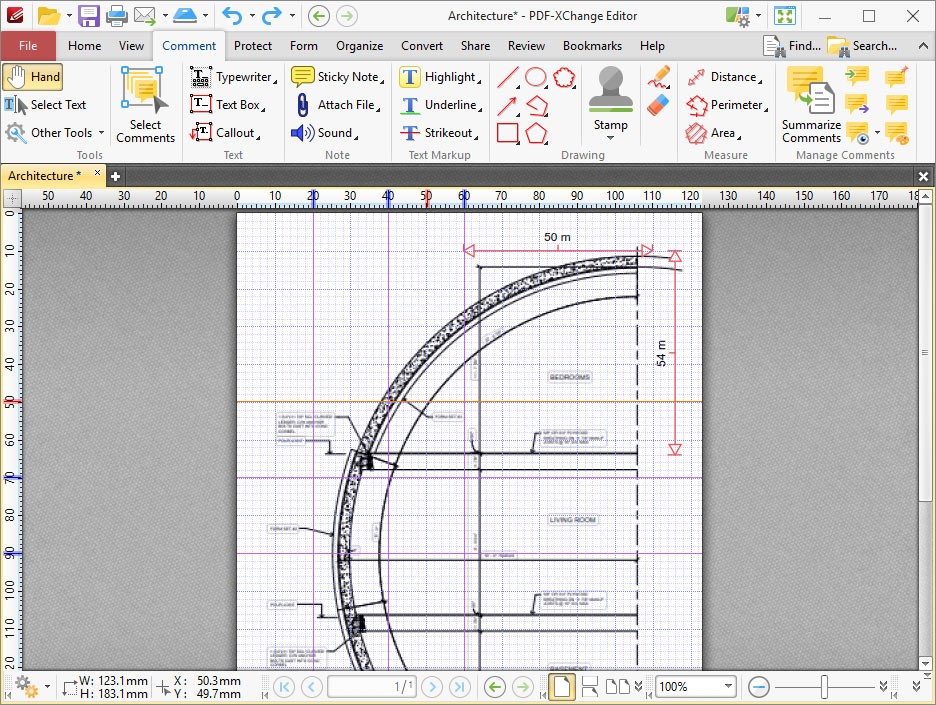
You can highlight, underline, and cross out text. You can add sticky notes and comments. These annotation tools let you mark documents for review without permanently changing them.
There's a free version and a paid version. The free version does editing, annotations, and form filling. It has limits. The paid version removes those limits and adds features like digital signatures. Most people use the free version fine.
PDF-XChange Editor only runs on Windows. There's no Mac version. There's no Linux version. Windows users can use it. Everyone else needs something different.
Why Should I Download PDF-XChange Editor?
You edit PDFs sometimes. Maybe you fill out forms. Maybe you mark up documents for review. Maybe you need to fix a typo in a PDF. If you do any of this, PDF-XChange Editor handles it without making you buy expensive software.
Speed matters. Adobe Acrobat Pro takes forever to open. PDF-XChange Editor doesn't. If you open twenty PDFs in a day, the time difference is real.
Text editing works. You click on text, select it, and change it. You can add new text boxes anywhere on the page. You delete words and sentences. It's straightforward.
Forms don't frustrate you. The software understands form fields. It knows which fields are text, which are checkboxes, which are dropdowns. You fill them naturally. It doesn't force you to find each field manually.
Comments and highlights stay organized. You mark up a document. The comments appear in a panel. You can collapse and expand sections. You can export the comments separately from the PDF.
The free version covers most work. You don't need the paid version unless you need digital signatures or advanced tools. Most people who edit PDFs occasionally never pay.
Is PDF-XChange Editor Free?
PDF-XChange Editor has a free version. You download it at no cost. You use it forever with no expiration date. However, it has limits compared to the paid version.
The free version lets you edit, annotate, fill forms, and manipulate pages. It doesn't let you save more than a certain number of times in some builds, or it watermarks edited files, depending on the version. These limits are minor annoyances, not deal-breakers.
The paid version removes the limits. It costs money as a one-time purchase. It adds digital signatures and other professional features. Most people never buy it.
If you use Linux, you can try to run PDF-XChange Editor through Wine. Wine translates Windows programs to run on Linux. It usually works but slowly. Many features fail. Most Linux users just use a native PDF editor instead.
What Operating Systems Are Compatible with PDF-XChange Editor?
PDF-XChange Editor runs on Windows. Windows 7. Windows 8. Windows 10. Windows 11. Both 32-bit and 64-bit. If you use Windows, you can install it.
There is no Mac version. Mac users cannot use PDF-XChange Editor natively. They need a different editor.
There is no Linux version. Linux users can try Wine to run the Windows version, but it's unreliable. Features break. Performance suffers. Better to use an editor made for Linux.
What Are the Alternatives to PDF-XChange Editor?
Foxit Reader annotates PDFs but doesn't edit them. You can highlight and comment. You can't change the text itself. If you only mark up documents, Foxit Reader is lighter and simpler. If you need to edit text, use PDF-XChange Editor.
Nitro Pro does the same things PDF-XChange Editor does. Edit, annotate, fill forms. Nitro Pro's interface looks nicer. It's easier to learn if you've never edited a PDF. Nitro Pro costs more money. Both are way cheaper than Adobe.
Adobe Acrobat Pro is overkill for most people. It handles everything PDF-XChange Editor does plus advanced stuff like creating forms from scratch and managing permissions. It costs thousands of dollars. Its interface is overwhelming. Only buy Acrobat Pro if PDF editing is your job.
Adobe Acrobat Reader is free but it reads and annotates only. It doesn't edit. If you only add comments to PDFs, Acrobat Reader is fine. If you need to change text or fill forms, you need PDF-XChange Editor or something similar.
Pick PDF-XChange Editor if you edit PDFs a few times a month and don't want to spend money. Pick Foxit Reader if you only annotate. Pick Nitro Pro if you edit regularly and want a friendlier interface. Pick Acrobat Pro only if editing PDFs is your main job. Don't overthink it.