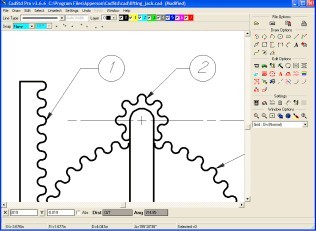
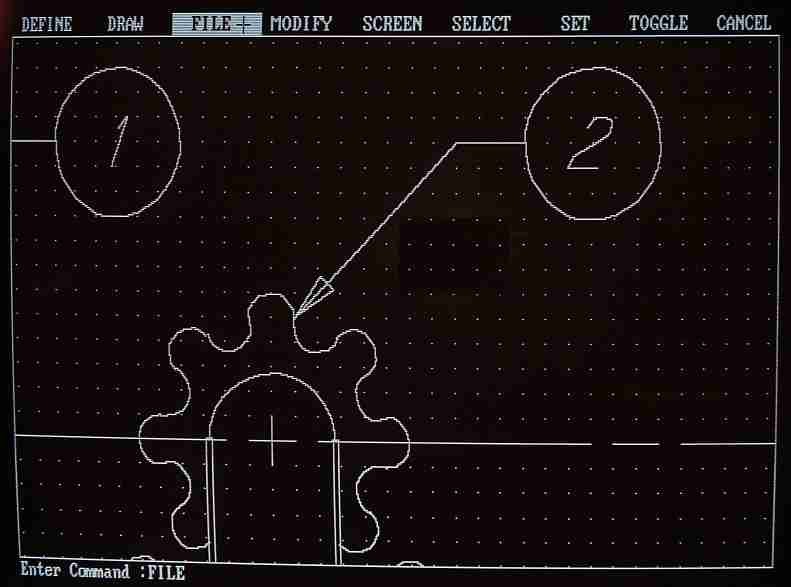
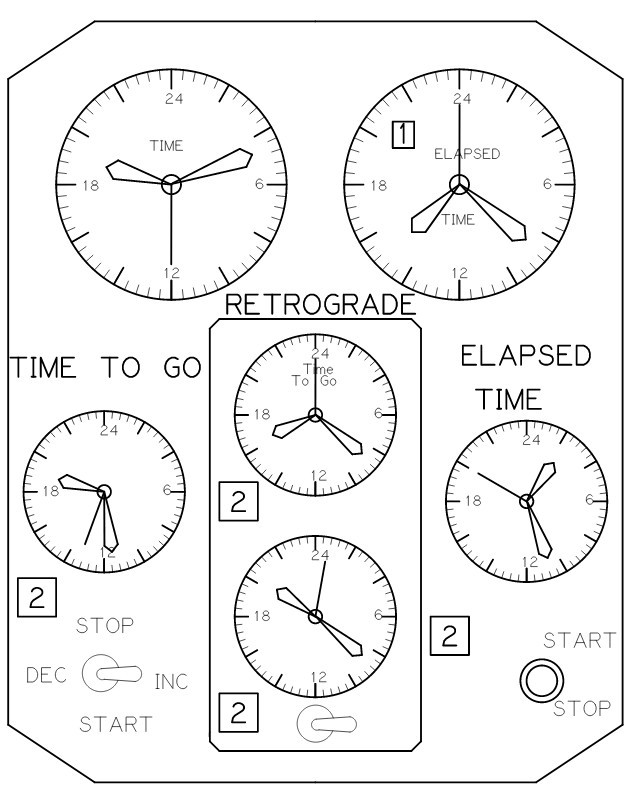
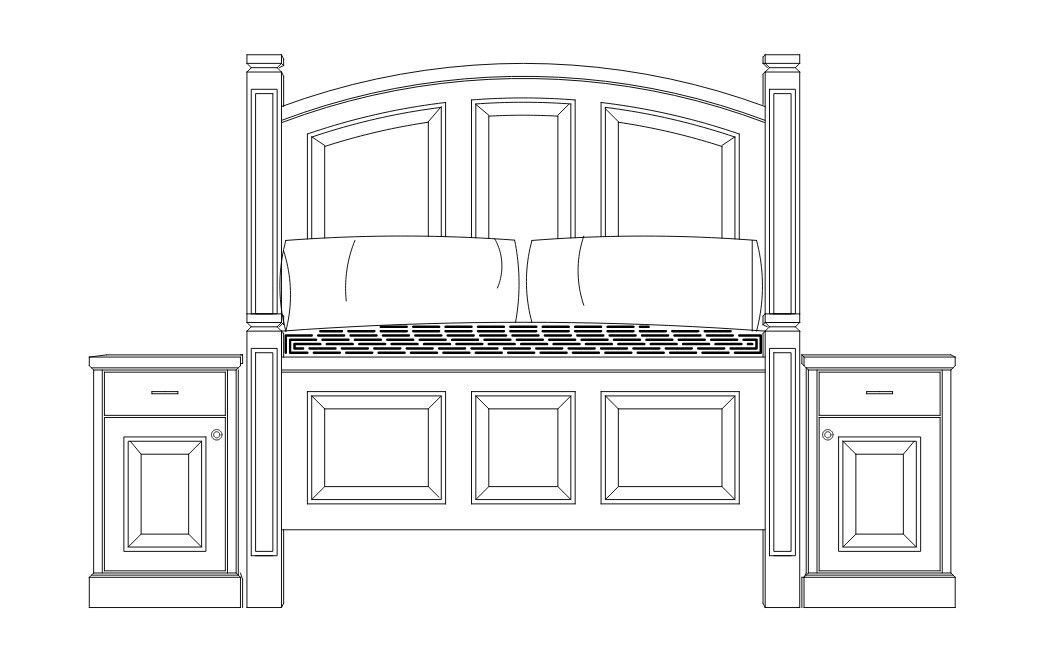
CadStd—CAD Standard is a lightweight program with essential, straightforward design tools for creating diagrams, schematics, and technical drawings. This tool focuses on simplicity and offers practical options without overloading you with advanced options that other full-scale CAD programs usually include.
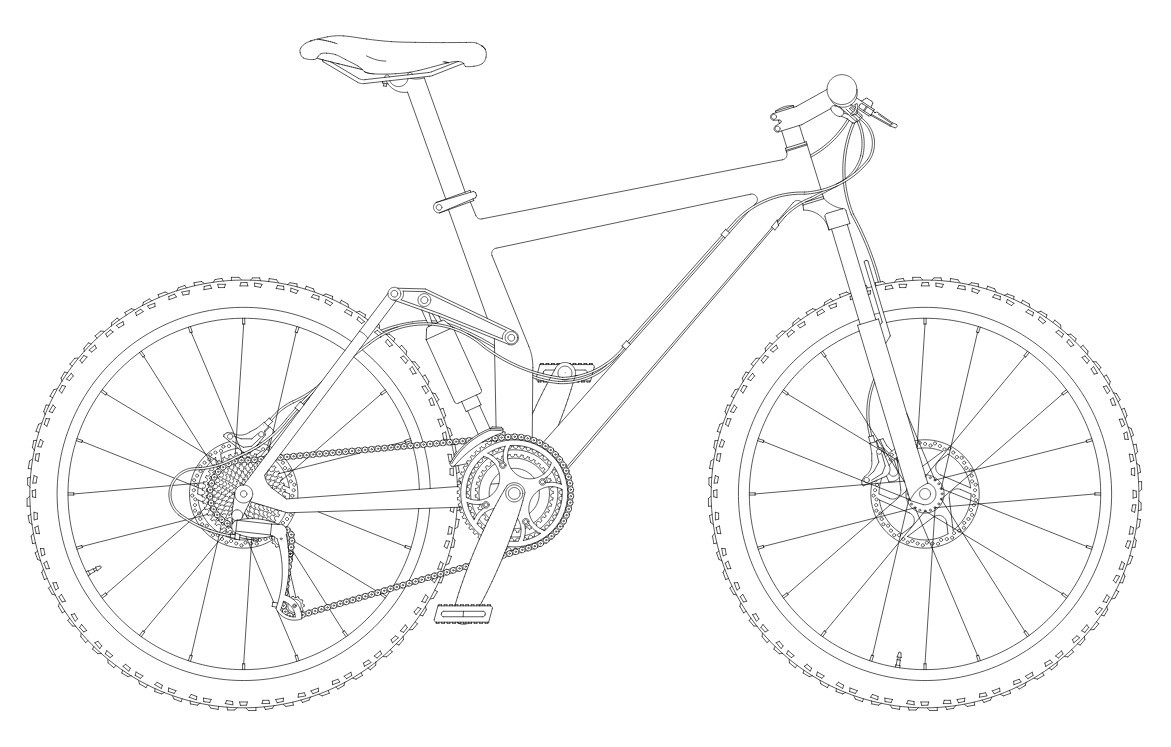
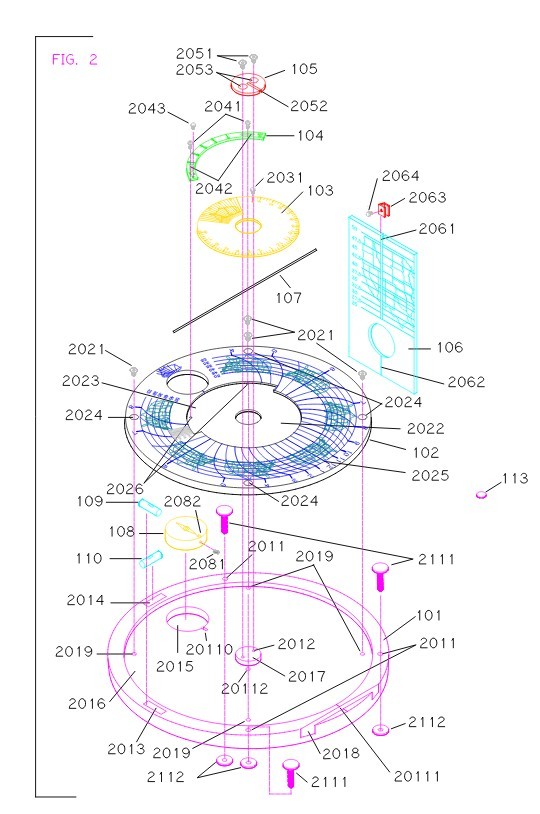
If you're a small business, a student, or just someone looking for essential tools, you should download CadStd. It doesn't have a steep learning curve like the other software in this category. You can create various plans for electronic circuits, mechanical diagrams, floor and renovation plans, or woodworking layouts. You can still draw lines, arcs, circles, and other geometric objects and add precise measurements, comments, and references.
The Pro version includes powerful features that increase productivity. You can import more complex (blocked) Rev 12 DXF files and HPGL/1 drawings, as well as create radial and angular dimensions and use functions like intercept, trim, offset, fillet, and chamfer. It also has tools for filling gaps in existing lines or arcs, globally searching and replacing text, and creating isometric, cavalier, and cabinet projections with adjustable isometric grid settings. Large drawings can be printed on multiple smaller sheets at scale, and an integrated tutorial and user's guide make learning easier. Pro users can also contact customer service via email.
CadStd also supports more standard formats, such as DXF. This way, you can also open projects created with other programs.
The software is available only on Windows computers and has both free and paid Pro options.
Why Should I Download CadStd?
Anyone who needs a reliable, easy-to-use program for creating 2D models or plans will find CadStd the perfect solution. It has all the core features you need to develop your technical projects, and you don't need a ton of experience; even as a beginner, you will grasp how to use it thanks to the interface's simplicity. There's also a big community behind CadStd, and you can also access extensive libraries of various educational content, like tutorials or videos, to help you learn the tool.
With CadStd, you get various drawing tools, such as snap-to-grid, the ability to enter precise coordinates, the ability to view or add metrics in multiple units (metric and imperial), and the ability to work with layers. There are essential editing tools you can use, including trim, offset, mirror, and fillet. You can also segregate different design elements, such as text, dimensions, and geometric objects, and label your designs with various specifications. It's a great tool for mapping technical parts, sketching diagrams, or floor plans for personal projects or electrical and plumbing structures.
Additionally, there are libraries of pre-drawn symbols in CadStd that you can add to your drawing. Think of things like electrical icons, framing elements, or other shapes commonly used in various plans. All of those can save you time and increase the project's readability, and you can also create and save your own symbols.
CadStd supports multiple formats, including DXF, HPGL, and PDF, so that you can import DXF files. These are the most commonly used types you can hand off your work for CNC machining, laser cutting, or 3D printing. With this program, you also get support for various printing and plotting tasks, and you can do things like define plot areas, adjust the print scale, and manage line weights to ensure you get readable outputs.
While you can only download CadStd on Windows machines, the tool is high-speed. It doesn't require advanced hardware or specifications, and you can run it smoothly, even on older machines or Windows versions. CadStd performance is ideal for users just starting with CAD software, as more complex tools usually require substantial resources and high-end configurations.
Is CadStd Free?
There are two options for downloading and using CadStd. The first one, called CadStd Lite, is available for free and lets you perform basic 2D drafting and printing, edit your projects, add dimensions, and export files to DXF, but more advanced operations are locked.
If you need more, you can also upgrade to the paid Pro version through a one-time payment. With it, you get unlimited layers, export to more file formats, more precise tools, customizable symbol libraries, and advanced measuring and dimensioning options. While there is no trial period, you can work with Luseon to check whether you need features.
What Operating Systems Are Compatible with CadStd?
You can download CadStd on Windows machines and use it also on legacy versions, as this software supports Windows 7, 8, 10, and 11 in both 32- and 64-bit architectures. It doesn't require advanced hardware, large amounts of memory, or a high-end graphics card to work, which makes it perfect even for older machines.
Currently, there are no versions of CadStd for other operating systems, such as macOS or Linux.
What Are the Alternatives to CadStd?
An open-source alternative that's available for free is FreeCAD. It's a full-scale CAD software package for complex, multi-layered projects, with features such as 3D parametric modeling, architectural modules with BIM (Building Information Modeling), FEM simulations, and CNC toolpath generation. With FreeCAD, you can work with multiple file formats, as it supports a wide range of file types and is available on Windows, macOS, and Linux computers at no cost. It's an excellent choice for those who need full access to even the most advanced tools but don't want to pay a ton for software like this.
AutoCAD is the industry standard for CAD tools, as it allows you to create 2D and 3D models, use feature-based modeling and visualization for projects, and integrate with cloud environments. It's a very robust software that you can download on Windows and macOS, and there's also a web-based service for other systems, as well as mobile apps for tablets and smartphones. To use AutoCAD, you require either a monthly or annual subscription, and users who don't need as many advanced options might want to look for something less expensive.
Another option that supports 2D drafting is QCAD. The tool is available in both a free Community edition and a paid version. You can run this open-source project on Windows, Linux, and macOS computers and use it to create precise drawings, diagrams, and plans. The Professional edition unlocks options such as advanced scripting, more specialized tools, and improved import and export functionality. It also has a great community of users that supports it with regular updates and fixes.