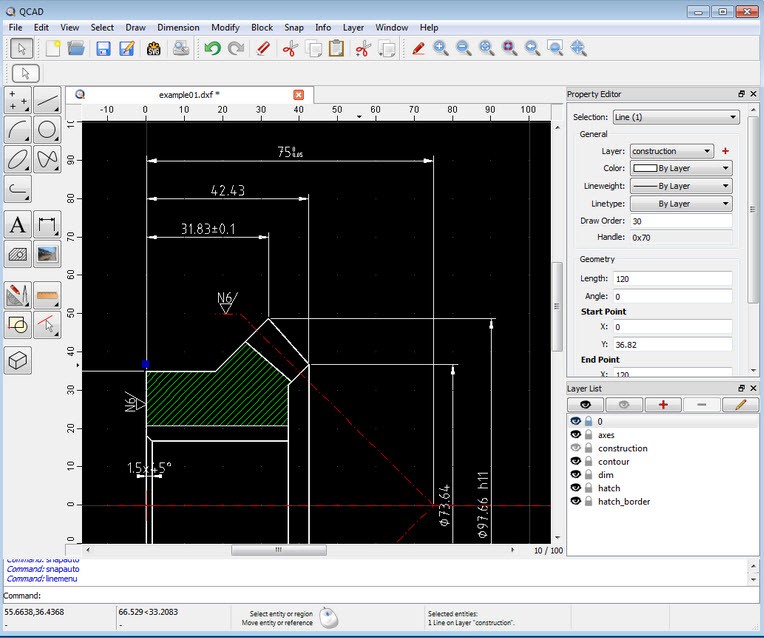
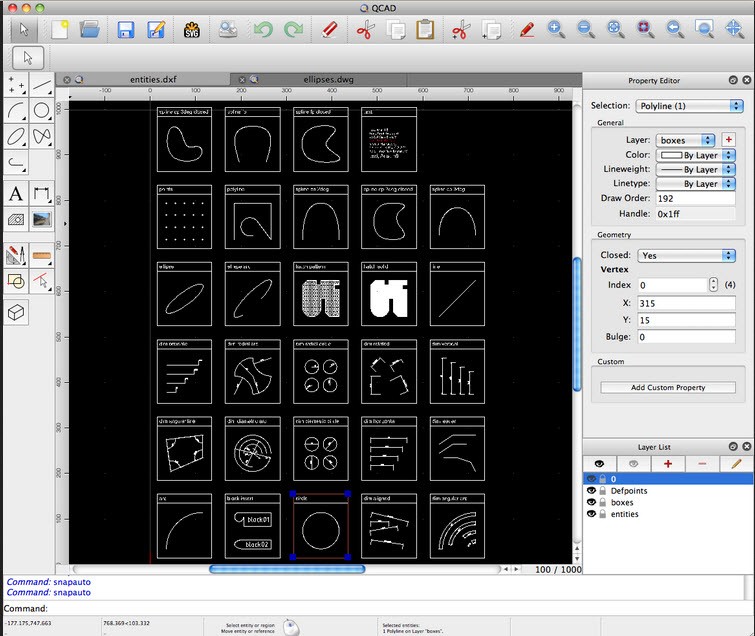
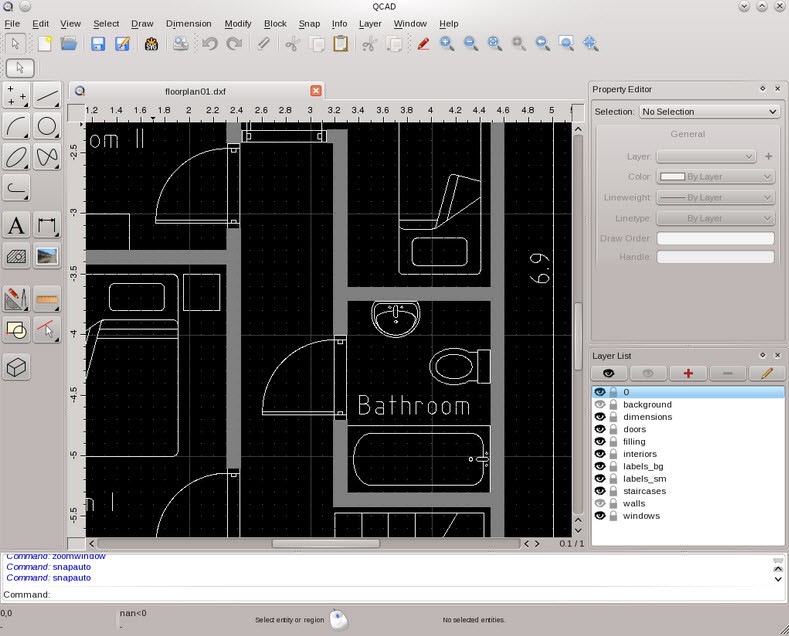
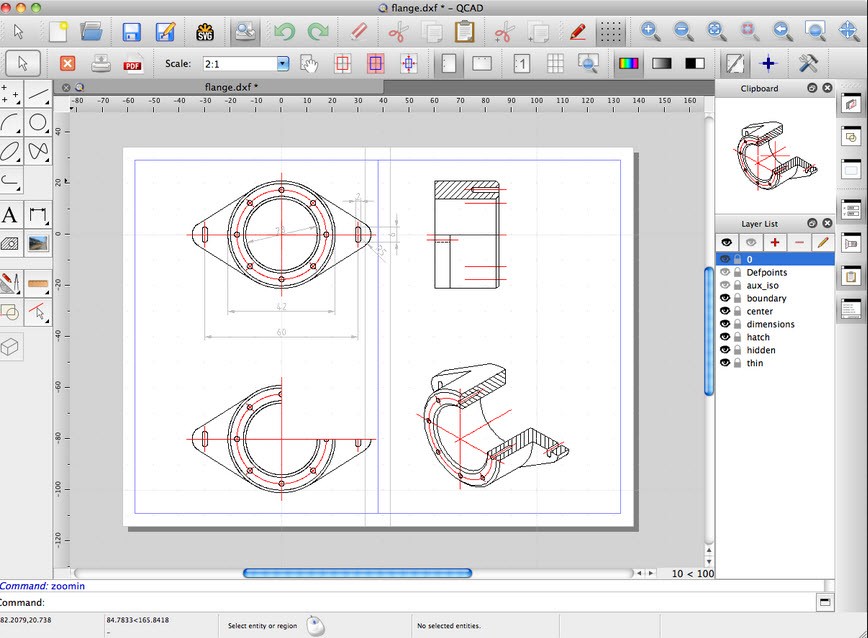
QCad is open-source software that lets you use CAD features to create 2D projects and plans. It has a simpler interface than more robust CAD tools and is excellent when designing circuit layouts, floor plans, mechanical components, or other technical drawings. You should download QCad if you're an architect, mechanical engineer, or interior designer, as it allows you to complete your projects quickly without unnecessary complexity.
With support for DXF and DWG files, you can use QCad with other CAD programs, and all of its features are free. It's a reliable tool that helps you accurately design with lines, arcs, and shapes, and add dimensions to your objects. You can customize the toolbars to your needs and use snapping options to connect your objects to different points.
Even if you're a beginner, you will be able to quickly understand how to use this tool, as it has a simple interface that adjusts to the tools you use most. QCad is available on various operating systems and in different languages, making it a very accessible solution.
Why should I download QCad?
As a tool that focuses on providing the best features and environment for 2D drafting, you will find that QCad can support you with multiple projects, from the easiest ones to the most complex. All the toolbars are organized logically, so you can access them intuitively and quickly when you require them most. There's also an option to open multiple files in tabs at the same time and dedicated features like layer management and different blocks that allow you to handle and organize more complex projects.
You can create your technical drawings using tools like lines, arcs, polylines, circles, ellipses, splines, or hatching patterns. Those objects can also snap to various endpoints, midpoints, intersections, and grid points to keep your design accurate. These options are essential when you're working on architecture, circuit layouts, mechanical diagrams, and laser-cutting templates. You can then further modify them with editing tools such as mirror, rotate, trim, extend, scale, and offset. Use them to refine your work while also keeping your drawings' geometric integrity. You can also turn on and off different layers to focus on just one item at a time.
QCad provides various blocks you can reuse throughout your plans, so you don't have to recreate them from scratch each time. If you need specific symbols or blocks, there are extensive libraries you can use and also customize with your own elements. You can add notes on measurements and dimensions to every aspect of your design, which will help later on when you're moving into manufacturing.
You can use file formats like DWG or DXF when working in QCad and easily hand off your work between different CAD tools, like AutoCAD. There is also more extensive format support when you choose to upgrade to the professional edition. QCad can also be further extended by installing plugins or using scripting to automate repetitive tasks or even add new drawing tools.
If you need to create physical copies of your project, you can use things like page scaling, paper space layout, or previewing the print to get a good output. You can download QCad, even if you have an older machine and not the best hardware. This is because of the simplified UI and the fact that it doesn't support 3D modeling, which is more resource-intensive.
Is QCad free?
You can download QCad for free and use its standard Community Edition, which is available under the GPL license. You get access to all the most essential 2D tools, but it doesn't offer DWG support, scripting, or more advanced tools.
For those, you would need to purchase the Professional Edition with a one-time license fee. In this version, you can use all the QCad features, even the most advanced ones, and your app will constantly be updated with the latest upgrades.
What operating systems are compatible with QCad?
QCad is available on many systems, even legacy ones, and you get smooth performance across them all.
If you're a Windows user, your computer needs to have at least Windows 7, but versions 8, 10, and 11 are also supported.
For those on a Mac, you'd need macOS 10 or newer.
When it comes to Linux, you can install QCad on many distributions, including Ubuntu, Debian, Fedora, and other variants.
What are the alternatives to QCad?
If you're looking for an open-source tool that also supports 3D modeling, then FreeCAD is the best option. You can use it to design complex mechanical parts or architectural designs, and thanks to parametric systems, adjusting a dimension in one place automatically updates it across your whole project. You can also create motion simulations or different visualizations of your work, and all of them are available for free. Furthermore, you can run FreeCAD on macOS, Windows, and Linux machines and upgrade it with various free extensions and plugins.
AutoCAD, by Autodesk, is the industry's go-to tool that offers all the most robust features. It's a complete solution for your needs, whether you're an engineer, an architect, or a manufacturer. It offers advanced features that include scripting, block libraries, support for BIM libraries, and various visualization and modeling options. You need to have an active subscription to use AutoCAD, and you can install it on Windows and macOS computers. There is also a web-based service and mobile apps you can use for quick but limited access on the go.
If you only require a program for 2D drafting and are using a Windows machine, you could try CadStd. It's very lightweight software that supports DXF files (but not DWG). It comes in both a free Lite version and a Pro option. The Lite version provides you with access to the most basic features and limited export options, while the paid version allows you to use more advanced tools for dimensioning or exporting your project to more formats.