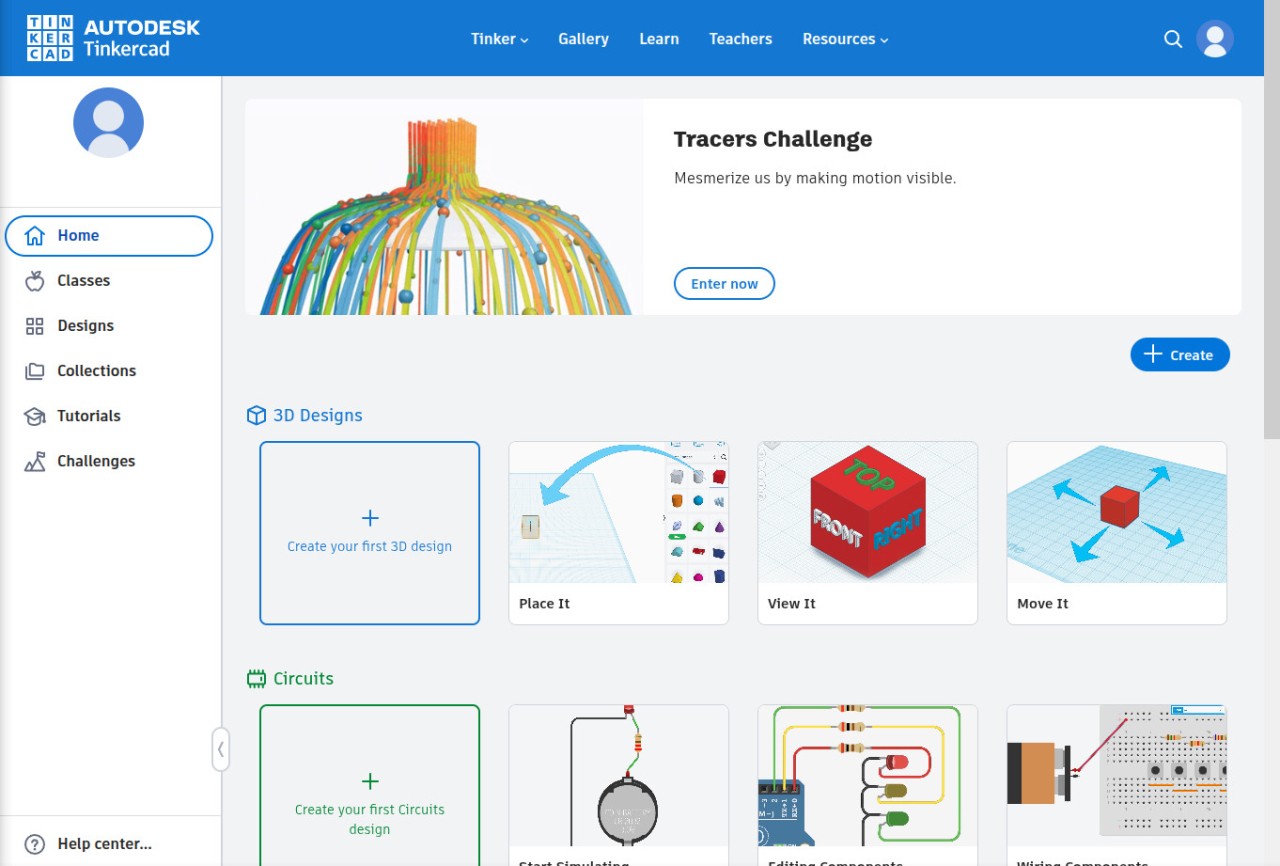
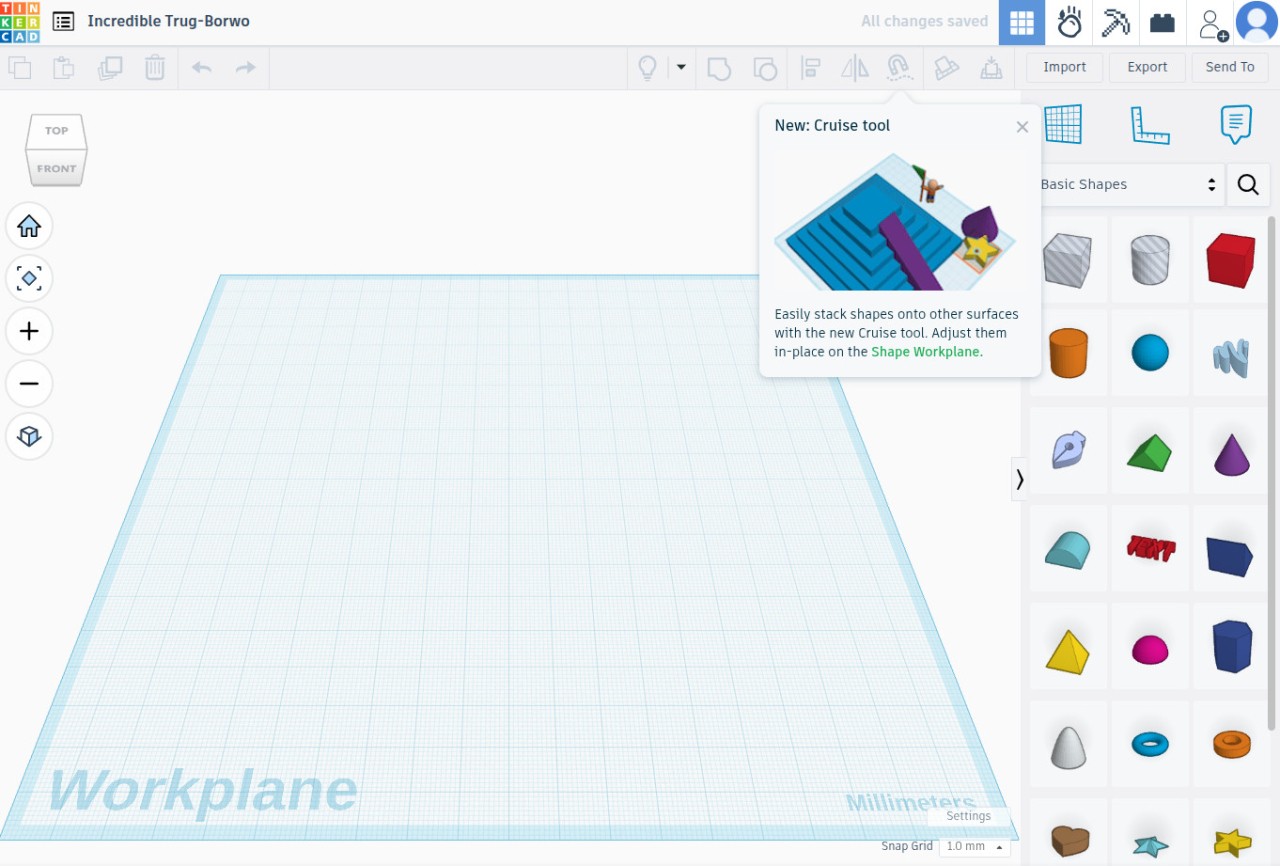
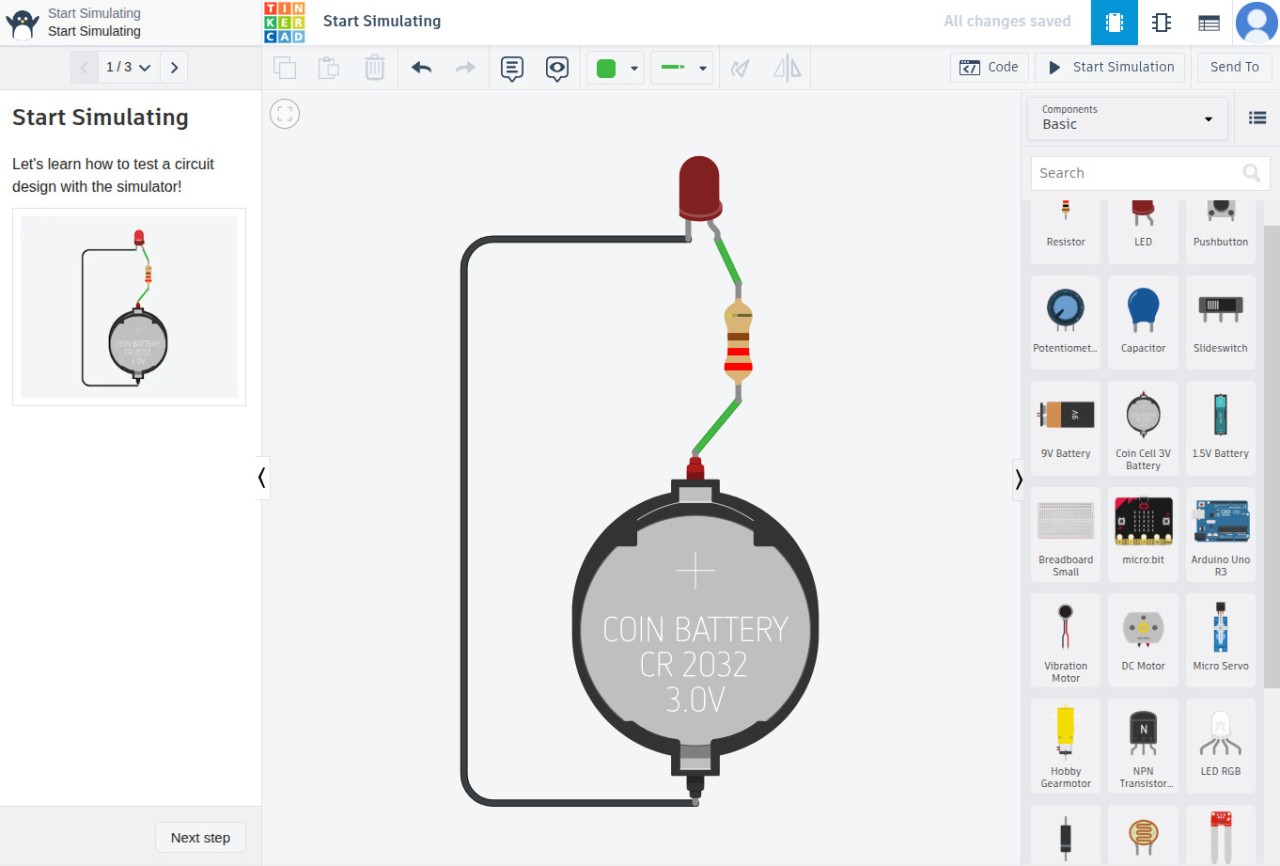
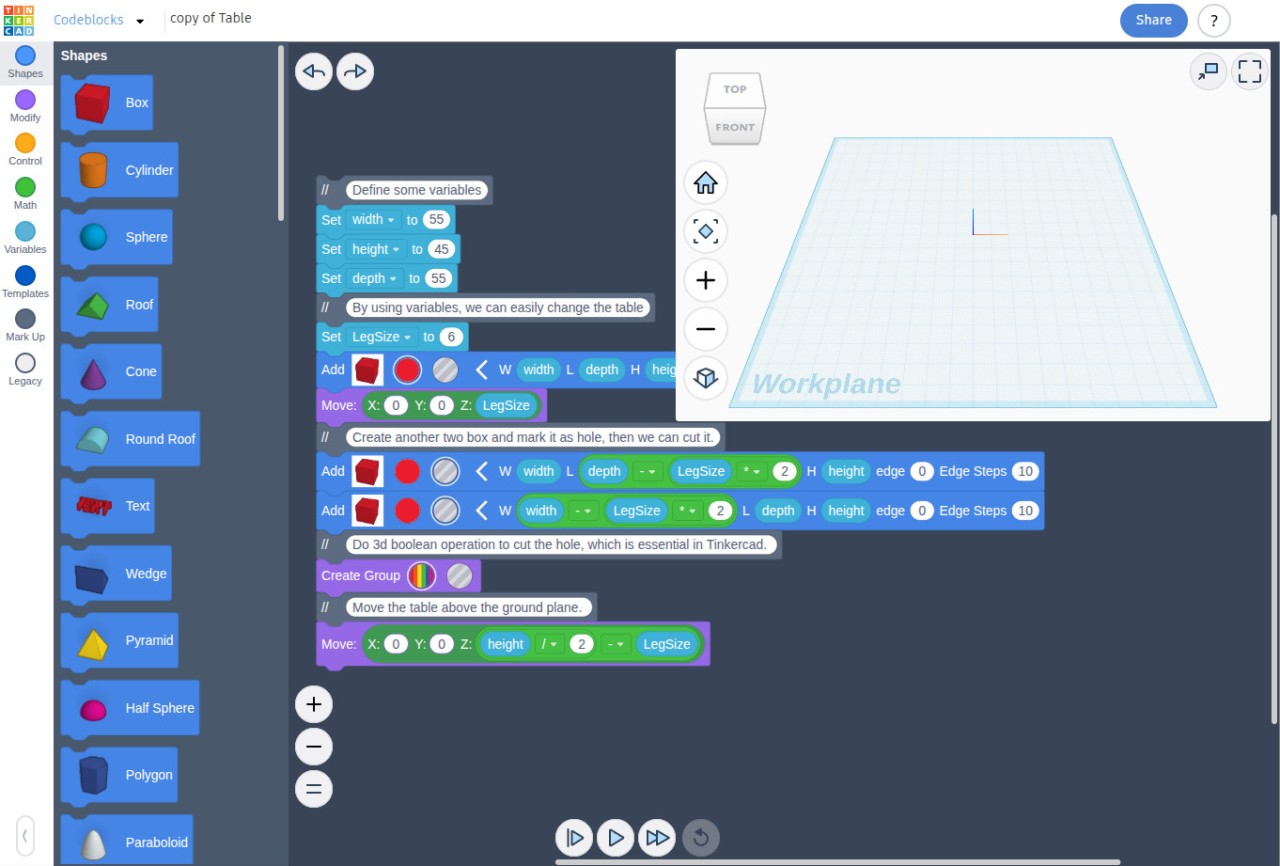
Tinkercad is a free web application to design electronics, 3D models, use laboratory simulations, and code without the pressure. Whether you're an absolute beginner or someone who wants to quickly sketch a 3D idea, Tinkercad offers solutions to help bring your ideas to life without difficult software and training.
Created as a free, simple tool by Autodesk, Tinkercad is the little brother to Autodesk Fusion, AutoCAD, and Autodesk Forma softwares. It operates straight within your browser, which means you do not need to download any applications, and the interface is designed with simplicity in mind, allowing simple drag-and-drop functions. There is also an iPad app for those who use the Apple tablet.
Students, teachers, hobbyists, and even designers use it to quickly test ideas. You can design simple forms and shapes, complex 3D models, and visualize their movements in the lab, simulate electronic circuits with components such as LEDs, resistors, or microcontrollers, or code simple logic with cobe-blocks to control those circuits.
This is a combination of learning through the eye, creativity, and learning the technical skill, all in a single platform. What sets Tinkercad apart is how easy it is to get started. They have lessons, tutorials, and projects, which you can learn as you go, and you don’t have to figure it out on your own.
Why Should I Download Tinkercad?
Tinkercad was developed with the beginner interested in either 3D design or basic electronics in mind. It’s the kind of tool that eliminates the fear and friction that usually accompany technical software. To use it, you do not have to know complicated engineering jargon or sophisticated design theory. Everything is visual and interactive, and helps you learn through doing. It stimulates you to investigate. That explains why it’s ideal for students, teachers, youth artists, and even adults, giving something new a go.
The next reason why people should start using Tinkercad is that it helps to develop confidence in working with technologies in a practical manner. Many people hesitate to try 3D design or electronics, citing that the concept is too difficult or too advanced. However, when you get to work with Tinkercad, it turns out that it is more a matter of experimenting, playing around, rather than trying to make everything right.
You are free to commit mistakes, to experiment with other shapes, to connect simple circuits, and to simply experiment. That hands-on experimentation reinforces learning, particularly for youthful learners or those new to design or engineering. Start by building your 3D shapes and experiment on them in the Sim Lab, or build circuits and program them to life with codeblocks…
The interface is quite simple, which is the true power of Tinkercad. You can start developing ideas in just minutes. As an example, one can drag and drop simple shapes to a grid, resize them and shift their location, and begin to combine them into something meaningful like a toy, a gadget, or even a smaller part to be printed in 3D. There’s plenty of room for imagination. And you know what, even electronics lovers can use it to design and test circuits virtually. It is not only a design tool, but it is also a learning space.
As a web-based program, Tinkercad doesn’t require a fast computer and costly licenses. All you need is a browser and an internet connection to get started. It is thus made available to the classroom, makerspaces, and those working at home across the globe. You don’t need to worry about updates or compatibility. It is there when you are.
When it comes to classroom settings, Tinkercad is also configured to be effective in a classroom environment. Teachers will have an opportunity to give assignments and trace the progress of the students in real time. Students have an enjoyable, tactile experience of learning the essential STEM principles in a manner that is play-like. They can prototype, build, and experiment, then break it down and rebuild it again. Creating and iterating have become the secret to learning, and it is an effective aspect of the process.
Another feature that makes Tinkercad attractive is the ease of sharing work. Build something you can be proud of, and then you can save it, export it, and even prepare it for 3D printing with just a few clicks. The platform is also paired with other sites, such as Thingiverse, a site where you can bring your activities into the real world. It is a matter of making individuals feel confident to plan, construct, and realize their ideas without possessing engineering expertise or professional design.
Is Tinkercad Free?
It is true: Tinkercad is free of charge. It costs nothing extra, no paid levels. It could cost you a pretty penny to design a 3D model, create a circuit, and some code, so why not just do them all without paying any money? It is also one of the very few free tools that do this much without any twist.
What Operating Systems Are Compatible With Tinkercad?
Tinkercad works straight in your web browser, thus it supports the broadest possible range of operating systems (Windows, macOS, Linux, or ChromeOS). You are allowed to use Tinkercad without downloading or installing software as long as you have an internet connection and a recent browser such as Chrome, Firefox, or Safari.
It is also suitable on tablets, but some features work better with a mouse and keyboard than on touch devices. Since it is a cloud-based program, your designs are stored on the cloud and can be accessed anywhere, anytime, using any device. If you are using an iPad, know that you can download the Tinkercad for iPad app, which was developed with touchscreen in mind.
What Are The Alternatives To Tinkercad?
In case you want to do more than Tinkercad allows or in case you fancy a more professional solution in the future, then a range of other options are available.
AutoCAD is one of them. It is a powerful professional tool for 2D and 3D drafting and design. Unlike Tinkercad, AutoCAD is not web-based and must be installed. However, should you want to pursue more work in architecture, mechanical design, or engineering, then AutoCAD has the accuracy and facilities you will ultimately require.
KiCAD is another nice option. It is more circuit-design oriented, and it is applied to the real, actual printed circuit boards (PCBs). At the same time, in case you are primarily interested in electronics simulation in Tinkercad, the logical next step is KiCAD. It is open-source and free, but more technical, thus it makes sense to introduce it to readers who already possess some background experience or those willing to leave the realm of virtual experiments for a practical development of real-world electronics.
Blender is a powerful alternative to 3D rendering, particularly if you happen to be fond of 3D modeling, animation, or game design. It is an all-inclusive 3D package capable of performing light sculpting, texturing, rigging, and animation. Blender is a more technical and considerably more advanced tool than Tinkercad, though it lets you work at a professional level. Musicians, filmmakers, and game creators usually resort to using Blender when they have matured beyond simple modeling packages.