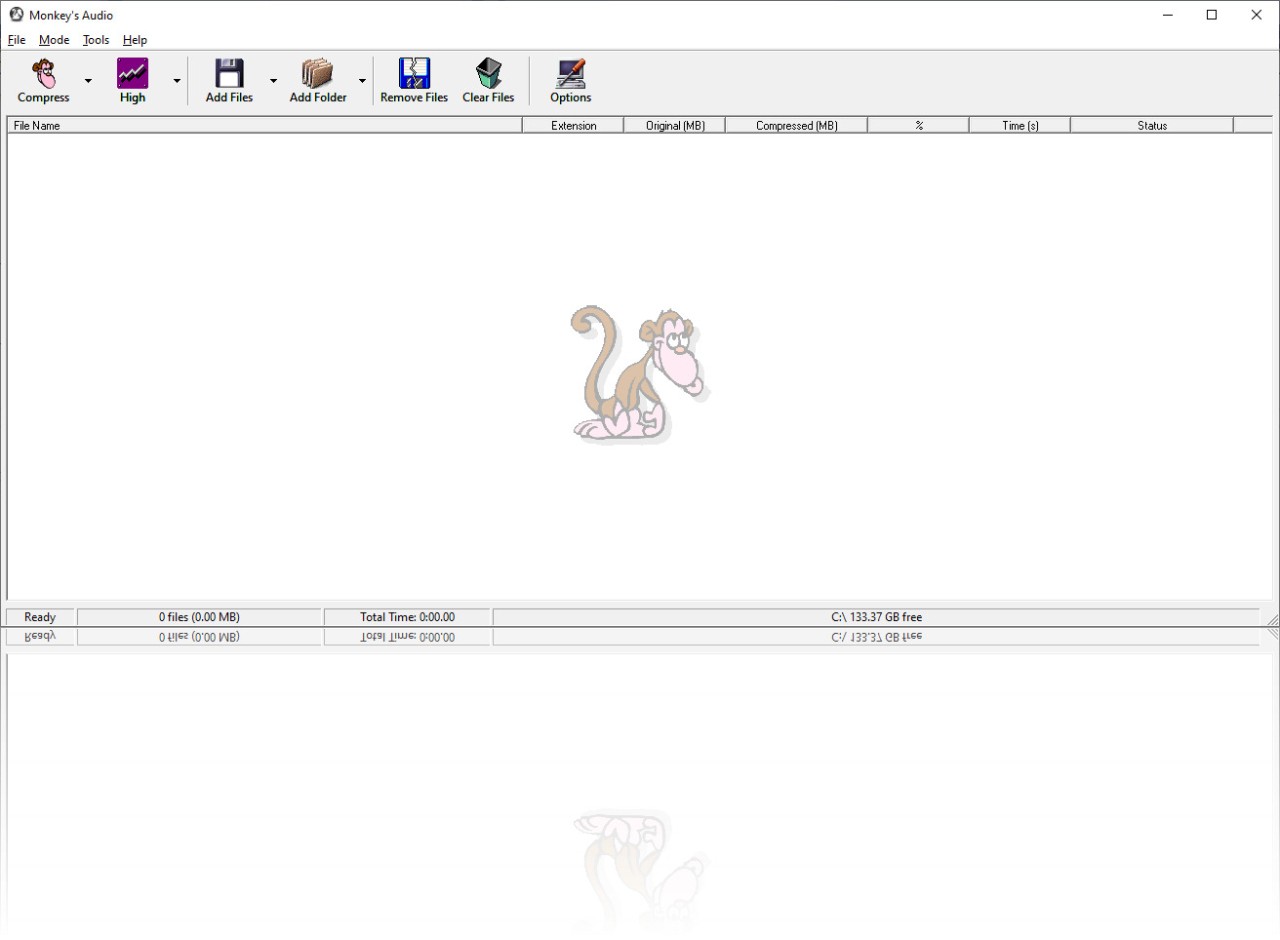
Monkey’s Audio is not just another audio program. It’s an audio compressor that offers a different approach from formats like MP3 or Ogg. When those throw away sound to save space, Monkey’s Audio doesn’t. It makes copies that are exact, bit for bit, so when you unpack them, you get the same file back. No change. No loss. That’s what people mean when they say it’s lossless.
Think of it like zipping a file, but here it’s your music. It squeezes the size down, you save some space, and later, if you want to bring it back to the original, you can. The new file is not a “compressed version with missing pieces.” It’s identical to what you started with. For people archiving music or ripping CDs and not wanting to repeat the process later, that matters.
Monkey’s Audio is a normal Windows app. It isn’t flashy. Just buttons and menus to add, encode, and decode. Anyone who’s used a basic program can figure it out. That’s part of its appeal; it isn’t buried under a hundred menus. What’s more, the Monkey’s Audio file format is now compatible with most players (MPC, Foobar, Winamp, etc.), so you can listen to your compressed files without having to format them again.
Why should I download Monkey’s Audio?
The big reason to download Monkey’s Audio is quality. If you care about sound being untouched, this is it. Lossy formats like MP3 save you space, but once the detail is gone, it’s gone forever. Monkey’s Audio doesn’t take detail away. You store the file, play it later, and it’s exactly how it was. It’s for people who don’t want to compromise.
It’s also quick. The program is tuned well, so encoding and decoding don’t drag on. You click, and it works, fast enough that you don’t sit waiting. When you’re building a collection, speed makes the difference.
Another part is security. It has error detection. If something goes wrong during decompression, you find out. It won’t silently give you a broken file. It uses CRC checks to catch problems. That’s important for people who keep hundreds or thousands of tracks. A small error unnoticed can ruin whole albums. Here you know if something isn’t right.
Then there’s tagging. Monkey’s Audio uses APE tags, flexible and detailed. That means you can mark files with artist, album, year, whatever you need, and sort them later. For a small library, you might not care, but once you hit thousands of tracks, it’s not optional.
It also works with many popular players, Media Center, Foobar, Windows Media Player, and Winamp. You don’t have to stay locked in the program itself. You make the files and then play them in the players you already use.
For developers, the open source side is useful. The code is out there, there’s an SDK, and no restrictive license. That means other programs can add support. It’s not a closed box. That openness is part of why the format spread into different apps.
And then it’s free. You don’t buy it. You just download and use. For individuals, it means free storage of music. For companies or devs, it means no licensing barriers if they want to add support.
So the reason to download is simple: perfect sound, faster than re-ripping, error safety, tagging, free, and supported widely. Not a big learning curve. It does the one job right.
Is Monkey’s Audio free?
Yes, it’s free. No charge, no pro version, no sign-up. It’s released openly; anyone can grab it. You can even look at the source if you want. Companies can use it, and home users can use it. There’s no hidden restriction.
What operating systems are compatible with Monkey’s Audio?
The main program is built for Windows. That’s where you get the full interface, easy to install, click, and run. On Linux or Mac, you won’t see the same official program and can’t use it to create compressed files, but because the code is free and public, other apps on those systems can handle the files (to read them).
So if you’re on Linux, you can open Foobar or another player that supports the format to listen to Monkey’s Audio files. On Mac, some players include it through plug-ins. It’s not like you’re locked out. The format itself is supported widely, even if the core tool is most at home on Windows.
That’s enough for most people. If you want the real program and be able to create Monkey’s Audio files, use it on Windows. If you just want to play them, you can do that on other systems through supported apps.
What are the alternatives to Monkey’s Audio?
As its name suggests, MP3Resizer doesn’t offer a lossless approach. The software just shrinks your music into MP3 files so they fit better on portable players. Good if you care about size more than quality. The sound won’t be identical to the original, but it’s quick and makes files small. Useful for people who carry music on older devices with limited space.
dBpowerAMP is more like a converter toolbox that offers multiple functionalities. With it, you can convert audio files across many formats, lossless and lossy. The software also offers CD ripping with online tag support. It’s flexible and widely used because you can throw almost any file at it. It’s not dedicated to one format; it’s for people who want to manage all kinds of conversions, and it allows batch converting.
If you like music, with BandLab you can create some. Here we’re out of the archiving or compression tool. It’s a platform for music making and sharing. You record, mix, and collaborate online. Compression is not the focus; it’s about creation. But it’s still an alternative in the sense that people who want to manage or edit music may choose BandLab instead of a pure compressor.