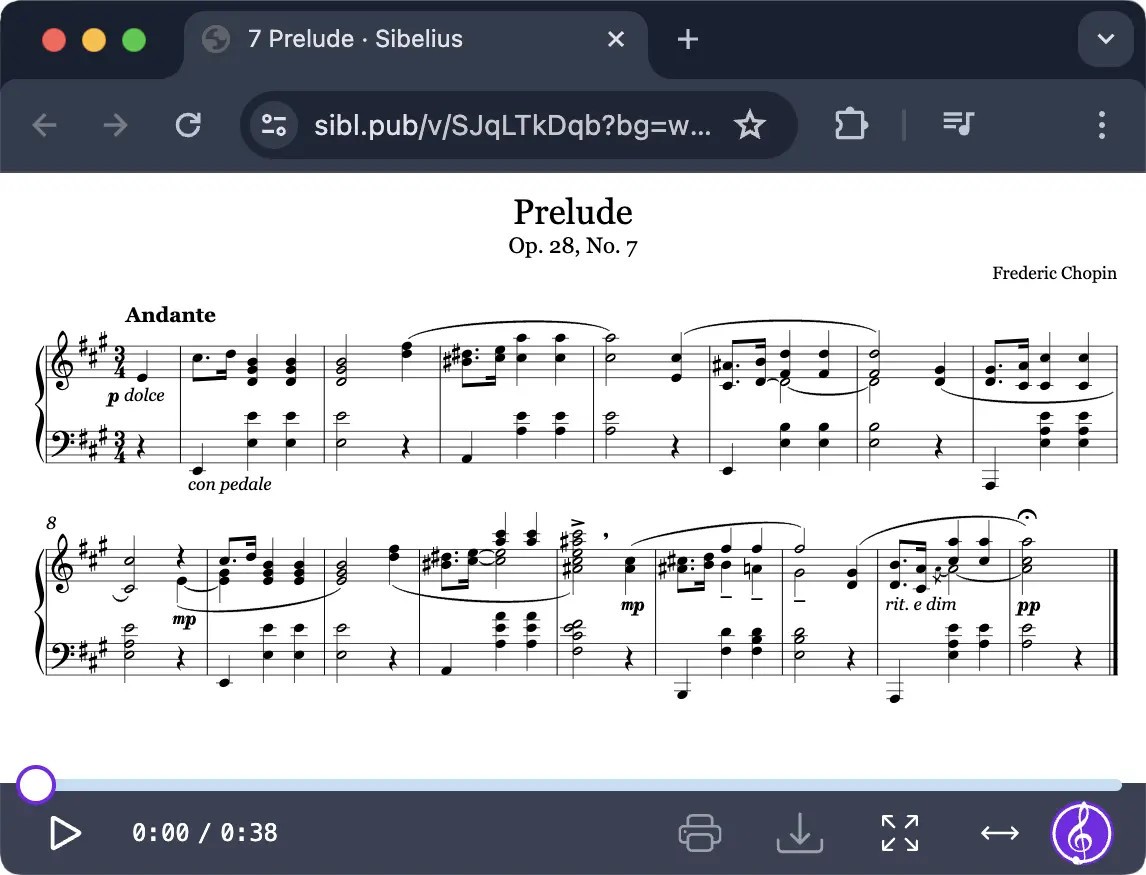
Sibelius is like sheet music, clean, precise, and free of eraser marks. It is intended to make the lives of the people who write, organize, teach, or simply want to get notes out of their heads and into a page that people can read, easier. It is structure, playback, layout, and polish in a single workspace, which makes it more than a system of notation. This is not the case of thumbing through books on music theory or drafting out staves, but rather manipulating sound using non-intimidating (but precise) tools.
Named after the Finnish composer Jean Sibelius, the software has already existed long enough to be taken as a classroom and studio staple. You open it, and it is all music-oriented. Rests, notes, articulations, dynamics, it's all there ready to be dragged or typed (or why not both) into position. Whatever you may be working on: orchestral music, solo arrangements, educational content, Sibelius gives you room to grow into.
It’s subtle software; it doesn’t get in your way. After you know where everything is, it does not take you long, and you start to forget that you are using any software. All that you do is hear the score in your head and just watch it come to life on screen.
Why Should I Download Sibelius?
The sound of what you just wrote is just quite satisfying. That’s exactly what Sibelius does; it not only reveals the music to you, but it also plays it back clearly. Thus, even when you are not in close reach of a piano, or maybe you lack an ensemble, you can get to listen to how your ideas sound in real time. That’s powerful when you’re writing and need real-time feedback.
However, Sibelius also assists in organization as well as playback. It arranges portions neatly, sets up pages to be published, and eliminates the drudgery of setting up. Have to transcribe all the stuff to B flat clarinet? Done. Having ideas for extracting individual parts of each instrument? It deals with that as well. It is one of those tools that makes a composer’s workflow less time-consuming and more focused. You still have to have the musical ideas; it is merely a motif in helping you make a more logical presentation of them.
To the teacher, Sibelius can be used as a sure means of producing teaching materials that will appear professional. You will be able to comment on, mark, and even distribute scores with pupils conveniently. In the case of composers, detailed layout tools ensure your score looks as good as it sounds when printed. It also makes practice sheets easier to write and easier for performers to read.
The software even allows you to loop some passages of the music, to play the music at a slower rate, or to switch between instruments to listen to various voicings, even when you are stalled or trying things out. And such interactivity has the potential to open up things. You become aware that you do not require a band or an entire orchestra assembly around to listen to what you are creating. The score is a talk back.
There are even hidden features many users overlook, like versions by which you can monitor your progress, plug-ins to tidy up spacing and layout, and import MIDI or scan printed music tools. They’re not everyday tools, but they’re there when you need a quick pivot.
Others join Sibelius following other applications and remain in it due to its being clean. Other people begin with this since that’s what they learned. One way or another, it is one of those platforms that justifies the title with time, not due to its glitzy look but because of its functionality, no matter how big or small your project is.
Is Sibelius Free?
It has a free version, Sibelius First, that is restrictive, but suitable for basic notation tasks. To have the full functionality, with more instrument libraries, full control of the layout, and even professional export options, you’ll need to purchase a subscription or paid license. Their prices depend on either personal, academic, or commercial use.
What Operating Systems Are Compatible with Sibelius?
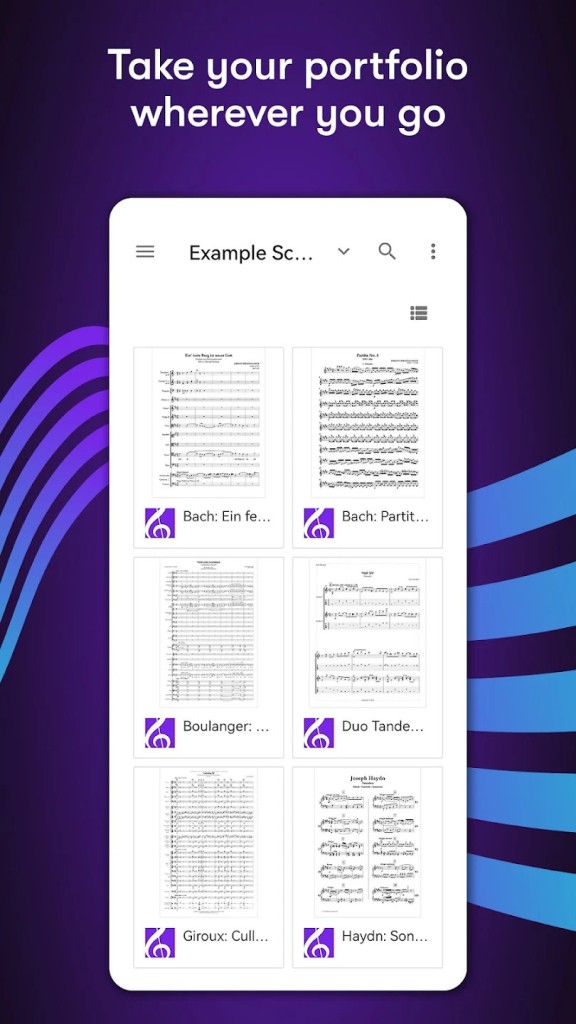
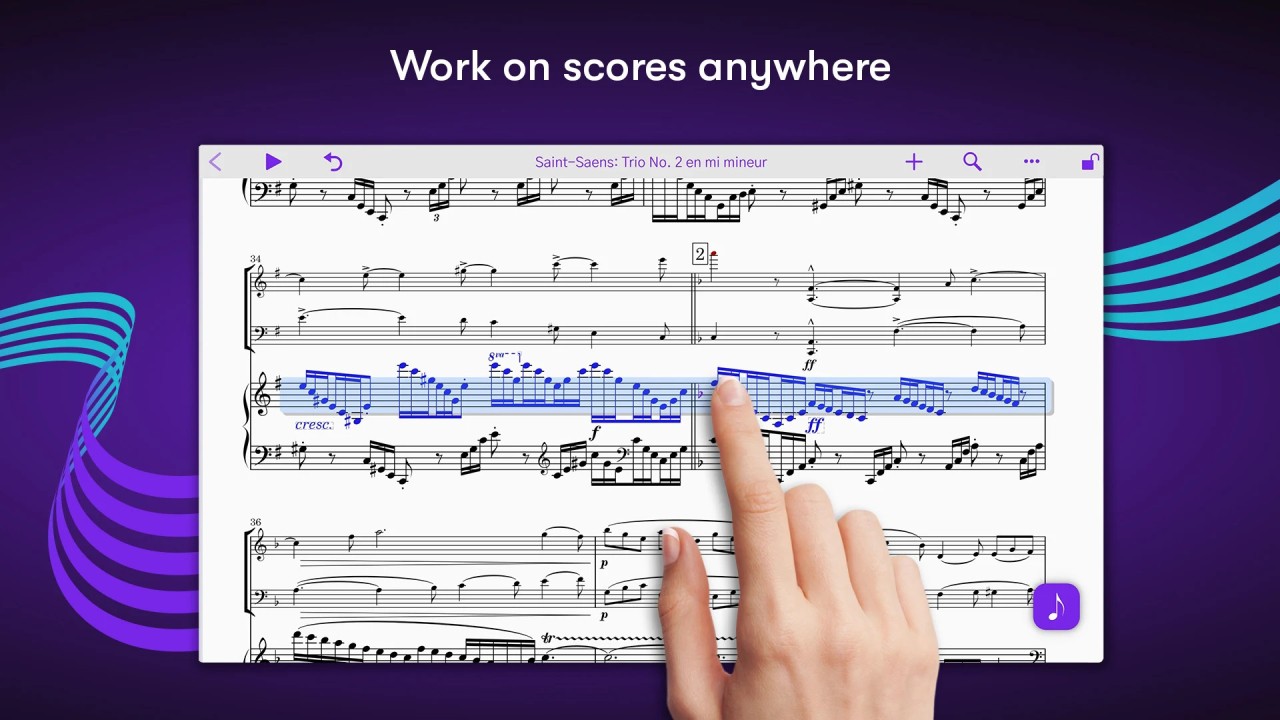
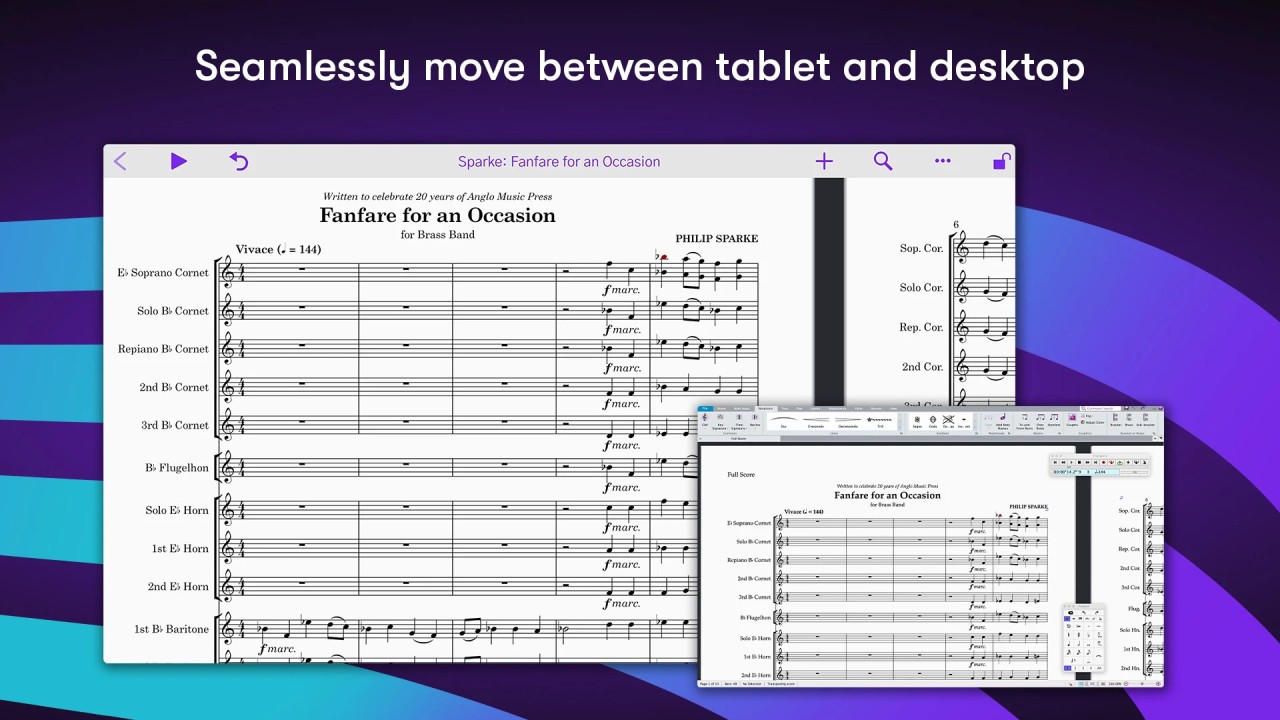
Sibelius can be used on Windows and macOS. It is highly functional on current systems; however, good RAM and processing capacities improve performance when working with larger scores. If you like to compose wherever you are, Sibelius also offers a mobile app for Android and iOS. Thanks to your Sibelius account synchronization, you can take all your portfolio with you!
System requirements are reasonable, and all updates are relatively frequent. Sibelius fits any environment, whether you work with a professional music system, a simple laptop, a tablet, or even a smartphone. You just need to install it, adjust your audio preferences, and you’re good to go.
What Are the Alternatives to Sibelius?
As a composer or musician learning to use notation software, there are a couple of alternatives to Sibelius you should note. They are a bit tilted towards different aspects: each towards flexibility, simplicity, or depth.
The well-known MuseScore offers a complete tool to create music from scratch with a very complete notation tool. As Sibelius does, MuseScore offers to hear the music you just wrote. You can even share it with the community and use what others have shared. The MuseScore notation tool is entirely free, but if you want to use shared scores, you’ll have to pay for a subscription.
Harmony Assistant is a more complete type of music-making suite. It is a mixture of notation, MIDI sequencing, and audio rendering that is less polished than Sibelius but more flexible in other respects. It is possible to write scores, to allocate virtual singers to lyrics, and even to mix audio with some DAW features. It has a slightly more slippery learning gradient and is less elegantly presented visually, but as a tool to allow musicians to blur the line between traditional notation and experimental sound design, it offers outlets to new forms of creative expression.
Dorico is the younger kid on the block, and it is impressing people with the way it amuses with layout and spacing. Dorico is designed by the same team that created Sibelius, and that product is a reinvention of what all notation software should be. It is stylish, dynamic, and is designed to make musicians focus on music, not the software. The interface will require some time to get accustomed to, but after that, it will be hugely satisfying. Dorico particularly excels at dense, scored music such as film music, experimental music, or orchestra.
Amongst the more guitar-centric ones is TablEdit. It is also lightweight with a unique tablature construction and is, therefore, mostly applicable to guitarists, banjo players, and other fretted instruments. It also supports standard notation, but its features include how elegantly tab and chord diagrams, and markings specific to the family of stringed instruments are supported. In the case of work that revolves around fingerstyle arrangements, classic guitar music, or folk music, TablEdit provides the essential features that you require without bogging you down with orchestral-type features that are of no use to you.