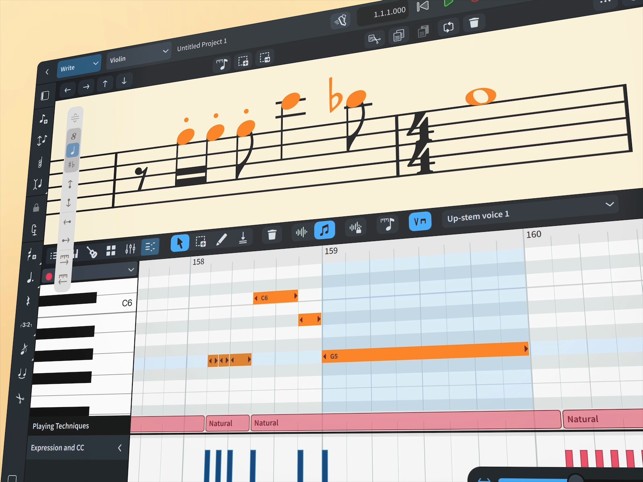
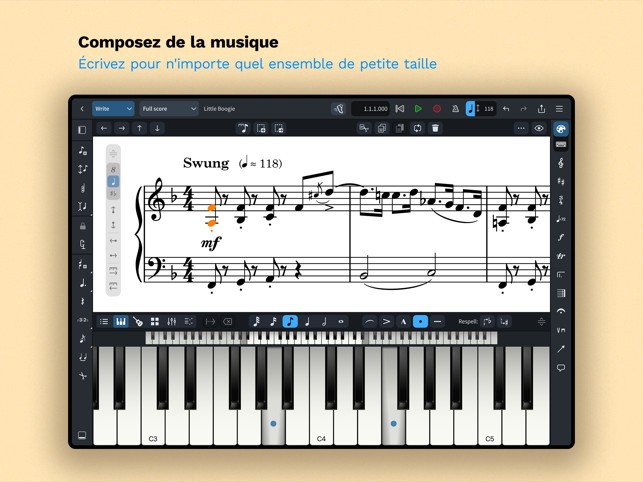
Dorico is a professional music notation program that does more than just place notes on a staff. It’s designed to work the way musicians think. Simply put, Dorico helps you feel like a musician, not a technician, no matter what you are writing, whether it’s a basic melody, a string quartet arrangement, or the score of an entire orchestra.
The software is designed to stay out of your way, letting you focus on the music itself, unlike traditional notation software, with which you sometimes have a feeling of fighting with the tool to have it do what you want it to.
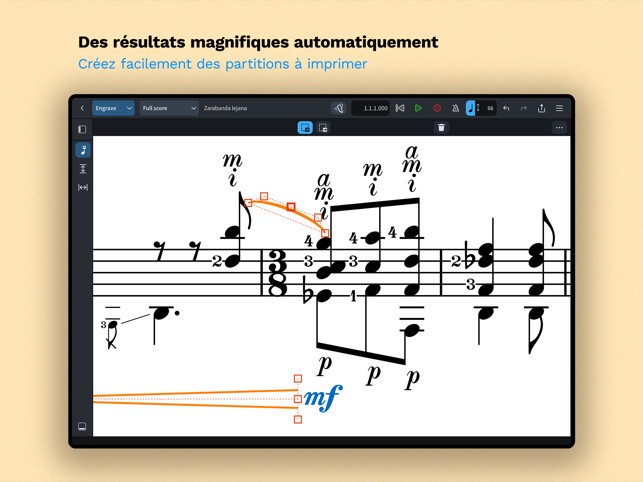
Designed by a group of ex-Sibelius engineers and edited by Steinberg (Cubase, Wavelab), Dorico offers a contemporary method of score writing. It manages complicated time marks, tuplets, and transpositions with ease. You are not required to plan everything to use the software, which is user-friendly enough to allow inserting a bar, changing the meter, moving a section, and Dorico does the rest, adapting the layout and spacing. You do not need to tear up the entire record to edit a small detail. It all remains neat, readable, and well-formatted, despite leaving things on the move. That flexibility is what makes Dorico such a powerful tool; it treats music as a living, evolving form.
Why Should I Download Dorico?
If you have ever had problems with a notation program: spending time trying to make a crescendo land appropriately on time or battling with an embarrassing system break, Dorico may feel like a wonder of nature. It is not yet another sheet music printing program. It is a writing culture that is constructed based on world music thinking. The layout responds so intelligently that your score will look polished even during the early drafting stage. When you start writing, formatting can take care of itself up to the moment when you are ready to perfect.
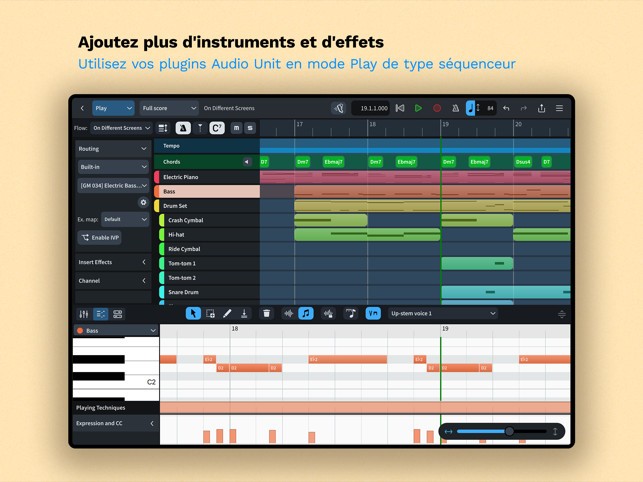
Separation of various stages of music creation is one of the greatest functions of Dorico. There is a writing mode, an engraving mode, and a playing mode. It may sound like additional work, but this actually clarifies everything. You concentrate on writing the notes without bothering about their appearance. Then, when it’s time to polish the score, you can switch to engraving mode without changing the musical content. Such division of labor minimizes mistakes and makes you less constrained to work on multiple things simultaneously.
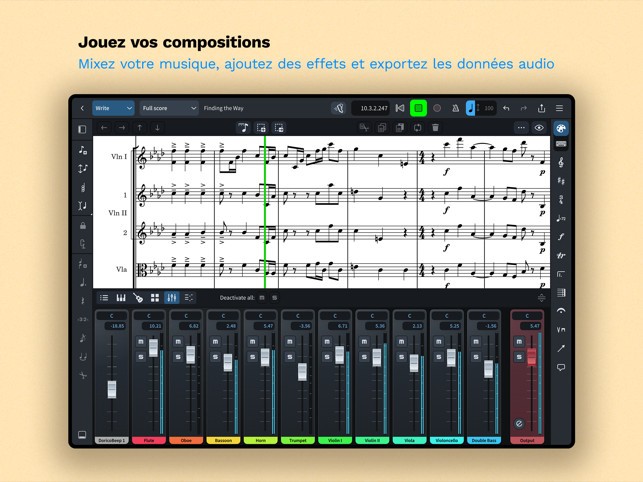
It is also necessary to note the Dorico playback engine. It makes use of sophisticated sample libraries and produces realistic and surprisingly expressive interpretations of markings such as dynamics and articulations. The playback not only serves to check notes, but it also sounds musical. And as a composer who would like to demonstrate music before rehearsal or find out how the ideas sound, that is of great assistance.
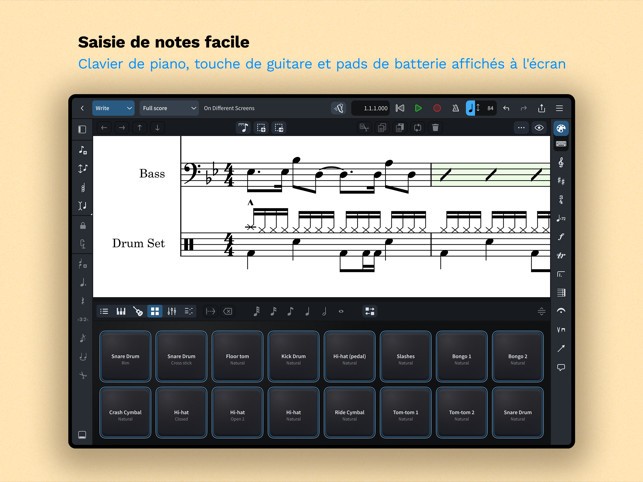
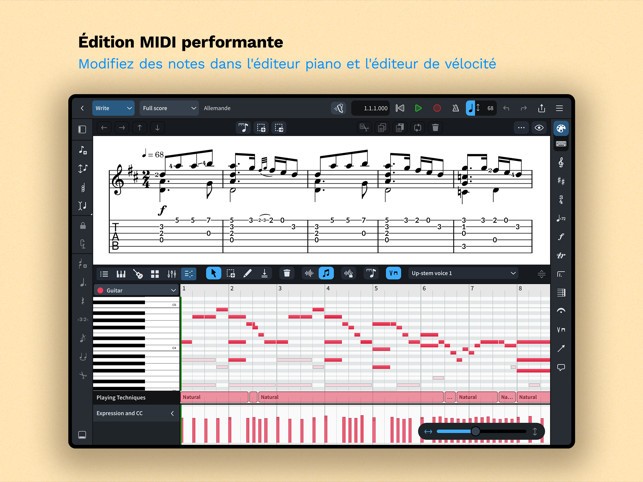
Dorico supports a modern workflow particularly well. It is VST compatible, compatible with DAW, and does a smooth job with MIDI data, and it has flexible exports. Whichever way you use it, whether preparing parts for live musicians or sending a mock-up to a film director, it takes both ends of the composer's world, notation and sound, equally seriously.
Whether you like working as a composer, arranger, teacher, or are even a music student and want to expand into more advanced tools, even if you’re not a professional yet, Dorico provides the room to do actual work, without the hassle factor that traditional software tends to introduce.
Is Dorico Free?
There is a free and paid version of Dorico. The free entry-level product is called Dorico SE, which is suitable for writing music for 2 performers. It also contains a majority of the capabilities of the complete software, making it a powerful entry point for students and hobbyists alike. You may require producing a large ensemble or more sophisticated engraving options, in which case you need Dorico Elements or Dorico Pro, which are available for purchase. These costs are competitive against other professional tools, and Steinberg tends to provide discounts on the product or bundle purchases, especially on academic discounts to academic institutions and individual educators.
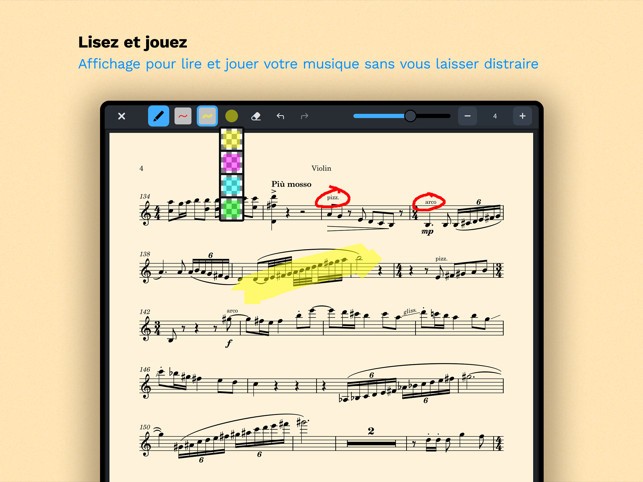
In parallel to the computer version of Dorico, there is an iPad version, which is free to download but also offers in-app purchases for subscription plans and a lifetime unlock.
What Operating Systems Are Compatible with Dorico?
Dorico works on both Windows and macOS. There is also a version for iPad. The software performs on the majority of contemporary computers, and does not require high-end specifications unless you plan to load large sample libraries for playback.
It also supports external MIDI devices, VST instruments, and third-party plug-ins via Steinberg's own audio engine. Installation is easy, and frequent updates improve performance and stability. There is currently no mobile or tablet equivalent of Dorico, and you can use other apps to read or view Dorico files if needed.
What Are the Alternatives to Dorico?
Dorico doesn't hold the professional space all alone in terms of notation (there are a couple of other gargantuan names there, and each has its own strengths, style, and ideal use case regarding what you're going after).
The most well-known alternative that does not require payment is MuseScore. It is open-source, rather powerful, and has a big user base. You can create full scores, publish them on the web, and export to other formats without wasting a penny. It’s ideal for beginners, teachers, or musicians who need notation software without the cost. Nonetheless, the layout and engravings offered by MuseScore do not feel as polished as those found in Dorico, and editing more than a simple musical thought may need more workaround.
Sibelius has been a significant contributor to music notation for many years, and lots of composers continue to rely on it because of its evident dependability and familiarity. It is quick and very quick with shortcuts, and the layout system is clean and renders professional-looking scores. Sibelius could also be inflexible, though; it often forces you to find workarounds to make things appear correctly. Dorico, instead, is more fluid in the way that it processes the change of notation, layout, and playback.
TablEdit is more specialized and aims at tablature and stringed instruments. It is extremely beneficial to the guitarists, the banjo players, and folk musicians who require both notation and tab. Though it lacks the orchestral capabilities of Dorico, it is more than suitable when you need to work on small projects and need to have complete control over fretboard diagrams and fingering. TablEdit may suit you perfectly when you have to deal with strings, and you need tab support more than what conventional notation software typically offers.