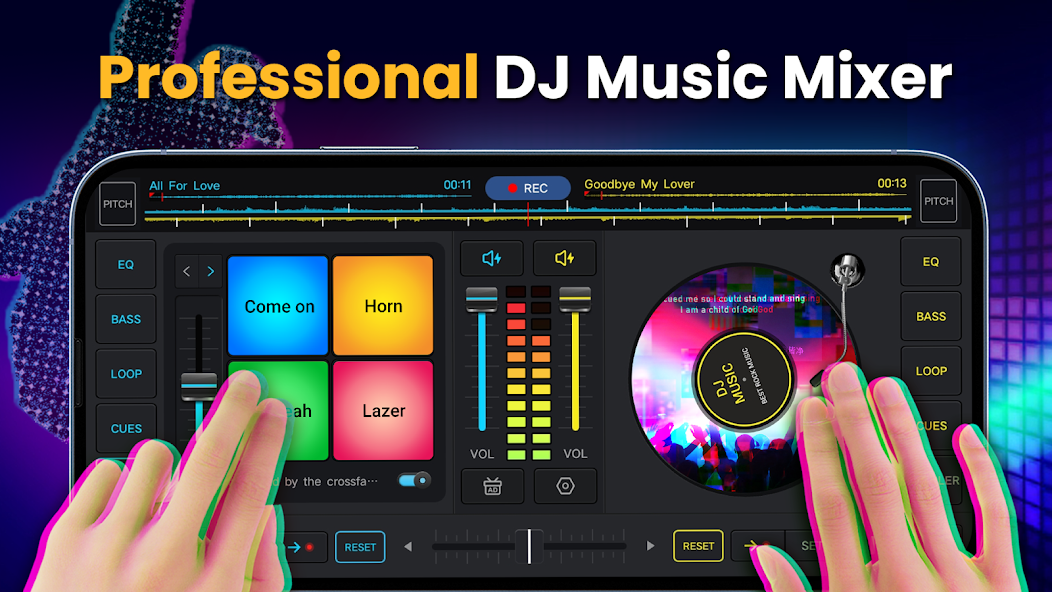
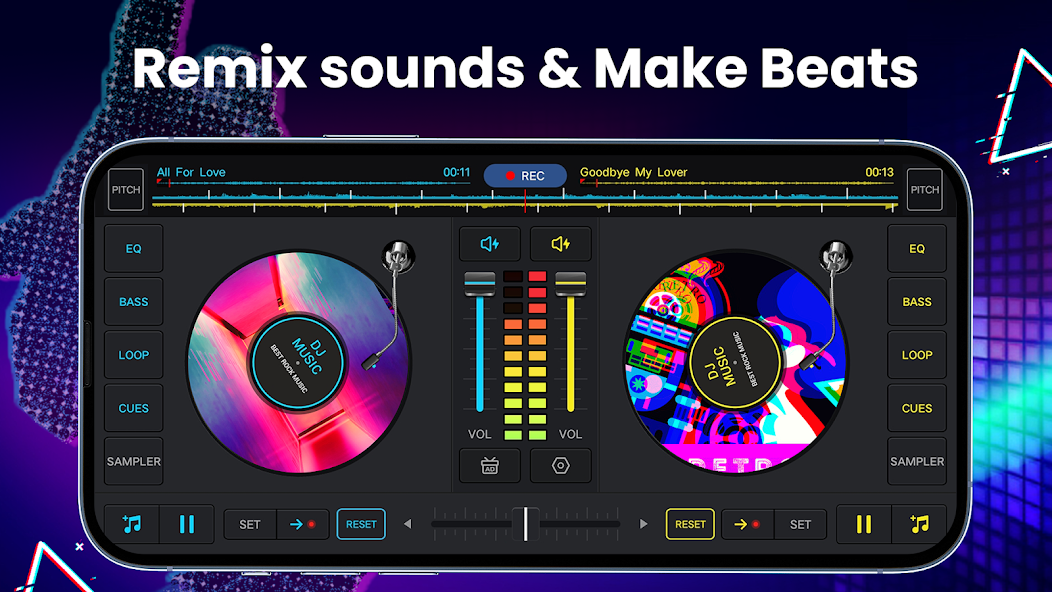
DJ Music Mixer - DJ Mix Studio is a slim digital mixer app for Android which allows users to experiment with music like a DJ, but without any hardware or any professional studio setup. It is poised between a hobby mixer and a working entry-level mixing set-up.
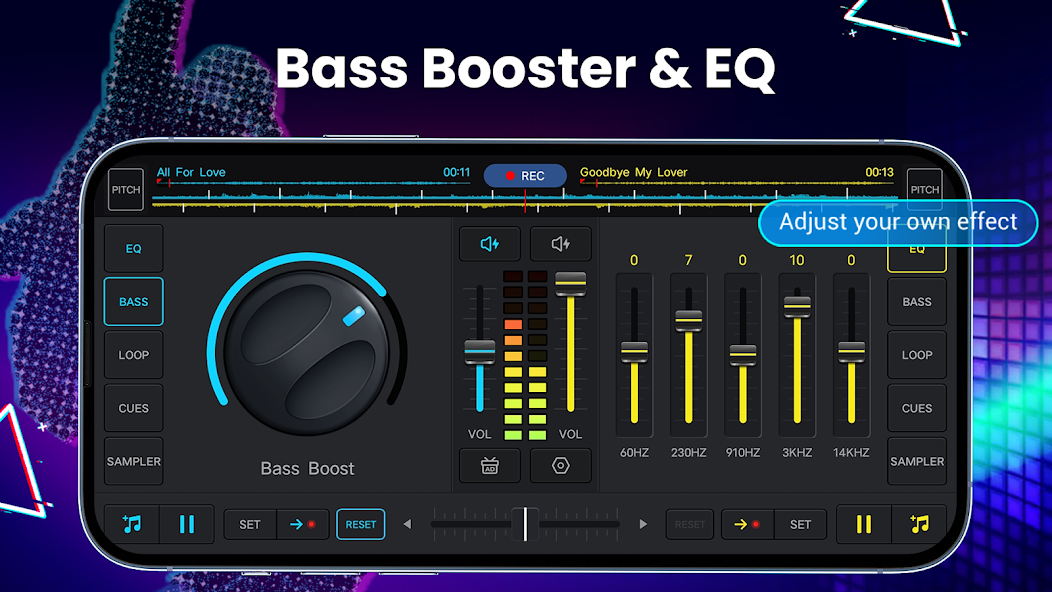
The app comes with two virtual decks, simple equalizer controls, looping, and then you begin mixing tracks, adding samples, or changing the bass, just because you want to have a look around. To most individuals, it is an initial introduction to the world of DJing- a playground in which users come to learn rhythm, balance, beats, timing, and transitions.
Beat matching can be used by those who already know a bit about it to experiment with loops and effects. It may be used by others only as a joke, to combine two songs for a party night or during travels. You are not getting the sophistication or accuracy that comes with professional club mixers, but you are getting what you need to learn how live mixing is or to just mix for yourself.
Why Should I Download DJ Music Mixer - DJ Mix Studio?
The majority of individuals who have tested a mobile DJ application are not out to be the star of a music festival; they just want to learn, explore, or combine two songs simply because it seems like a creative process. DJ Music Mixer - DJ Mix Studio fits that purpose well. It provides you with the essential mixing instruments, crossfader, loops, sample pads, tempo, beat alignment, effects and allows you to test ideas immediately.
Some users download the app as a source of daily entertainment to chop vocals, enhance the bass track and make a song sound heavier on earphones. Other people may capture a little mash-up and send it to their friends. DJ Music Mixer - DJ Mix Studio does not impose a workflow. You hit it and do whatever you feel like, add beats, stack them on each other, or just pour rhythmically all over a good song and see how far you can take it. One of the attractions is that it is experimental.
Creators who do not have access to a home setup could also be users of this app. It is portable enough and can be used to put together ideas or practice transitions when keeping the noise down. It is not the most sophisticated environment you will have ever had, but it provides you with sufficient control over the blending, bending, and transformation of music in real time.
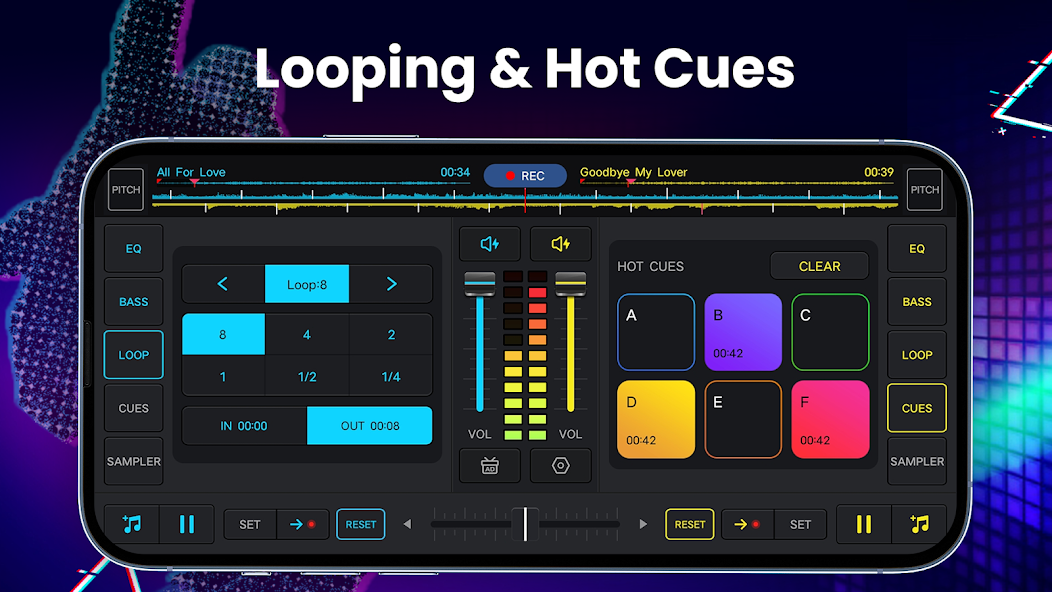
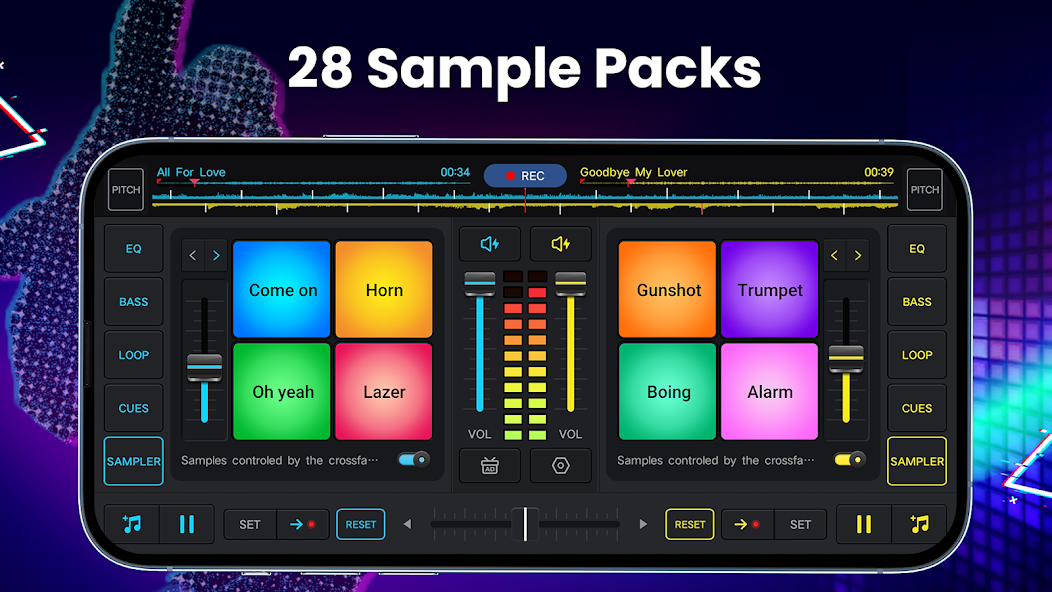
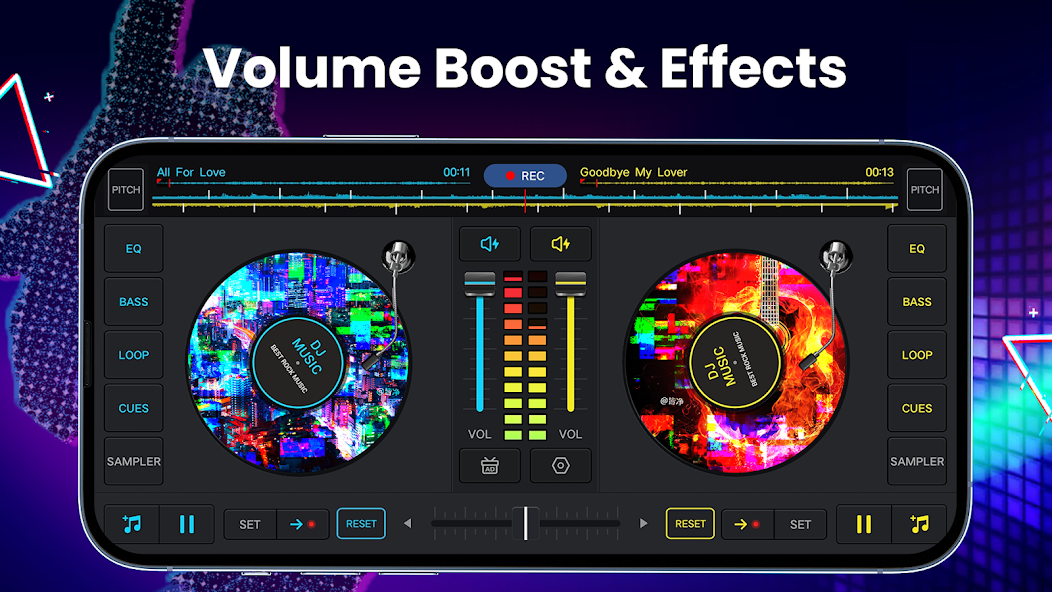
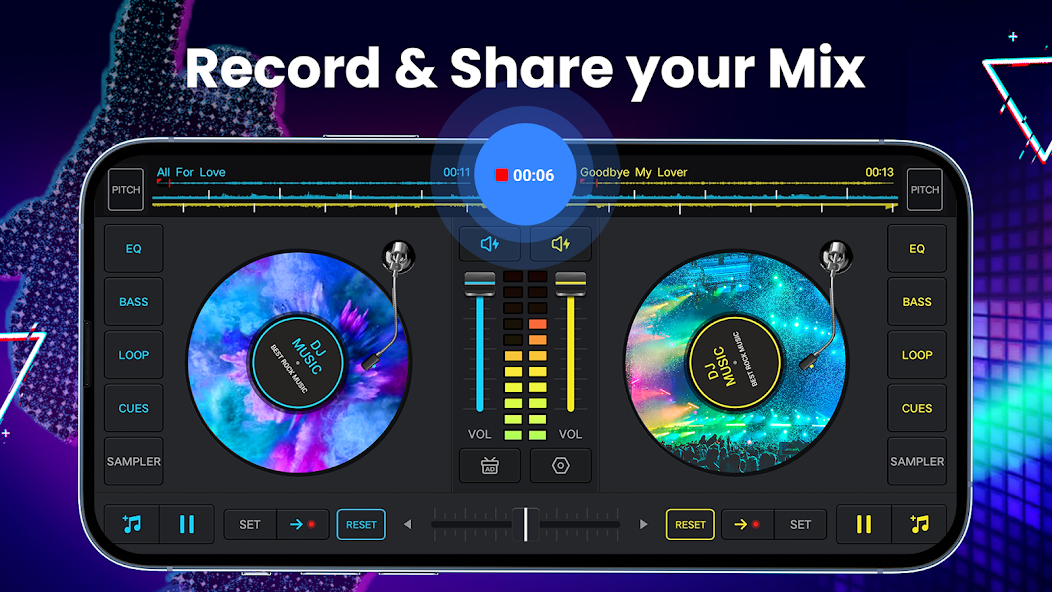
The app includes a real crossfader with two virtual turntables, up to six hot cues, loops from 1/64 to 128, remix pads, 28 sample packs, a five-band EQ equalizer and bass boost, sound effects, and more. You can record your performance and remix songs, all from a simple and intuitive interface.
Is DJ Music Mixer - DJ Mix Studio Free?
Yes, you can download DJ Music Mixer - DJ Mix Studio for free. The standard features, such as the two turntables, the remix options and recording, are included. The app may display some ads in this free version.
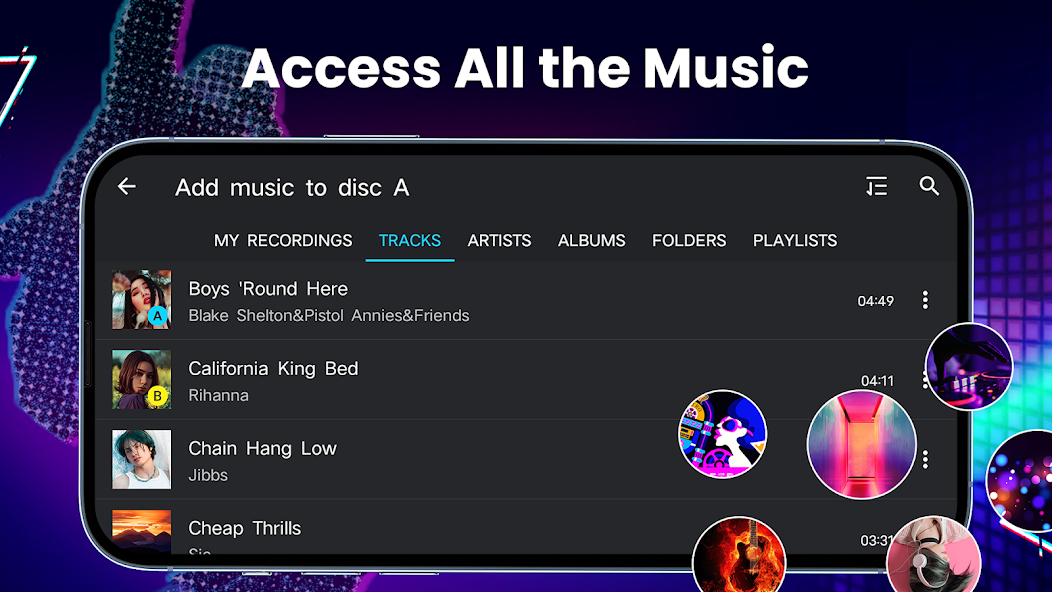
Advanced features are also available through in-app purchase. These include sound effects, better management of your music (with filters for artists, albums, etc.), creation of playlists, and more.
What Operating Systems Are Compatible with DJ Music Mixer - DJ Mix Studio?
DJ Music Mixer - DJ Mix Studio is an Android-only mobile application. Install it from the Play Store on phones and tablets. Performance can vary depending on the Android version and device, and newer updates may offer smoother recording or reduced latency.
What Are the Alternatives to DJ Mix?
edjing Mix is a famous mobile DJ application that is user-friendly. The interface is performance-oriented and flashy, easy to familiarize with and heavyweight enough to enable actual mixing practice. The users will receive real-time effects, loops, automatic beat syncing, and occasionally streaming, depending on the location. All the hot cues, filters and vinyl-style scratching can be touched. Novices such as edjing Mix because it helps them learn quickly, and advanced users like it due to the possibility to experiment quickly. It is closer to live performance than a casual mixer; therefore, it is suitable for users who need a stage-style control without having hardware. Many users download it to try it first and test how well it fits their mixing style.
Mixxx is also an open-source desktop-based mixing platform, which places it in a different niche compared to mobile-only mixing platforms. It supports actual DJ controllers, intensive waveform alignment, BPM detection, library administration, broadcast assistance, and customization. You are able to map keys, adjust latency, load plug-ins, as well as connect external mixers. Novices might require additional time to master it since it is not a toy or a beginner application but a true digital mixing workstation. Where a user requires more precision than a phone can comfortably offer, Mixxx is usually the next step higher. Some users prefer to download Mixxx on a PC so they can use proper controllers and have more control.
VirtualDJ is a large player in DJ software, particularly in the case of experts who are getting into professional lines of work. It has what most DJs will eventually require: real waveform displays, automation, stem separation, effects decks, sampler banks, and hardware compatibility. There are numerous imitations of the VirtualDJ in the form of mobile mixers, yet the complete desktop version is far more powerful. It encourages several controllers, live performance mixing, as well as widespread library management. A person who grows beyond mere mobile applications may go straight to VirtualDJ. It is not the easiest tool to master, but it is versatile in a way that the user can expand on it instead of reaching a limiting point. Those who want a long-term setup often download VirtualDJ for professional-grade mixing growth.