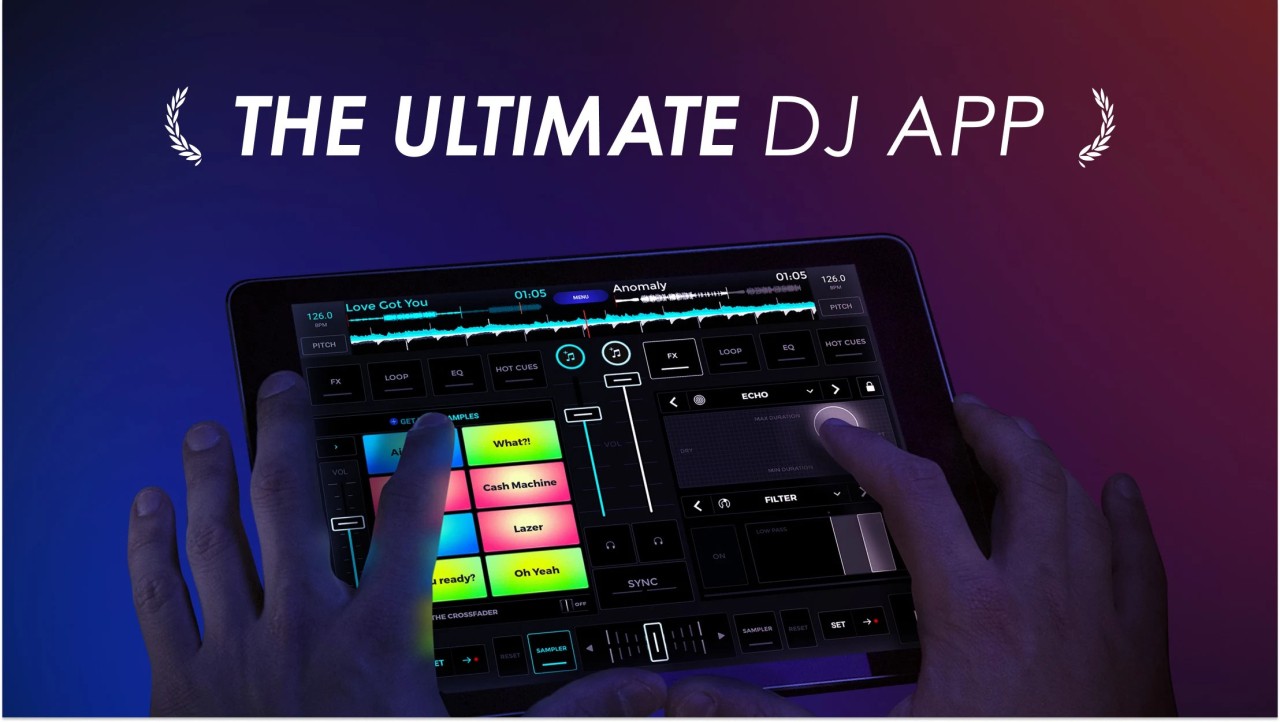
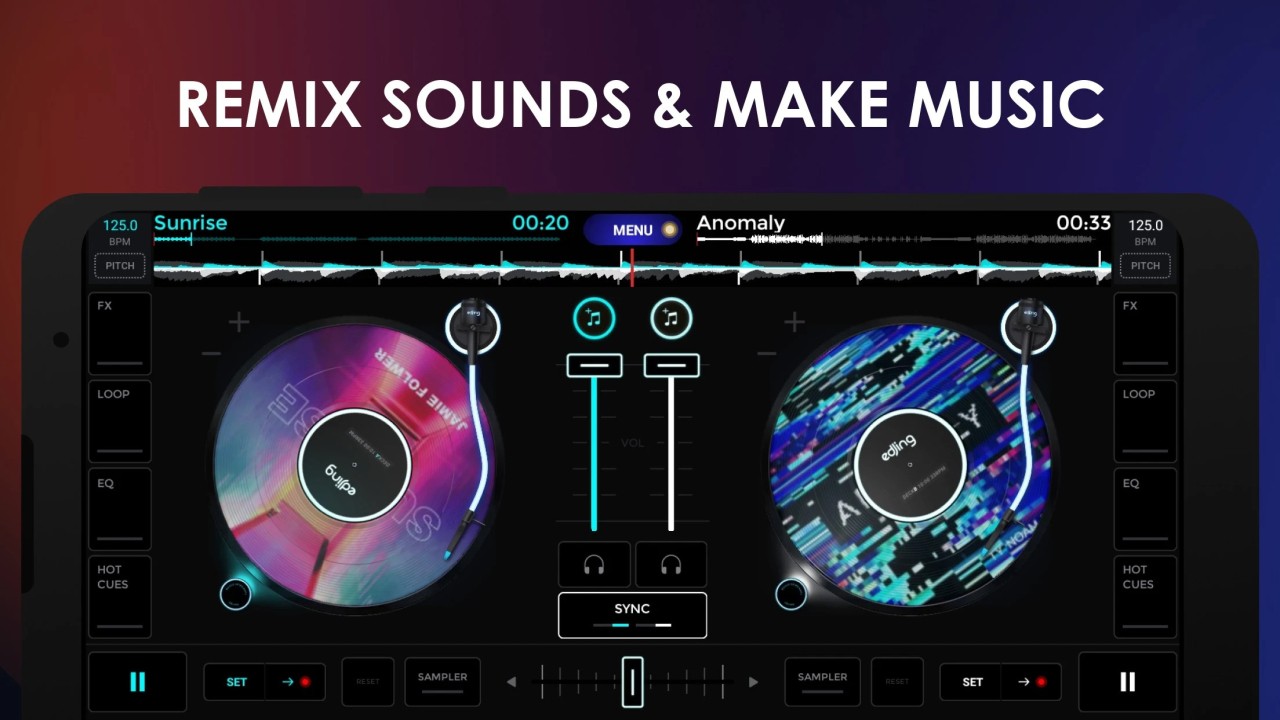
Edjing Mix is a mobile DJ app that allows you to mix, scratch and create transitions without using a full studio. Your phone or tablet turns into a tiny DJ booth with two decks, a crossfader and a library of effects, loops, and samples. The app was built with professional DJs in mind and aims to fill the gap between software and mobile apps.
Through its interface, it is possible to import songs from local storage, SoundCloud, Beatport, TIDAL, or cloud services such as Dropbox, Google Drive, etc. Then you add layers of effects, loops, and samples in real time. The app also automatically detects BPM, syncs tracks, and provides hot cues and filters for live style performances. It basically allows users to practice and perform mixes on the go using software similar to professional mixes, but in a smaller package.
It's not simply for casual remixing. Edjing Mix now works with some external devices (Pioneer DDJ-200, Mixfader), so Edjing Mix can be used as part of a portable solution. While the app has a welcoming feel, it actually has a lot of technical accuracy for DJs who want to have more control.
Why Should I Download Edjing Mix?
Edjing Mix is worth downloading for anyone interested in DJing or those in need of a small portable mixing station. It is simple enough to grasp for beginners, but complex enough to be used as a testing platform for professional DJs. Load up to two songs, time sync them, and try transitions without the heavy equipment.
You can use your own music saved on your device or on any cloud service (iCloud, Google Drive, Dropbox). Edjing also offers a selection of tracks, and if this is not enough, you can also use one of the partner streaming services such as Beatport, Beatsource, SoundCloud or TIDAL.
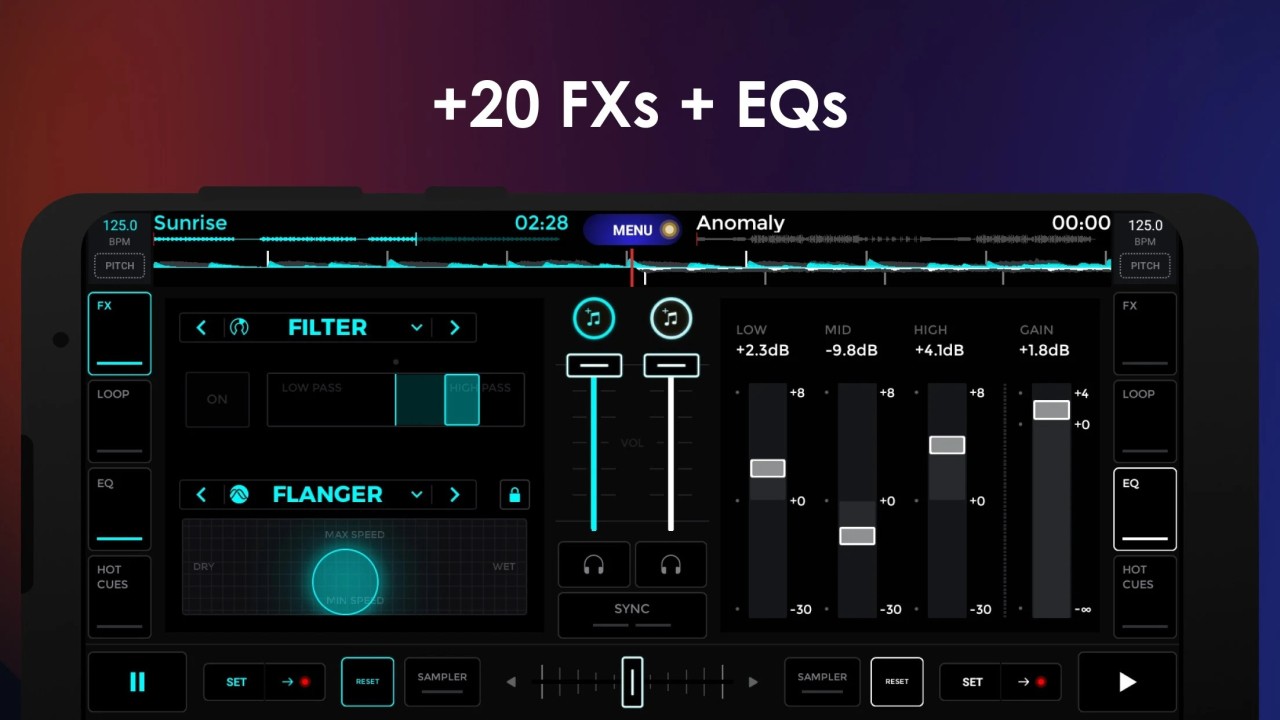
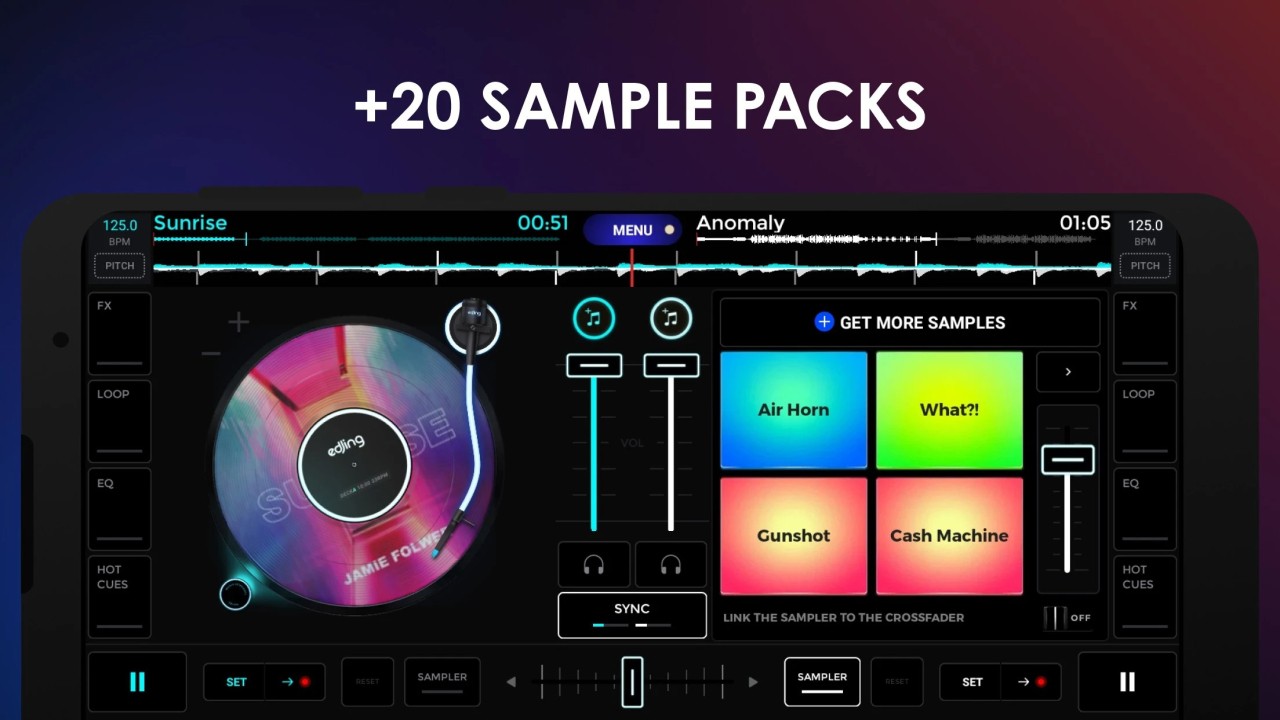
The app comes with over 20 pre-built effects, including Echo, Flanger, Filter and Reverb. You can automatically match the effects with the BPM. It also has looping options that range from 1/64 to 128 beats, as well as up to eight hot cues per deck. For creative users, it has a sampler section that allows you to beat out drum hits, vocal chops or your own sounds. Samples can even be connected to the crossfader, which means that you can control when they fade in or out.
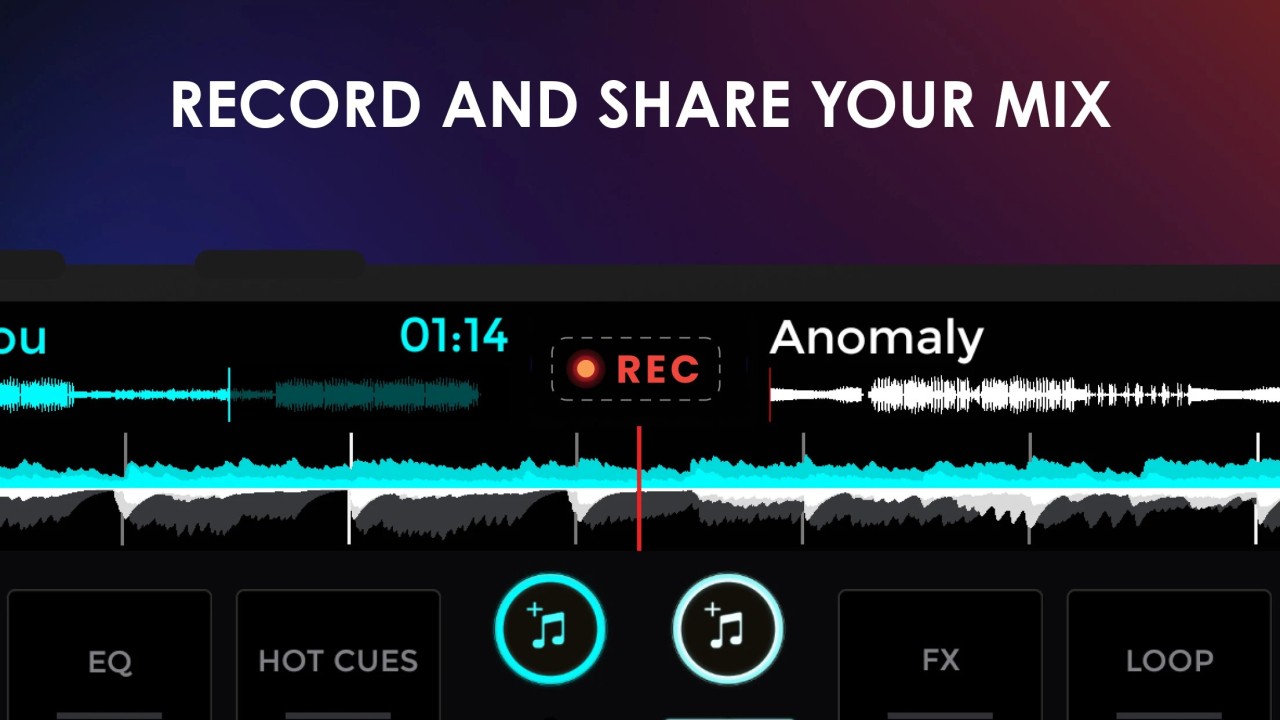
Edjing Mix is also a training software. Included in it are DJ lessons and a DJ School mode, which can be used to teach the basics of mixing with guided exercises. It's more than just a mixer; it's a place to experiment, learn, and record your sets. Automix Mode: Automix mode allows the app to mix songs together automatically, providing a seamless and nonstop musical experience for casual background use.
For the professional, it is a pocket-sized sketchpad for experimenting with new ideas, testing mixes and saving in HD audio. For newcomers, it provides an active and easy introduction to rhythm and beat-matching as well as live transitions.
Is Edjing Mix Free?
Edjing Mix is a free application that features simple mixing and FX in its core. Pro subscription unlocks advanced features such as HD recording, pre-cueing, additional sound packs and premium FX. The free version is fully functional and will be sufficient for casual users; the Pro plan includes all features, samples, and updates.
What Operating Systems Are Compatible with Edjing Mix?
Edjing Mix is compatible with most major platforms. It is a phone and tablet-optimized app, available on Android and iOS. The app works well on newer devices with Android 6.0 or iOS 13 and newer. Tablets, in particular iPads, present a stretched touch screen that displays both decks, the music library, and the FX panels next to each other.
While Edjing Mix is primarily designed for mobile platforms, it can run using emulators on Windows/macOS platforms, and this will allow mixing using a mouse or MIDI controller. It also integrates well with external devices like the Pioneer DDJ-200 and Mixfader, which connect via Bluetooth for real-time control.
The app allows you to sync your preferences, playlists, and track analysis across devices using your user account. It is also possible to begin a set on your phone and complete it on a tablet without having to reload music.
The app is also compatible with wearables. On Apple Watch (or Android Wear), you can track BPM and trigger FX, control transitions, or trigger FX without touching your main control device — great for live sets or mobile recording.
What Are the Alternatives to Edjing Mix?
Mixxx is an open-source and free DJ software for desktop. It has professional features, two decks, waveform displays, auto beat detection, looping, EQs, and MIDI support. It is not portable like an Edjing mix, but it offers full control over the audio chain. Mixxx also has vinyl control and multiple audio interfaces to connect to professional mixers. While the layout can be overwhelming to beginners, once mastered, it is a powerful tool for DJs who need all the customization without paying subscription fees.
VirtualDJ is a popular name when it comes to digital mixing. It is reputed as a stable, advanced, and real-time track analyzer. The software supports multiple decks, external controllers and even video mixing, providing more creative freedom than most mobile apps. It is used by club DJs, as well as by hobbyists. VirtualDJ is more professional, with live streaming, karaoke and broadcast options, as opposed to Edjing Mix. It is best for DJs on laptops who perform publicly or organize small events.
Rekordbox is a software developed by Pioneer DJ and is an all-in-one solution for performance, preparation, and library management. Most professional DJs use it to make playlists, set hot cues and sync libraries before moving tracks to Pioneer decks. While Edjing Mix is geared towards quick mobile mixing, Rekordbox offers precision, track analysis, and hardware compatibility. It possesses cloud sync, light control, and high-level FX chaining, making it perfect for DJs performing in clubs or festivals. It's not as easy to use as the first one, but it is still an industry standard for pro-level mixing.