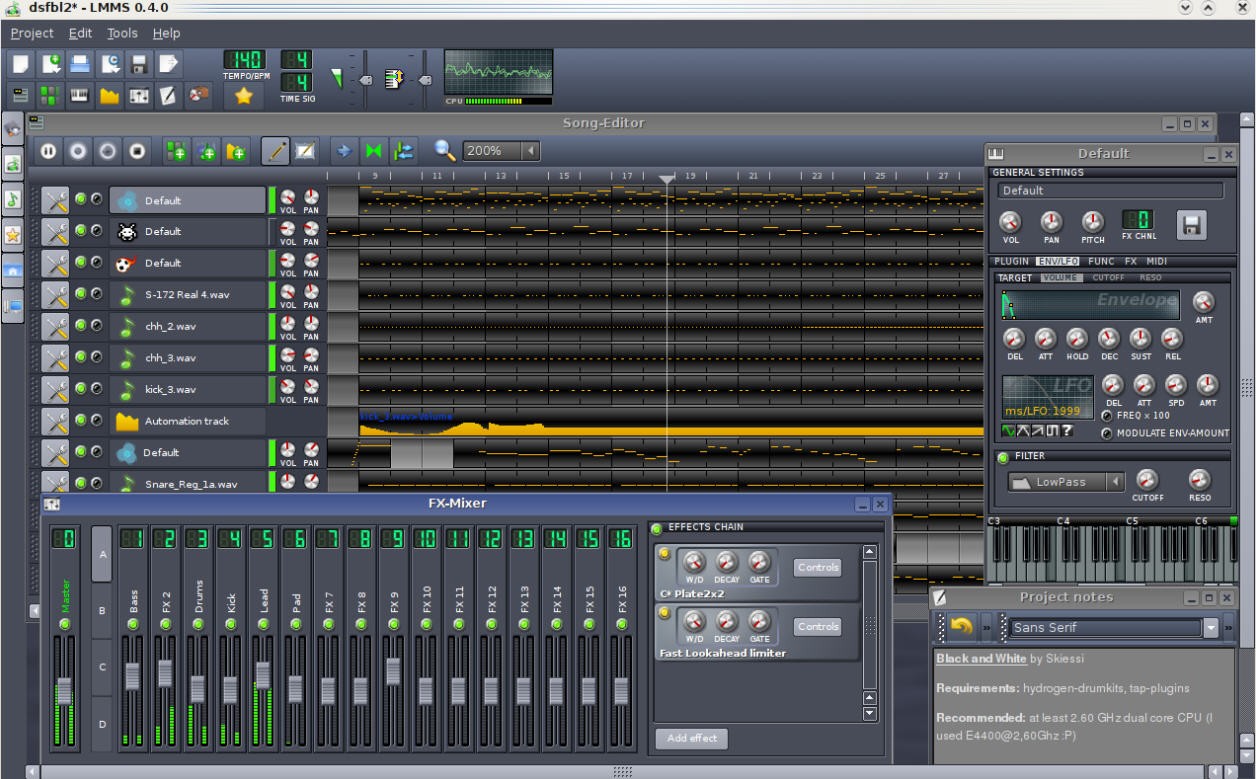
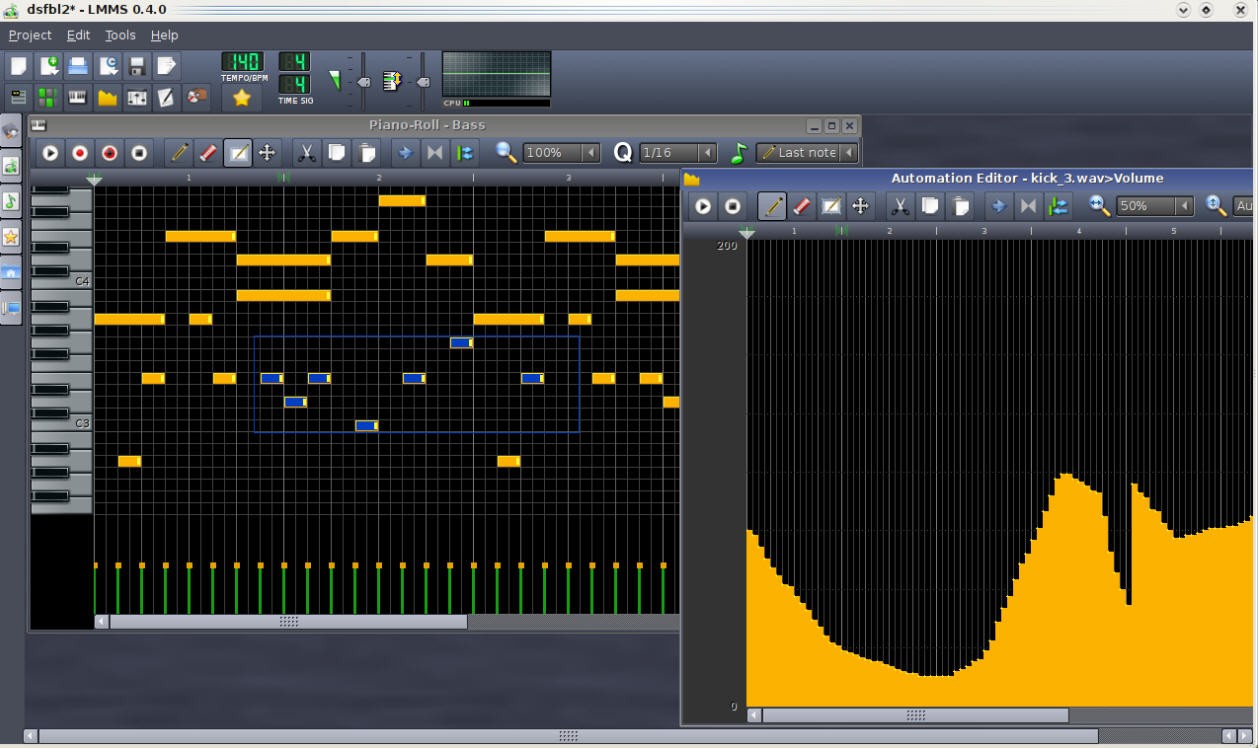
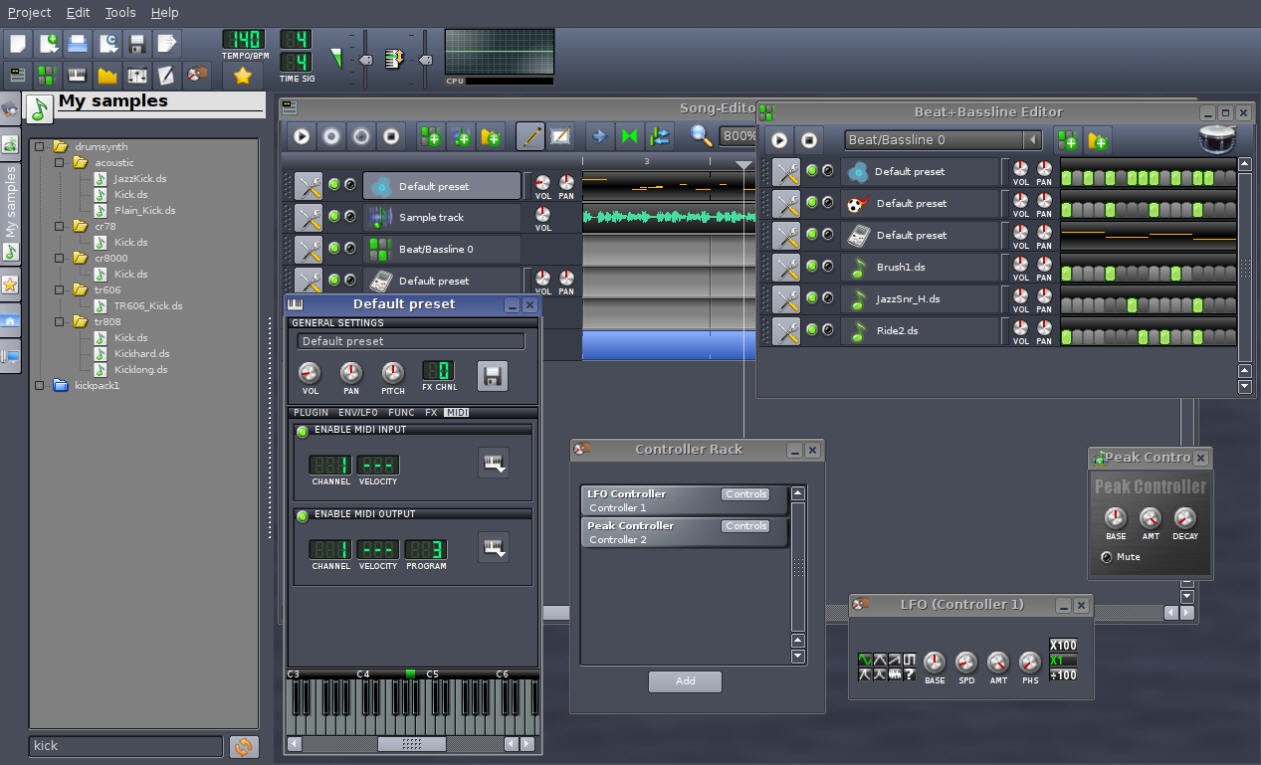
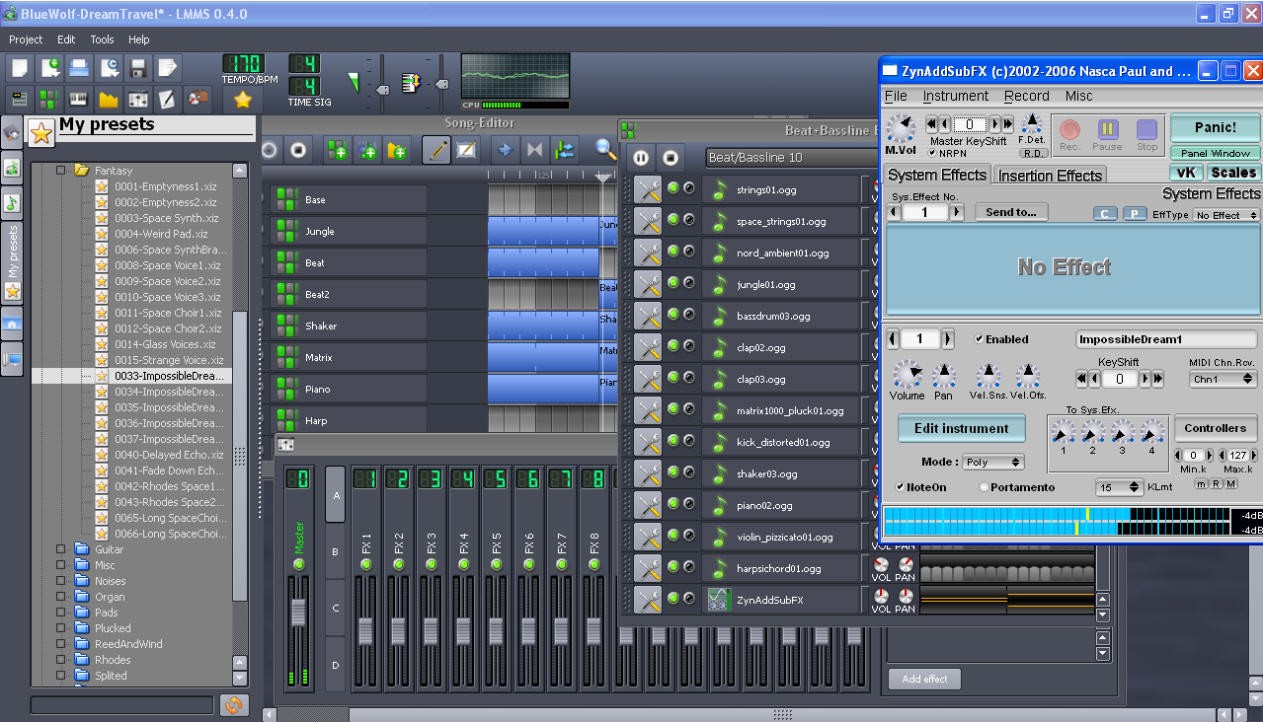
LMMS (Linux MultiMedia Studio) is a free and open‑source music workstation anyone can download. It allows anybody the freedom to produce complete songs on a mere computer, no expensive equipment required. With it, you can create beats, write melodies, and put together full tracks using samples, effects, and virtual instruments. The editor instruments are a Piano Roll to adjust the notes, a Beat + Bassline Editor to adjust rhythm patterns, and a Song Editor that combines all the elements into one track.
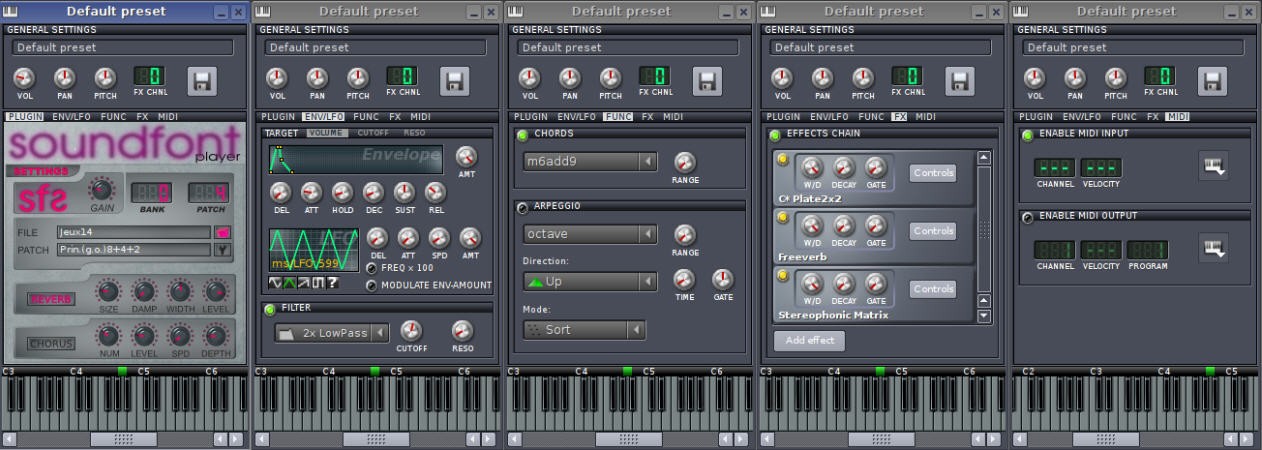
The user interface is not complex. Everything is intuitive after you get to mess around with it. The MIDI keyboard can be connected or even play a virtual keyboard with your computer keys, hence sketching ideas is quick. LMMS supports VSTs, SoundFonts, and a bunch of synths that bring back old sounds – from GameBoy‑style tones to heavy analog bass. LMMS makes a good experience without all the clutter for anyone who is interested in electronic music or production.
Why Should I Download LMMS?
The greatest advantage of LMMS is that it breaks the barrier of cost between an idea and production. There is nothing to buy in the form of licenses or sound packs; everything is already loaded, including instruments, effects, presets, and samples. Now you just open it, try a few things, and before you know it, you’ve made a whole song. Beginners find it easy to mess around with, but once you go deeper, you start finding new layers of sound and automation.
LMMS provides numerous workflow enhancement tools. You can automate almost anything here – volume, pitch, filter, whatever you want. It is easy to layer sounds, layer a bassline, or even to stack samples. The Piano Roll lets you see the notes you play, and the FX Mixer helps shape how all your sounds sit together. Built-in compatibility with the standards of plug-ins implies that you can just insert VSTs or LADSPA effects.
LMMS runs on Linux, Windows, and macOS without needing any complicated setup. Projects you begin in one platform load into another, and LMMS can import MIDI and Hydrogen project files, allowing easy mixes of tools. Due to the community-based nature of the software, bugs are resolved, and new instruments emerge with time. It is not perfect, but it is stable, lightweight, and works well after getting familiar with its workflow.
Is LMMS Free?
Yes, LMMS is completely free. It is licensed under the GNU GPL license, and therefore, there are no subscriptions, trials, or hidden fees. Use it either in personal or commercial projects, download, install, and use, or just browse the source code, should you enjoy programming. Since it is open-source, the community, rather than a business enterprise, will supply updates, and as a result, new features are available thanks to real users and not within marketing strategies.
What Operating Systems Are Compatible with LMMS?
LMMS is a native application of Windows, Linux, and macOS, the top three operating systems, without emulation. Windows users can pick the 32‑bit or 64‑bit version, and it even supports VST bridging for plugins. The Linux version is compatible with ALSA or JACK audio backends, making it stable with open-source systems, with the interface resembling Windows, and most plug-ins are compatible, so long as they do not rely on the Apple file system.
The cross-platform nature is one of the advantages. The software has its own project format that is easy to open on other operating systems where the project has been saved. This is flexible for the collaborators and users who change computers. The application can also be run on simple hardware; even small projects can be run on older laptops. LMMS can therefore be highly recommended to students, hobbyists, or any other individual who desires to learn production without having to spend a lot of money acquiring costly equipment.
What Are the Alternatives to LMMS?
FL Studio, formerly Fruity Loops, is among the popular DAWs across the globe. It is similar to LMMS, except it has a more refined, commercial interface. The software comprises professional-grade synthesizers, high-end automation clips, and a refined workflow that producers in electronic, hip-hop, and film scoring use. Its primary disadvantage is the cost; FL Studio is not free, and its initial cost can be very high, although the updates are provided permanently. The reason is that it is possible to learn LMMS and then upgrade later to FL Studio to have a good foundation.
Magix Music Maker is easy to work with thanks to its drag-and-drop feature. It is aimed at beginners who do not need to be involved in complicated production, but want to achieve some fast outcomes. The program also comes with loops, instruments, and pre-mixed samples that can be used to build a song fast. The users have the opportunity to capture vocals, use effects, and edit settings. It is mainly supported on Windows and has an additional sound pack in the paid versions. Magix is less flexible than LMMS, and it is also not as visual.
One of the most respected and oldest DAWs in the industry is Cubase, created by Steinberg. It is the standard of the professional studio, which suggests a great variety of recording, mixing, and mastering options for any genre. Cubase offers very advanced MIDI editing, the best effects, and a great deal of plugins. Cubase is simpler and more commercial than LMMS; however, it offers better workflow and precision. Moving from LMMS to Cubase gives you a smoother layout, tighter hardware links, and tools meant for pro recording.