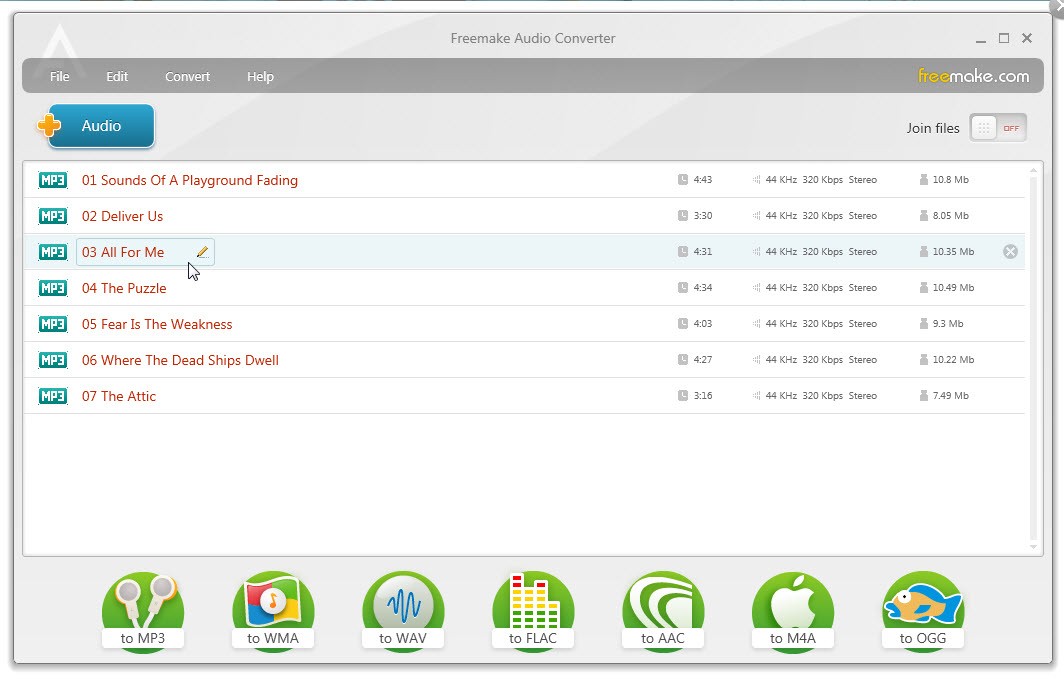
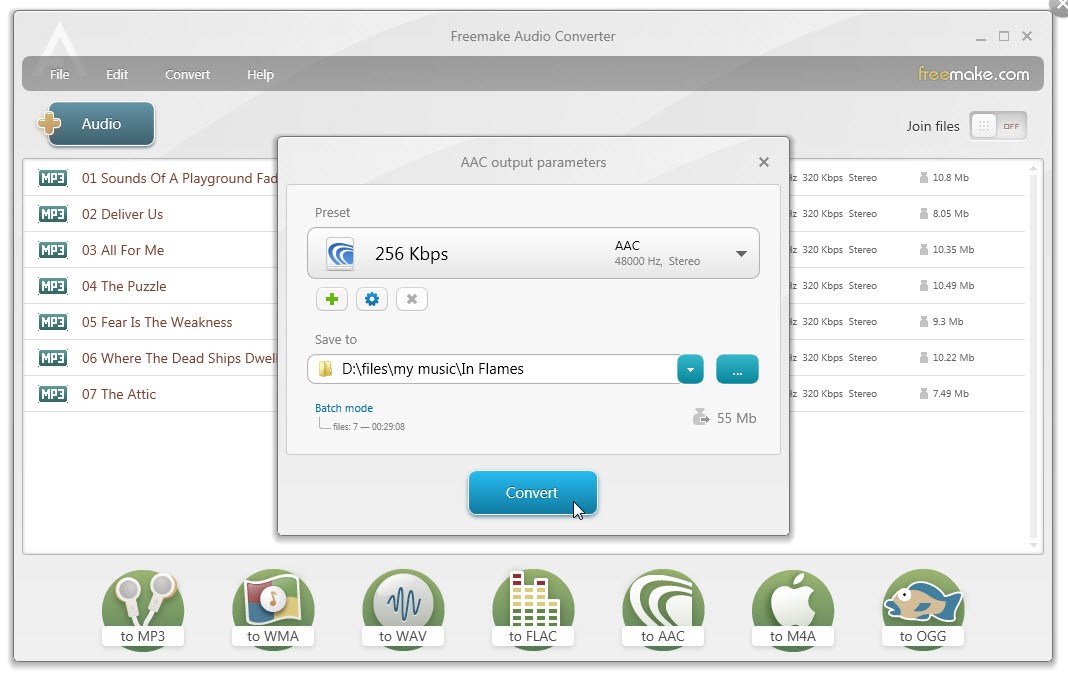
Freemake Audio Converter is a tool that allows you to change audio files from one format to another. It supports common types like MP3, WAV, WMA, FLAC, AAC, OGG, M4A, and AMR, to make sure your music and recordings are compatible with just about any device or software. You can use it to prepare tracks for your phone, compress files for sharing, or create specific formats for editing and music production.
Using Freemake Audio Converter is fairly simple, as you just import your audio files, select the output format, adjust quality settings if you want, and then process them. You can also convert files in batches, which lets you change dozens or even hundreds of files in a single session, so it’s perfect if you need to work with a large library or have a big project on your hands.
With Freemake Audio Converter, you can also use basic editing tools. You can merge multiple tracks into one file, extract audio from video clips, and adjust bitrate, sample rate, or channel options. These features give you control over file size and quality, depending on whether you want crisp playback or lightweight files for quick sharing. While it’s not a tool that can replace professional digital audio workstations, it’s good enough for everyday users without demanding needs. You can download Freemake Audio Converter for free for Windows operating systems.
Why Should I Download Freemake Audio Converter?
Even if you have your music collection saved in many different formats, Freemake Audio Converter can help you unify all of them as the tool supports over 50 file types. Use the tool to convert nearly anything into a format that works for you. If your car stereo only plays MP3s or your editing software prefers WAV files, you can easily convert your files into one of the supported types.
Converting files one at a time is tedious work, especially when you’re working with large folders of music. Freemake Audio Converter provides access to batch processing, allowing you to load all your music into a single project and convert it simultaneously. The tool effectively saves you time when working with a large collection or on a big audio project that needs to be quickly delivered in a specified format with unified quality.
With Freemake Audio Converter, you get a lot of customization options, but the program remains easy to use. If you want, you can adjust bitrate, sample rate, and channels to get the result you need, whether you want smaller file sizes for sharing or high-quality audio for playback. Apart from that, you can also use Freemake Audio Converter to extract audio from video clips and take music, dialogue, or sound effects from video clips and save them separately. The software can also merge multiple tracks into a single file so you can create playlists, podcasts, or longer recordings.
Freemake Audio Converter is easy to use by anyone, as the interface is not too cluttered, and you don’t need to have technical knowledge to understand how to operate it. It’s a good option even if you have never used an audio converter before. You can also export your files to cloud storage services, such as Google Drive or Dropbox. The software works quickly, even with multiple files, and you can download it for free for a wide range of Windows versions.
Is Freemake Audio Converter Free?
Yes, Freemake Audio Converter is freeware, which means it doesn’t cost anything to download and use the tool. You get all of its features right away, and there are no paid tiers or premium upgrades. The tool has had 73 million users over its 10-year existence. You can donate to its creators if you want to, but it’s totally optional.
What Operating Systems Are Compatible with Freemake Audio Converter?
Freemake Audio Converter is a software developed specifically for Windows, but the advantage of this approach is that it works on multiple Windows versions, including Windows Vista, XP, 7, 8, 8.1, 10, and 11, in both 32-bit and 64-bit versions. Because it’s lightweight, it performs well even on older machines, so you don’t need to worry about system requirements. At this time, there is no official version of Freemake Audio Converter for macOS or Linux.
What Are the Alternatives to Freemake Audio Converter?
Switch Audio File Converter is an audio conversion tool that supports a wide range of formats and features advanced capabilities, including direct audio extraction from DVDs and batch conversion. You can use it to quickly convert files, normalize audio, and the tool is available on Windows, macOS computers, and Android mobile devices. It offers a free version for non-commercial use and various paid licenses.
VSDC Free Audio Converter is a completely free audio conversion software that supports a broad range of formats, can convert files in batches, can extract audio from video, and can even download audio from the internet. It also has basic editing tools and quality presets, but it’s only available for Windows.
dBpowerAMP is a more comprehensive audio conversion tool that works on both Windows and macOS. It can work not only with MP3s but also with a wide range of formats like FLAC, AAC, and OGG. It processes files super fast, also when doing it in batches, and you can use it to edit metadata or rip CDs. dBpowerAMP is a paid program, but it comes with a 21-day free trial so you can test its features before buying the full license.