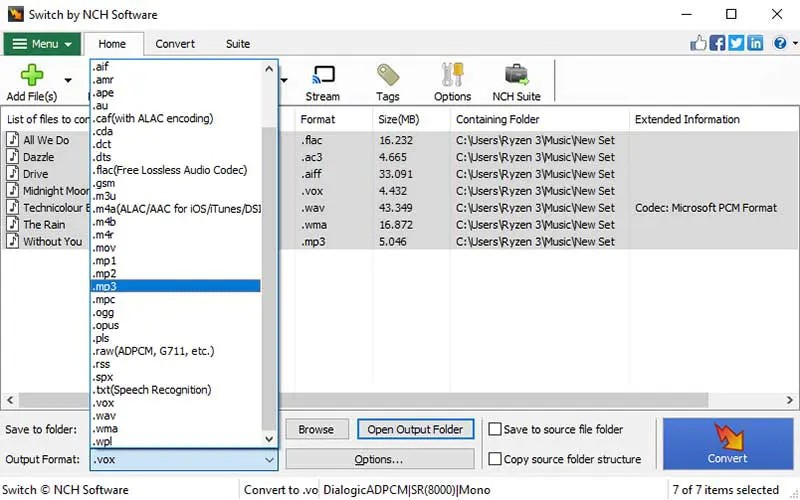
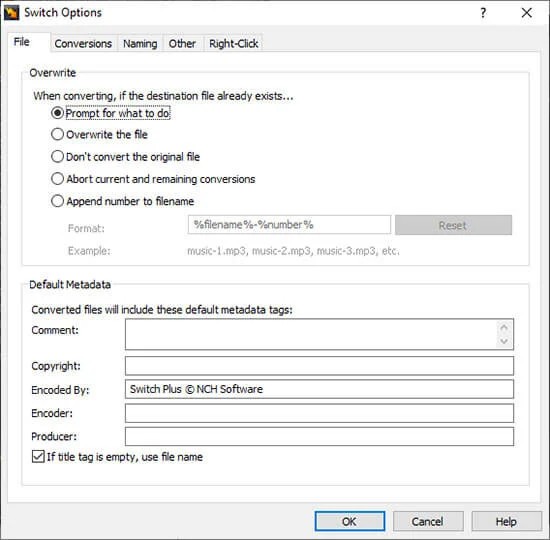
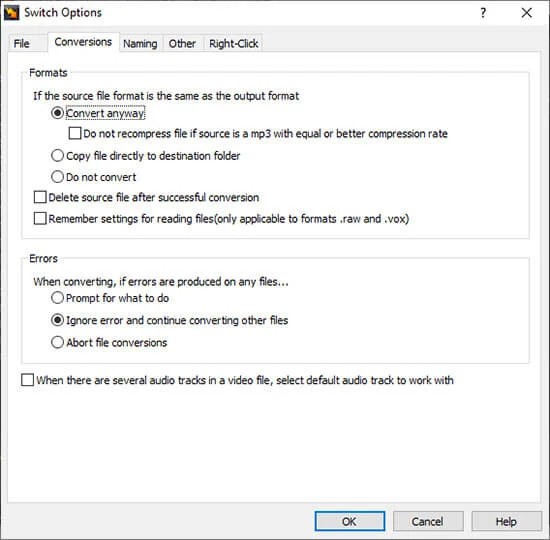
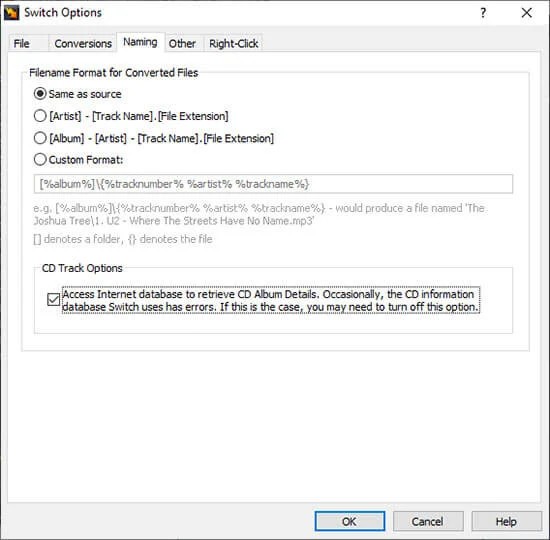
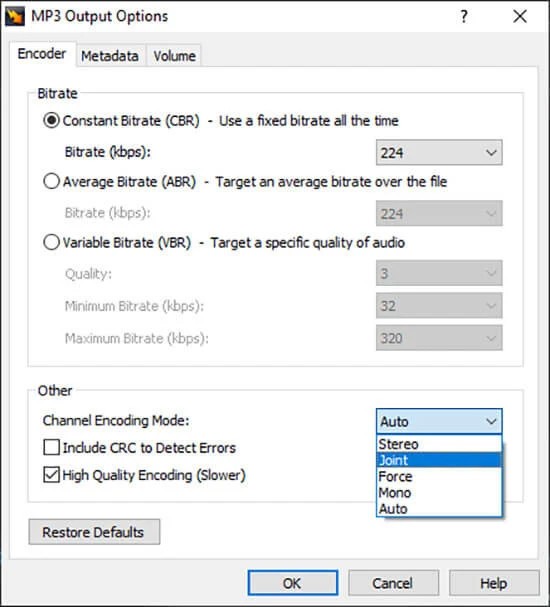
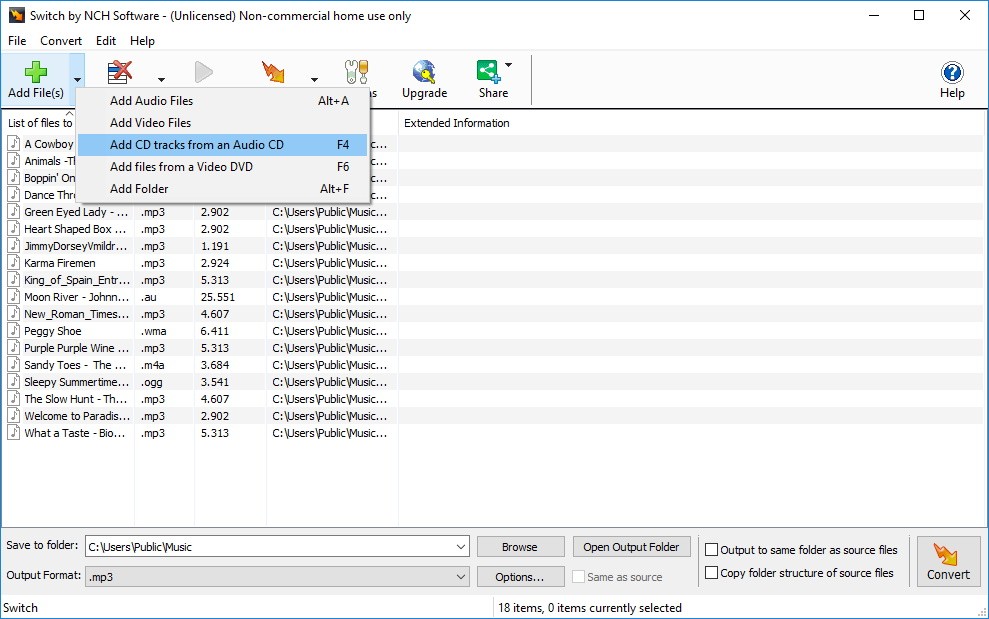
Switch Audio File Converter is a tool designed to make audio conversion simple but still powerful enough for advanced users. It covers more than seventy-five formats, which means you can handle common file types such as MP3, WAV, FLAC, and WMA, as well as niche ones like DSS or VOX that many converters do not support.
Beyond file conversion, Switch lets you extract audio from video formats like AVI or MOV and even from DVDs. Music tags are preserved for supported formats, so album names, track numbers, and artist details stay intact after conversion.
You can import playlists such as M3U or PLS and convert them directly without having to go through each file one by one. Batch conversion makes it possible to process hundreds of files together, which saves time when you need to handle a full music collection.
Other features include normalizing audio levels automatically, applying equalization during conversion, or compressing the dynamic range of a track to reduce sudden shifts in volume. These extras mean Switch is not just a converter but a practical audio utility that improves sound quality while giving you reliable offline processing.
Why Should I Download Switch Audio File Converter?
The main benefit of downloading Switch Audio File Converter is that it eliminates the frustration of incompatible file types. Whether you are working with recordings, music, podcasts, or audiobooks, at some point, you come across a format that won’t open where you need it.
Switch resolves that problem by giving you a stable way to convert almost anything into a usable format. You can convert a track into MP3 to play on your phone, compress large files to save space, or make a ringtone by turning an audio clip into M4R. If you are dealing with recordings at different volume levels, Switch can normalize them so that playback is consistent.
The software works fast, so you are not left waiting when converting larger batches of files. It also supports automation through command-line access, which is useful when you want to integrate conversion into your workflow without manual steps.
Extracting sound bites from video or pulling audio from DVDs can be done in just a few clicks, making it a versatile solution for both personal and professional needs. For many users, it becomes a single go-to application for everything related to audio conversion because it combines speed, broad format support, and reliability in one package.
Is Switch Audio File Converter Free?
Switch Audio File Converter comes with both a free and a paid version. The free edition is designed for non-commercial use and already covers most of the popular file formats. It does not expire, and you do not need to sign up to use it, which makes it a practical option for users who only need to convert occasionally. This version is enough for many people who simply want to switch files into MP3, extract audio from a video, or manage a few playlists.
The paid edition adds further features and expands its professional use, making it more suitable for people who rely heavily on audio conversion for work or business. Both versions are built on the same stable core, so you get the same fast and secure offline process whether you stick with the free version or decide to upgrade. Having these two choices makes it flexible, and you can start with the free edition without risk before moving to the paid version if you find you need more advanced features.
What Operating Systems Are Compatible with Switch Audio File Converter?
Switch Audio File Converter is compatible with Windows, macOS, and Android. On Windows, it is compatible with versions 7 through 11, thus it is compatible with older and modern computers. On macOS, it works with version 10.5 and above, which implies that it can run both the old and modern Apple machines. It also has an Android version that is compatible with version 5.0 and above, thus handy to users who would convert files straight to their mobile devices.
Such compatibility will make sure that you can maintain the same workflow on various devices and not think that you should change the software when changing from one platform to another. It is particularly convenient to users who may edit on one system and play music on another, as Switch allows a similar experience on all the supported platforms.
What Are the Alternatives to Switch Audio File Converter?
VSDC Free Audio Converter is also known as an alternative since it is free and has numerous popular formats as well. It gives you the opportunity to take audio files off video and has batch conversion. Though it does not have the features of Switch, it is easy and effective for those who want to use free alternatives in their daily tasks.
dBpowerAMP is another strong rival that is equally well known among the professionals in audio. It is known to create high-quality conversions and has a very large selection of codecs. It is easily integrated into the working process, and it has decades of stability. Not free, yet in those cases when users want to have consistency in their results and codec support, dBpowerAMP can be defended.
FlicFlac Audio Converter is an easy alternative for those users who may think in simplicity. It cannot be installed, and it can be run as a carrying program, which is why it can be of use when you need it on a USB drive or when you have to use it only temporarily. It handles simple conversions more quickly, but lacks such advanced tools as Switch or dBpowerAMP. It is a handy alternative to an individual who values speed and has a low interface preference.