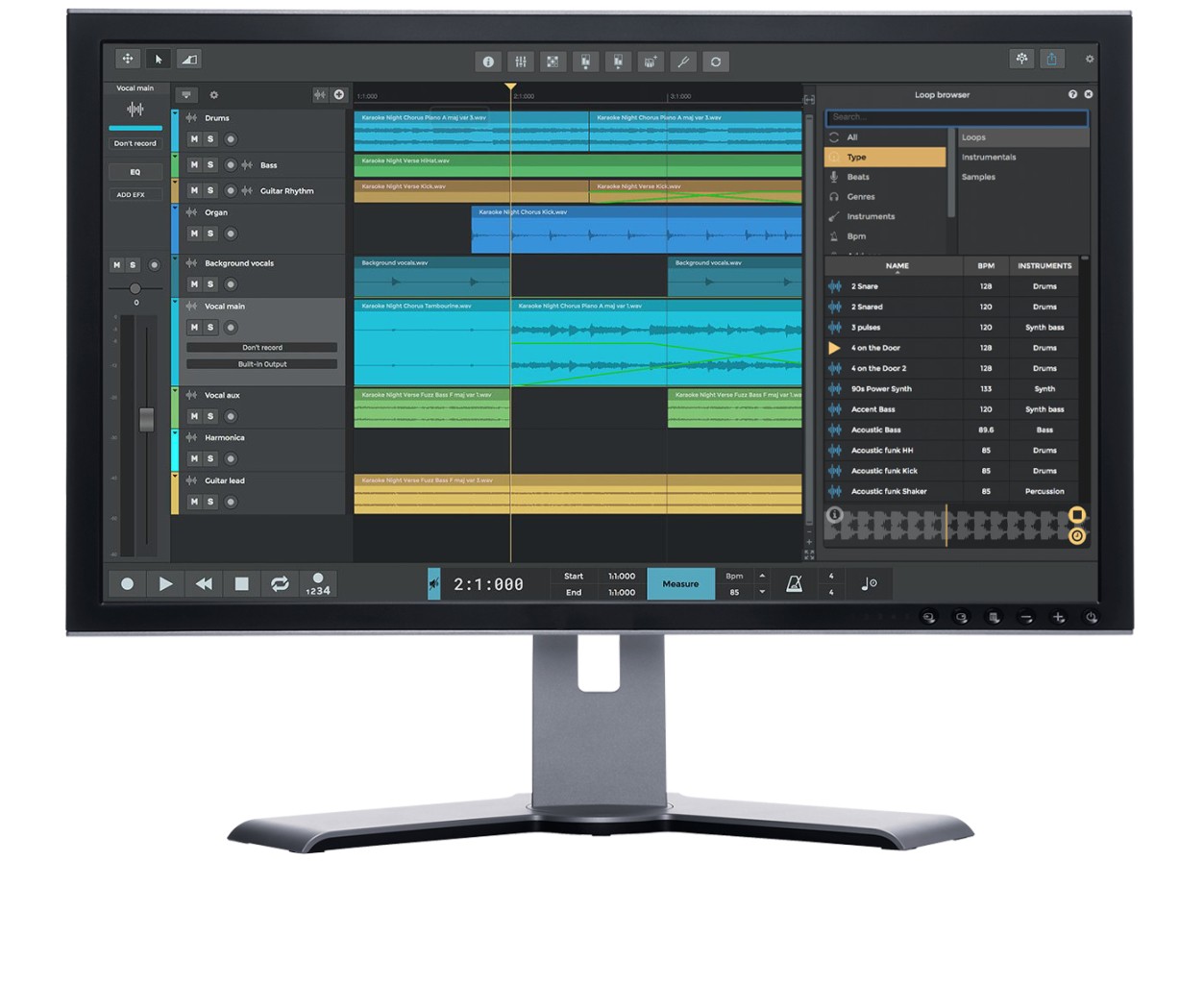
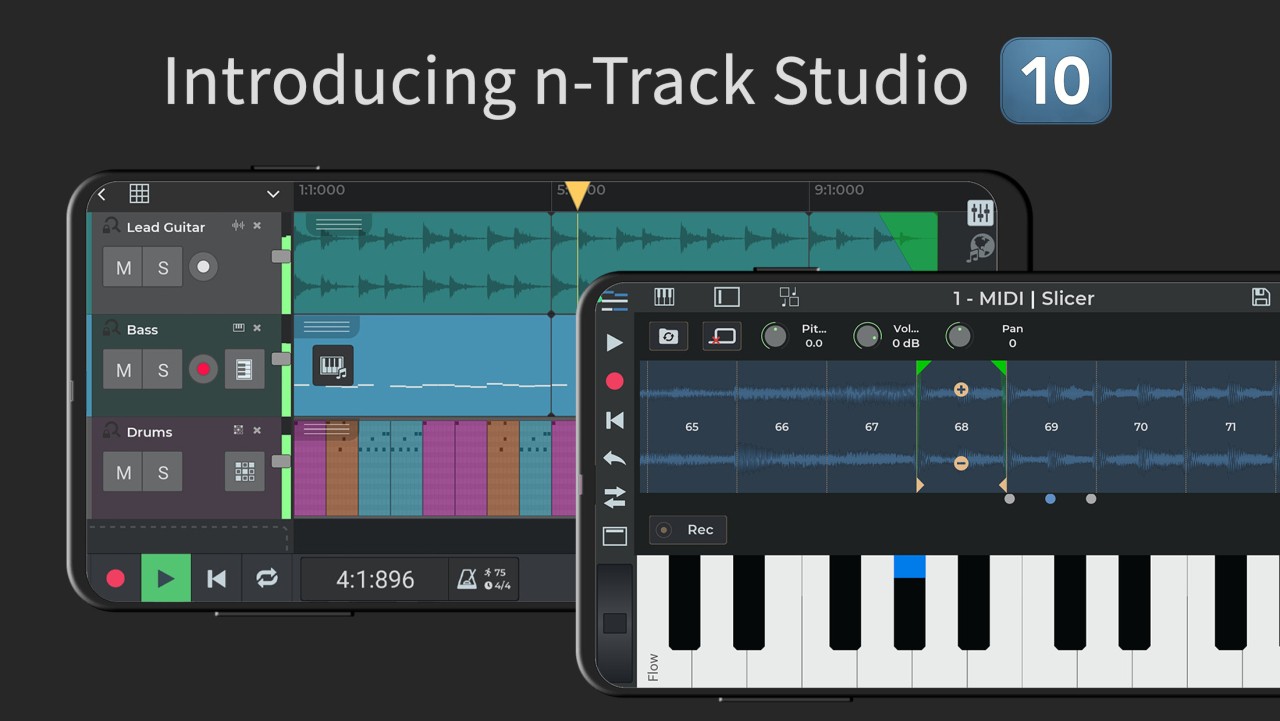
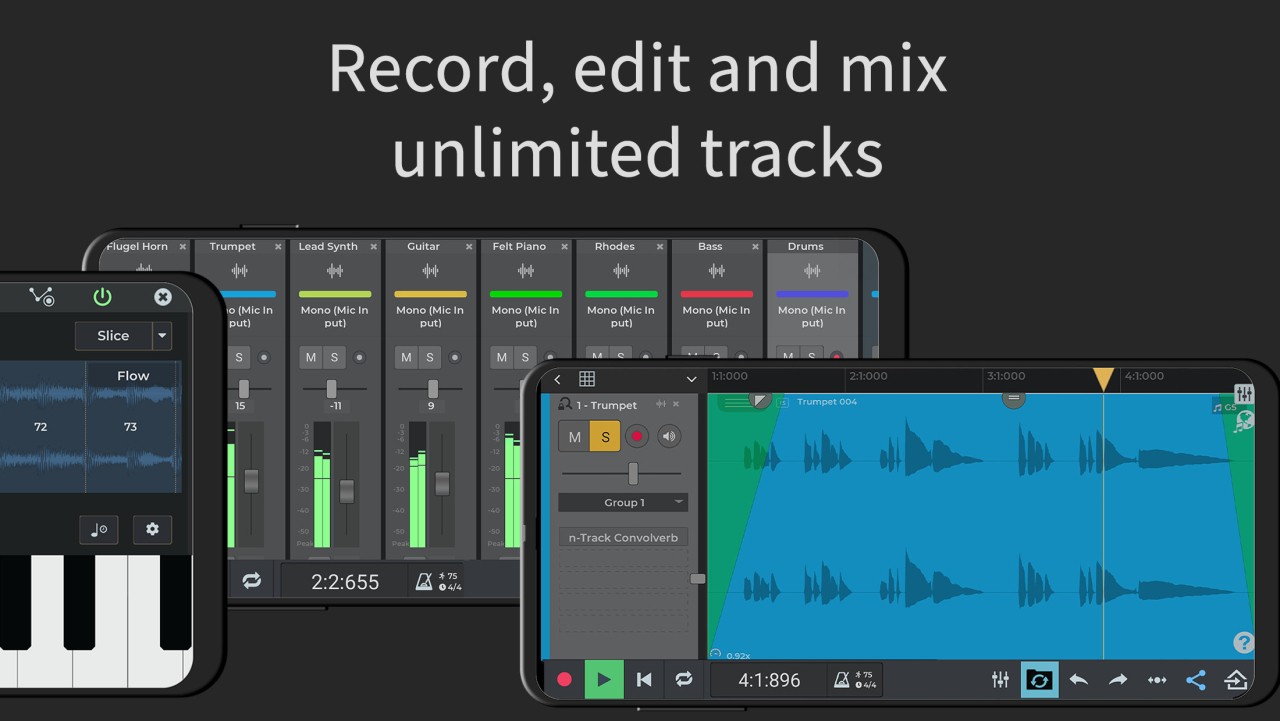
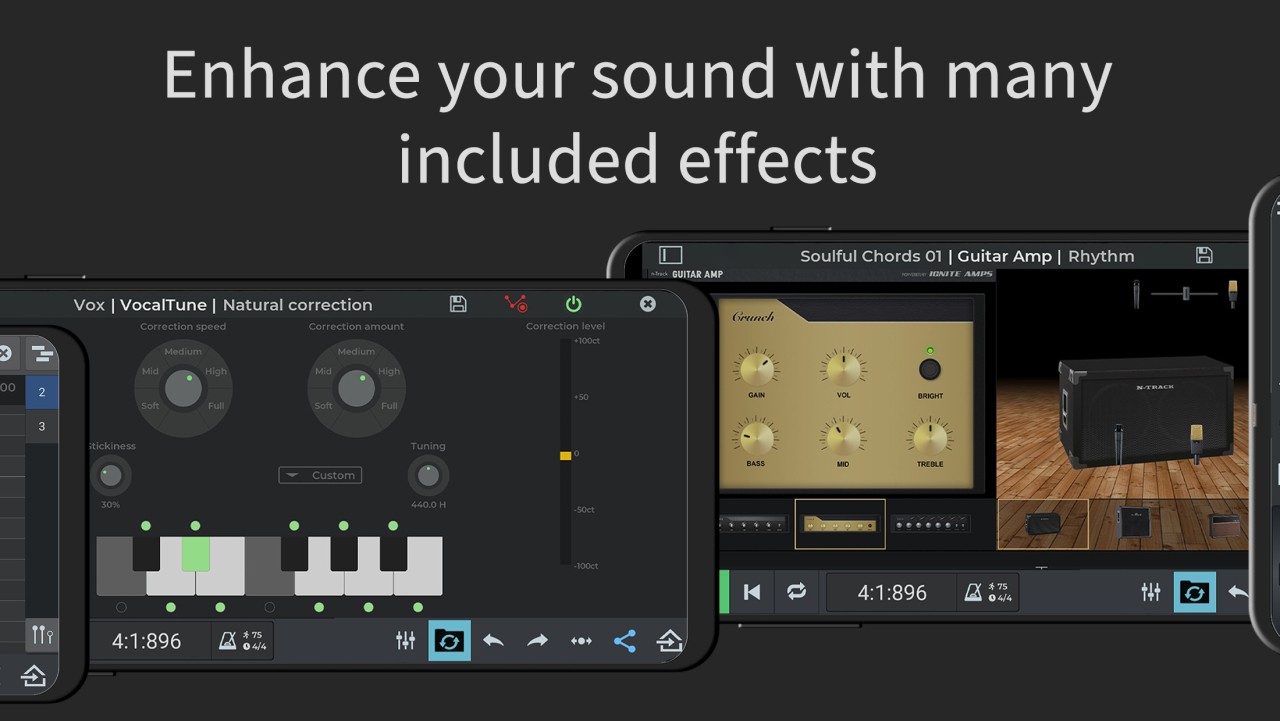
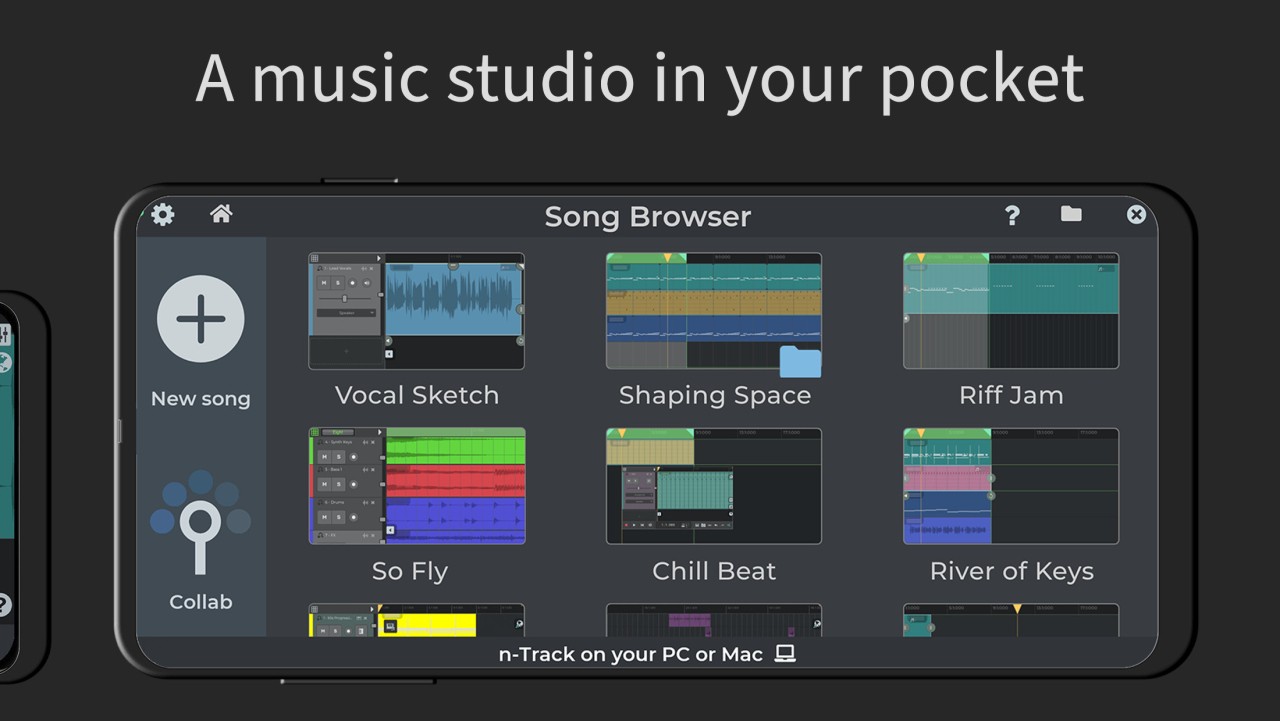
n-Track Studio is a digital audio workstation that keeps recording, editing, and mixing in one simple flow on desktop and mobile. You can record audio, MIDI, and drum parts, stack as many tracks as your song needs, and shape the sound with built-in effects. The set includes Guitar Amps, VocalTune for pitch correction, Reverb, Echo, Chorus, Flanger, Tremolo, Phaser, Tube Amp, and Compression.
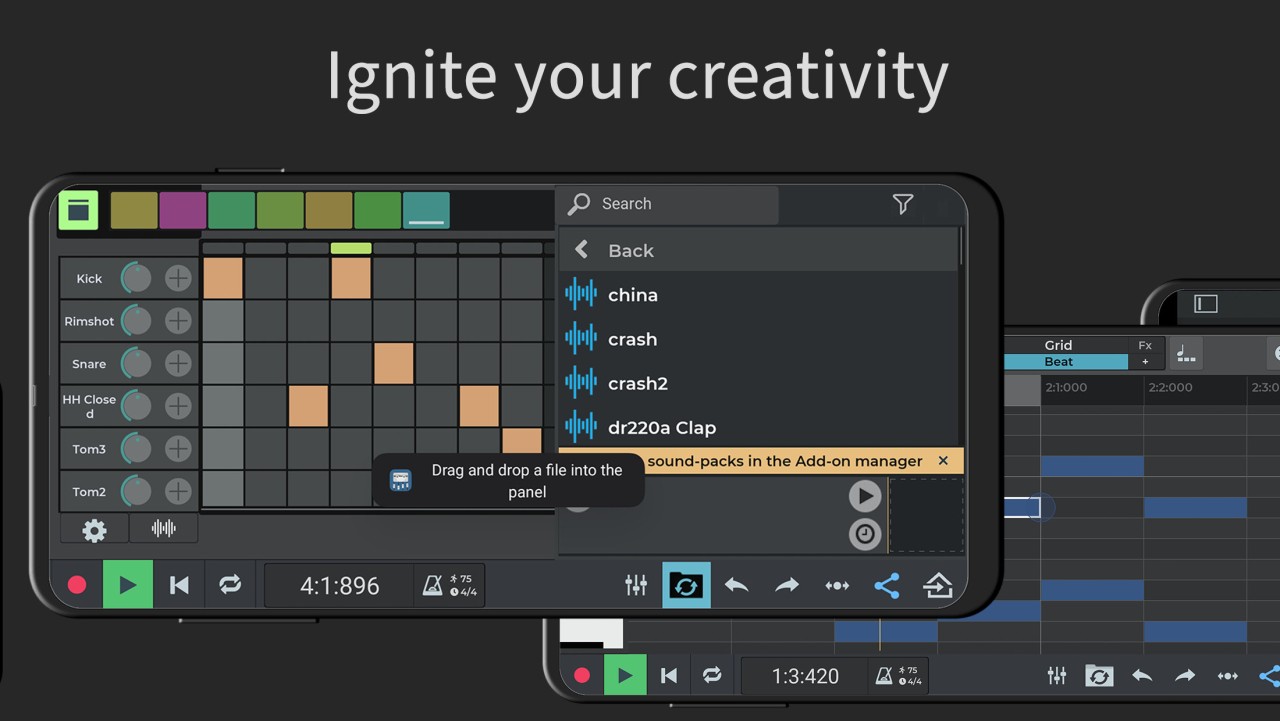
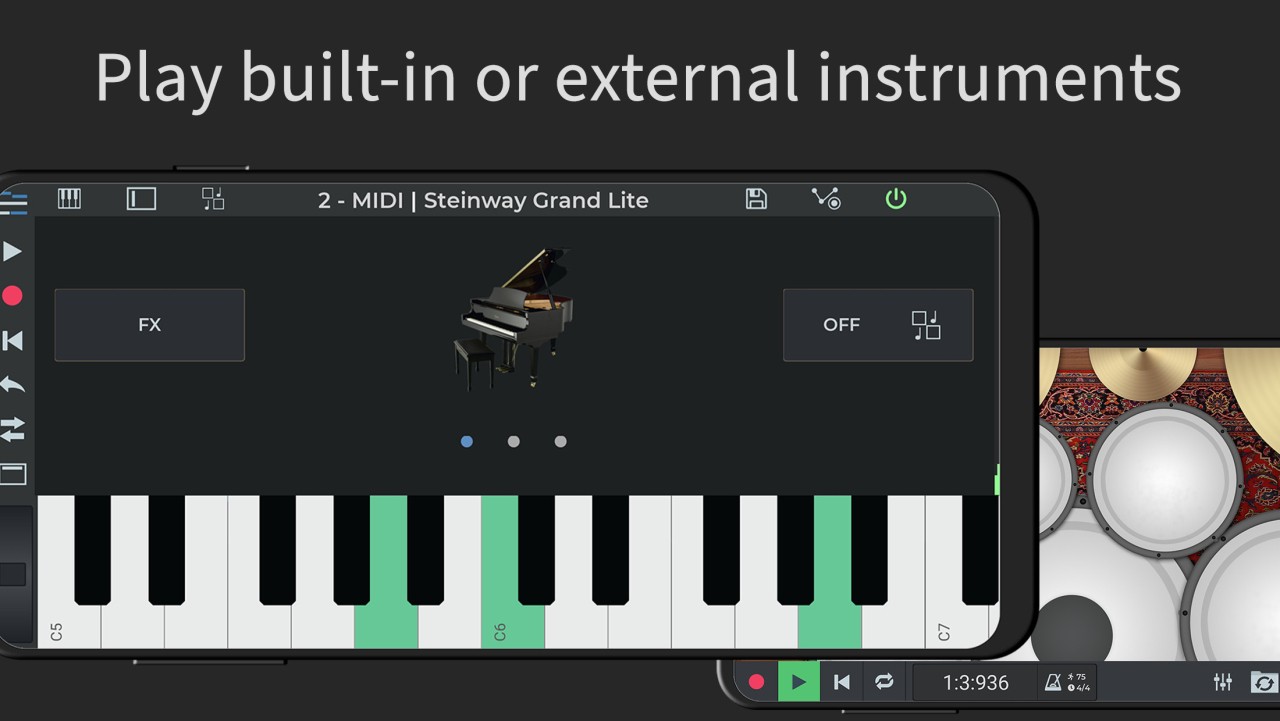
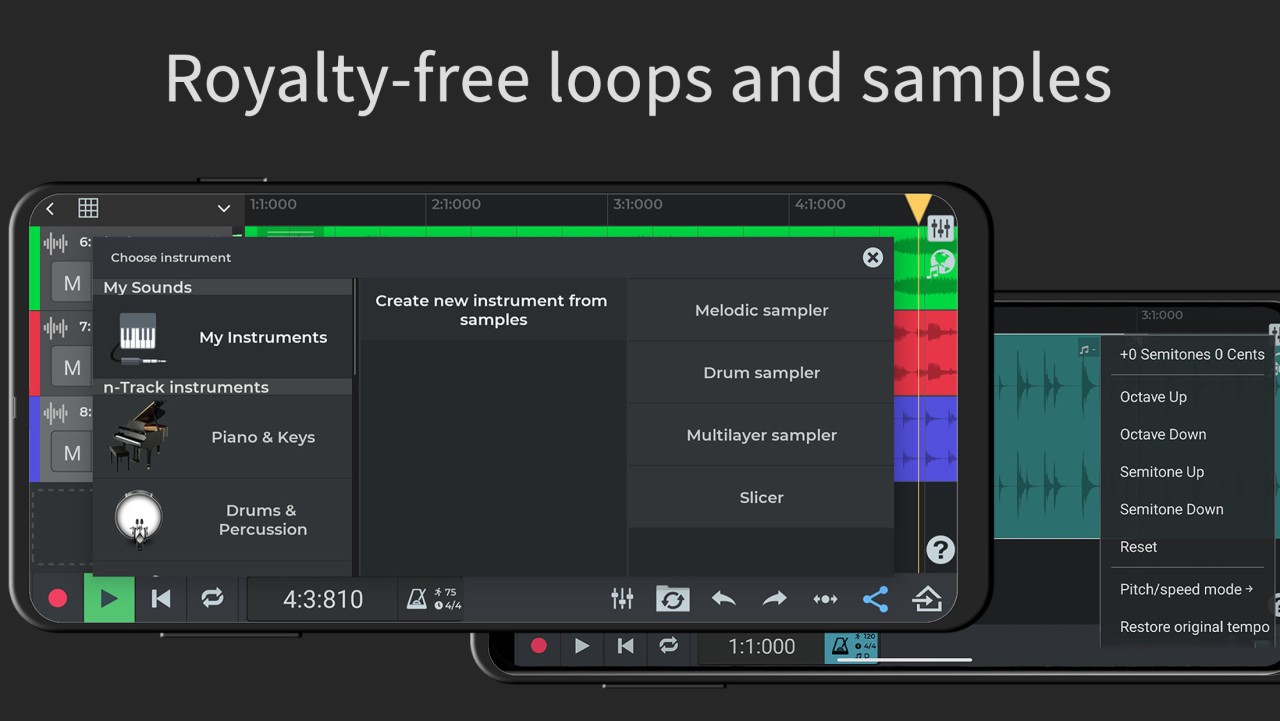
You can write parts in a piano-roll MIDI editor, play built-in virtual instruments on an on-screen keyboard, or plug in an external keyboard if that is how you work. You can build rhythms with the step sequencer beat maker, browse loops, and use royalty-free sample packs when you want ideas fast.
It is possible to automate volume and pan with envelopes, route audio internally, group tracks, and use aux channels to keep a growing session tidy. You can check tuning with the chromatic tuner and look at a 2D or 3D spectrum analyzer to see what the signal is doing. You can import existing stems and keep the mix moving while you record new takes.
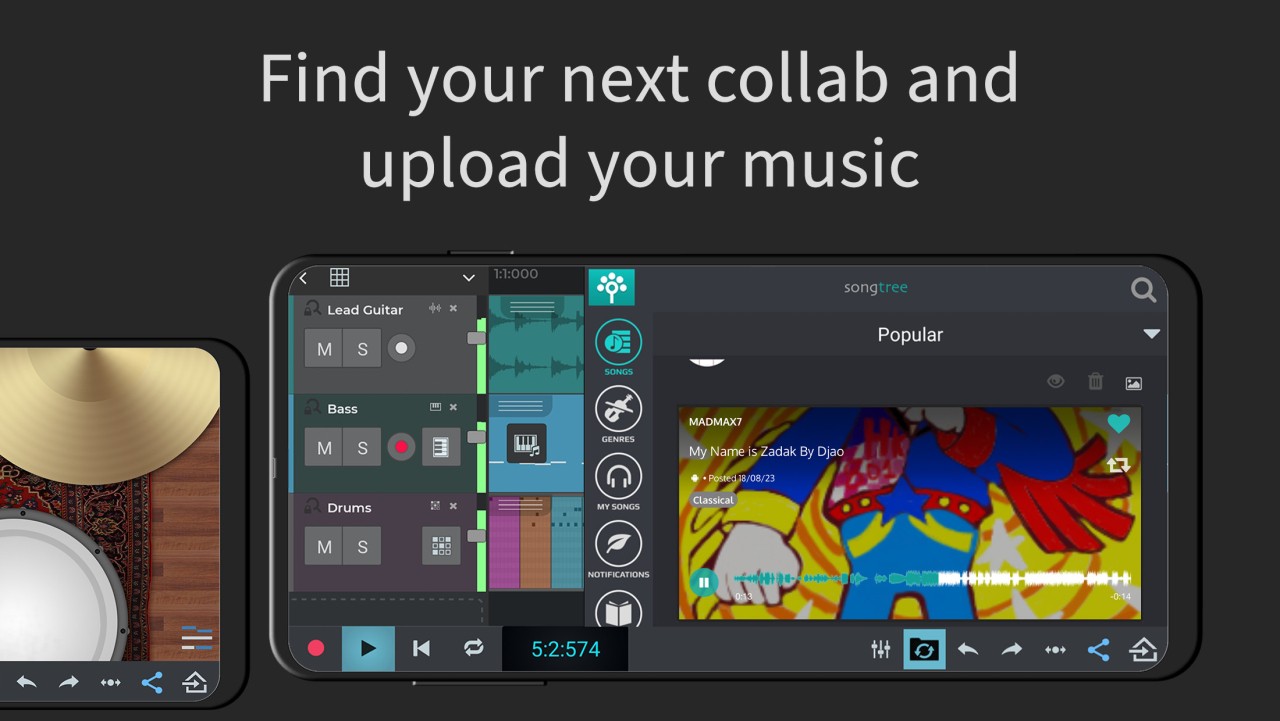
Songtree is built in, so you can share songs online and collaborate with other musicians without switching tools. Tutorials are available to help on mobile, and the interface supports multiple languages, including English, Spanish, French, German, Italian, Portuguese, Russian, and Indonesian. The aim is direct: a studio that feels open to a beginner and stays useful for someone who records every day.
Why Should I Download n-Track Studio?
You download because you want a studio that stays out of the way while you create. You can open a project, hit record with the built-in mic or an external audio interface, and get a clean take without digging through menus. Open the loop browser, drop in grooves, and lay down a beat with the step sequencer when you need a base in minutes.
You can add melodies on the internal keyboard, try the built-in synths, or connect an external keyboard to match your style. You can place effects on any track and on the master channel, so tone shaping happens as you write, not only at the end. It is possible to ride levels, pan, and transitions with automation, then freeze your choices when the mix feels right.
You can monitor inputs as you record and keep timing tight with the built-in metronome. You can follow song tempo on audio loops and adjust pitch where needed, which helps when samples come from different places. Save or share directly from your device, and when a song requires more hands, you can use Songtree to find a collaborator and keep building.
The workflow scales from a quick sketch on a phone to a full arrangement on a computer. It stays steady whether you are making a simple beat for practice or finishing a track for release. The strength here is not a single headline feature. It is the way the parts fit together, so you can move from idea to result without breaking focus.
Is n-Track Studio Free?
You can start with a free edition. You can record up to eight tracks and place up to two effects on each track or channel. Save your song online with an option to collaborate with other musicians. Local export can be enabled when you need it.
When your sessions get larger, you can switch to subscriptions that unlock more tools and headroom. You can remove track limits for audio and MIDI, open all available effects, and lift the per-channel effect cap, so dense mixes remain flexible. You can use a 64-bit double-precision audio engine for detailed processing.
Work with multichannel USB class-compliant audio interfaces, so multiple inputs can record at the same time on supported platforms. You can export in higher bit depths, including 24 and 32-bit uncompressed WAV, and watch a 3D frequency spectrum view when you want a closer look at what is happening across the range.
Choose a suite that adds a large set of premium royalty-free WAV loops and one-shots, release-ready beats, and editable projects, along with a broad set of sample instruments. The idea is simple. You can try the core workflow and then select the feature depth your songs need, while staying inside the same environment and keeping the same project flow.
What Operating Systems Are Compatible with n-Track Studio?
n-Track Studio is compatible with Windows, macOS, Linux, Android, and iOS/iPadOS. Later desktop versions add support to Windows 11/10/8 and to Apple Silicon and Intel 64-bit processors (refer to the n-Track specs page to see which versions of macOS are currently supported). Linux packages are offered in the form of DEB, Snap, and Flatpak in both AMD64 and ARM64; the latest DEB metadata is based on current distributions (e.g., Ubuntu 24, Debian 13).
Android n-Track on Android can be found on Google Play, and iPhone and iPad users can find it on the App Store; it has minimum system requirements that can vary with the overall specifications. Features are generally cross-platform, though certain features and their implementation can be operating system, store configuration, platform, and architecture specific.
What Are the Alternatives to n-Track Studio?
In recording, editing, and mixing, Cubase is a digital audio workstation. It has a new environment and tool layout. This is a matter of which workflow is more natural in day-to-day usage, and which collection of combined tools best fits your preferred way of building songs between first take and arranged session. In case such a structure suits your habits, you can adhere to it and remain concentrated on the work.
Other processes to create beats include FL Studio, which is an audio and MIDI processing and arranging songs. Its method of arranging ideas could be compatible with the manner in which you draw pictures and transform them into complete tracks. It is less about the name of features; rather, it is a decision of how the flow helps maintain momentum as you leave a loop to a final mix.
LMMS offers another option to compose and sequence at a pace that can work best in your focus, should you wish for a different setup to create and arrange. It is a tool in the same family that assists you in assembling tracks and shaping sound. It is a matter of choice between which editor perspective keeps you quick-witted when a session is getting.