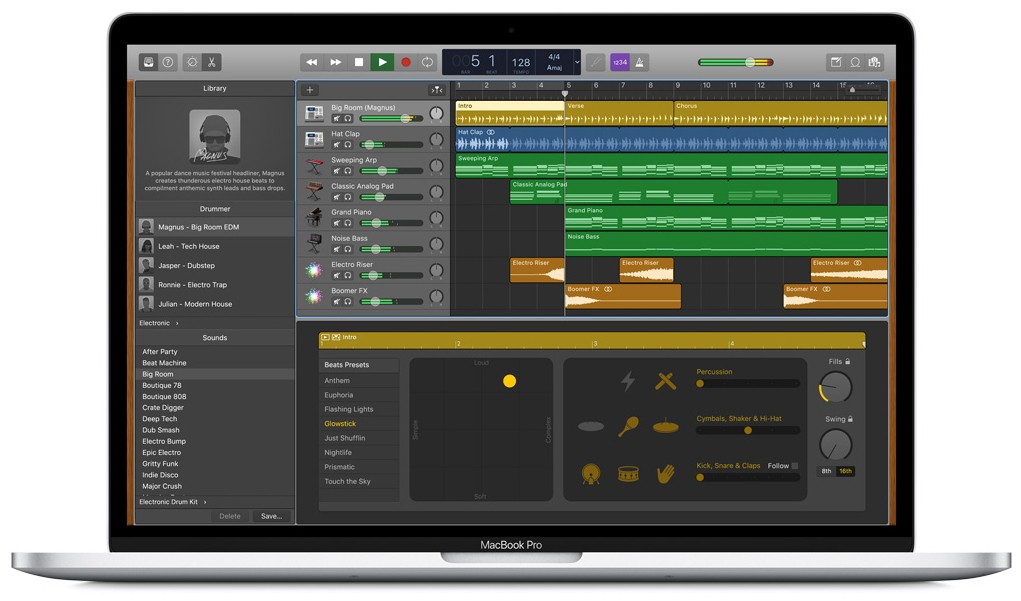
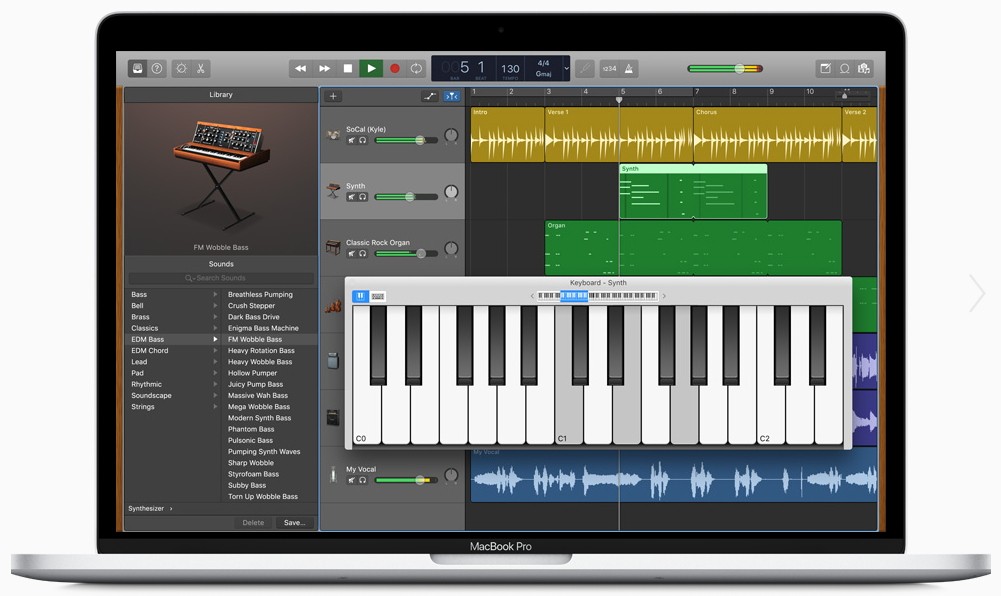
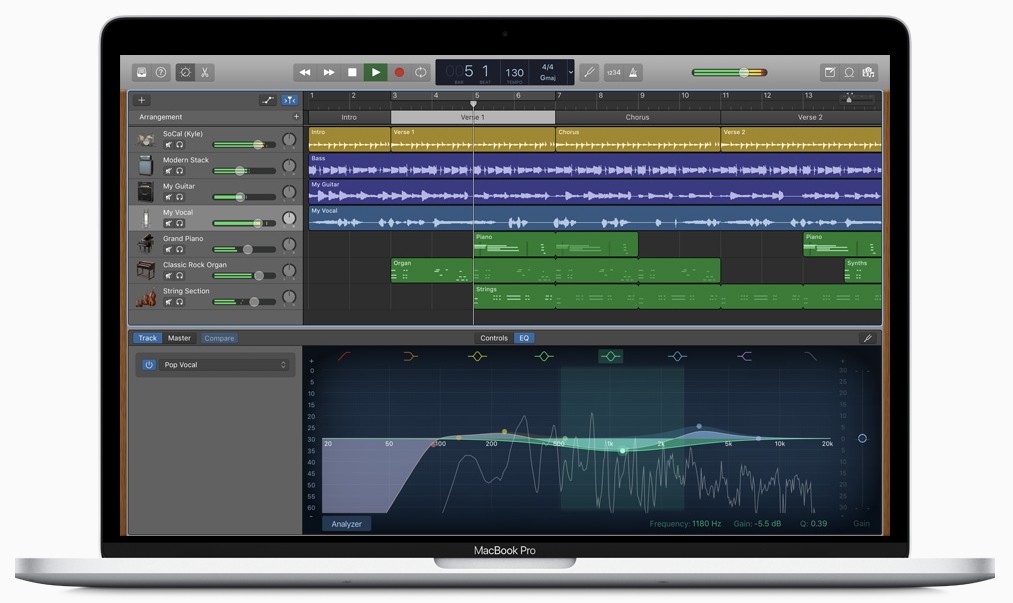
GarageBand is Apple’s music creation software, and it’s been around long enough that many people have either used it or at least heard of it. It comes pre-installed on Macs and is available on iPhones and iPads too. At first glance, it looks like a simple recording app, but once you dig in, you realize it’s a complete digital audio workstation (DAW), just designed in a way that feels less intimidating than the heavy-duty professional tools.
The appeal of GarageBand lies in its balance. On one side, it’s friendly enough for a beginner who just wants to mess around with loops or record a quick demo. On the other side, it’s powerful enough for someone serious about music who needs to sketch out songs before taking them into a professional studio. Apple has made it approachable with bright visuals, intuitive buttons, and a workflow that doesn’t make you feel like you’re staring at the cockpit of an airplane.
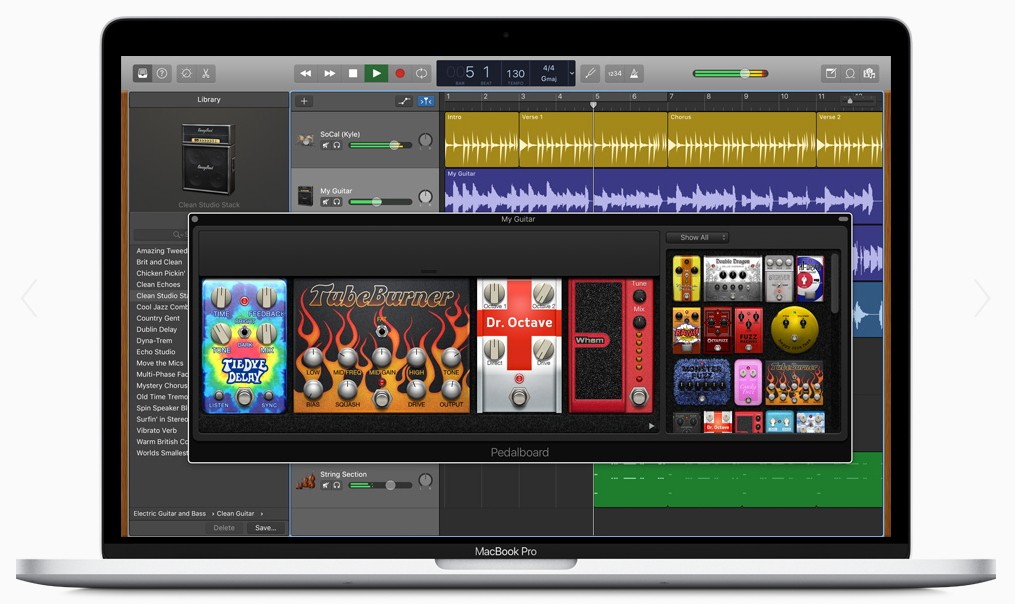
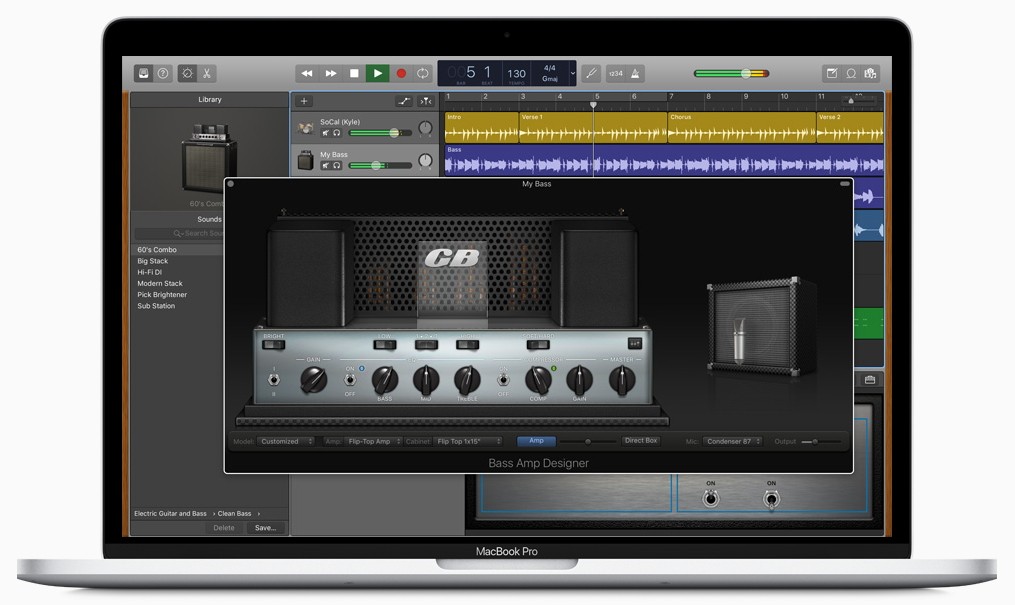
Inside GarageBand, you’ll find virtual instruments—pianos, drums, guitars, synths—and you can play them directly on the screen or with a connected MIDI keyboard. There’s also a library of loops and samples that cover multiple genres, which means you can put together a track even if you don’t know how to play an instrument. For guitar players, it includes realistic amp and pedal simulations, giving you tones without needing a wall of gear.
It’s not just for musicians, either. Podcasters and voice-over artists use it to record, edit, and clean up audio. Students use it for school projects, and teachers use it in classrooms to introduce music technology. At its core, GarageBand is about accessibility: it makes music and audio production less scary and a lot more fun.
Why should I download GarageBand?
There are a few clear reasons. First, it’s incredibly easy to use. If you’ve ever opened professional software like Logic Pro or Pro Tools, you know how overwhelming those can be. GarageBand strips away the clutter and gives you what you require without drowning you in options. That makes it perfect for beginners who want to focus on creating rather than learning endless menus.
Second, it’s versatile. You can use it to write songs, record podcasts, produce beats, or just experiment. It doesn’t force you into one style of music either. You could make a rock demo, an electronic dance track, or an orchestral piece using the built-in instruments and sounds. The virtual drummer feature is another highlight—it generates realistic drum parts that adapt to your song, which saves time if you’re not a drummer yourself.
Another reason is its compatibility with Apple’s ecosystem. If you have a Mac, an iPhone, and an iPad, you can start a project on one device and continue it on another. That kind of flexibility is rare in music software. And if you ever outgrow GarageBand, you can easily transfer your projects into Logic Pro with no hassle.
Finally, it’s just fun. Some DAWs feel like work. GarageBand feels like play. You can experiment freely without worrying about messing something up. That’s probably why so many artists have admitted to starting songs in GarageBand before finishing them in a pro setup.
Is GarageBand free?
Yes, GarageBand is completely free. On a Mac, it usually comes pre-installed. If not, you can download it from the Mac App Store at no cost. On iPhones and iPads, you can grab it for free from the App Store as well.
Unlike some free software that limits features and pushes you toward a paid upgrade, GarageBand gives you full access to its instruments, loops, and editing tools without asking for a subscription. Apple sees it as part of the value of buying into their devices, which is why they don’t charge separately for it.
Of course, if you want to expand your setup, you might invest in extra hardware like microphones, audio interfaces, or MIDI controllers, but the software itself doesn’t cost a cent. For beginners, that’s a huge deal. It lowers the barrier to entry in a way few other DAWs do.
What operating systems are compatible with GarageBand?
GarageBand is exclusive to Apple devices. On the desktop, it runs on macOS. On mobile, it’s available for both iOS and iPadOS. If you own a MacBook, iMac, iPhone, or iPad, you can use GarageBand.
The macOS version offers the full editing suite with more advanced features, while the iOS and iPadOS versions are optimized for touch screens. On iPhone and iPad, you can play instruments by tapping keys or strumming virtual guitars right on the screen. Despite being streamlined, the mobile version is powerful—you can still layer tracks, use effects, and export polished projects.
There’s no Windows or Android version, and Apple hasn’t shown any sign of expanding it outside its ecosystem. For non-Apple users, that’s a limitation, but for Apple users, it’s a bonus that comes bundled with the hardware.
What are the alternatives to GarageBand?
There are a few good alternatives regardless of whether you are not on an Apple device or you just want to learn more about other alternatives.
BandLab is a free cloud-based DAW available on your browser and available as an iOS and Android app. It is excellent as a cooperation tool-you can record, edit, and invite others to record their sections. It is the combination of music software and a social network, so it is ideal for musicians who prefer sharing and collaborating without difficulties.
Music Maker Jam is an app more loop-oriented and oriented to casual music creation. It is compatible with Windows, iOS, and Android. It is particularly beneficial to novices who may want to find out about the beat and electronic music. You are dragging and dropping loops in place, mixing them, and easily assembling tracks without having to worry much about the technical specifics.
BeatMaker is also iOS-based, but in certain respects, it outdoes GarageBand, particularly in beat creation and sample editing. Mobile manufacturers keen on in-depth control and embracing a higher learning curve are fond of it.