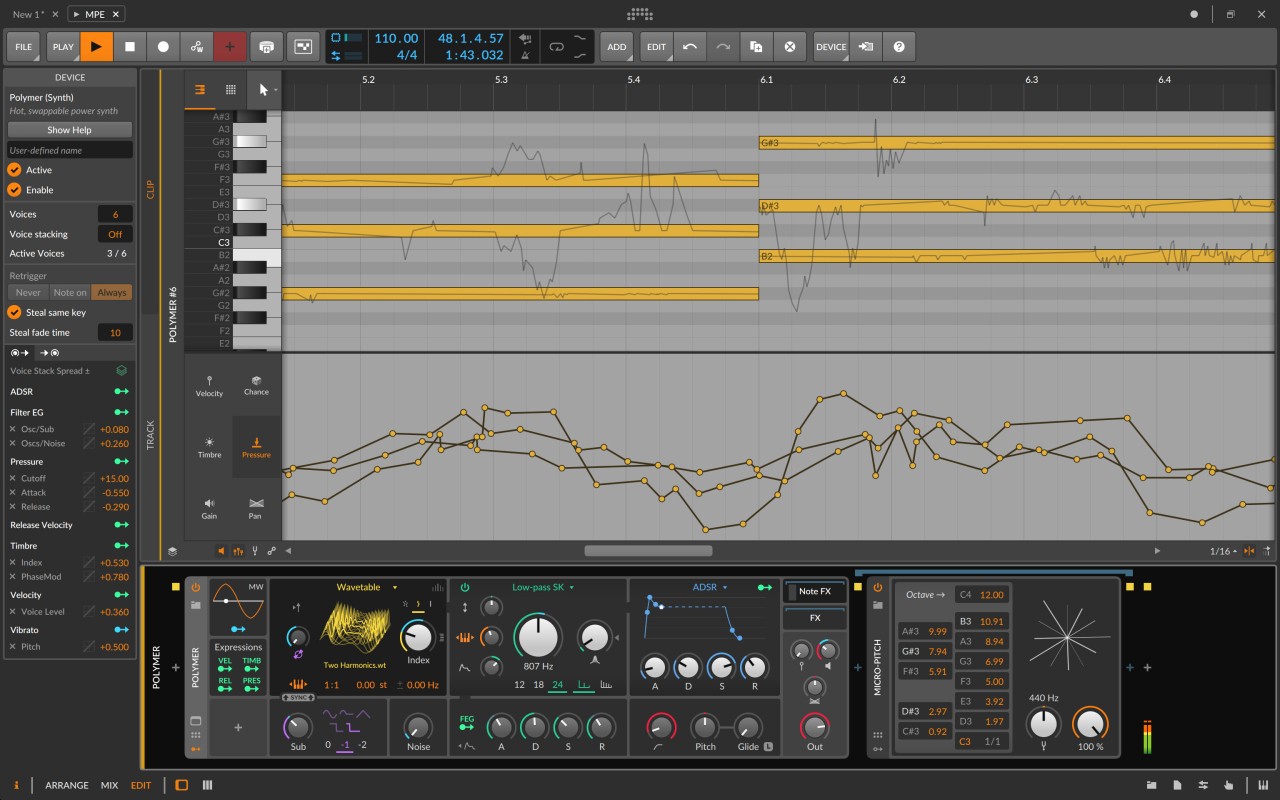
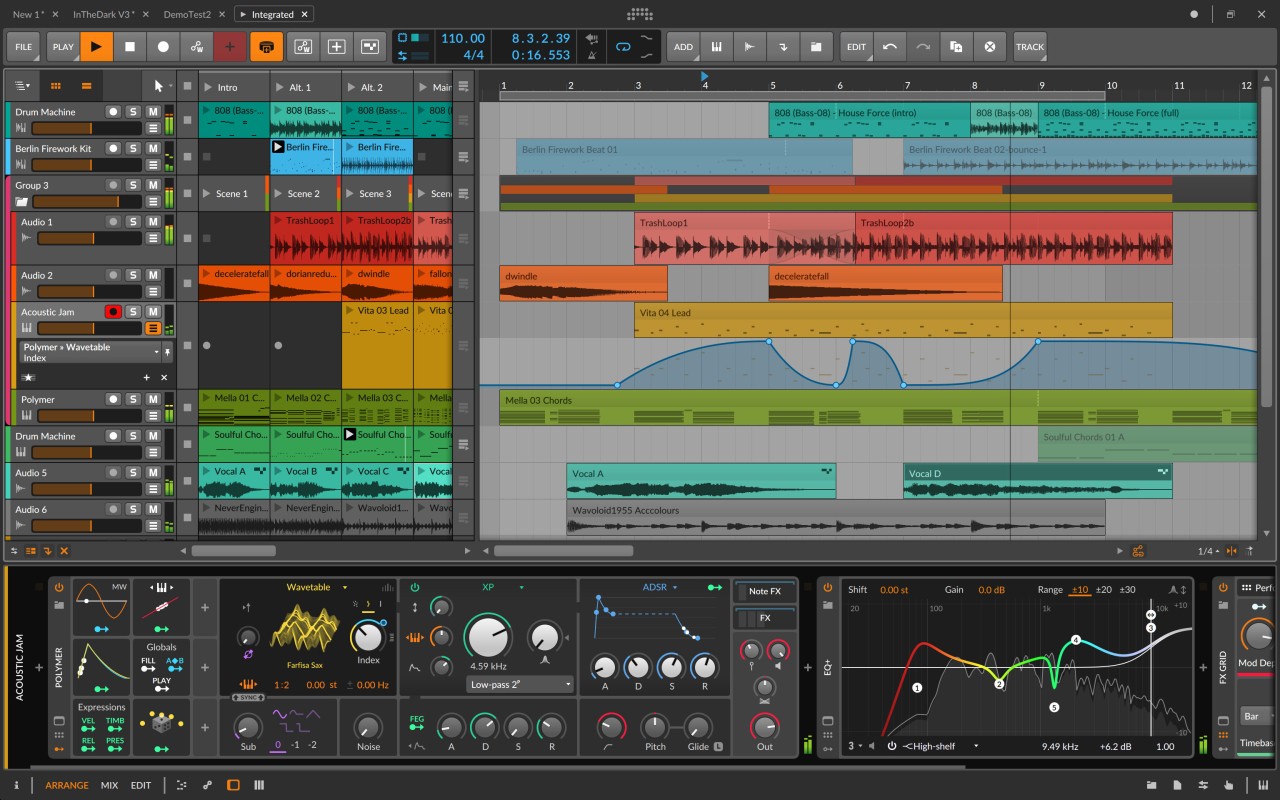
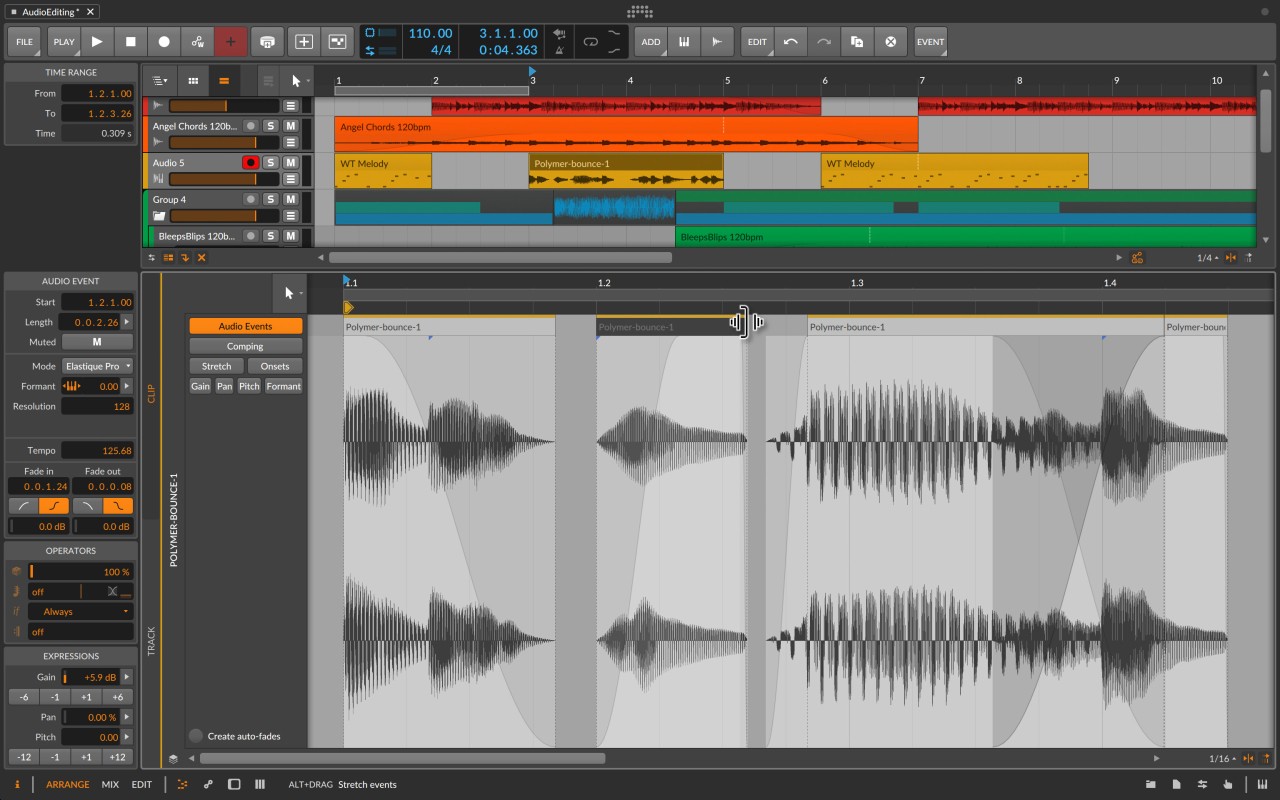
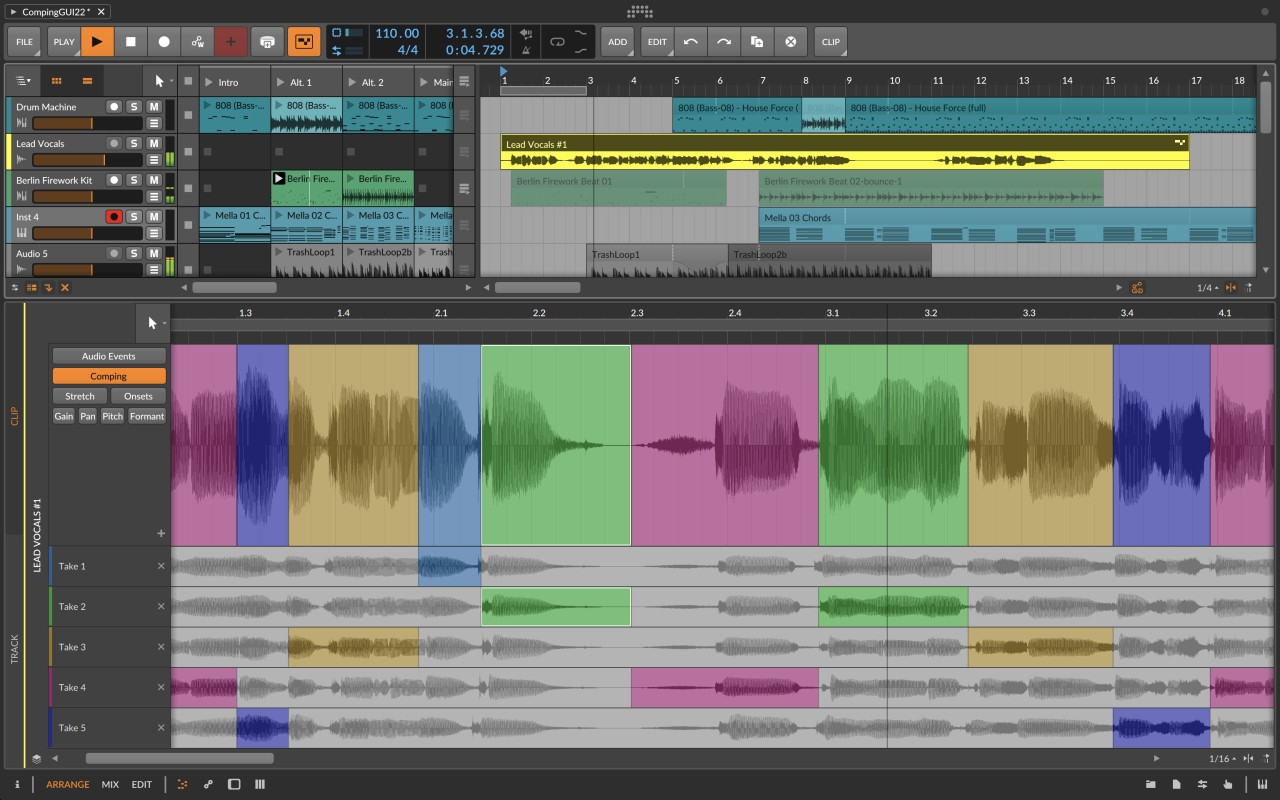
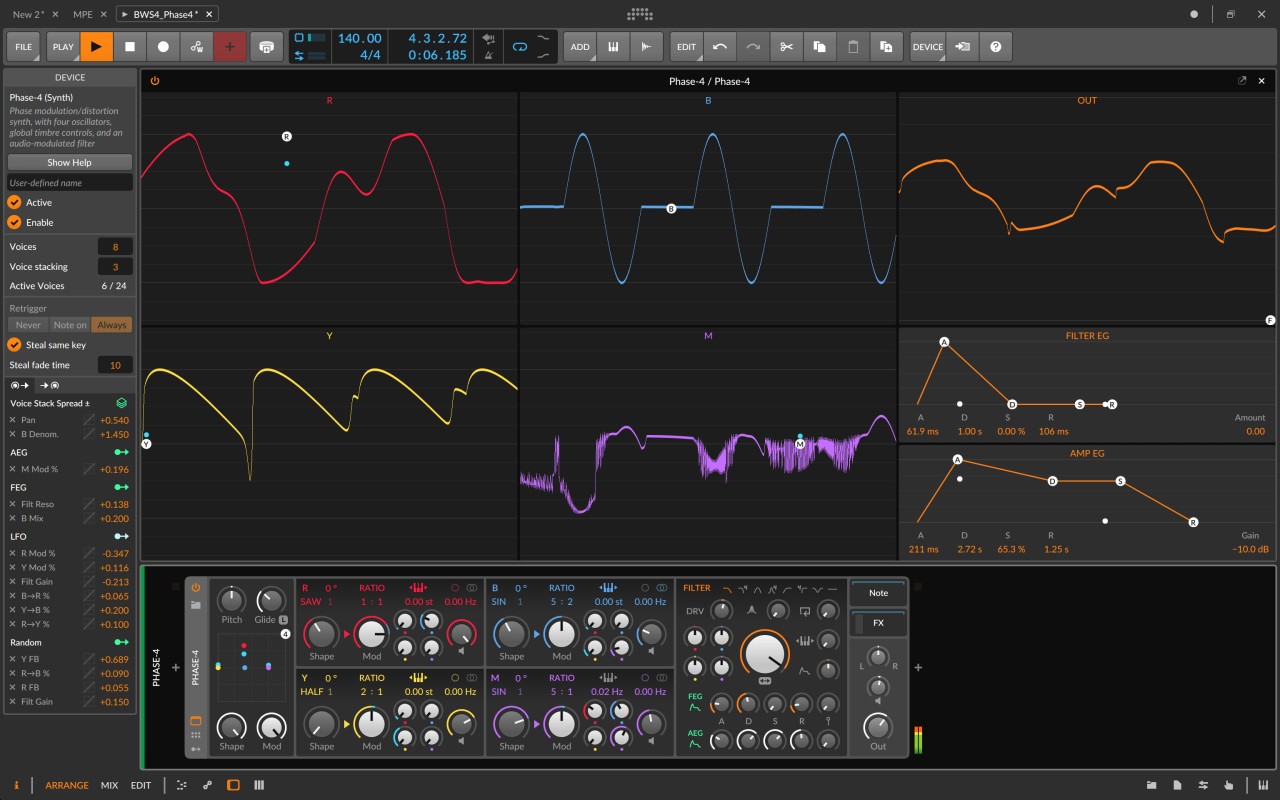
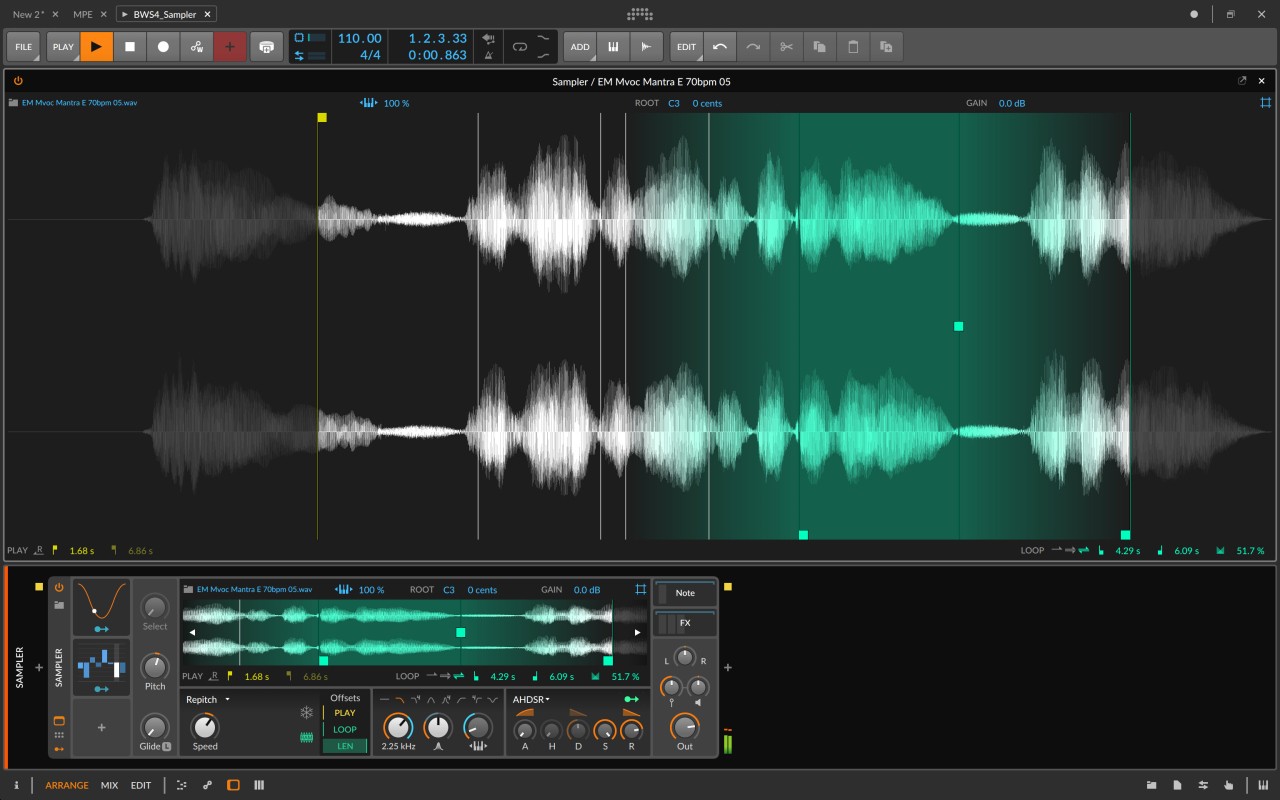
Bitwig Studio is a digital audio workstation, often called a DAW, that’s built for people who want to create, edit, and perform music with as much freedom as possible. It’s not just a recording software, and it’s not just a beat-making tool—it’s an all-in-one music environment where you can sketch out ideas, arrange entire albums, or even build your own instruments and effects.
Unlike some older DAWs that can feel rigid, Bitwig has been designed with flexibility in mind. A good example of that is its hybrid tracks. Most programs separate audio tracks from MIDI tracks, but Bitwig lets you combine both in the same place. This makes it incredibly easy to work with samples, recorded audio, and virtual instruments side by side without breaking your creative flow.
Another feature that has put Bitwig on the map is The Grid. This is a modular sound design system where you can literally build your own synths, samplers, and effects by connecting different modules together. It’s like having a giant sonic playground inside your DAW. For electronic musicians and sound designers, it’s a dream because you can move beyond presets and create sounds that are completely unique.
Bitwig also comes with built-in instruments, effects, samplers, sounds, and a large library of tools to get you started. On top of that, it integrates smoothly with external gear like MIDI controllers, synthesizers, and drum machines. Whether you’re recording live instruments, producing electronic tracks, or performing on stage, it offers a workflow that adapts to how you want to make music.
Why should I download Bitwig Studio?
The biggest reason to download Bitwig Studio is that it gives you room to experiment. Some DAWs are fantastic at recording, but not so great at creative sound design. Others are built for electronic music but don’t feel comfortable if you want to record live instruments. Bitwig manages to do both well, making it one of the few DAWs that doesn’t push you into one box or the other.
If you’re into sound design, The Grid alone makes it worth exploring. It’s not an add-on or something you need extra plugins for—it’s built into the software. Even if you’ve never touched modular synths before, the visual interface makes it approachable. You can start with something simple like combining an oscillator with a filter, and before long you’re creating evolving textures and instruments that don’t exist anywhere else.
Another reason is its live performance capabilities. Bitwig borrows the idea of clip launching, which lets you trigger loops and samples on the fly. This makes it a fantastic option for DJs, electronic performers, or anyone who likes improvisation in their live sets. You can take a project you built in the studio and then perform it live, rearranging and reshaping it as you go.
It’s also worth mentioning the workflow. Bitwig has a modern design that feels intuitive once you get into it. Features like unified modulation, drag-and-drop routing, and detailed automation lanes save time and frustration. Instead of getting stuck in menus, you stay focused on making music. For producers who want to move quickly from idea to finished track, those details matter a lot.
Is Bitwig Studio free?
Bitwig Studio isn’t free. It’s a professional-grade music software, and with that comes a price tag. But the cost makes sense when you look at what’s included. You’re not just buying recording software—you’re also getting instruments, effects, samplers, and a modular environment that could cost much more if you had to buy everything separately.
That said, there is a demo version you can try. The demo gives you access to the full software so you can get a feel for the workflow, experiment with The Grid, and explore its tools. The catch is that you can’t save or export projects in the demo. Even so, it’s enough to decide if Bitwig is the right fit for you before making the investment.
The company sells a perpetual license, which means you buy it once and it’s yours to keep. They also offer an upgrade plan that gives you access to new updates and features for a period of time. Unlike subscription-only models, this setup gives you control over when and how you want to upgrade, which many musicians appreciate.
What operating systems are compatible with Bitwig Studio?
One of the strengths of Bitwig Studio is that it works across all major operating systems. It runs on Windows starting from Windows 7 and later, so almost any modern PC can handle it. On macOS, it supports versions from Mojave onward, and it’s optimized to run on both Intel-based Macs and Apple’s newer Silicon processors.
Where Bitwig really stands out is its official support for Linux. Most professional DAWs ignore Linux completely, which leaves a big gap for users who prefer open-source environments. Bitwig is one of the few that takes Linux seriously, giving producers on that platform a full-featured DAW that doesn’t feel like a compromise.
This cross-platform compatibility means you’re not locked into one type of computer. If you collaborate with someone who works on a different operating system, sharing projects is much easier. And if you ever switch systems yourself, you can take your projects with you without starting over.
What are the alternatives to Bitwig Studio?
Even though Bitwig Studio offers a lot of features, it is not the only available solution. You might also like to consider an alternative or two before you commit yourself.
The most well-known free audio editor is likely to be Audacity. It is free, lightweight, and runs on Windows, macOS, and Linux. It is ideal to record simple tracks, edit sound, and apply similar effects. However, it’s not a full DAW. Audacity will not suffice for MIDI sequence, elaborate mixing, or modular sound design. Nevertheless, it is a good option when you are a beginner or when you require a credible editing program without any financial investment.
Another free audio editor, which is also compatible with Windows, macOS, and Linux, is ocenaudio. Its interface is far cleaner and simpler to navigate than Audacity's, and features real-time previews of effects, which makes editing faster. It can deal with big files, and is excellent for simple editing. However, similarly to Audacity, it is not designed to be a full-scale DAW, and thus does not stand in the same place as Bitwig concerning production and performance tools.
GarageBand is the free DAW available with macOS and iOS platforms. It is incredibly strong as a free program, and a lot of novice producers start there. It has various instruments, loops, and effects that enable one to create entire songs. It is an excellent place to begin with hobbyists and amateurs. The bad news is that it can be used only on Apple machines, and once you seek more complex functionality, you are likely to exceed its range and turn to a product such as Logic Pro or Bitwig Studio.