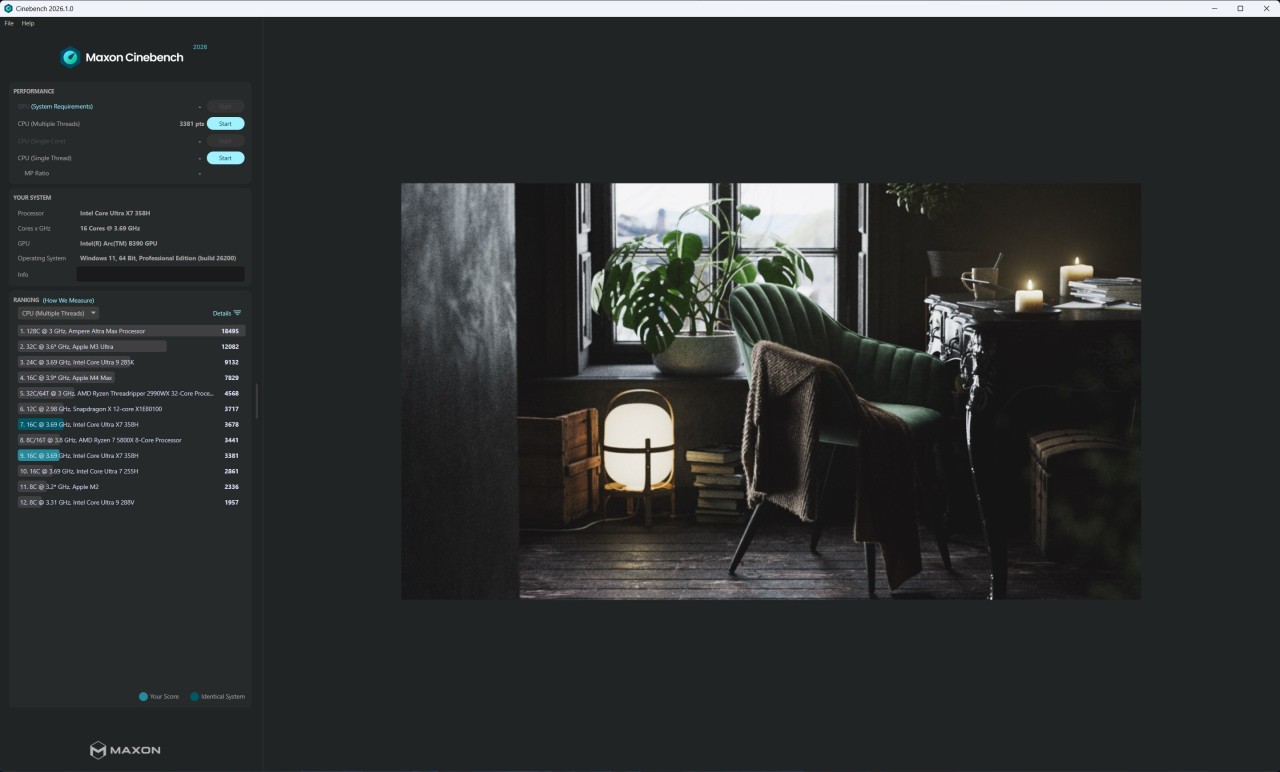
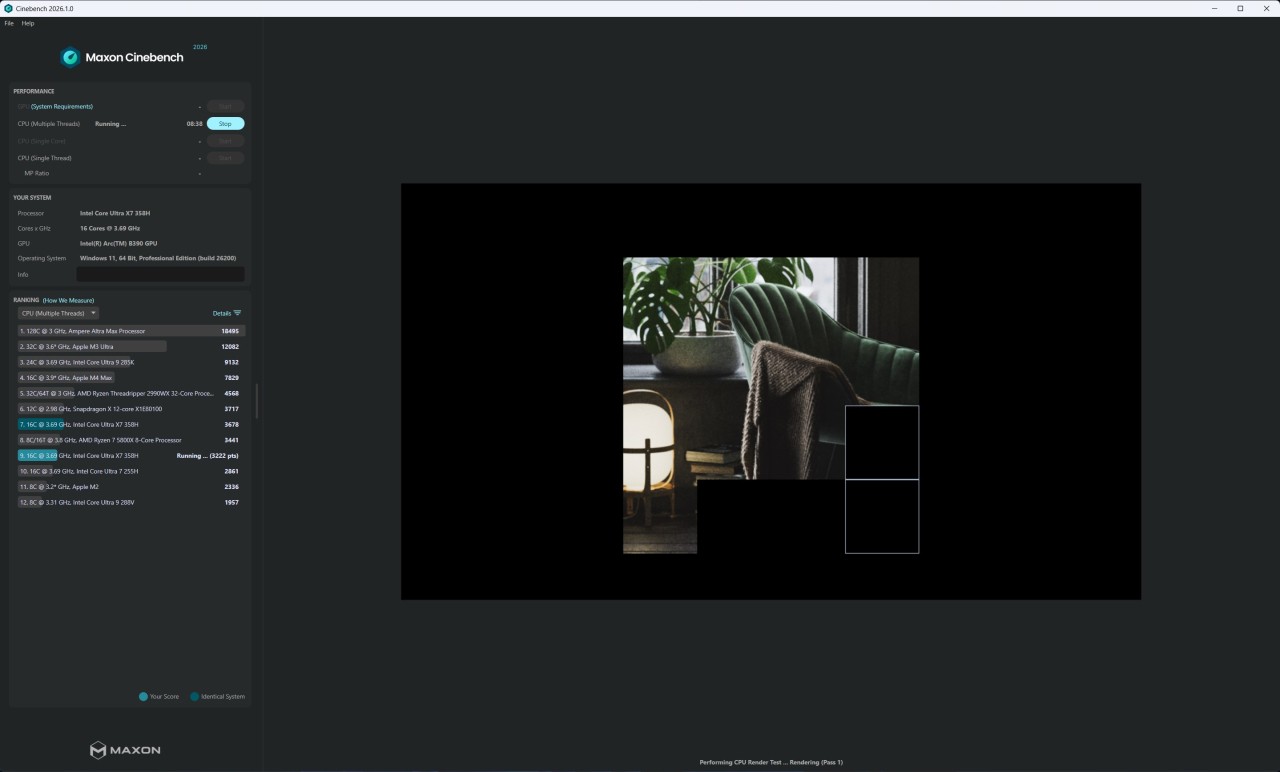
Maxon Cinebench is a benchmarking platform for testing your computer’s resources. More specifically, it is used to check the performance of GPUs and CPUs. Maxon tests them by creating realistic scenarios and seeing how the computer deals with the created workload. It is suitable for both single- and multi-core processors.
The main purpose of Maxon Cinebench is to evaluate the performance of your computer’s CPU and GPU. It can also be useful in comparing different processors to see which one is more efficient. By artificially creating a heavy workload, it tests whether the computer’s fan is effective and how effective it really is. Many users turn to Maxon Cinebench to make sure their computer is ready for heavier loads that may be created by gaming or using resource-heavy editing applications.
Why Should I Download Maxon Cinebench?
You should give Maxon Cinebench a go if you’re looking for an application that will help you test the performance of your computer’s GPU and CPU. The platform does so by generating realistic heavy workloads, or short stress tests, and seeing how your system handles them. These tests may identify bottlenecks that stop your system from working properly in times of heavy use, giving you a chance to fix them.
Maxon is known for providing reliable and accurate results, making it an industry-standard benchmarking tool. For that reason, any tests you conduct will correspond with the actual level of output your computer will have to generate when you’re running resource-heavy programs.
By running diagnostics on both your GPU and CPU, the tool provides a comprehensive and all-encompassing evaluation of your system’s efficiency. Maxon Cinebench rates your system on a standardized scale, so you can see how it stacks up against others. That may help you justify further upgrades or convince you to make greater changes to your system.
You can run Maxon Cinebench on Windows and macOS computers. It is a free program that is available to both amateurs and IT professionals.
Is Maxon Cinebench Free?
Maxon Cinebench is free to download and use. You can find it in your computer’s app store or on the Maxon website.
What Operating Systems Are Compatible with Maxon Cinebench?
Maxon Cinebench is compatible with Windows and macOS computers. Make sure your Windows computer runs Windows 10 or 11. If you’re using a Mac, it should run macOS 14.7 or higher. The app works with Intel and Apple Silicon processors on macOS.
What Are the Alternatives to Maxon Cinebench?
If you’re looking to switch to a different benchmarking tool or simply want to supplement Maxon Cinebench with another app, you have many to choose from.
The first one is AnTuTu Benchmark. AnTuTu is a more all-encompassing tool than Maxon Cinebench. With its help, you can test the performance of not only your CPU and GPU, but also RAM and UX. Unlike Maxon, AnTuTu is designed for mobile devices, with some features that target computers as well. You can download it on your iOS or Android smartphone. It will be a more suitable tool for you if you want to measure the overall performance of your device, not just its graphics card and processor. AnTuTu is the industry standard for testing the performance of mobile devices, so you can rely on it in times of need.
A tool that is quite similar to Maxon Cinebench is 3DMark Basic. 3DMark Basic tests your computer’s CPU and GPU, much like Maxon. The difference is that 3DMark Basic focuses on computer performance during gaming, specifically, testing gaming scenarios. The app is available on Windows computers, as well as iOS and Android mobile devices. It is most commonly used to see if the device that’s being tested has the capability to run resource-heavy games. If you are a gamer or a game developer, you will appreciate 3DMark Basic.
Another application we can recommend will not replace Maxon Cinebench, but it can complement it. CrystalDiskMark is an app for testing your storage speed. The tool does so by setting up quick 5-minute tests to check SSD health. With its help, you can find out how quickly your computer can load and transfer files. If you’d like to conduct an overall system performance check, you can use both Maxon Cinebench and CrystalDiskMark for a more complete result.