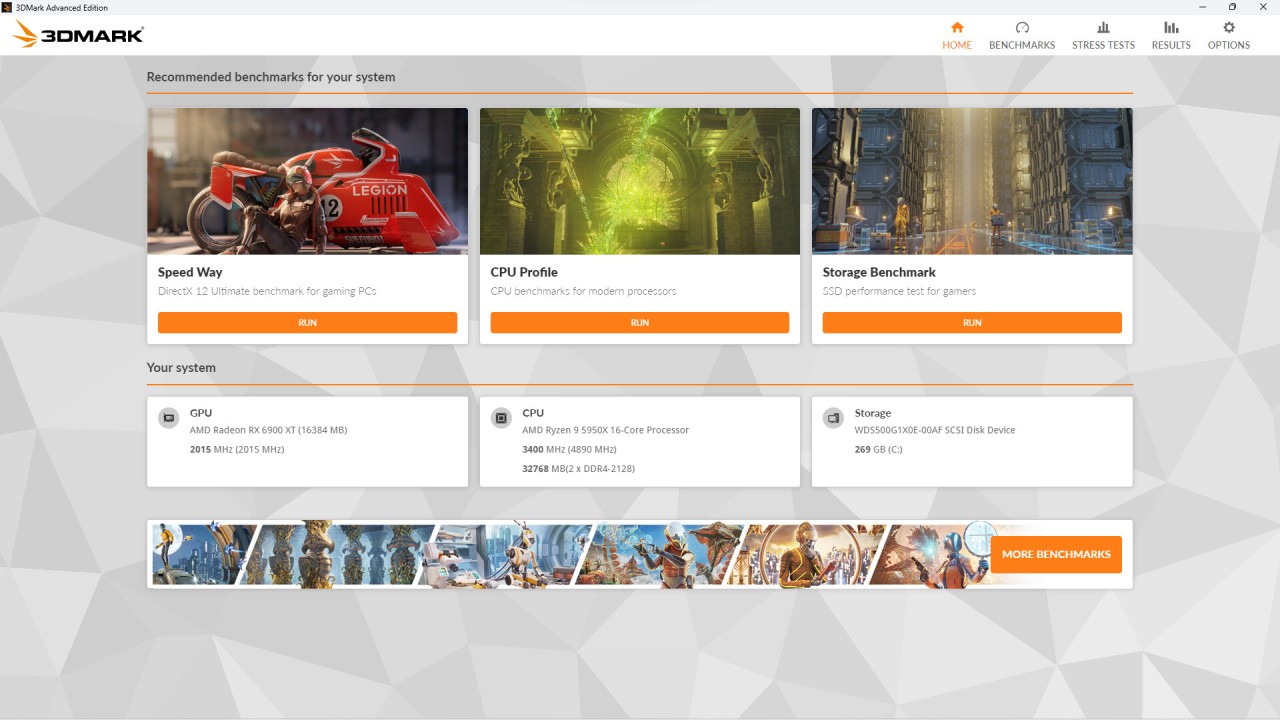
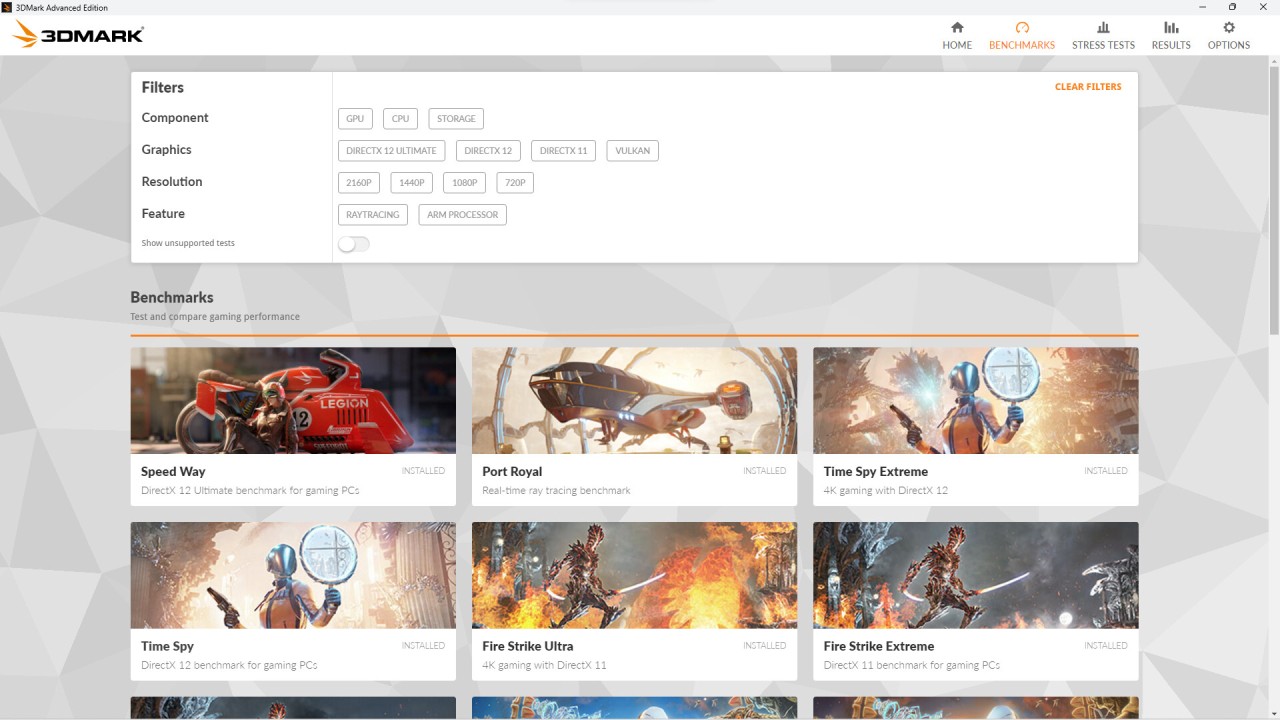
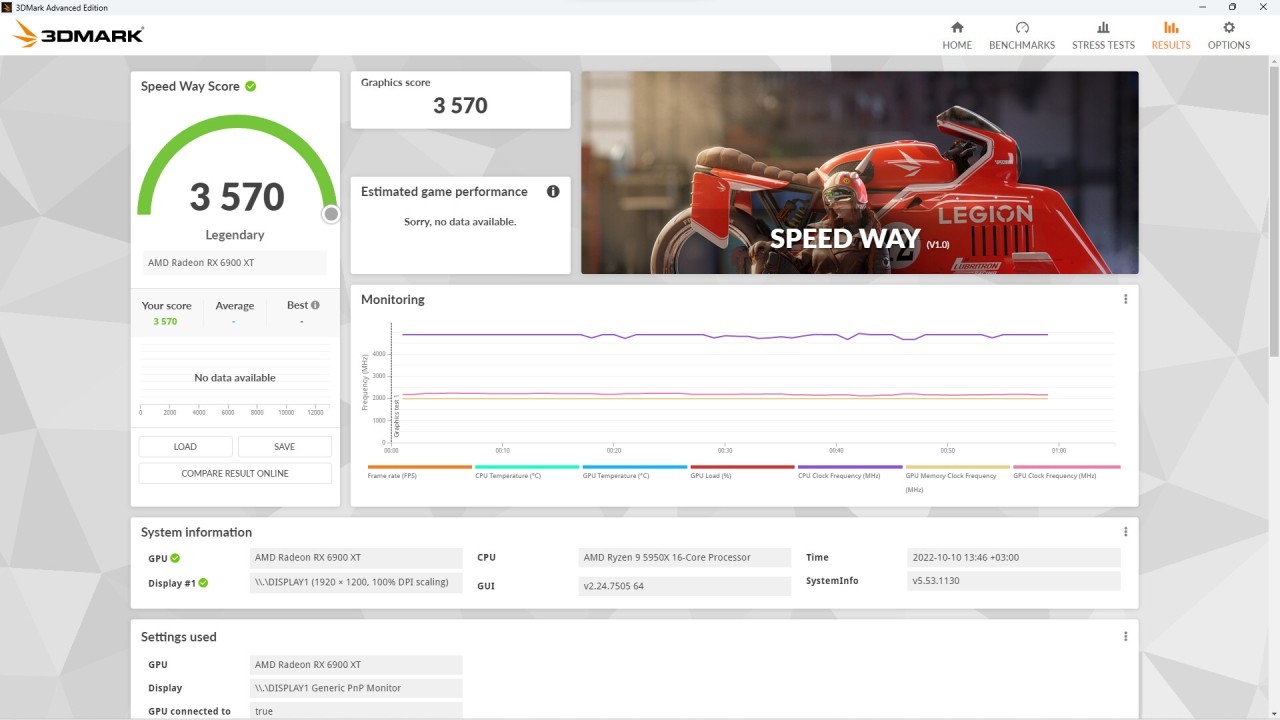
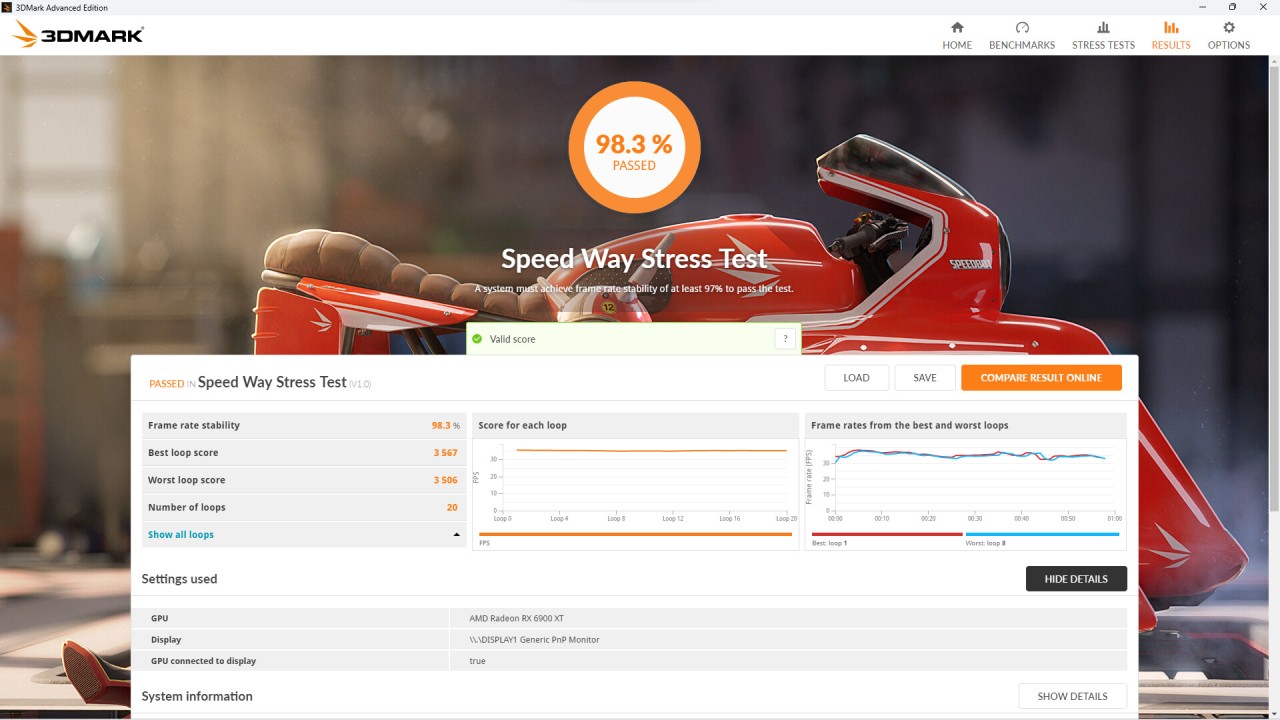
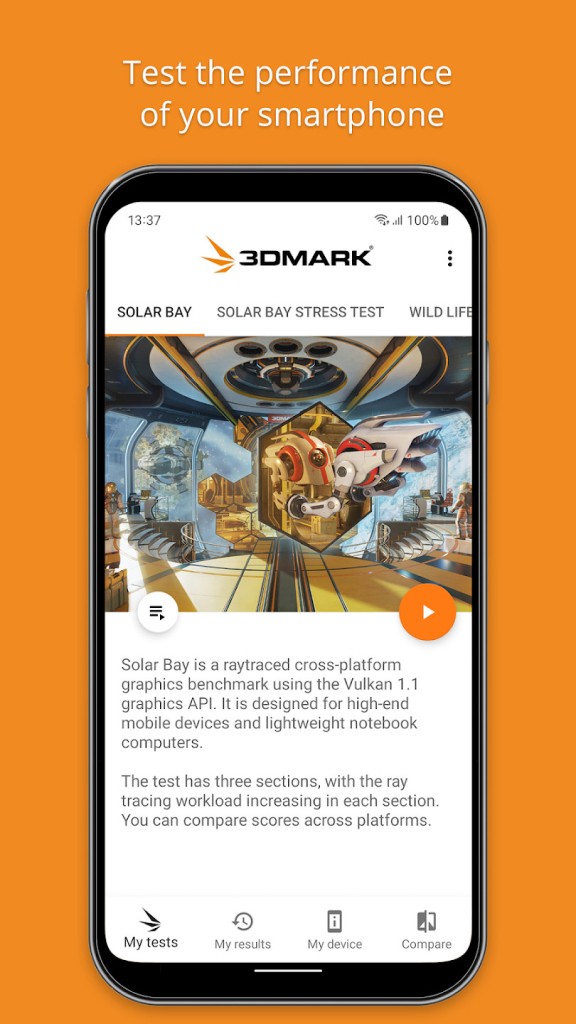
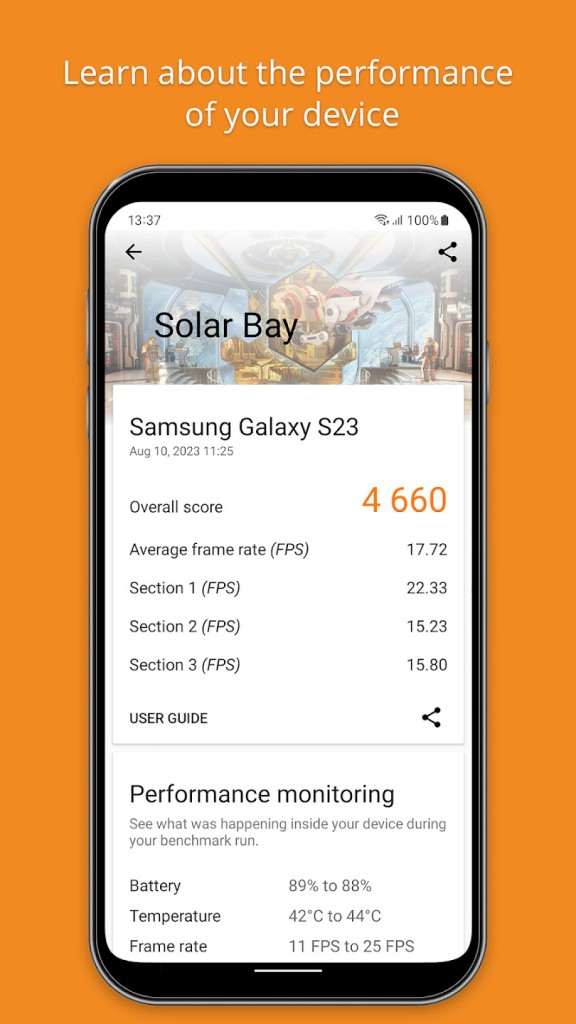
It is a performance testing software (3DMark Basic) that is used to test the performance of a device (especially with graphics and processor load) when dealing with a heavy load. It is run by users to determine the rate of their hardware performance and compare it to other systems. Instead of making the assumption of whether a phone, tablet, or computer is fast enough, 3DMark is run to subject a CPU and graphics card to controlled tests, and then uses the results as scores and graphs.
The basic version does not support any advanced or professional features; instead, it works with an emphasis on the basic benchmark tests. It does the simulation of game-like scenarios and computation emulation to check how the system reacts to pressure. At the end of a test, the software will display a score that is a representation of performance at that point. Such results can be compared with similar devices or with the same system following the updates or changes.
Gamers tend to rely on the 3DMark to determine whether their system will support the latest games, although it can be used by any person to give them the general impression of performance. The software will not modify system settings or enhance performance, but rather only measure and report what the hardware is already capable of doing. Since the tests are standardized, the same test is administered to all individuals; the results are therefore alike and simple to compare.
To put it briefly, the 3DMark Basic serves as a benchmarking point. It allows users to familiarize themselves with performance effortlessly without having to find out more about processors, graphics cards, and drivers.
Why Should I Download 3DMark Basic?
You can get 3DMark Basic if you want to know the honest data regarding the performance of your device. Most individuals quote that their phone or personal computer is going to feel slow or fast, but they do not know why. Benchmarking provides an objective result rather than a sensation. It can show you whether there are performance problems with the hardware or with something else, such as software and background applications.
Comparison is another reason. Benchmark scores put things into perspective in case you are making device decisions. You can even compare the performance of one model with that of the same category. This is helpful during the purchase of a new phone, tablet, or graphics card, as the marketing language itself may be misleading.
3DMark Basic is also suitable for monitoring the variation with time. Conducting the same test following an update of an operating system, drivers, or a hardware change indicates whether there was or was not a significant performance change. This can assist in identifying issues at an early stage, which include overheating or performance throttling.
There are benchmark runners who are just learning. Observation of the behavior of a device at high load assists individuals in knowing about limits, stability, and consistency. The software is not very complex to install, and the findings are shown in a straightforward format. In case you desire a non-partisan manner of relating how your system carries out single-handed- style workloads, 3DMarkBasic provides it without compelling you to use sophisticated equipment.
Is 3DMark Basic Free?
3DMark Basic is free, with a different meaning of free depending on the platform. On smartphones, the version without ads and in-app purchases can be downloaded and used in the basic version. It allows users to run supported benchmark tests and see the results of performance.
On desktop platforms, there is a free demo version. This allows the user to test individual tests, yet to access the full range of benchmarks and additional functionality, they need to purchase a paid version. The basic or demo version is primarily for personal and non-commercial usage.
Overall, the free edition is sufficient to check the performance and compare it with the basics. A license or paid edition is normally required to use it professionally or commercially, or have access to advanced tests.
What Operating Systems Are Compatible with 3DMark Basic?
The 3DMark Basic is multiplatform. On mobile, it is Android-based. Systems on various benchmarks demand different versions of Android and hardware. Other, more modern tests require new graphics capabilities; the older tests are more compatible with a broader set of devices.
On computers, 3DMark can run on Windows systems and also on macOS on Apple hardware that supports it. The Windows versions normally need a 64-bit operating system, graphics drivers, and required memory to execute test-demanding programs. Some benchmarks require more recent graphics APIs, and even less demanding tests can be performed using an older system.
The software will automatically add appropriate tests to your device and help in avoiding the execution of benchmarks that the hardware will not support. The operating system version, graphics support, and available memory are the major factors of compatibility.
What Are the Alternatives to 3DMark?
CrystalDiskMark is one of the alternatives. It lays emphasis on the storage performance instead of graphics or CPU performance. It is used to measure the speed at which the drive can read and write data, which is beneficial when testing the SSDs and hard drives. It does not stress gaming or graphics performance. You can download CrystalDiskMark easily when your main focus is checking storage speed rather than overall system performance.
Another alternative is AnTuTu Benchmark, which is primarily applied on mobile devices. It is an integration of CPU, graphics, memory, and user experience tests with one score. AnTuTu is known to be a popular game to do quick comparisons between phones, but this has a different scoring system compared to 3DMark and is not as much oriented toward game-like graphics tests. Many users download AnTuTu Benchmark when they want a quick and simple way to compare mobile device performance.
OCCT is more technical. It loads the CPUs, GPUs, and power supplies by evaluating their reliability and temperatures. OCCT is not necessary to make simple comparisons, but as a way of troubleshooting. It displays more in-depth information, but can be confusing to the non-technical user. Advanced users often download OCCT when they need deeper stress testing and system stability checks.