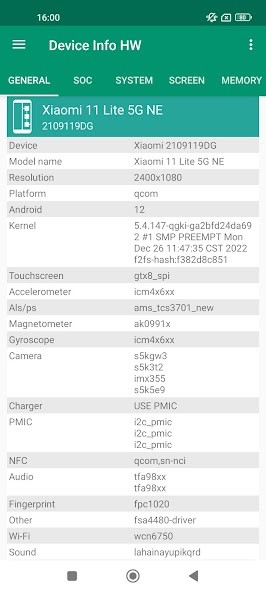
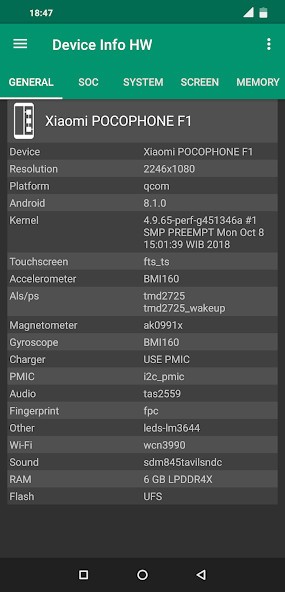
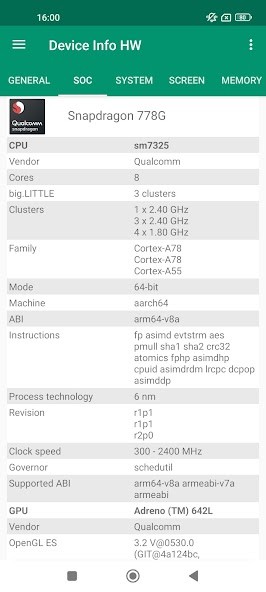
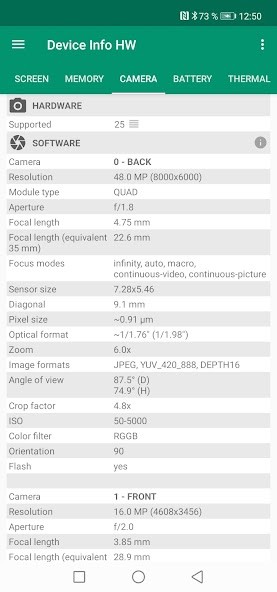
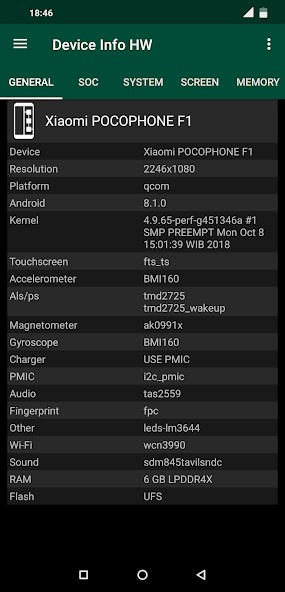
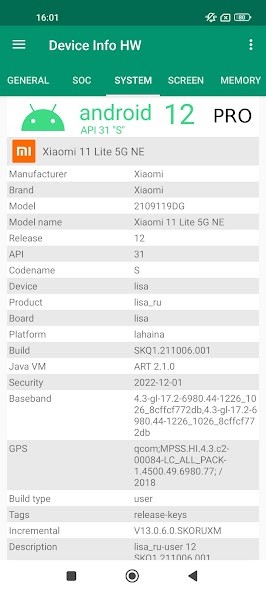
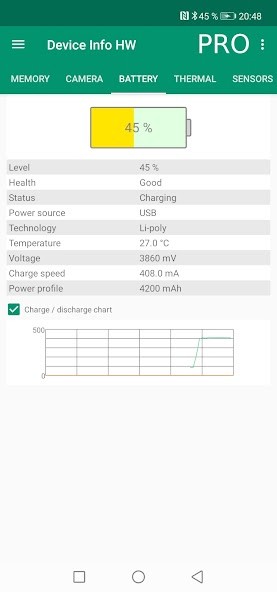
Device Info HW is an Android app that shows all the details about the hardware and software used on your phone or tablet. Helping the user visualize what is inside their device and how each component works is its main goal. The app identifies many internal parameters, including the display, CPU, graphics, memory, flash disk, batteries, sensors, cameras, and network capabilities.
Upon opening Device Info HW, the information is divided into clear segments so that you can easily exchange CPU information, system information, battery information, or sensor information. As an example, there is an option to see the processor model, number of cores, clock speeds, and current load. There are also the following versions of GPU, versions of firmware, and versions of Android, which are shown in the app.
The application contains additional features in the regular system settings. It is capable of displaying battery charging and discharging rates, thermal, memory consumption, storage type, and supported codecs. Certain features depend on the Android version and the device. Newer versions of Android can prevent access to some hardware information. Your device should be able to be rooted so that the app can normally read larger amounts of data.
Frequently used by advanced users, technicians, and developers, casual users commonly use Device Info HW to see the phone specifications, research battery behavior, confirm hardware post-repair, etc. The application focuses on data, but not optimization and cleaning.
Why Should I Download Device Info HW?
The reason people download Device Info HW is that it displays information not seen by the standard Android settings. Ever had a question about what powers your phone, what type of processor, what type of storage chip, etc.? This app puts all the information in one place.
The other reason for downloading the app is troubleshooting. If your phone overheats, has a short battery life, or acts strangely following an update, Device Info HW displays thermal results, battery consumption, and system activity. These data assist you in knowing whether the problem involves software or hardware.
The application is convenient for making comparisons between devices. Check the specifications of the device through open Device Info HW before purchasing a used phone or ensuring that a device has met specifications as advertised. When testing apps or custom ROMs, developers and power users also check CPU governors, sensor availability, and supported hardware with it.
The software does not correct itself automatically. It is just a way of providing raw data and leaving the task of what to do to its consumers. The interface is basic, navigation is fast, and most values can be clicked on to view other related areas.
In the case of users who require a concise overview of how their device works on the inside, Device Info HW should be regarded as a reputable source and not a single visit.
Is Device Info HW Free?
Device Info HW app for Android is free. Most of the basic features, such as CPU, memory, battery, system, and sensor data, are included in the free edition. For most users, the free version will be enough to check the basic diagnostics and normal checkups.
There is also a paid Pro version available. Pro adds features such as advanced themes, exporting to PDF or HTML, superior battery charts, and convenience in copying data. The essence of the app will not change; Pro will only enhance the way it displays and shares information. Users can use the free version and then decide whether to upgrade to Pro depending on their requirements.
What Operating Systems Are Compatible with Device Info HW?
Device Info HW is an Android app only. You can download it on Android 4.0.3 and above on both smartphones and tablets. This overall compatibility ensures that it can remain in use on both the old and modern machines.
The volume of data that can be displayed, however, is based on the Android version and manufacturer. Newer Android releases do not allow access to all hardware data in the name of privacy and security. When this happens, Device Info HW can only display partial information or alerts. Hardware devices (like root-enabled Android devices) generally enable the app to gather more information.
What Are the Alternatives to Device Info HW?
DevCheck Device & System Info is one of the alternatives. DevCheck displays hardware and system details in a clear and well-meaning format. It shows CPU, GPU, battery, and network information similarly to DeviceInfo HW. DevCheck is popular with some users due to its visual presentation, but it does not necessarily explore further into the low-level hardware of some hardware. Many users choose to download DevCheck when they want a visually clear overview of their device specifications.
The other alternative is Device Info: System & CPU Info. This application focuses on the general information in the system, including processor status, memory usage, and phone status. Casual users find it easier and more user-friendly, but they often do not have the features needed to work with more advanced components, such as power regulators or detailed sensor data. It is usually downloaded by users who only need basic system details without advanced technical depth.
Some Android users also use Pony Tools' Device Info. It includes simple hardware summaries and system information that has a straightforward interface. It is good to check fast and can do less sophisticated diagnostics, but a developer requires less detailed information. People often download this app for quick checks rather than in-depth hardware analysis.