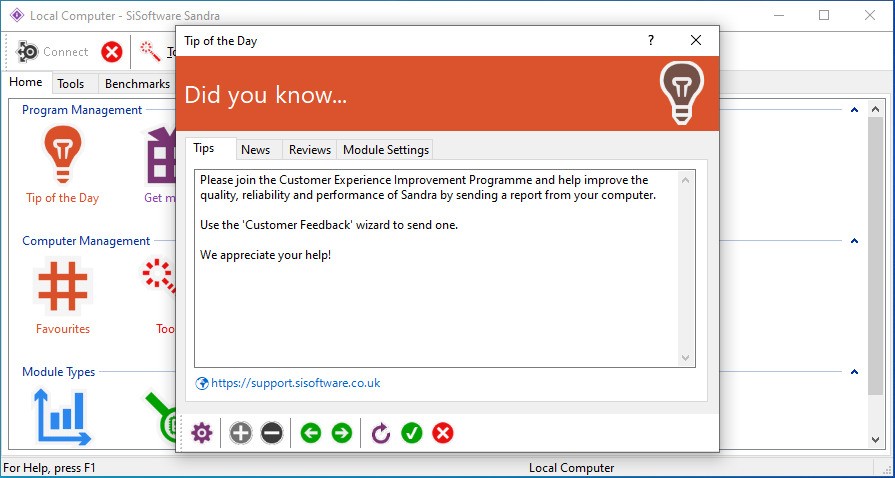
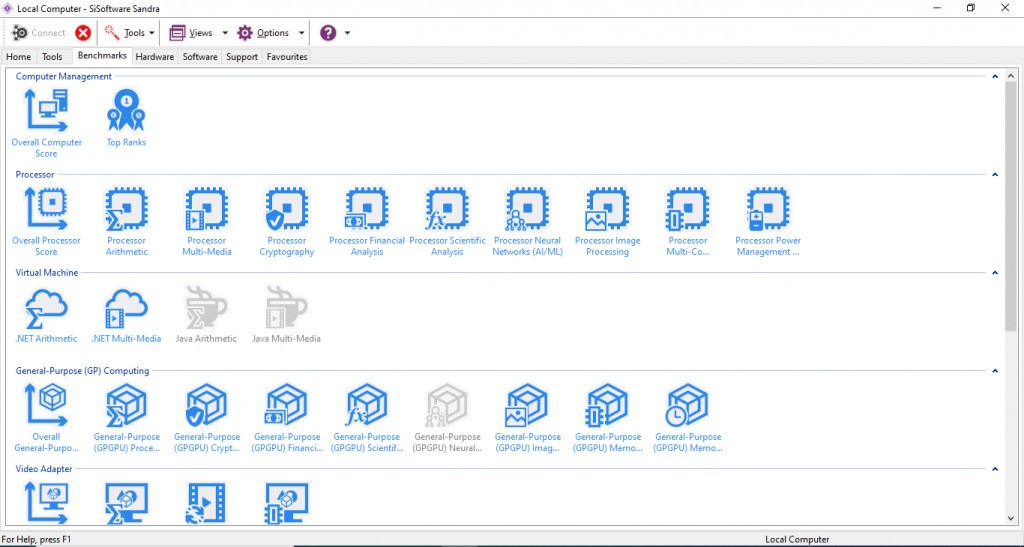
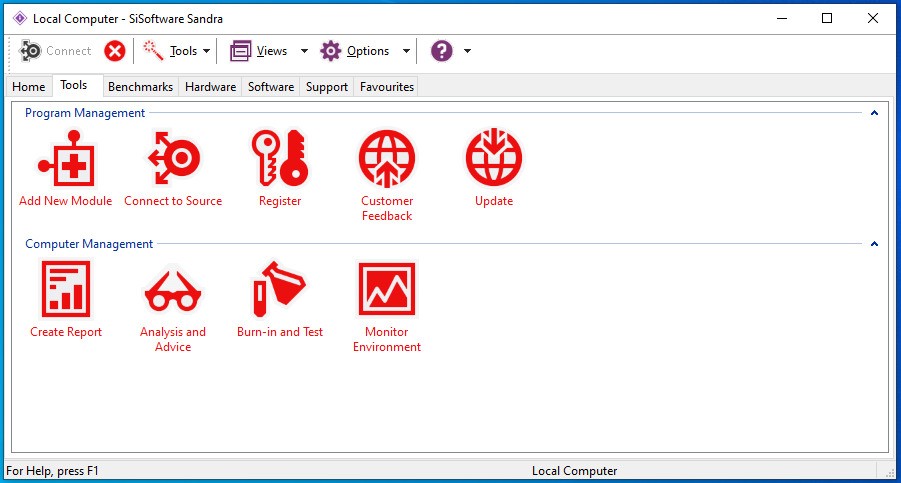
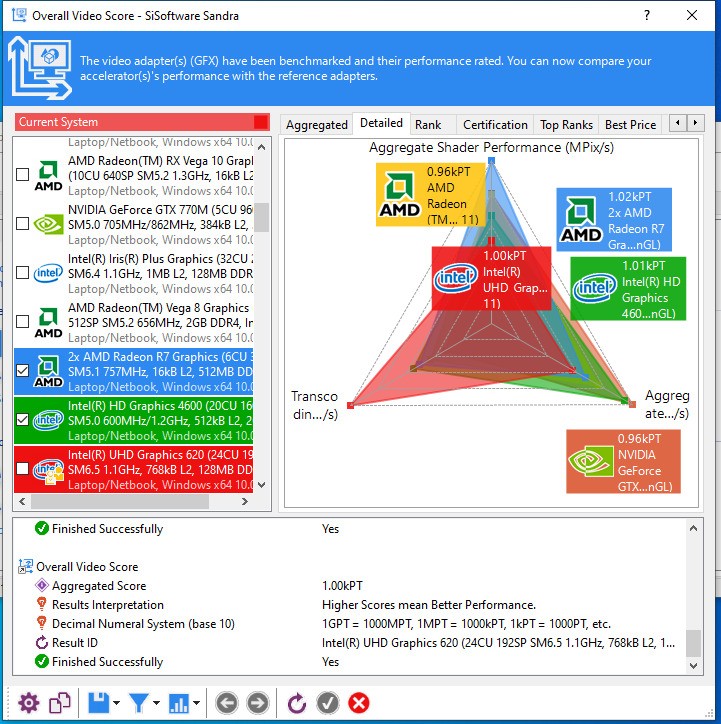
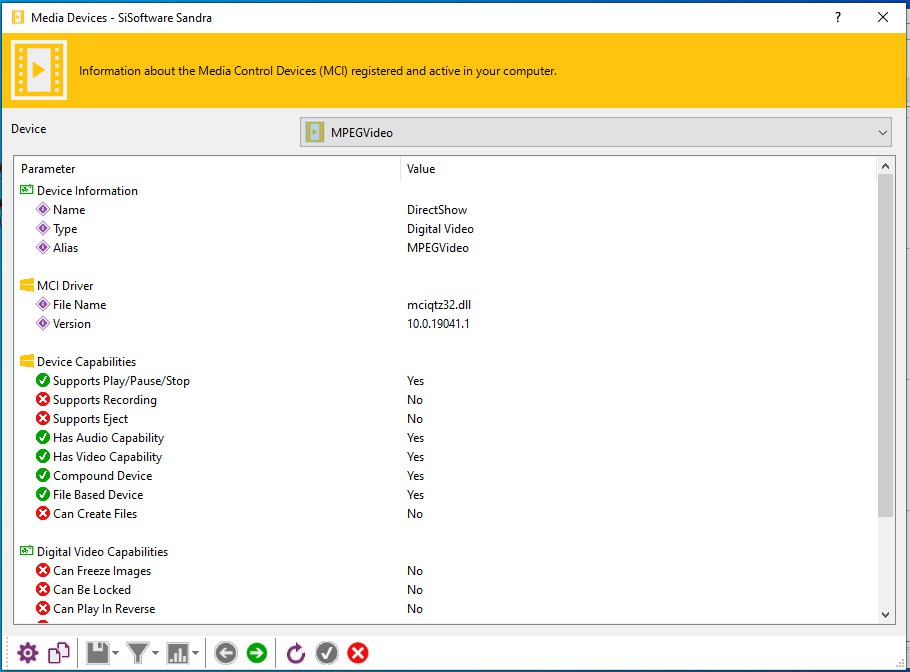
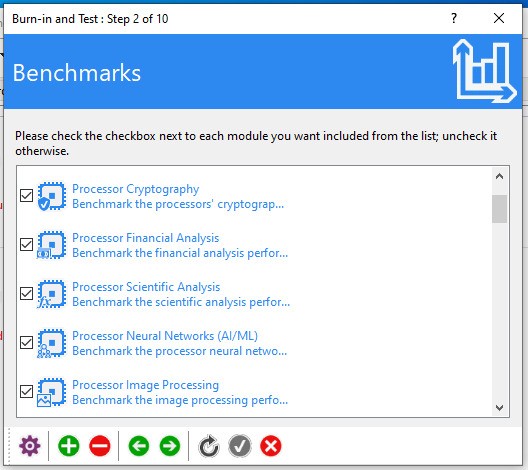
SiSoftware Sandra is an old utility that helps to examine and benchmark your computer. It analyzes numerous levels: CPU activity, GPU data transfer, storage data access and bandwidth, memory bandwidth, network data transfer, and even instruction-set support on more recent processors. It is used to compare performance post-upgrade to ensure that new hardware functions or just to know what is in their machine.
Sandra is not a new product, and its extensive coverage indicates its history. Some tools present a couple of charts and end, but Sandra continues to add tests that are compatible with the newest CPUs, new RAM standards such as DDR5, and storage technologies. The Lite is easy enough to use by casual users but does not miss out on the detail that would be appreciated by technical users.
Why Should I Download SiSoftware Sandra?
Sandra can be downloaded to have the benefit of having one tool to run benchmarks, display system information, or stress-test components without having to use multiple tools. It is frequently used by many once a CPU or a GPU is upgraded to ensure that the performance is as expected. People use it when something is off, when memory is slow, temperatures are weird, or there is unexplainable lag. The widest test package available to Sandra can be used to reduce the problem. It is easy to use; the interface presents benchmarks and reports that you can read as fast as you want.
People continue to go back to Sandra as it keeps up with new hardware generations. Sandra frequently supports new instruction sets or hybrid-core layouts when they are released by Intel or AMD. Therefore, the tool is always safe in case you have a more modern device or want to compare the results in different systems. Reviewers, enthusiasts, and repair technicians have a long history of using it, which makes it familiar and trusted. One does not have to be a professional to make use of it, yet one can learn more about it when he or she feels like it.
Is SiSoftware Sandra Free?
Sandra Lite is the free edition, which is not loaded with adware, nag screens, or extras. It has numerous core tests and systems information features. The free version is normally sufficient for general diagnostics, hardware testing, and simple performance comparisons. In case you require enterprise-level modules, then they come on a separate basis.
What Operating Systems Are Compatible with SiSoftware Sandra?
Sandra is constructed primarily with windows. It is compatible with Windows 11 and Windows 10 on x86, x64, and ARM64, which is useful because more devices are using ARM processors. It is compatible with Windows Server 2022, 2019, 2016, and the future Windows Server 2025/R2, but the pre-release versions are experimentally supported. The older versions of clients are not supported anymore; they can be used, but are not guaranteed to be supported permanently.
Since Sandra monitors new hardware features, support of a modern Windows release is more accurate in benchmarks. It is a Windows-only tool that does not support Linux or even macOS. Sandra can also be used with virtual machines or Hyper-V, including Hyper-V Server environments, but some benchmark tests are somewhat different due to the virtualization.
What Are the Alternatives to SiSoftware Sandra?
Belarc Advisor creates a comprehensive system profile rather than running performance benchmarks. It generates a local report containing hardware details, installed software, security patches, unpatched patches, license keys, and other configuration information. It does not execute CPU or GPU speed tests, and therefore, its use is different compared to Sandra. Belarc is the best fit for those users who desire an effective inventory of all that is contained in the machine without undergoing numerous technical menu systems. The report is browser-based, local, simple, and confidential. It is a nice alternative because it does not show performance charts but rather clarity. If you prefer quick clarity over testing, you can simply download Belarc Advisor and get an instant system snapshot.
HWINFO is a profound hardware monitoring utility that is famous because of its real-time sensor monitoring. It does not have standalone benchmarks, but instead, it tracks temperatures, voltages, fan speeds, clock behavior, and numerous low-level readings. It is used by technicians and overclockers to detect power anomalies and overheating. Sandra is a good choice when it comes to architectural and performance analytics, whereas HWINFO is the best for moment-to-moment monitoring. You can go and play games or stress test in the background to observe precisely how the system will react to that. It is elaborate and frequently updated whenever new processors or chipsets are released, and therefore can be relied on to do continuous diagnostics. Many users download HWINFO specifically for long-term monitoring when they need trusted real-time readings.
CrystalDiskInfo deals only with the storage health of HDDs, SSDs, and NVMe drives. It reads SMART data, temperature readings, wear sensors, and other properties, and assists you in knowing whether a disk is old, overheated, or is about to fail. Instead, it does not provide benchmarking of overall system performance and is not intended to substitute Sandra. However, it does provide a significant gap to users who are likely to be interested in data safety or the results of unexpected drive behavior. The interface is easy to use, and you can get a health snapshot within a few seconds. CrystalDiskInfo works well with other diagnostic tools in cases where you desire a global perspective of the stability of something particular with storage. People often download CrystalDiskInfo to quickly check drive health and avoid surprises with failing storage.