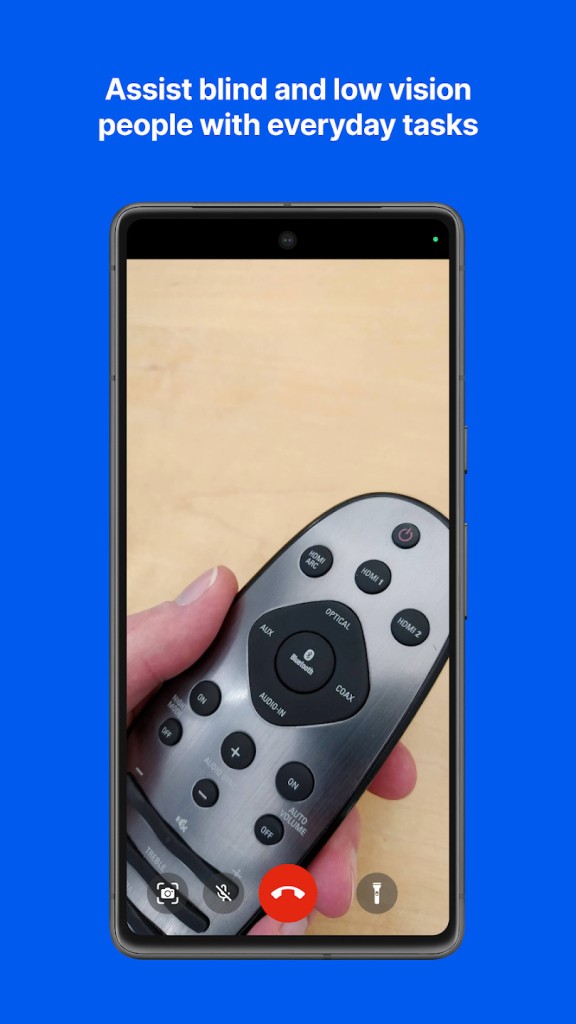
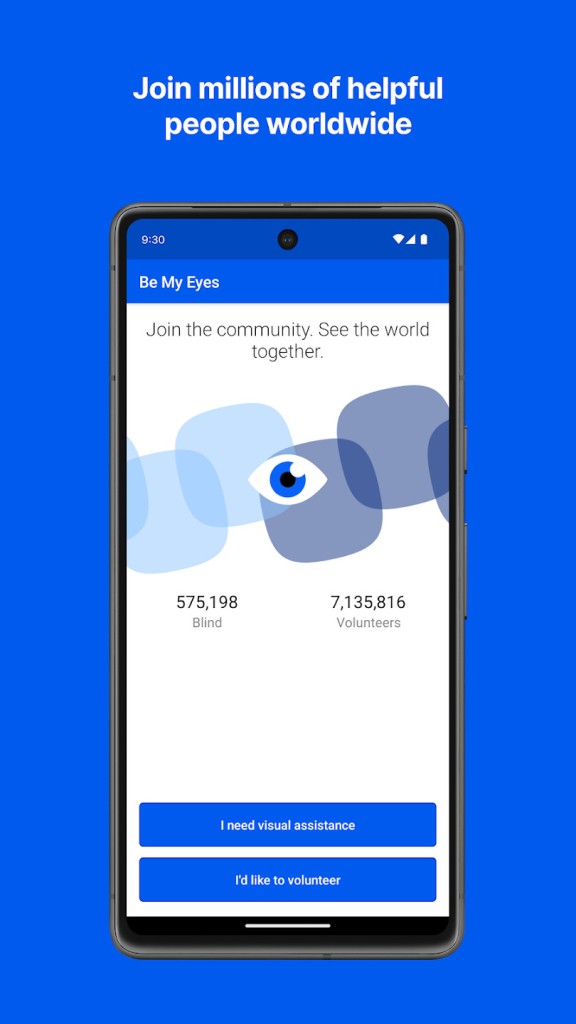
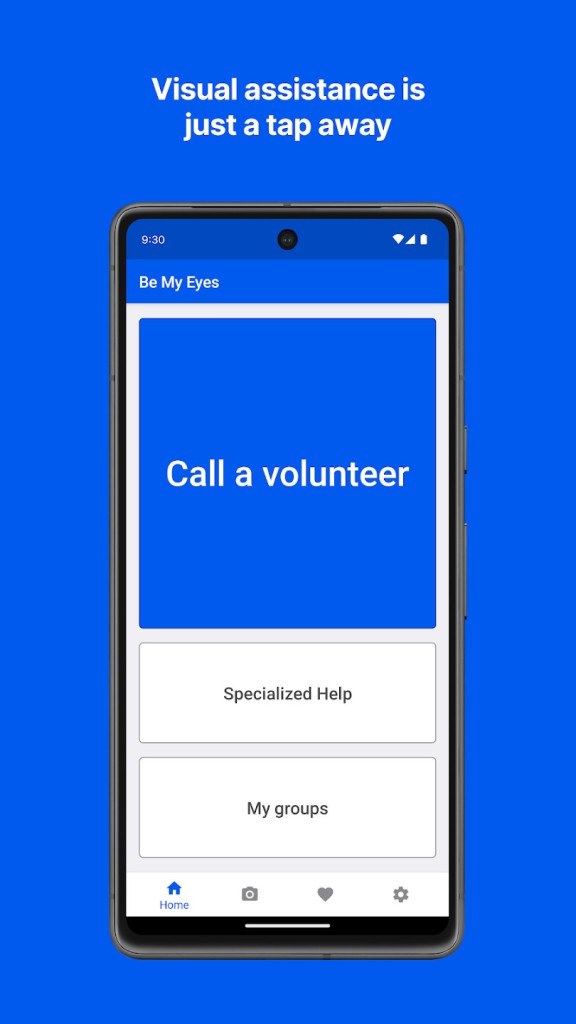
Be My Eyes is an accessibility application based on a pretty straightforward principle: some people cannot visually see what is in front of them, and the second pair of eyes can be human or computer-based. The application links blind and low-vision customers with volunteers through a video conference.
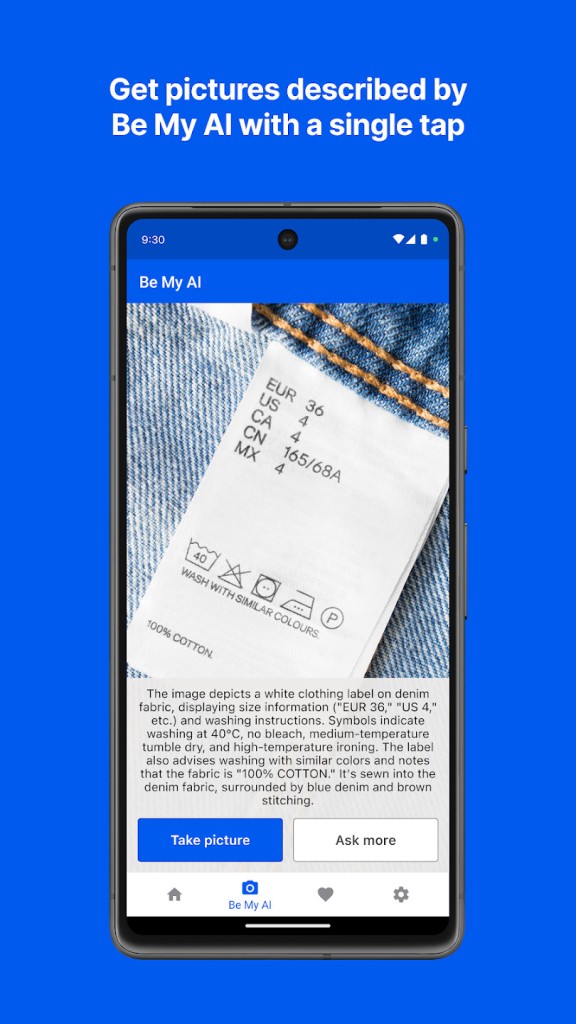
The camera of the user is directed to something that is described by a volunteer (or the featured AI). The app would later incorporate an AI image describer that reads photos and provides text descriptions of the images. It also provides a directory in which companies offer official support for their products.
All these features remain in a single app. It can be facilitated by the experience, which varies based on the requirements of the user at the time: a human, an AI, or a customer service representative. Be My Eyes is not intended to be a substitute for mobility tools or screen readers, but assists in quick visual tasks (reading product labels, menu screens, outfits, or sorting mail). Since it works on a global scale, it has numerous supporters, and the tool will frequently seem like a bridge to simplify everyday life.
Be My Eyes is a nominee for the Apple Awards 2025.
Why Should I Download Be My Eyes?
Be My Eyes is mostly downloaded by people due to its ability to perform visual tasks that occur at random times during the day. Most accessibility applications work with one particular function, and this one remains wide. It can read a microwave display, verify a color, explore a computer menu, or scan a package.
If you do not feel comfortable talking to a stranger, you can use the AI feature, which is less noisy in providing descriptions through a photograph. Users use the AI to depend on recurring tasks, and those who demand more complex situations use human volunteers. The app is also operational during odd hours because the volunteers belong to various time zones. It is a source of free support to individuals who do not wish to be dependent on their family or friends at all times.
The company-help option allows the user to call the official representatives of brands to have troubleshooting or product queries without the hassle of calling unreachable support lines. Altogether, the practicality is the reason it should be downloaded: it can process a great variety of smaller yet significant visual operations without complicating and needing any additional hardware. You have it on your phone until you require it, and when you do, chances are that it will help you out quickly.
Is Be My Eyes Free?
Yes. The app is free. No charges on calls, AI descriptions, or support of the company. Volunteers do not get paid, and there is no restriction on the frequency of requests. The model is constructed on accessibility instead of subscription levels, and therefore, everything is free without the need to buy it.
What Operating Systems Are Compatible with Be My Eyes?
Be My Eyes is based on Android and iOS. The Android version works with a wide variety of smartphones, and new ones allow older models to remain in operation as long as it is possible. Volunteers, AI descriptions, and language settings do not require high-end hardware. The main necessity is the back camera with the ability to stream clear video to volunteers or the AI. On iOS, the application can be used on iPhone and iPad, but is supported on more recent iOS versions due to performance requirements.
The Apple accessibility system is well integrated and is frequently used by many users who use the application with VoiceOver. The cloud sync ensures that the account information is similar on all devices. In addition to mobile platforms, Be My Eyes also provides an official Windows version, mainly intended for desktop-based assistance. General information also has its web presence, and the main functions—live video assistance, AI image interpretation, and company support—are mobile-first. Usually, users receive an identical underlying experience across platforms, although particular features can be introduced to a platform first. The compatibility is broad-based, such that the majority of modern phones can run it without any problems.
What Are the Alternatives to Be My Eyes?
Lookout is another option that Android users favor. It is an automated application instead of a volunteer description one. Rather than live video assistance, Lookout relies on machine learning to detect items, identify text, food labels, and documents. It is good when you have tasks that are fast, like finding currency or reading packaging, but there are some lighting and camera quality implications. Some applications made on the app have offline capabilities; thus, it can be used in places where the internet is unstable. It lacks human support and company representatives, but it may be a faster, AI-only solution for users who wish to have a quick interaction (notably without volunteer help outside the company).
Many users simply download it for those quick moments when they need an instant scan without talking to anyone.
Seeing AI is a Microsoft-developed tool concerned with verbal descriptions of AI, such as documents, short text, product barcodes, colors, scenes, faces, and so on. It can be used by Android and iOS users, and it works well together with Apple's and Google’s accessibility tools. The application takes action by defining what is within the camera, and then the narration derives meaning from the surroundings. It does not have live volunteer calls or even a corporate support directory; however, it does provide specific channels for various tasks. It is also convenient for those users interested in a uniform AI voice that reads everything aloud without requiring a real-time interaction or a human interpreter. People often download it as a steady companion for text reading and download updates whenever new features improve accuracy.