MemTest86 is a small stand-alone utility that exists only to make sure that your computer has functioning RAM. Instead of booting into Windows or Linux as an application, it will boot directly into a USB drive, and then the operating system will load. This is a direct boot that allows it to interact with the memory without the interference of drivers, background applications, and other software.
MemTest86 was initially released in the mid-1990s and has continued to support new memory standards, including early DDR modules and, currently, DDR5 and ECC sticks on workstations and servers. By including that you need to run a proper memory test, people mean MemTest86.
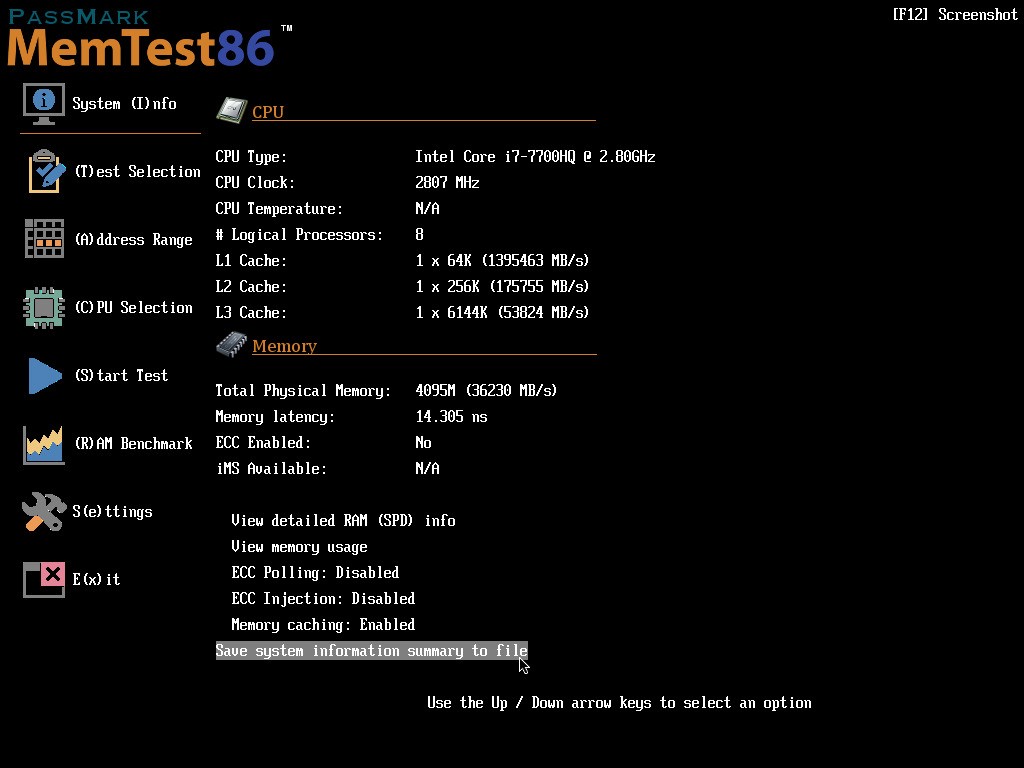
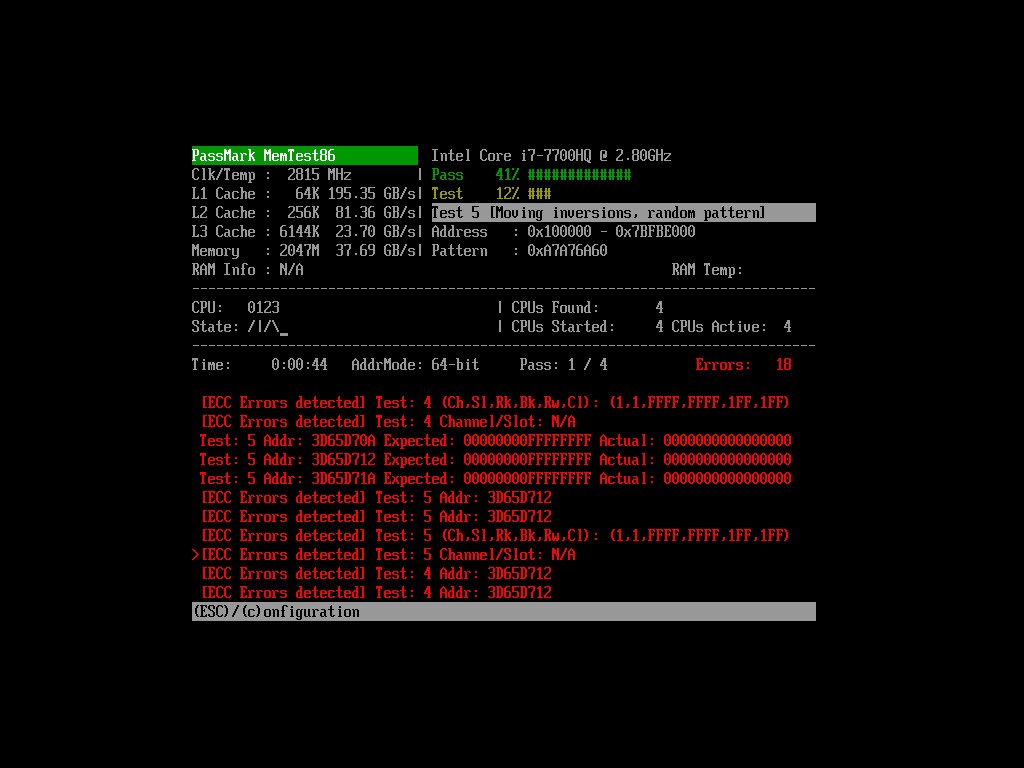
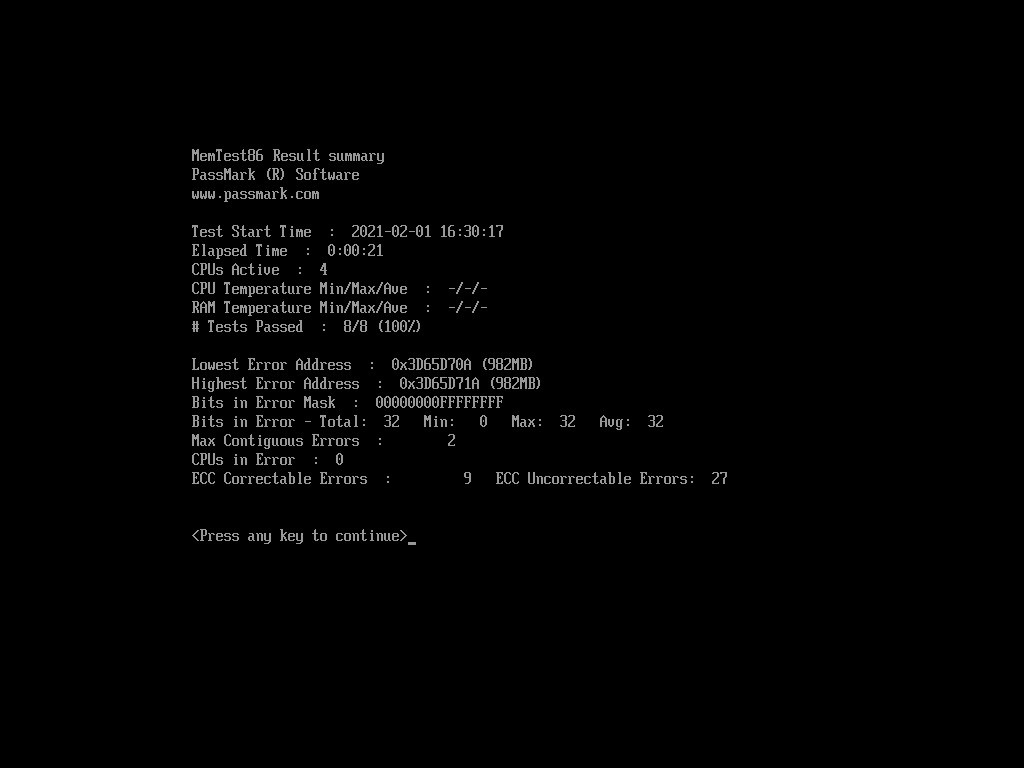
The program has an ugly-looking interface and indicates progress, error count, and information about your RAM, such as speed, timings, and so forth. It does not even try to mend anything. Rather, it writes, reads, and stresses memory according to different patterns and verifies whether there are discrepancies. Whenever there is an error, it is due to hardware faults, but not software.
Why Should I Download MemTest86?
When something goes wrong and a computer crashes down in the middle of a game, an application crashes without any notice, or a computer restarts, most people think about the RAM. Although there are numerous reasons, a broken memory takes one of the first places and is not always easy to verify. MemTest86 removes the guesswork: boot it, do some passes, and decide whether errors are visible.
MemTest86 operates on a series of patterns and algorithms that impose a range of stress on memory, including checks of subtle row-hammer errors. It does not scan once; instead, it does repeated scans continuously to bring out rare intermittent issues that may emerge after several hours of usage. It is regularly used by many users who leave it to run overnight and review the results in the mornings.
The resource can be of use to constructors and amateurs. Once new RAM is installed, new faster RAM, or BIOS timing adjusted, a few bootings may tell whether the configuration is actually stable or just bootable. In the case of ECC users, MemTest86 not only reports the corrected and uncorrected errors, but it can also point out the damaged module or chip.
It is not performance gains that are the driving force behind downloading it, but clarity. MemTest86 uses direct, reliable tests to find out whether a problem with RAM is the issue or not if your system is not behaving as expected.
Is MemTest86 Free?
The free version serves the majority of home users and hobby PC users. It also allows you to boot a USB and perform thorough memory tests free of charge. Paid versions are aimed at technicians, manufacturers, and automated test configurations with such features as scripting and network-boot functionality. The free version is usually enough for a fast scan to determine whether my RAM is all right.
What Operating Systems Are Compatible with MemTest86?
MemTest86 is not an application that can be used in an operating system. We do not install it on Windows or Linux. Rather, save the program to a USB drive, reboot, and start up using the USB drive. On being launched, it offers a separate environment and interface that is independent of the OS on your hard disk. So it does not matter what particular OS you use, be it Windows, Ubuntu, Fedora, or so on. MemTest86 will execute as long as your computer has UEFI boot via USB (almost all modern PCs have it). It delivers native 64-bit code to support x86 and ARM UEFI systems and includes laptops, desktops, small form factor PCs, and numerous servers.
Secure Boot will be supported as the binaries are signed; you do not normally have to turn off firmware protection to be able to run the test. Network (PXE) boot can be used in larger systems to boot many systems into MemTest86 without the need to develop a set of USB sticks. Instead of inquiring about the OS it supports, it is important to keep in mind that MemTest86 can run with almost any OS since it can be run outside of them.
What Are the Alternatives to MemTest86?
HWINFO is mainly a hardware monitoring utility. It does not put the RAM to the test as MemTest86 does, but it provides a detailed overview of your computer: memory speeds, timings, voltages, temperatures, sensor readings, etc. Test it with another stress test: a game or a benchmark to determine how RAM and other components work under the load. This can speak of stability issues, overheating, or off-spec settings. To several users, HWINFO provides real-time monitoring rather than a single test. HWINFO is often left running on a second monitor as many users test, play, and watch what is happening in the real world. You can download it anytime to monitor everything live without a heavy setup.
CrystalDiskInfo is a tool that addresses storage devices and not RAM. It works well with MemTest86 since both memory and storage may corrupt data or behave in strange manners. CrystalDiskInfo utilizes SMART data and other health-related data of SSDs and HDDs, including temperatures, error counts, and wear levels. Although it does not diagnose faulty DIMMs, it can rather swiftly reveal a dying drive. Combined, these two tools, MemTest86 and CrystalDiskInfo, are used to differentiate between a memory problem and a disk problem when a PC is misbehaving. Many users simply download it along with a RAM tester and run both for clarity.
SiSoftware Sandra is a full-blown diagnostic and benchmarking suite. It has tests of CPU, GPU, RAM, storage, networking, and many others, as well as comprehensive system-information modules. Its memory tests are executed in the operating system and are therefore helpful in performance benchmarks and bandwidth/latency values, but not fault detection. Compare your system with the rest or determine whether tuning and upgrades have enhanced performance by using Sandra. To put it briefly, Sandra is a wide general-purpose tool where memory is just one of the parts of a bigger analysis. If you want an all-around system check, you can download Sandra to explore deeper.