HWiNFO is a quiet, focused tool that does one thing very well: showing you exactly what is happening inside your computer. It skips flashy visuals and decorative interfaces in favor of deep, unfiltered technical data about your hardware. If you want to know your CPU temperature, GPU load, memory usage, fan speeds, or voltage readings at any given moment, HWiNFO lays all of that out clearly and accurately.
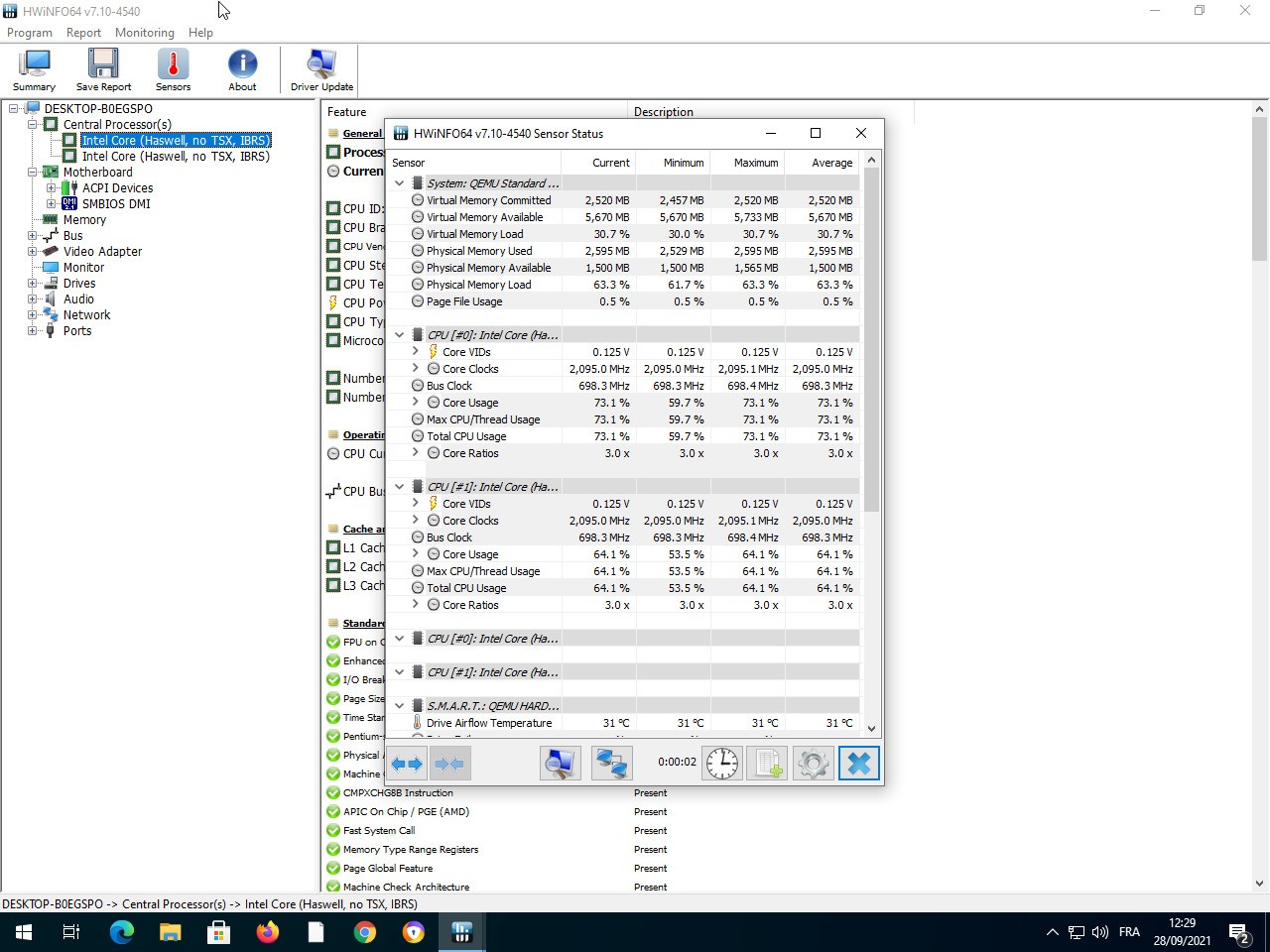
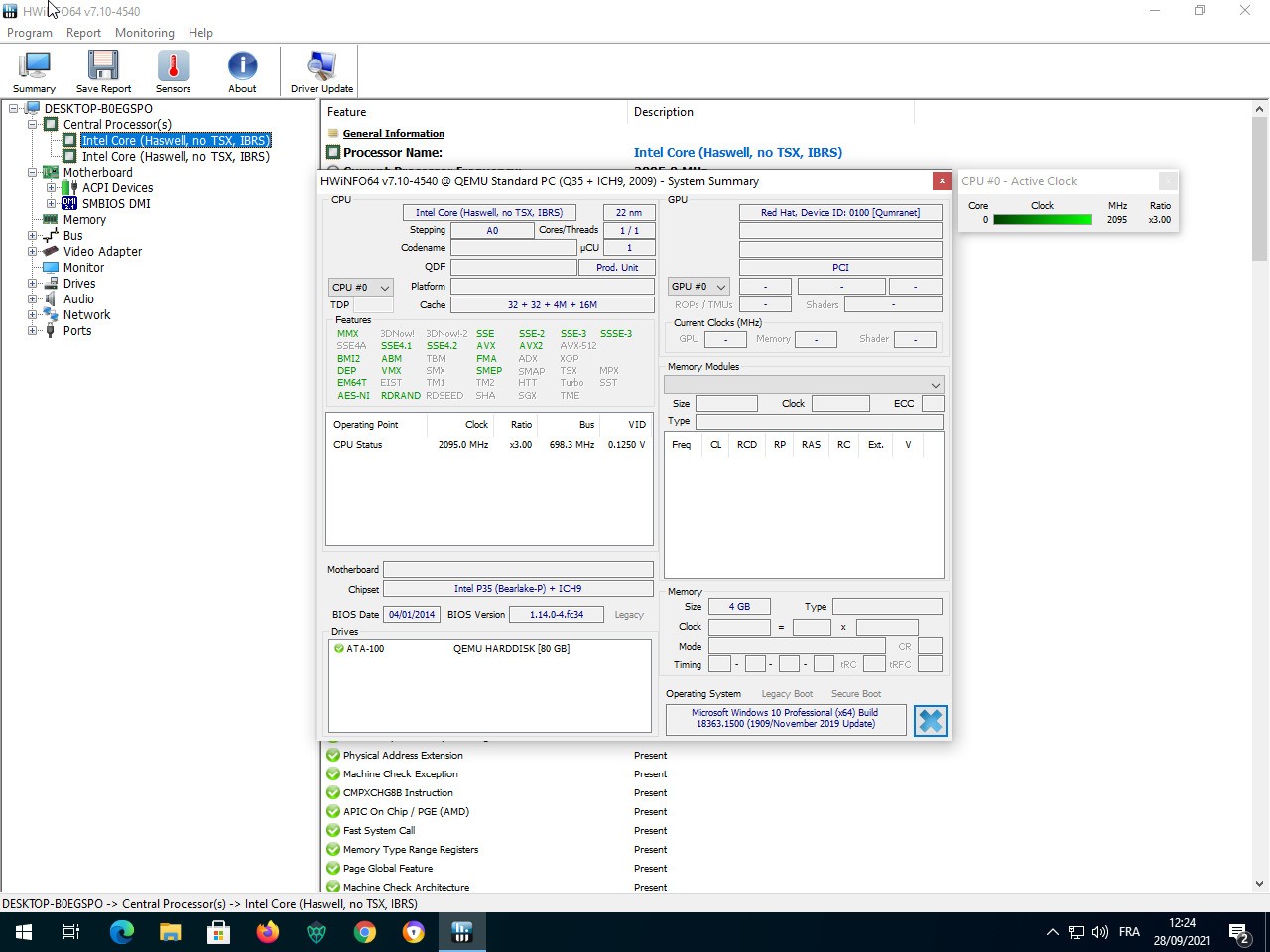
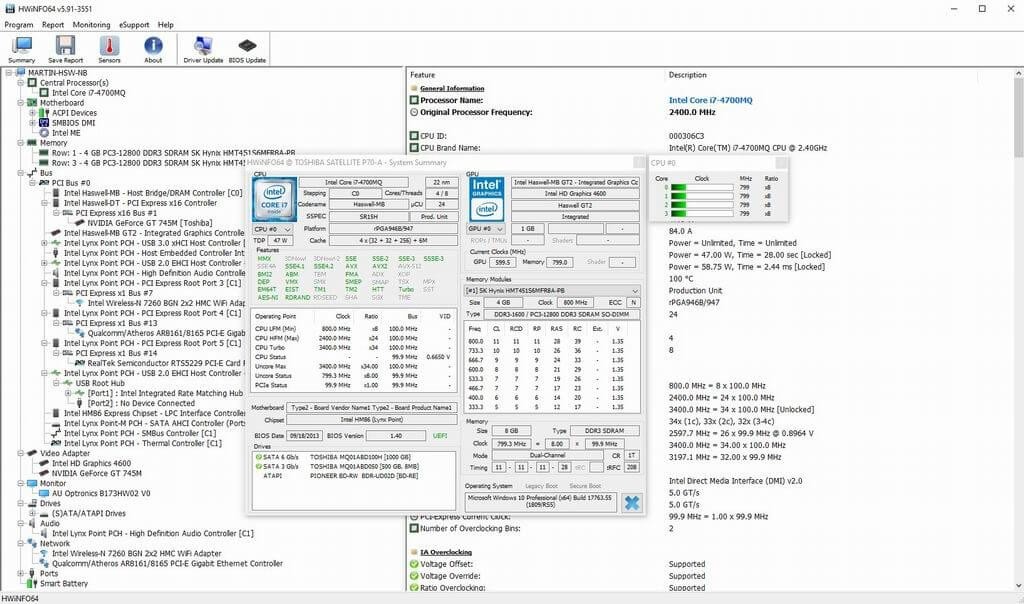
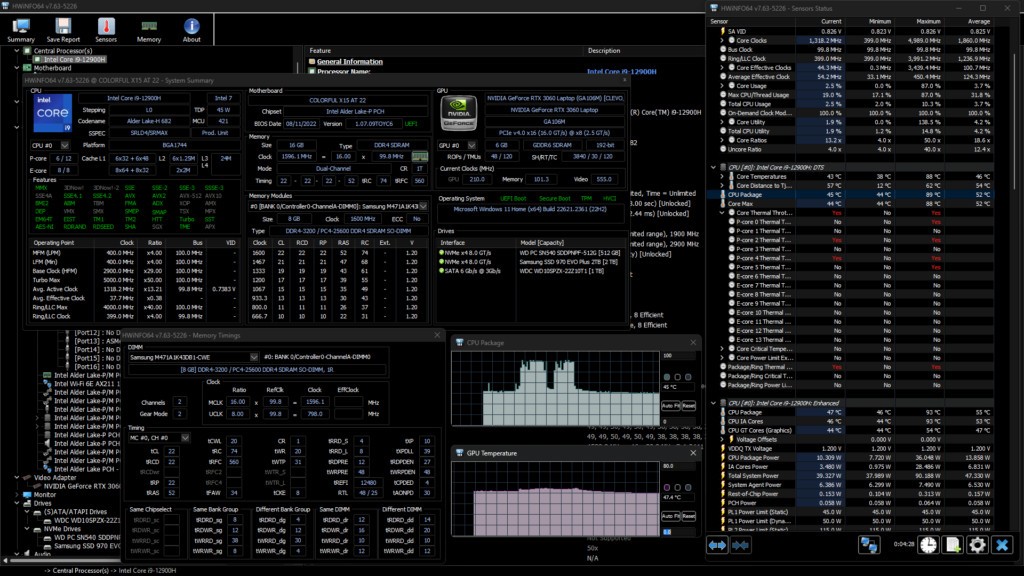
Real-time monitoring is where the tool really shines. As soon as you open HWiNFO, it identifies every component in your system and displays its name, status, and current performance data. Beyond just listing specs, HWiNFO continuously tracks sensor readings, so you can watch how your hardware responds to different workloads and catch potential problems, like overheating or voltage irregularities, before they cause real damage.
The program is designed to stay out of your way when you do not need it and be immediately useful when you do. It runs unobtrusively in the background, consuming minimal system resources. PC builders, overclockers, and professionals who need reliable insight into how their machines are performing all tend to keep HWiNFO close at hand as a go-to diagnostic tool.
Why Should I Download HWiNFO?
Few utilities offer this much hardware detail for free. HWiNFO is one of those tools that you might not think about until something goes wrong, but once you have it, you will wonder how you managed without it. Whether you are troubleshooting system instability, monitoring temperatures during an overclocking session, or just trying to figure out why your PC is running hotter than usual, HWiNFO gives you the data you need to answer those questions with confidence.
The depth of information is the main draw. HWiNFO delivers real-time system specs and sensor readings that update continuously. You can watch your CPU temperatures shift as you launch applications, track GPU utilization during gaming sessions, or observe power supply voltage behavior while rendering video. That kind of live visibility makes it much easier to spot hardware issues early and understand how your system handles demanding workloads.
Despite the density of data, HWiNFO manages to present information in a way that is approachable. Sensor readings are organized into clear lists, and the tool includes graphing options for tracking changes over time. The interface may feel unfamiliar to first-time users, but the layout is logical once you spend a few minutes with it, and there is plenty of documentation available online to help with specific readings. Beginners can stick to the basics, while experienced users can dig into the full range of sensor data and configuration options that HWiNFO provides.
Performance is another point in its favor. HWiNFO launches quickly, uses very little system overhead, and never interrupts you with ads or pop-ups. It runs silently alongside your other applications without competing for resources. The tool also integrates well with third-party software, including popular benchmarking suites and stress testing programs, making it a natural companion for anyone running hardware tests. You can overlay sensor data during stress tests to get a real-time view of how components respond under load.
Whether you are gaming, editing video, building a new PC, or just keeping an eye on system health during everyday use, HWiNFO gives you meaningful control over what is happening inside your machine. It is one of those tools that earns its place on your system and stays there.
Is HWiNFO Free?
Yes, HWiNFO is free to download and use. The free version covers everything most users need, from full hardware identification to real-time sensor monitoring. A Pro version is available for commercial and advanced use cases, but the standard edition has no cost, no signup requirement, and no advertisements.
What Operating Systems Are Compatible with HWiNFO?
HWiNFO runs on Windows. It supports Windows 7, 10, 11, and newer versions, and is available in both an installer and a portable edition that you can run without installing anything. The portable version is especially handy for diagnostics on machines where you do not want to leave software behind.
A DOS version also exists, though it is intended for specialized legacy applications and is not something most users will ever need. HWiNFO does not support macOS or Linux, so users on those platforms will need to look at alternative diagnostic tools.
What Are the Alternatives to HWiNFO?
CPU-Z is one of the most well-known hardware information tools and has been around for years. It presents data in a clean, tabbed interface that focuses on CPU specifications, cache details, motherboard info, and memory characteristics. CPU-Z does not cover as many sensors as HWiNFO, but it excels at giving you a quick, accurate snapshot of your processor and memory configuration. Overclockers in particular favor it for its precise readouts of clock speeds and core voltages. If you need a fast, lightweight tool for checking specific component details rather than full system monitoring, CPU-Z is an excellent choice and free to download.
Speccy comes from the same developers behind CCleaner and offers a simpler, more visual take on system information. The interface is clean and beginner-friendly, presenting a summary of your hardware at a glance without overwhelming you with columns of numbers. Speccy includes temperature readings for key components, but it does not go nearly as deep into sensor data as HWiNFO does. For users who just want a quick way to check what hardware is in their PC and see whether anything is running unusually hot, Speccy handles that job well without requiring any technical background.
HWMonitor is focused almost entirely on real-time monitoring rather than hardware identification. It displays temperatures, voltages, and fan speeds in a simple tree layout that updates live as your system runs. HWiNFO covers similar monitoring ground but with more depth and customization, while HWMonitor keeps things stripped down and easy to read at a glance. It works well for quick checks on thermals and power delivery during stress tests or gaming sessions. The trade-off is that HWMonitor does not provide detailed component specifications, so it will show you your GPU temperature but not the full model name or memory configuration. If you already know your hardware and just need a lightweight monitor running in the background, HWMonitor fits that role cleanly.