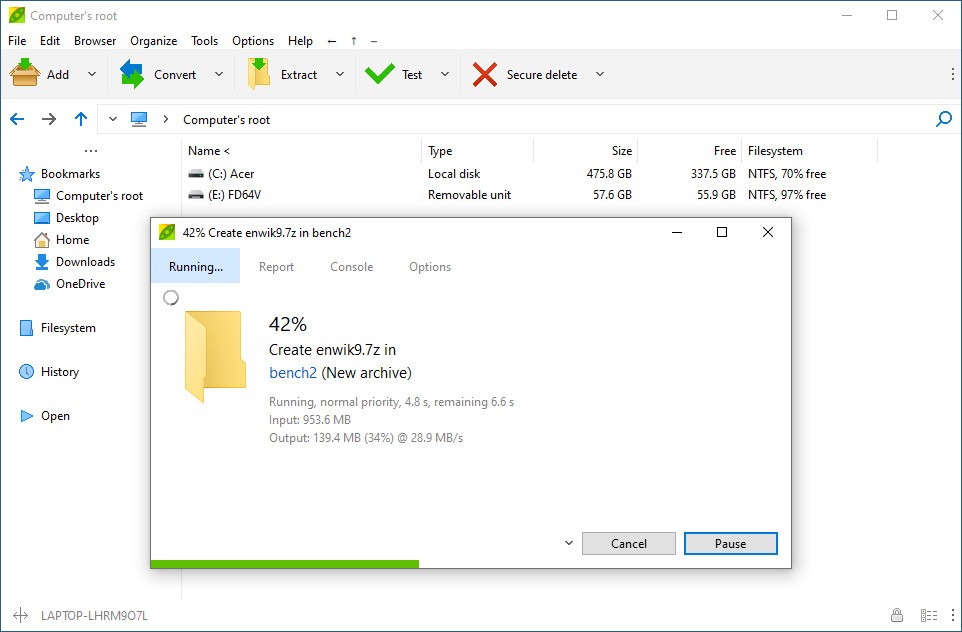
PeaZip is an open-source utility that handles compression, extraction, and encryption without charging you anything. It does more than squeeze folders down to a smaller size, since it also works as a proper file manager in its own right. You can open and create ZIP and 7Z archives, handle TAR and RAR files, and work with plenty of other formats without getting locked into one software ecosystem.
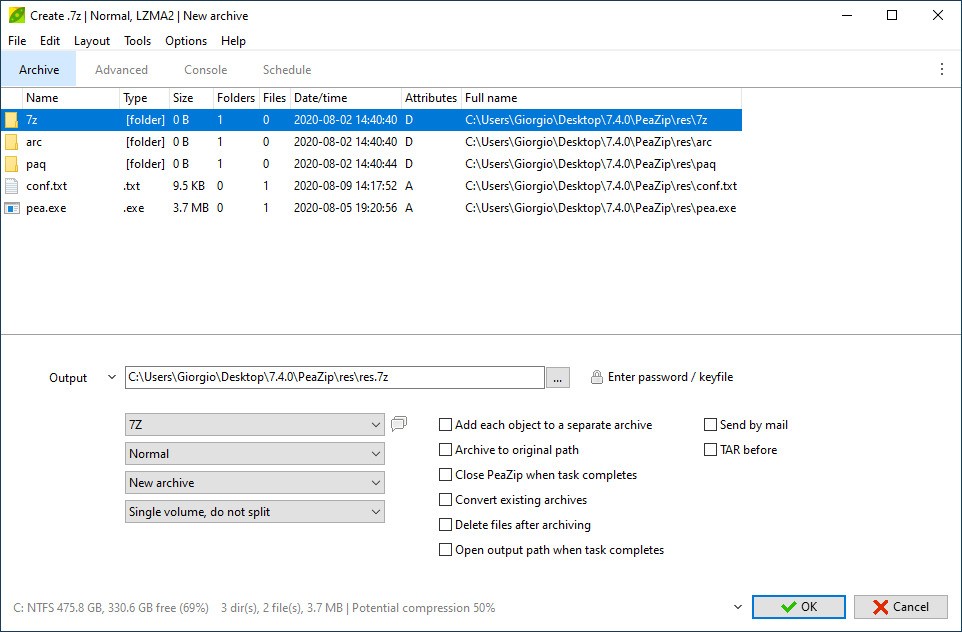
PeaZip was built from the start to give people options rather than lock them into one way of working. Its whole focus is choice, whether you need to split a large file into smaller parts, encrypt something before you store it, or shrink a folder down enough to send it by email. AES encryption keeps your files locked, and extras like secure file erasure and checksum verification make it easier to trust the tool with sensitive material.
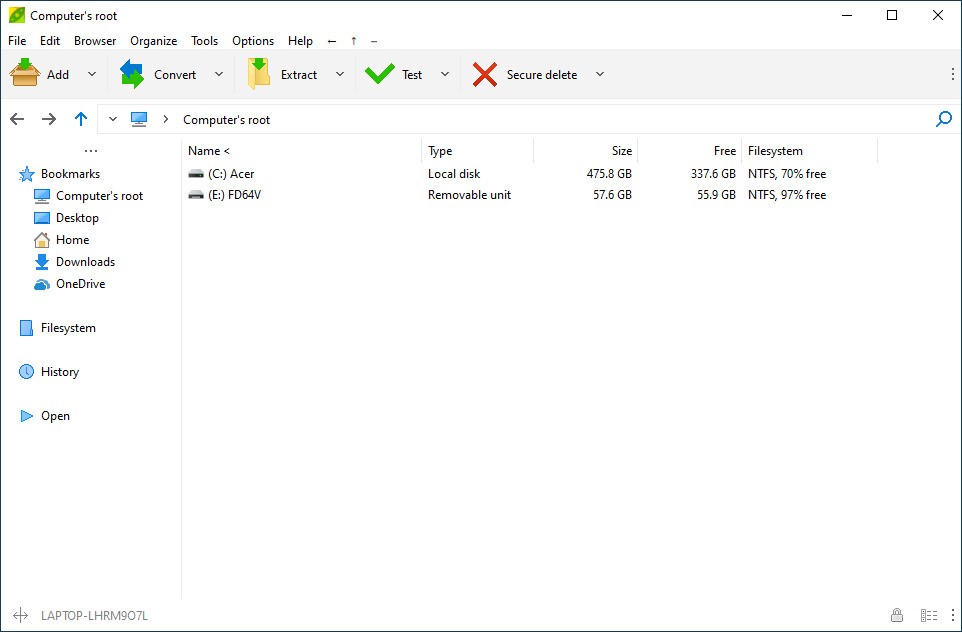
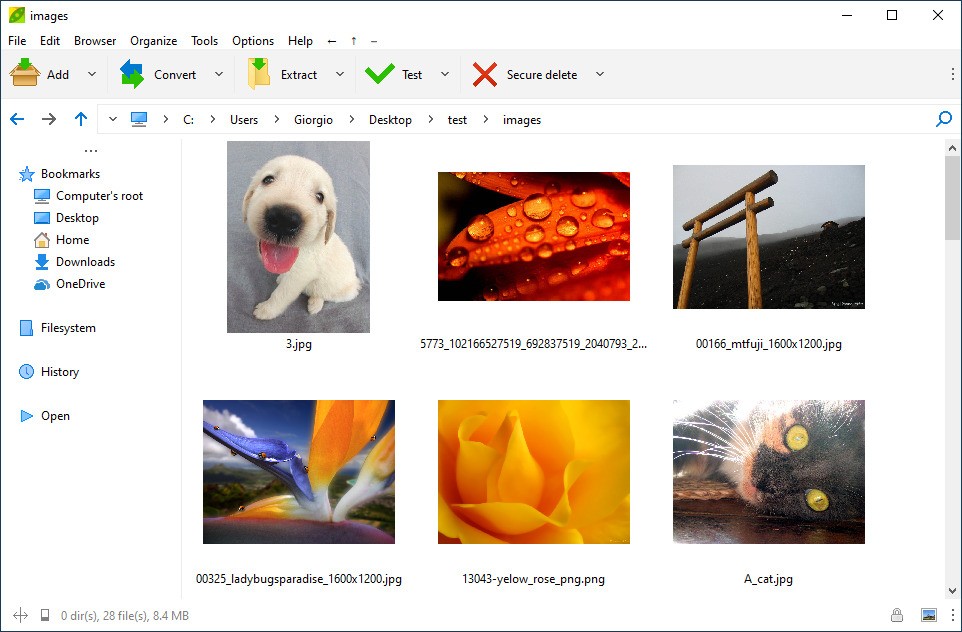
There is a friendly interface sitting on top of that complicated engine. Anyone who has spent time in WinRAR or 7-Zip will recognize the file manager layout right away, and newcomers tend to find their footing quickly too. You also get far more customization than most archivers offer, along with better flexibility and lighter demands on your system resources.
Why Should I Download PeaZip?
PeaZip has a few clear advantages for anyone whose needs run past basic compressing and extracting. It is open-source and free to download, with no trial period counting down in the background and no features hidden behind a paywall. What you download is the whole program, exactly as the developers intended it, with nothing held back for a paid tier that does not exist.
One of the bigger draws here is escaping the constant ads and upgrade nags that other archivers throw at you. It is also light on its feet. Installing PeaZip takes moments, and it runs quietly without dragging down whatever else you happen to have open at the time.
Support for more than 200 archive formats is genuinely useful, though it goes well past what most people will ever touch, since the average user sticks to a handful. ZIP, 7Z, ARC, BZ2, ISO, and LHA are all covered, along with roughly 200 others you may never meet. If you trade files with people around the world or pull archives off the internet regularly, PeaZip saves you the trouble of hunting down a second tool.
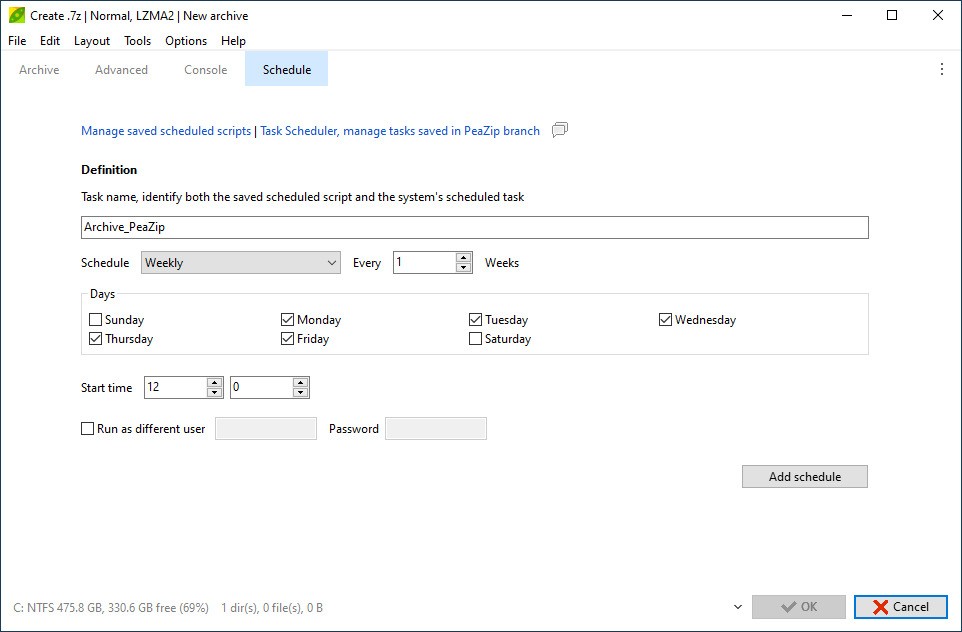
Plenty of extras come bundled in that rival compression programs leave out. You can create self-extracting archives, split files at whatever size you choose, run batch compression jobs across large sets of files, and schedule tasks to run on their own. Dragging files into the window works fine as a starting point, previews let you look inside an archive without unpacking it, and filters let you pull out only the files you actually want. Small touches like these add up and cut real time off your work.
Encryption is another standout. PeaZip covers 256-bit AES along with two-factor authentication, so you are not relying on a single password to hold the line. Together those give you both encryption and a safer local storage setup, which matters if you keep confidential material on your own machine rather than in the cloud. There is also a secure delete option that wipes files properly, for the times when dropping something in the recycle bin is not enough.
Is PeaZip Free?
PeaZip is free to download and free to keep using, with nothing withheld along the way. There are no subscriptions, no in-app purchases, and no premium edition sitting alongside the copy you installed. Because it is open-source, anyone can grab it and read through or modify the code if that sort of thing appeals to them. PeaZip is distributed under the LGPL open source license and costs nothing.
What Operating Systems Are Compatible with PeaZip?
PeaZip runs on Windows and Linux in all their common flavors. On the Windows side it works with every current release, going back as far as Windows 7 and right through to Windows 11. Linux users are covered across the major distributions, and you get a choice between installing it as a package or running a portable version instead.
There is no macOS build at the moment, though Linux support is complete and the portable builds suit anyone who would rather not install anything at all. System requirements stay low enough that PeaZip feels comfortable on older or fairly modest machines.
What Are the Alternatives to PeaZip?
PeaZip does the job well, but it is one of several decent options out there. A few other archiving tools are worth a look depending on what exactly you need from them.
7-Zip shares the closest philosophy with PeaZip. It is completely free, open-source, hits excellent compression ratios, and owns the 7Z format outright. Performance is solid thanks to its speed, stability, and light footprint, though the plain interface is better suited to older machines than to anyone who cares how their software looks. PeaZip wins on visual design, format coverage, and general ease of use. IT professionals and power users still reach for 7-Zip because it works without any fuss.
WinRAR has been around forever and is used almost everywhere. It handles a wide spread of formats and does compression and encryption well. WinRAR is not truly free, though. The trial technically never expires, but the nag screen asking you to buy a license never goes away either. Some people are happy to pay for it anyway, even with PeaZip and 7-Zip sitting there for nothing. WinRAR's whole pitch is the RAR format, which PeaZip can open but cannot create.
Keka is a macOS exclusive. It is a clean, lightweight archiver with support for ZIP, 7Z, TAR, and a number of other formats. Apple users who want compression to be painless will find it fits the macOS look and feel naturally. Since PeaZip has no macOS build right now, Keka is the obvious pick for anyone on that side of the fence. You can buy it from the Mac App Store or download it free from the developer's own website.
WinZIP rounds out the list. It belongs to an older line of commercial compression tools that somehow still holds a place in the market today. You get a polished interface, cloud integration with services like Dropbox, and a set of tools aimed squarely at business users. The asking price is hard to justify for a home user when PeaZip covers much the same ground for nothing at all.