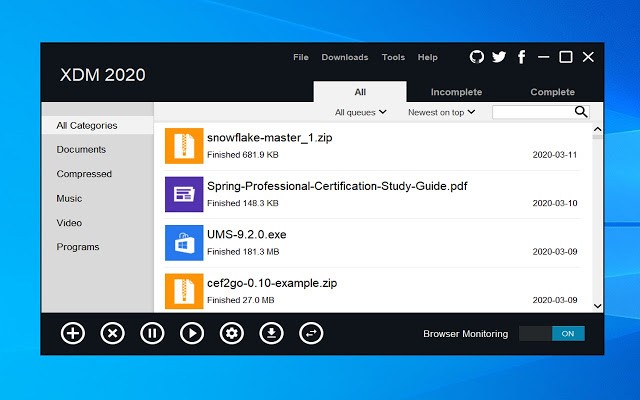
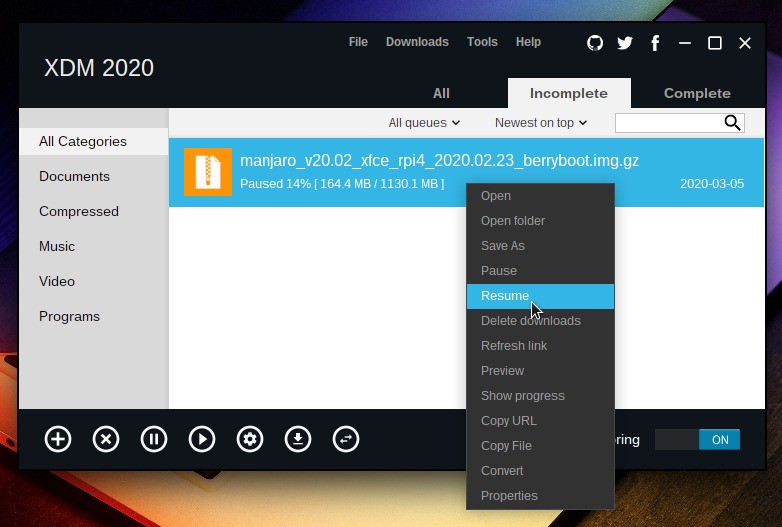
Xtreme Download Manager is a tool for handling and speeding up downloads using multi-threading and file segmentation. You can use it to save videos from streaming platforms, quickly resume broken transfers, or schedule downloads so they do not eat up your bandwidth when you need an uninterrupted connection for other tasks.
Once you download Xtreme Download Manager and install the browser extension, it will automatically detect any downloadable media on the sites you visit. A single click starts the transfer. The interface is clean and simple, and XDM handles even the largest files with ease, whether you are grabbing high-quality video, game installation packs, or bulky documents.
Because Xtreme Download Manager is open-source software, every feature is available for free, and it runs on Windows, macOS, and Linux without any restrictions.
Why should I download Xtreme Download Manager?
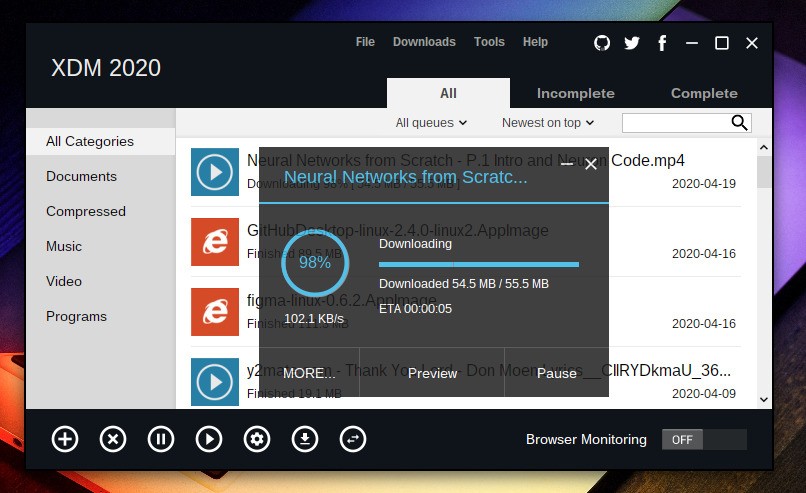
Xtreme Download Manager (XDM) is a full-featured download client that can boost download speeds by up to 500% compared to a standard browser download. It achieves this by splitting each file into multiple smaller segments and downloading them all simultaneously. That parallel approach is something no built-in browser downloader offers on its own.
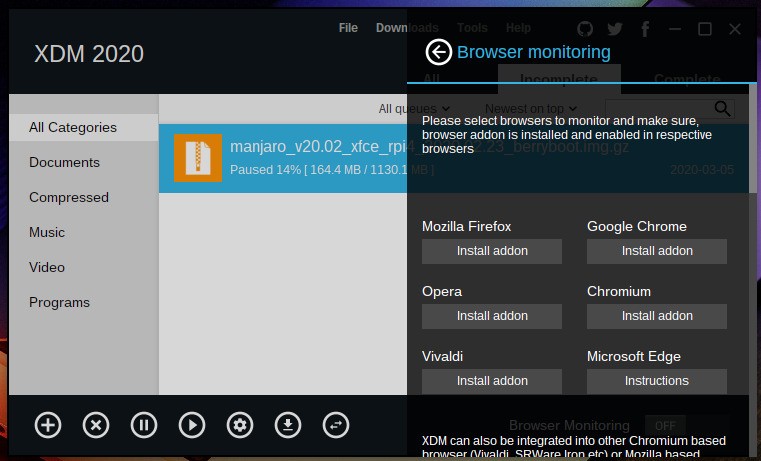
Browser extensions are available for Google Chrome, Mozilla Firefox, Microsoft Edge, and Opera. Once installed, XDM automatically detects downloadable media on whatever page you are visiting, whether that is a document, a video, or a compressed archive. Xtreme Download Manager replaces your browser's default download handler, so every file you grab benefits from the faster speeds and extra features right away.
A built-in scheduler and smart queuing system let you control exactly when downloads run. You can limit transfers to specific hours, line up a queue of files to grab overnight, or assign bandwidth caps to individual downloads or the entire queue. Resuming broken downloads is another strong point. Large files often fail partway through on a standard browser, but XDM picks up right where the interruption happened and continues without starting over. If you live in an area with an unreliable connection or regularly deal with big files that tend to drop mid-transfer, that reliability alone makes XDM worth keeping around.
Video downloading is another major draw. XDM supports over a thousand platforms, including YouTube, Dailymotion, Vimeo, and Facebook, and it can grab video files as they stream in your browser. In most cases, you can choose the quality level, include subtitles if they are available, or even download entire playlists from supported sites. After saving a video, XDM can convert it to a different format, including MP4, AVI, FLV, and MP3.
Power users will appreciate the ability to prioritize certain downloads over others, import a list of URLs for batch downloading in one shot, or configure proxy servers (SOCKS, FTP, HTTPS) for more advanced networking setups.
Since XDM is entirely free, you get all of this without ads, data tracking, or usage limits. The open-source project receives regular updates from its community, and command-line options are available for anyone who wants to extend its functionality further.
Is Xtreme Download Manager free?
Yes. Like most open-source projects, you can download Xtreme Download Manager at no cost and use it without any restrictions. There are no ads baked into the interface, which sets it apart from many other free download managers that rely on advertising revenue or bundle unwanted software with their installers.
The software is distributed under the GNU General Public License (GPL), so commercial use is also permitted without needing a paid license. The source code is publicly available, meaning anyone with the technical knowledge can inspect, modify, or contribute to the project.
What operating systems are compatible with Xtreme Download Manager?
Xtreme Download Manager works as a desktop application that integrates with your browser through dedicated extensions. On the desktop side, you need Windows 7, 8, 10, or 11, macOS 10.10 or later, or a Linux machine running one of the major distributions such as Ubuntu, Fedora, Debian, or Arch Linux. Because the app is built on Java, it runs consistently across all three platforms without major differences in functionality or performance.
For browser integration, you can download Xtreme Download Manager extensions for Google Chrome, Mozilla Firefox, Microsoft Edge, and Opera, connecting the desktop app to your browser so everything works together. The extension is what enables the automatic media detection feature, so installing it alongside the desktop app is strongly recommended for the best experience.
What are the alternatives to Xtreme Download Manager?
JDownloader is another free, open-source option that accelerates downloads and supports saving files from a wide range of sites, including video platforms. It also brings features you will not find in XDM, like automatic link decryption, CAPTCHA solving, and a plugin system that lets you add new capabilities over time. Scheduling, bandwidth limits, and batch downloading are all included. JDownloader runs on Windows, macOS, and Linux.
Free Download Manager (FDM) takes a more approachable route with a polished interface and support for torrent, HTTP/HTTPS, and FTP downloads alongside standard file transfers. Like XDM, FDM splits files into segments for faster speeds, and it lets you preview media while a download is still in progress or schedule transfers for later. FDM is available for Windows and macOS at no cost, with all features unlocked from the start.
Internet Download Manager (IDM) is a popular choice for Windows users who want fast, reliable downloads with strong browser integration. It segments files for speed, supports previewing downloads mid-transfer (including files inside ZIP archives), and includes basic virus protection. The trade-off is that IDM requires a paid license after a 30-day trial period, making it the only option on this list that is not permanently free.