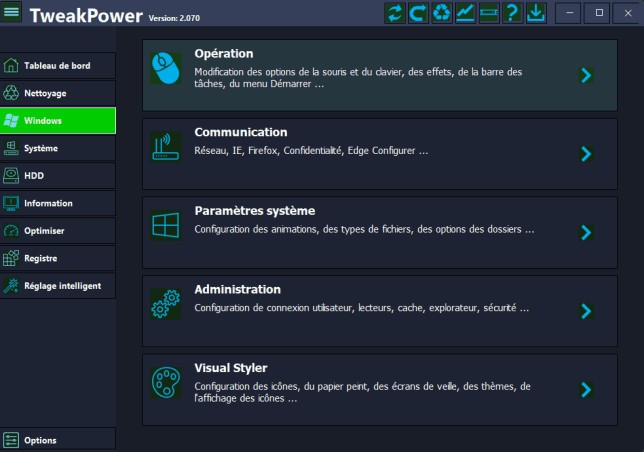
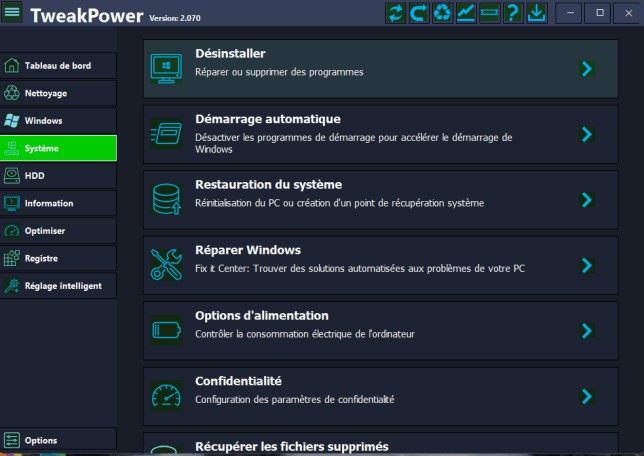
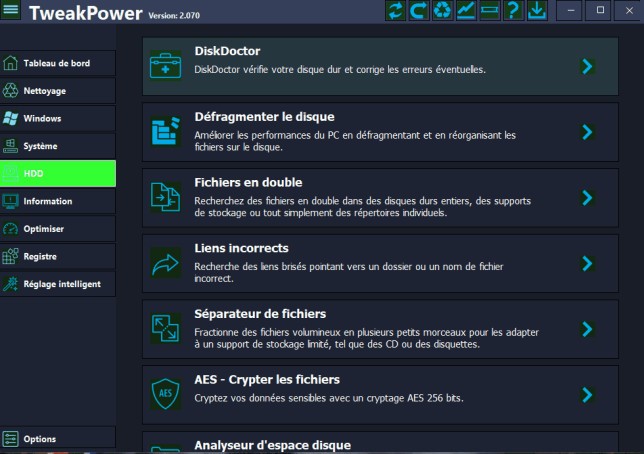
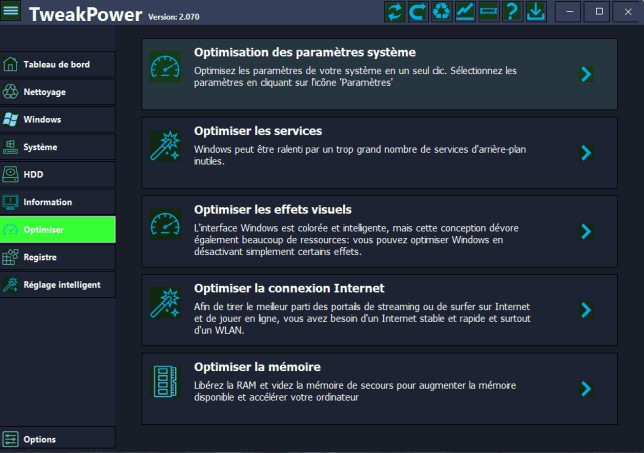
Users who want to keep their Windows computer running smoothly and performing cleanly can benefit from the free software application TweakPower. The program enters the system without artistic display or heavy sound production.
TweakPower operates discreetly by providing users with tools that eliminate background-generated files, such as temporary data, as well as browser history, system logs, and other accumulated system debris. The core functionality of this product operates as a maintenance kit. The interface becomes visible during system slowness or as a quick method to verify operation stability.
TweakPower provides a range of useful tools across various categories in a single program interface. The application includes cleaning tools, tune-up functions, and backup capabilities. It requires no technical expertise for normal operation.
The application provides simple layout menus that work perfectly for those who need basic maintenance commands to keep their computer running smoothly. You can explore many manual options and adjustments, even though simpler users will find everything they require.
Why Should I Download TweakPower?
TweakPower stands out as an essential tool for restoring the performance of computers that have begun exhibiting slow startup times, delayed program responses, and general system slowness. With this tool, you will receive cleaning benefits that go beyond short-term solutions. Using this program gives users operational freedom. The tool lets you select which commands it executes, and it avoids blind automatic actions. You have direct control over which cleaning activities you want to perform and the level of optimization to achieve.
The tool lets users customize specific settings through an interface that would usually require navigating through the Windows Control Panel. The application presents a straightforward organization for tasks such as startup program management, privacy control adjustments, and system optimization settings distribution. The makers of this tool appear to have created their program from a Windows perspective because they understand how systems gradually become disorganized over time.
The software allows you to safeguard your system in advance rather than waiting to respond to emerging issues. Regular clutter management, combined with background program control, reduces the likelihood of system freezes, errors, and overall slowdowns that build up over time. The minor increase in performance responsiveness benefits computer workers, as well as those who prefer their devices to function without delays.
The concerns about potential system damage from extensive changes should not bother you when using this program. A rollback option usually becomes available through the software. Numerous users find this benefit noteworthy because they worry less about making mistakes with their computers. You can try out settings, but if you realize they do not suit you can easily restore the previous state. So, application users who experiment with system tools for the first time face reduced risk because rollback options are available.
Also, it’s lightweight. The tool functions without using system memory or reducing performance speed. You can end your work with it and resume your activities after you close it. Users who want PC control without advanced technical knowledge find this tool beneficial. Users can get significant system utility without feeling overwhelmed by the tool, even though it is offered at no cost.
Is TweakPower Free?
The service is free. The software provides all essential features in its basic package, which you can access without a subscription or account creation. Users can install this tool without hidden costs, which is one of its key benefits.
What Operating Systems Are Compatible with TweakPower?
Windows systems form the primary platform for which TweakPower intends to operate. Windows 10 and 11 users can easily run this software due to its compatibility with these operating systems. The application still runs on Windows 7 and 8, but its developers primarily test and update it for modern Windows environments.
TweakPower has been designed exclusively for Windows users, as it runs only on Windows and does not support macOS or Linux. The installation procedure begins after downloading, since the program operates immediately upon setup completion.
What Are the Alternatives to TweakPower?
Several programs take a comparable approach to system management but organize their functionality differently. Various recommended alternative applications are available if you need a change from your current choices.
Microsoft created PowerToys, which represents a widely used choice among users. This program does not provide cleaning or tune-up capabilities, but it delivers additional system features that boost your productivity. The main functions of PowerToys include a quick launcher, a keyboard remapper and image resizer, and a window manager, which aim to increase productivity and usability in everyday tasks. Power users can make full use of it, yet anyone seeking new system experiences will find it accessible enough to try out.
Another reliable option is the Microsoft Sysinternals Suite. Since its inception, this program has primarily targeted IT professionals and users seeking in-depth access to Windows system functions. The technical aspects of Sysinternals are higher than TweakPower, while offering Process Explorer, Autoruns, and TCPView to monitor system processes and network connections. With this suite, users can monitor all subtle Windows operating system processes and study Windows systems in depth. Even though novice users may struggle with it, experienced computer experts must have the System Internals suite in their essential tool collection.