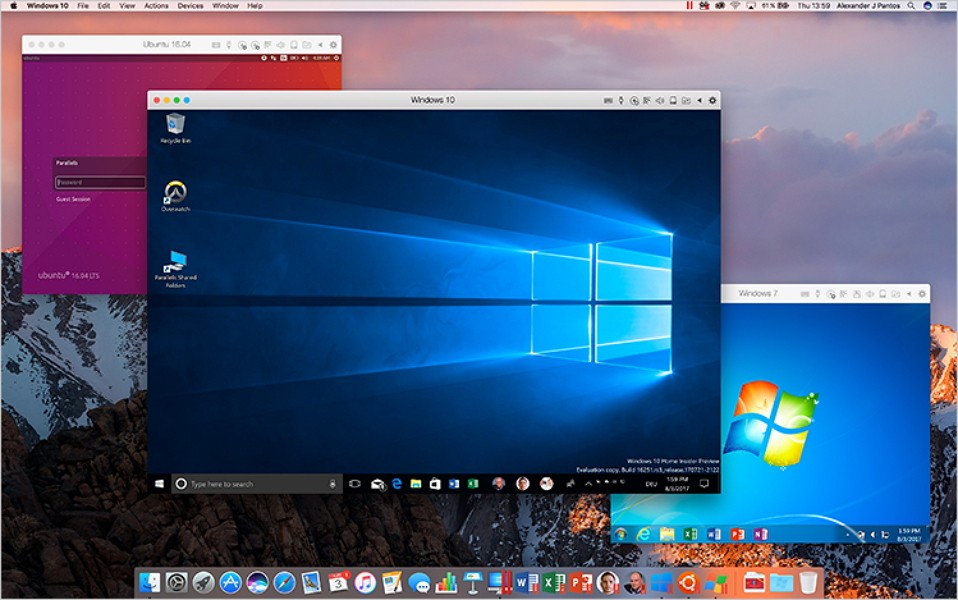
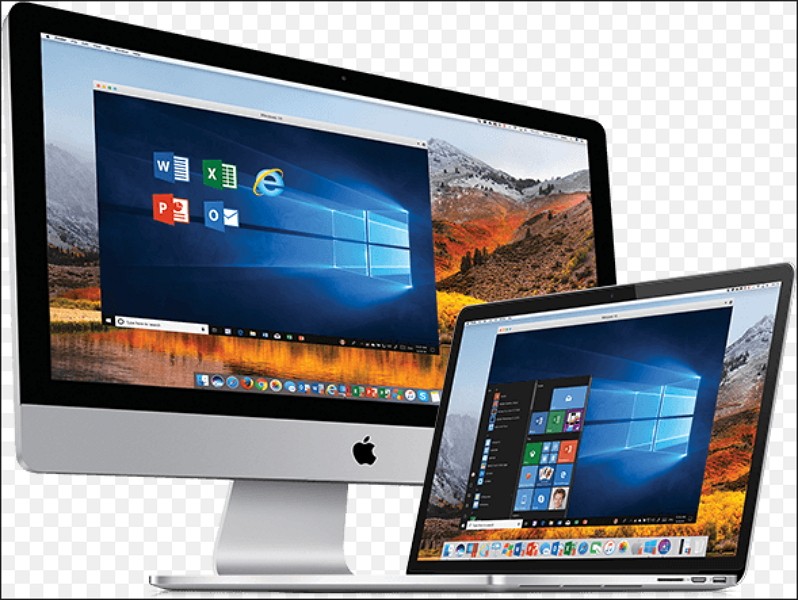
Parallels Desktop is a virtualization tool that lets you run Windows (and other operating systems) on your Mac. You get a smooth experience and easy installation, and you don't need to restart your machine to open a Windows virtual machine along with your macOS system. Whether you're a developer, software tester, or just a gamer who requires access to Windows-exclusive titles, you should download Parallels Desktop and see for yourself.
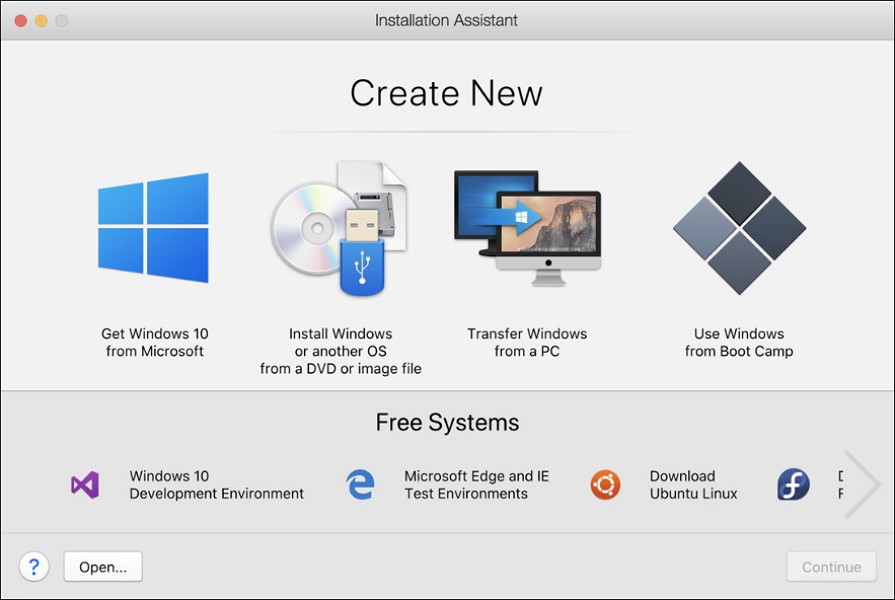
You don't need a ton of technical experience to use this software, as it has a clean UI and an installation wizard that takes you through the setup in a couple of simple steps. You will appreciate how Parallels Desktop integrates deeply with macOS and its smooth performance despite sharing resources on a single machine.
It is possible to set up a special mode in which you launch Windows apps as if they were native to Macs. You can also easily drag and drop files to share them between the two systems without creating duplicates.
It's a perfect solution for casual users who just require access to a couple of Windows-specific tools and professionals who develop or test software for cross-platform purposes and need to ensure everything works as expected without using two different computers simultaneously.
Why should I download Parallels Desktop?
Not all virtualization tools offer as deep and smooth integrations with Mac computers as Parallels Desktop does. This software is deeply optimized for macOS and provides powerful features and performance, yet it's straightforward to use and has a straightforward interface. Unlike most solutions like this, which require rebooting your computer every time you switch systems, Parallels Desktop lets you access the guest operating system just as you would switch between apps, with no restart required.
While Parallels Desktop was mainly created to launch Windows on macOS machines, you can also use it to run different Linux distributions. It also supports a wide range of Windows versions, from legacy versions to the latest Windows 11. You don't need to provide the installation disk or image; Parallels Desktop will download the correct ISO file for you and set up the entire system with a one-click installation.
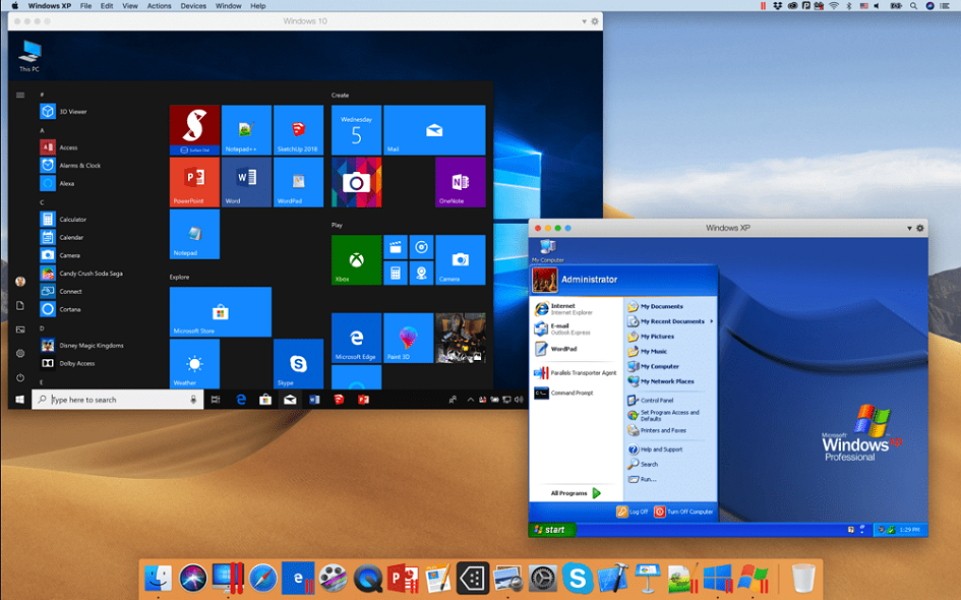
Coherence Mode is one of the most interesting features of Parallels Desktop, as it allows you to run Windows applications as if they were native on your Mac. In this mode, any software will appear as its own window, which you can reposition or move, or access from the Mac dock, rather than inside the Windows desktop view.
When you download Parallels Desktop, you will notice that it supports many features native to Mac computers, such as Spotlight search and Touch Bar support. The tool also gives you the option to use printers or a shared clipboard between systems, drag-and-drop files between systems, or use shared folders.
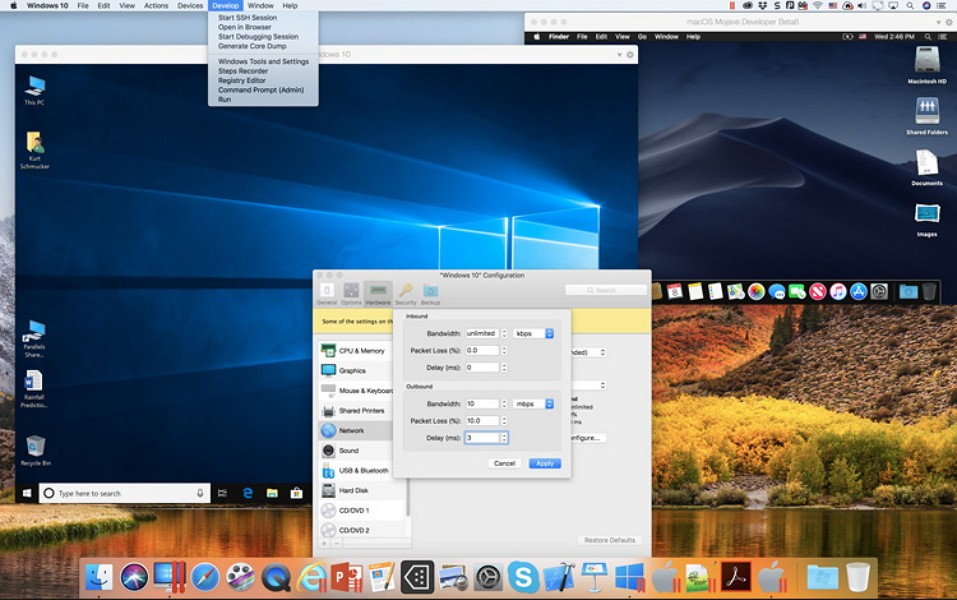
If you're wondering about performance, when you install another system in Parallels Desktop, you can decide how much CPU and RAM to allocate to the guest OS. The more powerful your machine, the more flexibility you will have, which will, in turn, allow you to run even the most resource-intensive apps on the virtual machine. You can also use graphics, DirectX, or OpenGL optimization and 2D/3D acceleration.
Parallels Desktop comes in various paid tiers, and the Pro plan includes Visual Studio integration, headless VM support, Command-Line Interface (CLI) controls, and VM configuration profiles, making it perfect for software developers and testers. You can also take a snapshot of your system at any time to save its settings and configuration, then quickly restore that version.
You can also ensure the virtual machine doesn't waste storage space by enabling disk optimization, which compacts virtual disks and reclaims unused space. On top of that, with Parallels Desktop, you can use external storage disks configured for Windows and receive all system updates and security patches for the guest OS.
Is Parallels Desktop free?
You can download Parallels Desktop and use it for free for 14 days during the trial period; afterward, you need to purchase a paid license. They have three options: Standard, Pro, and Business, and both of them are better suited for different types of users, ranging from casual gamers to big companies that need an advanced solution. All of them are offered on an annual subscription model, but you can also buy a lifetime license for the Standard Edition.
What operating systems are compatible with Parallels Desktop?
You can download and use Parallels Desktop on macOS starting from 10.14, on both Intel chips and Apple Silicon (M1, M2, M3), which support native RAM architecture.
If you're wondering what guest systems you can set up as a virtual machine, they include Windows 7, 10, 11, Linux Ubuntu, Debian, Fedora, Arch, and Kali, or even older Intel-only macOS systems. There's also a way to emulate Android and some open-source systems, but they will have limited functionality.
What are the alternatives to Parallels Desktop?
One possible competitor is VirtualBox, which Oracle offers as an open-source project and is available for free. You can use it on Windows, Linux, and Intel-only Macs as guest or host systems. This tool also supports snapshots, is compatible with multiple disc formats, and allows you to connect USB flash storage.
There's also VMware Fusion, which is a solution for Mac computers that you can use for free as a personal user. Business users need an active paid license, but they also get advanced features such as the ability to encrypt virtual machines, use multiple CPU cores, or access extended network configurations. You can also emulate Windows apps as Mac-native ones thanks to its Unity mode.
Alongside Fusion, VMware Workstation works only with PC (as Fusion does with Macs). It's optimized for Windows and Linux computers, and it's available in both paid and free versions. You can snapshot virtual machines, encrypt them, or manage different network settings. It's the perfect solution if you're a developer, system administrator, or part of an enterprise team. You can use VMware Workstation if you need a secure development environment or just are working on a cross-platform solution.