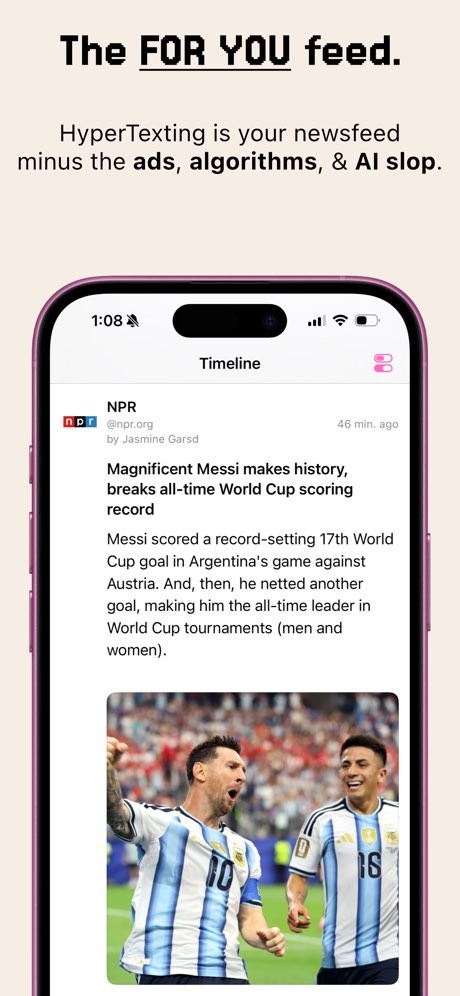
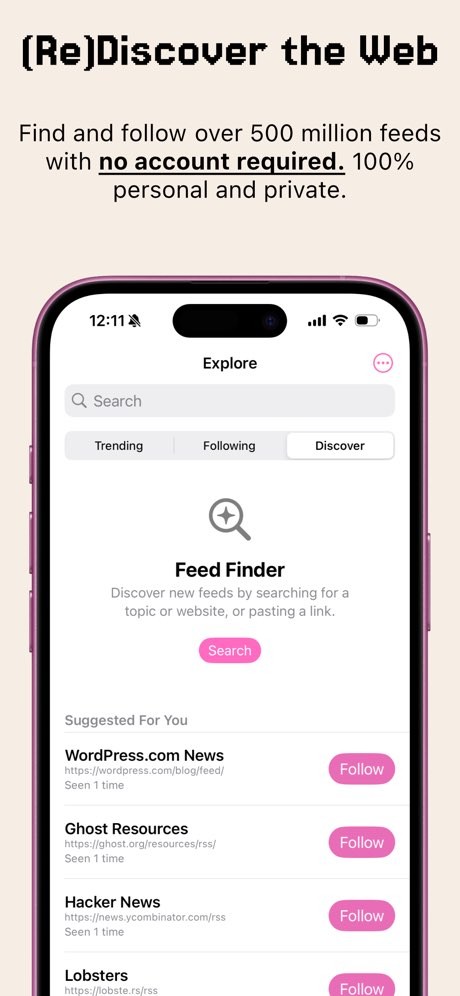
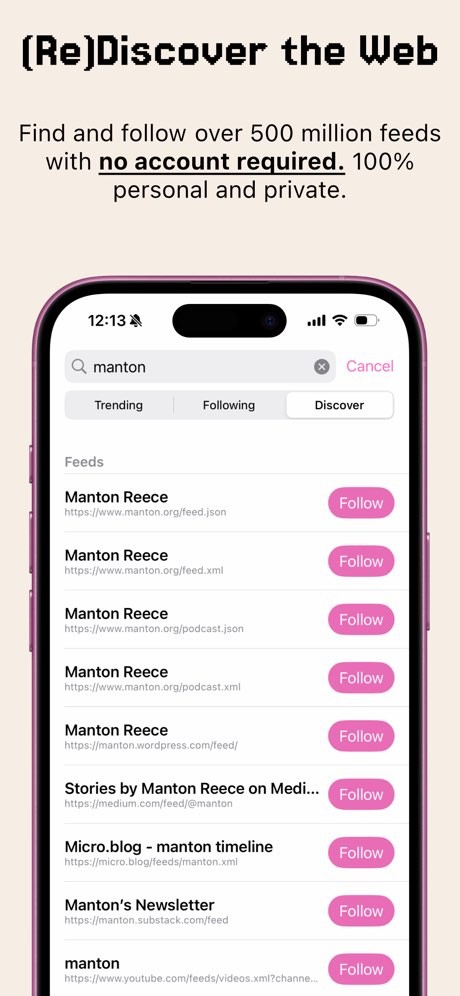
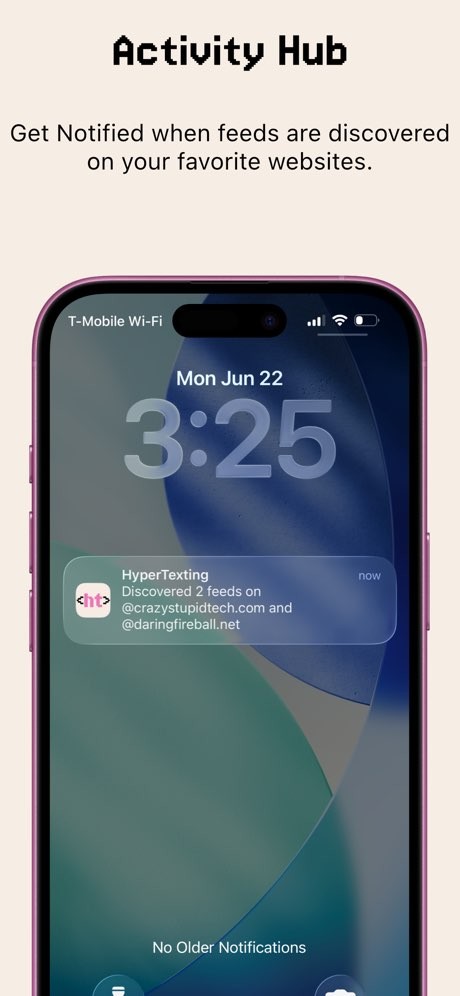
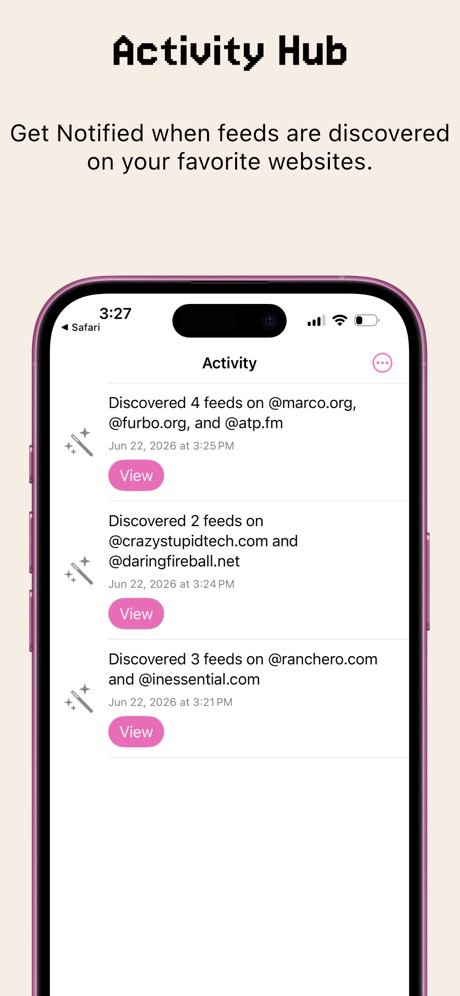
Developed by Herd Works, an Oregon-based enterprise founded by Caleb Hailey, HyperTexting offers users a way to view news feeds as they want to, and not as the algorithms or the AI want to. Just subscribe to the feeds you intend to read and access them through a proper timeline. It works as a RSS news feed, but without the fuss of having to do it all manually.
The app is based on a simple observation: these days, your feeds are full of suggestions that have nothing to do with what you actually want to read. Algorithms and other built-in AI features are cluttering up the content you hope to read. Facebook’s feed is a prime example of this.
In HyperTexting there is none of this BS; you just select what you want to read and just read it. Moreover, the app is privacy-focused and won’t collect any of your data. The app doesn’t even stop there. The developers are aware that some people use their feed to publish content on their own websites. The app allows you to easily share the information you read to your website.
Why Should I Download HyperTexting?
The goal of HyperTexting is to allow you to read and share feeds as they usually do. For that, the interface is similar to most social media apps, which is the way most people follow news feeds these days. But in essence, HyperTexting is more than a social media feed: it is based on the RSS standard.
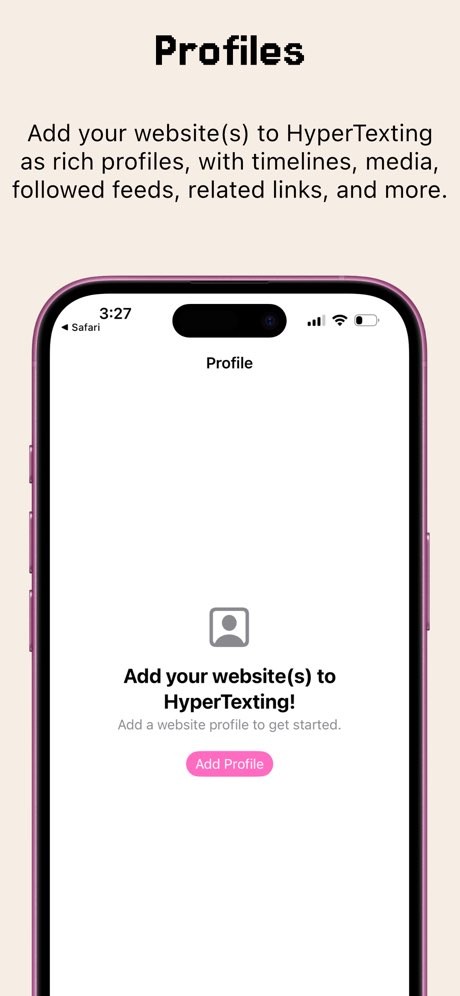
This means that your timeline will contain every new article from the media you subscribed to in chronological order of publishing, something that Facebook’s timeline is not very eager to do anymore. It also means that there will be no recommendations coming from who knows where. Moreover, you can even add your own website to HyperTexting, like a social media profile. This means you can subscribe to other users' profiles and see them in your feed.
HyperTexting was built with the user in mind. Choose the media you want to read from and see the articles in your timeline. The app will also show you posts on the same topic coming from other feeds you follow, and if there are links to your subscribed media in the articles, they will open in the app as well. And if you wish to discover new topics, you can open the Hot Hyperlinks page, where the top 100 most-linked pages of your subscriptions will appear.
If you are looking for a way to follow the news on a real-time basis (and not articles from 3 days ago, when the news inside is not really up-to-date anymore), then this is a very interesting idea. And the profile part allows you to share content with others, as you would on a social media platform, but deprived of any algorithm or AI, and respects your privacy.
Is HyperTexting Free?
You can download HyperTexting for free and start using it. This free version is made possible thanks to subscribers and sponsors. This means you’ll see some sponsored posts. Paid subscriptions are also available, allowing you to suppress sponsored posts and unlock additional content. A list of the sponsors is available on the official HyperTexting website.
What Operating Systems Are Compatible with HyperTexting?
While HyperTexting is a really interesting app to download, it is only available for iOS and for iPhone only. No information on an Android version is available, making it unlikely to be released on this OS. HyperTexting is not available on the web either. Moreover, the app is only available in English.
What Are the Alternatives to HyperTexting?
HyperTexting was launched as an alternative for people who rely on social media as their news feed. If you’re looking for this kind of solution, then Facebook and X (Twitter) are the better-known alternatives. You can also try something more open like Mastodon, which offers a corporation-free, decentralized, algorithm-free solution with a chronological timeline. These allow you to follow news feeds from media but also feeds from other users.
If you’re only interested in reading the news without having to cope with sharing or users' content, then you need a news feed reader. There are some interesting solutions on the market. They all offer at least one free option (sometimes with a bit of ads, but not as much as social media can do). Some also offer subscriptions. If at first RSS readers were aimed at advanced users (like Tiny Tiny RSS) and required links to be added manually, they are now well developed, and anyone can use them.
Feedly is a news reader available for free and with a subscription option. It is easy to use, regardless of your computer skills. It is available on Android, iOS, and even on the web. Create an account, and you can synchronize your feeds on all your devices. It offers a comprehensible search tool, allowing you to find all the feeds you want without having to enter their URL (but you still can).
Alternatively, you can also use Google News. Here, the timeline is also chronological. You can choose the media or category of content you want to see in your feed and even ban media you would rather not see. That said, Google also uses an algorithm (and some AI) to show you related content. Thanks to your Google account, you can synchronize all your data on all your devices (Android, iOS, and web).
If you prefer listening to news instead of reading it, podcasts may be your thing. There are some podcast apps on the market, such as Podcast Addict or AntennaPod, you can even find some on Spotify or Deezer.