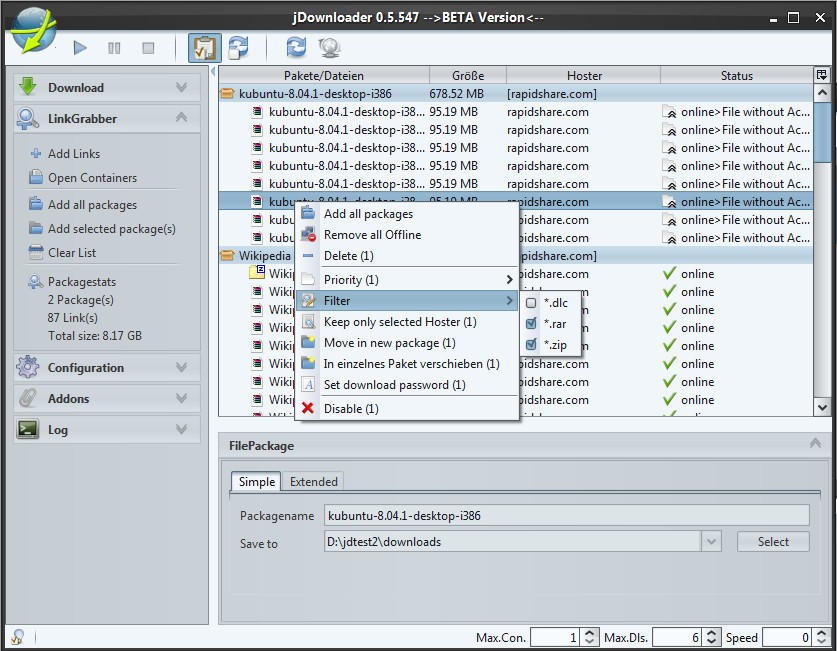
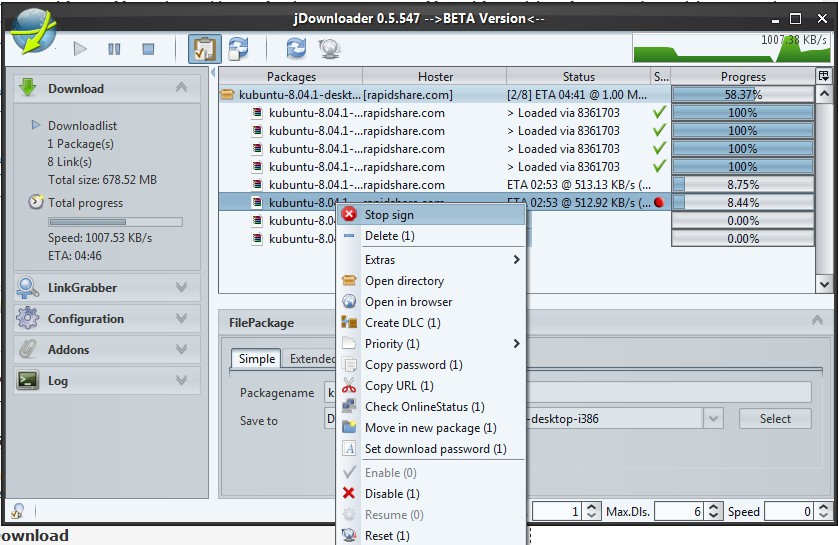
The open-source JDownloader platform operates as an absolutely free tool that simplifies internet file download management. The software specializes in file download automation, improving file management, particularly for file-hosting services, as well as streaming websites and cloud storage platforms.
It includes support for encrypted container formats such as RSDF, CCF, and DLC, allowing users to manage protected download lists easily. JDownloader provides web users with enhanced control over their download processes by accelerating download speeds, resolving CAPTCHA and waiting time issues, and simplifying file extraction requirements. An integrated OCR-based JAntiCaptcha module automatically detects and solves many CAPTCHA challenges, further improving automation.
JDownloader provides users with the advantage of evading the restrictions several file-hosting sites implement. Users must provide a captcha solution or spend time waiting before they can start their file downloads at certain websites. Many downloaded CAPTCHA images can be automatically solved by JDownloader, which enables automatic download initiation. This software enables users to resume downloads even when their Internet connection breaks because it supports automatic restarting points. It can also automatically reconnect to the internet or restart compatible routers to change the IP address and bypass time limits set by some hosts, with support for more than a thousand router models.
Due to its easy-to-use layout and ability to handle bulk downloads and support numerous sources, JDownloader functions well for users who regularly collect large files. JDownloader provides integration with premium accounts from different hosting services, which enables users to reach maximum download speed capacity while executing automated tasks. Its modular plugin system allows continuous compatibility with hundreds of file-hosting and streaming services through frequent automatic updates.
Individuals who seek improved downloading of videos and music, together with documents and software, utilize this widely popular application to access multiple sources. Users can also take advantage of browser extensions such as “Download with JDownloader,” which lets them send links directly from Chrome or Firefox into the application with one click.
Why Should I Download JDownloader?
JDownloader functions as the top download manager of choice for users who execute frequent internet-based large file downloads. JDownloader offers an essential commodity as its main reason for use. Multiple file downloads from several websites tend to become time-consuming because captchas occur, and download speeds are slow while some sites enforce time-based delays before starting downloads. JDownloader executes automated procedures because users should not need to intervene one by one for each file. The program operates as a download manager that allows queued file downloads, while it handles captcha detection features and extracts compressed files post-download. It also supports Metalink and multi-mirror downloads, allowing JDownloader to choose the fastest available source automatically.
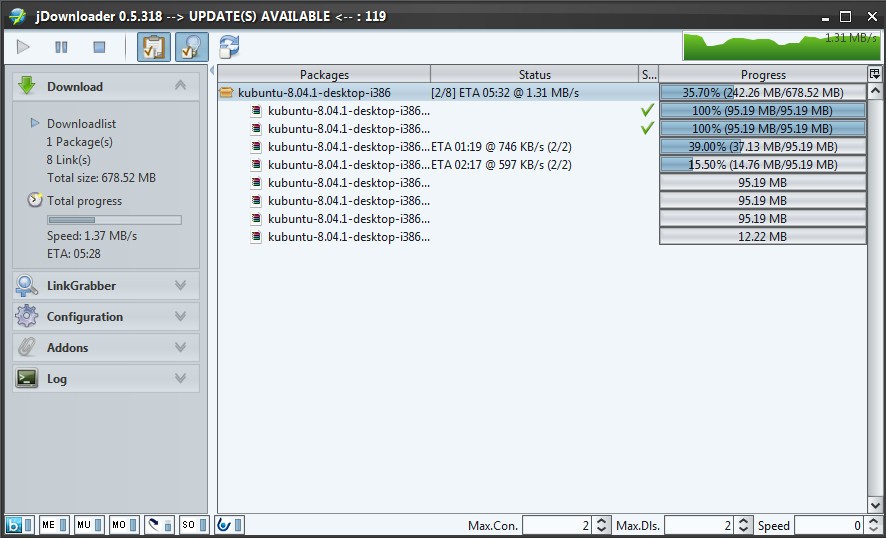
The primary benefit of JDownloader is its function, which speeds up ongoing downloads. The speed restrictions that traditional browser-downloading systems impose are removed through JDownloader because it distributes files into sections to perform simultaneous downloads that enhance speed. The software serves large file downloaders well since they routinely get software along with high-resolution videos and extensive documents. All plugins, components, and language files are kept up to date by a built-in update system. This ensures long-term security and compatibility.
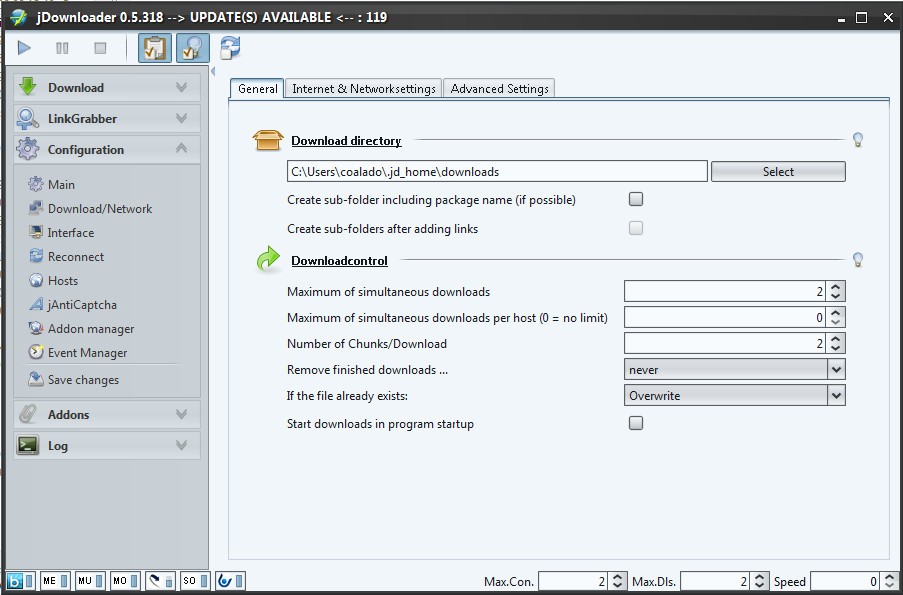
JDownloader provides users with complete customization options. Users of JDownloader can establish bandwidth limits to stop downloads from reducing internet speed for other ongoing activities. JDownloader allows users to automate downloads at particular times because this ensures files get downloaded during low-traffic internet periods. The program provides users with the ability to initiate automatic computer shutdown following download completion, which works well for people who set their computer to operate during nighttime download sessions. Additional customization includes theme selection, language switching, and layout configuration to personalize the interface according to user preference.
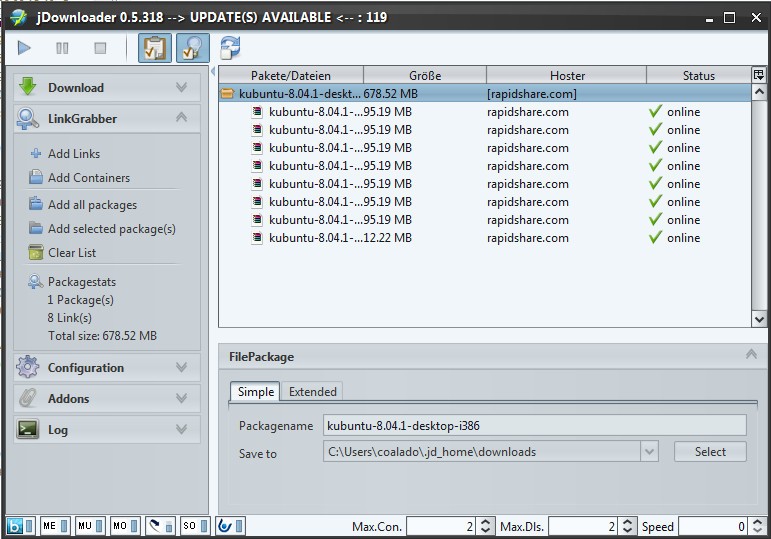
Users of file-hosting platforms, including Mega and Rapidgator, as well as Uploaded, benefit from easy integration with JDownloader. Download speeds and usage limitations are enhanced when JDownloader detects premium user credentials because it automatically applies these credentials to file-hosting services. It focuses on reducing waiting times for all users and handles CAPTCHA where available, even if they have free accounts. Its flexible plugin framework also allows community developers to add or modify host support without altering the main program.
The use of JDownloader brings crucial support for video streaming platforms as a main benefit. Users benefit from JDownloader since the program identifies video links on websites that do not offer direct download options, thus enabling users to store the content locally. The built-in capability to archive videos as well as watch videos offline makes the application invaluable to users without internet access.
JDownloader delivers automated downloading management through an effective system that eliminates typical web-based downloading problems. The application increases productivity and managerial efficiency while optimizing download speeds to make extensive file downloads much easier to handle. Whenever users require the download of software or videos, or any larger file types, JDownloader simplifies the process, so users encounter no difficulties. Through the MyJDownloader web interface, users can remotely control their downloads from any device, including smartphones and tablets, pause or start tasks, and monitor progress from a distance.
Is JDownloader Free?
The software JDownloader provides free access to all users without any cost for downloading and using it. The project exists as open-source because users obtain all offered functionalities without any payment requirements or subscription costs. Premium account functions that integrate with select file-hosting services require subscribers to obtain their own premium accounts from those services, apart from JDownloader. The software JDownloader functions without charge, but features optional advertisements that contribute to its development efforts.
What Operating Systems Are Compatible with JDownloader?
JDownloader exists as a cross-platform program because it operates effectively on multiple operating systems. Users can access JDownloader through Windows and macOS as well as Linux devices because it supports multiple platforms. JDownloader operates across systems since it uses Java as its programming language when Java is installed on the machine. Polymorphic technology behind JDownloader enables usage through Windows PC, alongside MacBook and Linux-based machines, with an equivalent feature implementation across platforms.
The official JDownloader mobile version is nonexistent, but users can manage their download sessions by using the MyJDownloader web interface remotely from smartphones and tablets. Remote monitoring of download processes becomes possible through the MyJDownloader web interface for users who need to check downloads outside their PCs. This integration allows remote start, stop, and link management through any web browser without installing a separate app.
What Are the Alternatives to JDownloader?
Internet Download Manager functions as a leading choice for users seeking a replacement for JDownloader. Many users choose IDM due to its excellent speed-improving capabilities despite being a paid program. Such file segmentation techniques that optimize speed performance make IDM one of the quickest application choices. IDM supports a built-in “Site Grabber” (or “download all” feature) that lets you fetch all files from a webpage based on filters, and it supports multiple download queues, import/export of job lists, and automatic antivirus checking of downloaded content. Users can perform one-click file or video downloads with deep browser integration, catching links automatically, through JDownloader because it provides web browser integration. They can also halt and continue downloads on IDM, while the application provides an integrated feature to sort downloads by categories. IDM also supports protocol authentication (Basic, NTLM, Kerberos), proxy servers, and the ability to dial/modem or shut down the computer after downloading. Users who want fast, dependable downloads tend to favor the JDownloader software over all its competitors because of its combined high speed and stability performance.
Free Download Manager (FDM) provides users with a set of features similar to JDownloader through its lightweight and contemporary interface. Another comparable tool to JDownloader enables batch downloads alongside the ability to pause and resume downloads, and it works with common browsers. In addition, FDM supports remote control (via Android or web), built-in BitTorrent support, HTML spider for website crawling, simultaneous downloading from multiple mirrors, and partial ZIP downloading. The main distinctive feature of this application allows users to handle their torrent and direct download functionality from inside a solitary application interface. As a free utility without advertisements, FDM functions as an excellent solution for users who need a fast, no-cost replacement for IDM or JDownloader.
Xtreme Download Manager (XDM) delivers simple usage with efficient performance as a tool for users. This program functions as a fast speed boost tool to make video streaming more efficient. The video download capabilities of XDM are very similar to those of IDM because the application extracts videos from YouTube as well as Dailymotion and additional streaming websites. Browser integration is built into the program, which enables automatic detection of downloadable media on webpages. XDM also features a built-in video converter (supporting 100+ device formats), smart scheduling, speed limiter, multiple queues, proxy and authentication support, resume and recovery, and even a preview of media before full download. XDM serves users seeking an efficient download tool that enhances video downloading operations but provides limited automation capabilities compared to JDownloader.