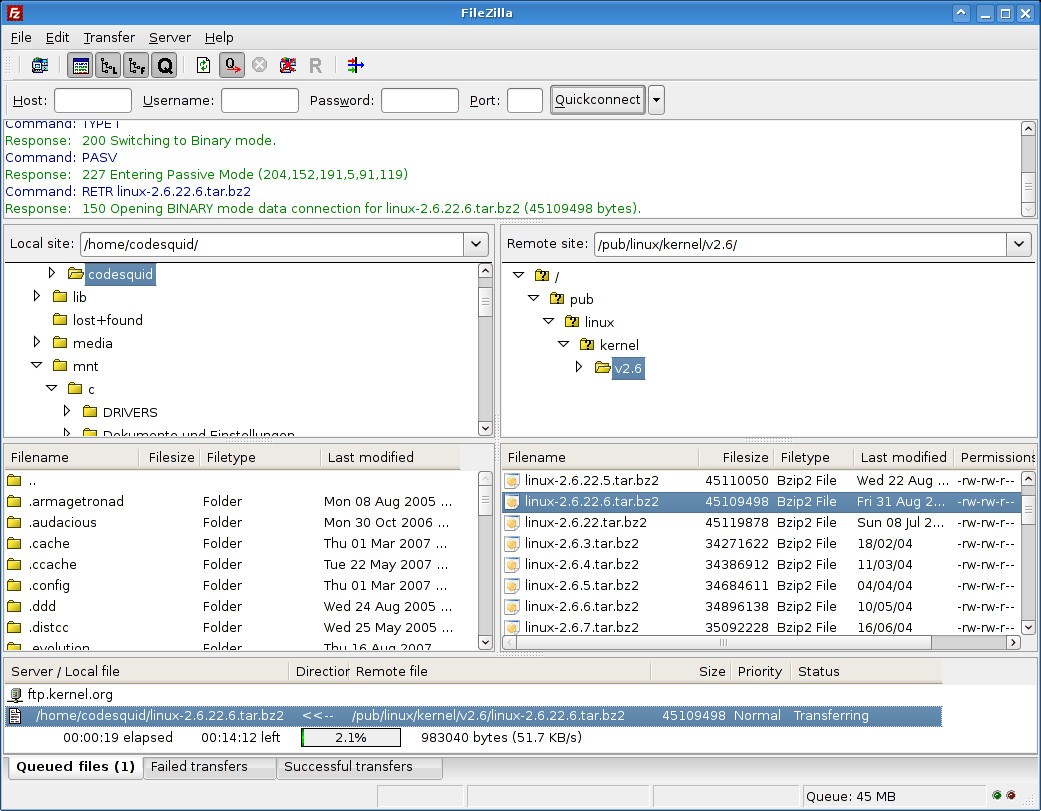
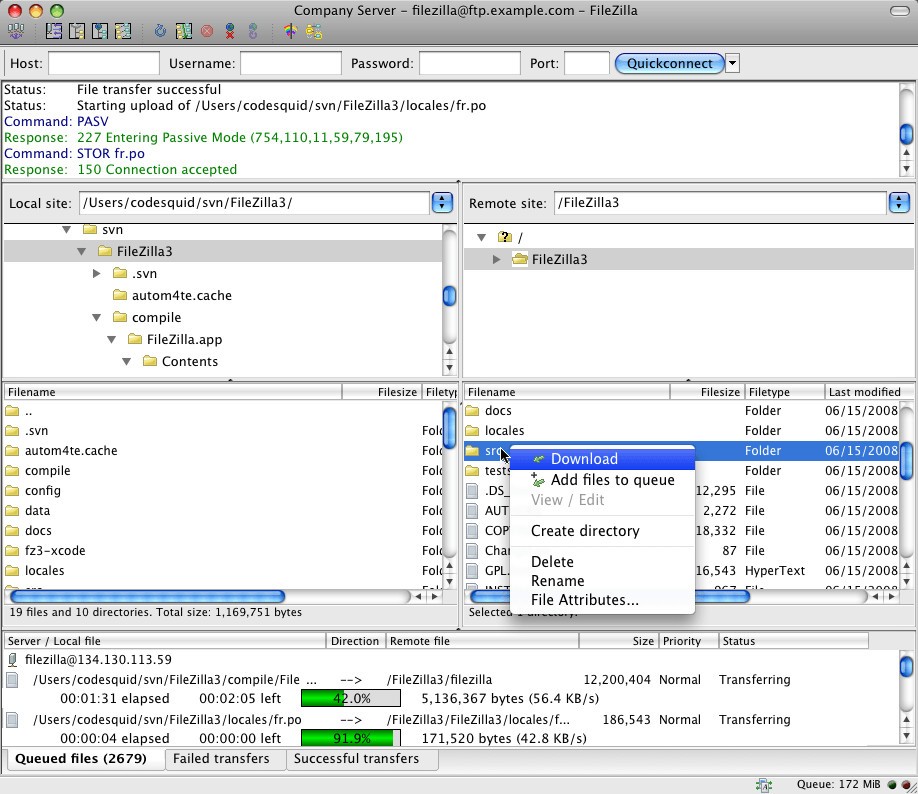
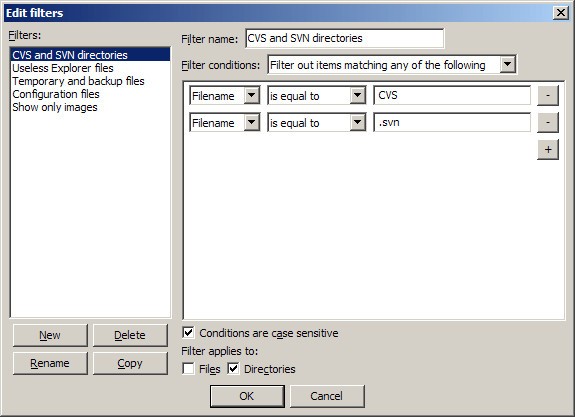
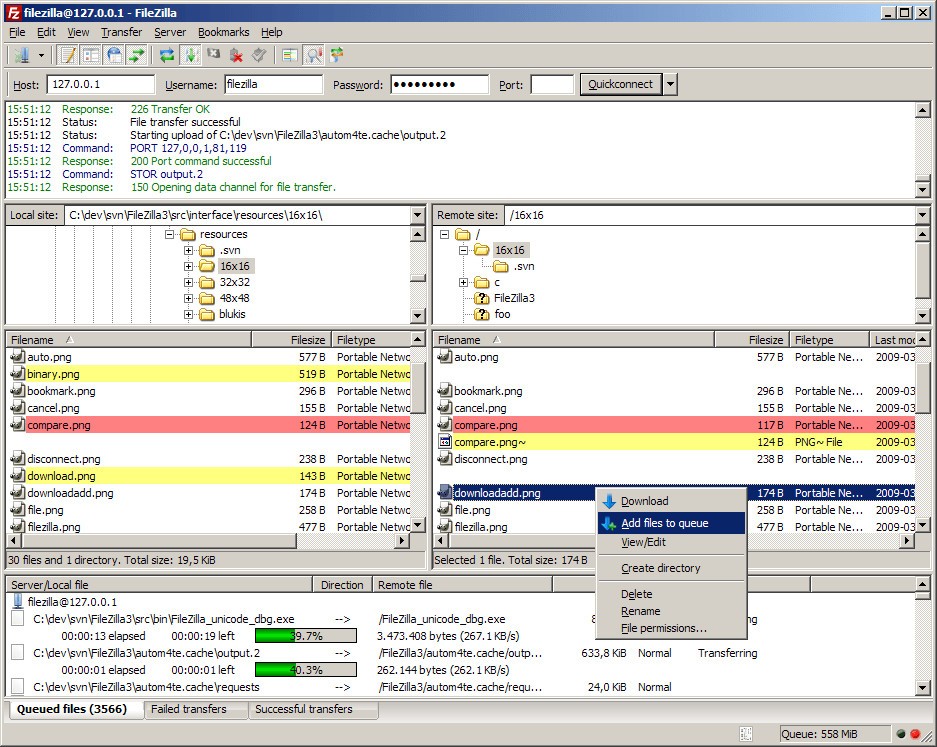
FileZilla is an established FTP software that is usually used for transferring local and remote files. As a cross-platform FTP application that supports FTP, SFTP (Secure File Transfer Protocol), and FTPS (FTP Secure), FileZilla is a powerful solution for moving large files securely over the web and is widely used by web developers and system administrators. For enhanced network compatibility, it also supports IPv6 connections, proxy configurations (HTTP, SOCKS5, FTP), and both active and passive FTP modes.
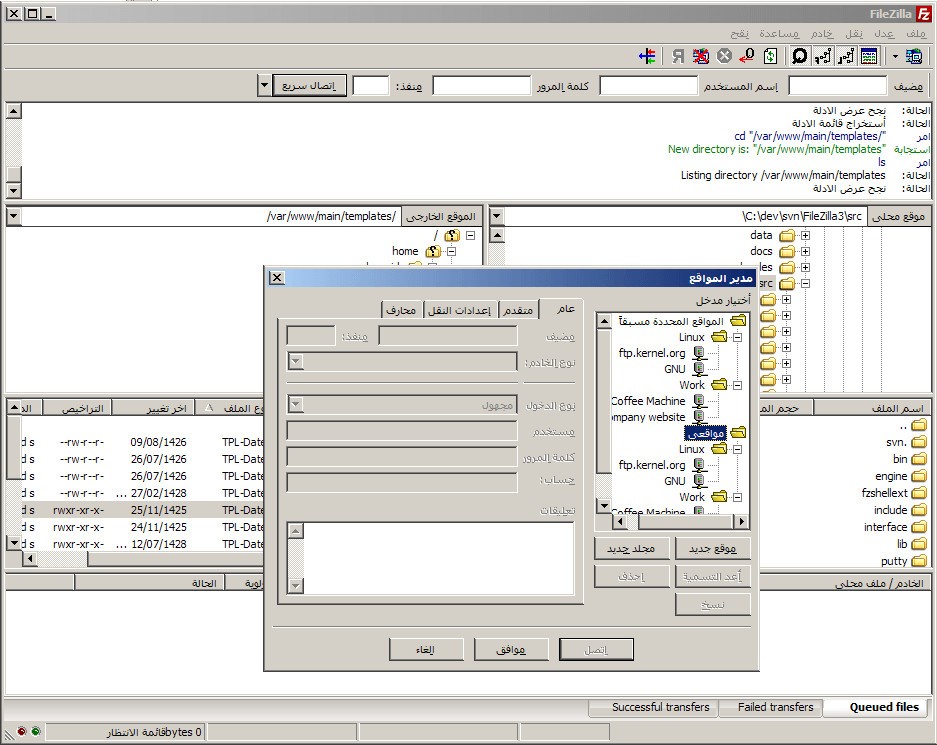
FileZilla offers a neat drag-and-drop file-management UI, unlike legacy FTP clients. It comes with transfer queue management, a built-in site manager for saving server credentials, and reporting functionalities for checking file movement. It's easy to switch between environments because the site manager lets you save multiple server profiles, each with its own connection type, port, and authentication settings. Furthermore, it supports concurrent connections, meaning FileZilla is useful for large file transfers, especially with its ability to resume downloads and control over bandwidth.
The encryption support further secures files during transfer and is a great solution for sensitive file maintainers. Website updating, remote file backups, or securely transferring documents — if these tasks sound familiar, then FileZilla is the all-round tool that offers a perfect combination of speed, security, and usability. It's easier to keep mirrored folder structures up to date and change files right from the interface thanks to its synchronized directory viewing and remote file editing features.
Why Should I Download FileZilla?
FileZilla is a must-download for anyone who works with remote servers or website hosting, or with the transfer of data over a connection in which security and reliability are key. The primary benefit is that it provides support for a lot of file transfer protocols.
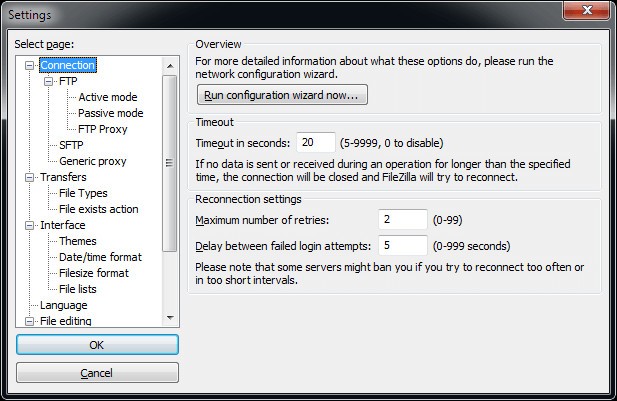
Encryption inherent in the connections established by SFTP and FTPS helps secure data that’s in transit, and while a basic FTP connection can occasionally be used for non-sensitive files, the inclusion of these types of connections, as a service in FileZilla, significantly minimizes the threat of unauthorized access. Its features make it an essential tool for web developers uploading files securely to a web server, businesses transferring sensitive documents, or IT personnel working on a remote server. FileZilla also includes a network configuration wizard, helping you test ports, set passive/active modes, and troubleshoot firewall-related issues easily. It supports large file transfers above 4 GB and allows transfer resumption to ensure that no data is lost during interruptions.
One more reason to choose FileZilla is that this software can handle large files and bulk transfers without a hassle. Unlike many FTP clients that tend to miss the boat with a huge amount of data or go down in a slow network, FileZilla optimizes the process using multiple techniques, such as the resumption of transfers. If a file transfer becomes interrupted in the middle of a transfer because there was a network issue, FileZilla picks up from where the transfer ended instead of starting the entire transfer all over again. This saves precious time and the annoying job of transferring gigabytes. In addition, the “Keep Alive” option ensures your connection stays open even during idle moments, preventing timeouts on long transfers.
In addition, FileZilla grants you full control over the configuration of file transfer settings. For example, FTP transfers can be throttled so they do not consume all network bandwidth, while other applications continue to operate quite well.
Another wonderful option is the website manager, which enables construction to save their login credentials along with server facts into the tool, so they do not enter them just after every time they use the tool. This section gives you access to SSH and login to your servers by saving some of your time, also providing consistency. You can also export and import your saved sites and queued transfers as XML files, useful when moving between systems or keeping a backup of your configurations.
Unlike FTP and FTPS transfers, where the server authenticates itself with a certificate, SFTP transfers use SSH for authentication, and you can create your own SSH keys inside FileZilla and authenticate as a user who can reconnect to the server without having to reauth. Users can also monitor their file transfer history, debug problems, and keep records of all their activity with the help of the logging features. Logs can be saved for auditing or debugging purposes, giving transparency over every file operation performed.
In addition to its technical advantages, FileZilla is regularly updated and maintained by an open-source community that backstops the platform’s ability to keep up with new security protocols and operating systems. It comes with a friendly user interface for starters, but lets professionals deeply customize it. Whether you are a freelancer, running a small-scale site, an enterprise working with bulk data exchange, or an IT guy dealing with the remote backups and holding it together for you, FileZilla does it for you — speedy file transfers.
Is FileZilla Free?
It can be downloaded and used for free. As you may have already guessed, FileZilla is an open-source project published under the terms of the GNU General Public License (GPL). This means that every user can directly utilize all of its core features free of charge. While other FTP clients may charge you for a subscription to the advanced features, FileZilla provides you with most of the features for free.
But there is also FileZilla Pro, this version adds support for proprietary cloud storage services like Google Drive, Dropbox, OneDrive, and Amazon S3. It also connects to additional cloud providers such as Microsoft Azure Blob, WebDAV, and Box, supporting synchronization and directory comparison for cloud storage environments. For the vast majority of users carrying out FTP, SFTP, and FTPS transfers, the free version is perfectly adequate, though for cloud storage integrations, its Pro version will be of assistance.
Which Operating Systems Are Supported by FileZilla?
FileZilla is a cross-platform program; it can be used on different operating systems. You can connect to just about any device or environment as it is supported on Windows, Mac, and Linux. FileZilla supports Windows versions from Windows 7 up to its latest version, Windows 11. This is a great choice for ancient machines, given the stability, but it is optimized for good performance on modern high-performance machines as well.
Regarding macOS, the application is compatible with the latest editions of macOS, meaning it should function perfectly and get the most features when it comes to the security components native to Apple's operating system. The most complete FTP client: while macOS has hybrid FTP support in Finder, FileZilla brings in all the control, customization, and usability to move remote files around.
FileZilla also comes in handy for Linux, given that it's an open-source software, it gets the most out of the popular-based distributions, like Ubuntu, Fedora, Debian, etc. FileZilla is an open-source software best used FTP Client Software, since Linux is one of the famous OS for web servers and others, file transfer is performed between the local system and remote system easily through FileZilla in case it is already installed in the Linux machine. For system administrators, FileZilla integrates smoothly with Linux network environments, supporting automation via shell commands and compatibility with major distributions.
What Are the Alternatives to FileZilla?
A more heavyweight competitor is WinSCP, a Windows-only FTP client designed specifically for SFTP and SCP (Secure Copy Protocol) transfers. For the IT employees who are regularly or frequently transferring files, WinSCP is another more secure GUI-based utility with scripting and automation functionalities. It supports FTP, FTPS, WebDAV, and Amazon S3, integrates with PuTTY (Pageant) for public-key authentication, offers directory synchronization in semi or fully automatic modes, includes an internal text editor, and can protect saved session information with a master password.
Cyberduck is another widely used alternative available for macOS and Windows. Cyberduck's killer feature is the way it connects to cloud storage providers such as Google Drive, Dropbox, and Amazon S3. While FileZilla Pro does include integrated cloud storage, most users who spend the majority of their time dealing with cloud-based file transfers instead of traditional FTP servers will find Cyberduck as the expected option. Additionally, Cyberduck supports WebDAV, Microsoft Azure Blob, OpenStack Swift, Backblaze B2, and Box. It offers support for two-factor authentication, uses strong ciphers for SFTP, and reads settings from OpenSSH config files (e.g., IdentityFile, ProxyJump). It also includes a custom file versioning feature to preserve older versions of edited files.
SmartFTP is a powerful, versatile FTP (File Transfer Protocol) client designed to facilitate file transfers between your computer and remote servers. With a user-friendly, intuitive interface, SmartFTP easily manages files with advanced features such as SFTP protocol support, folder synchronization, and batch transfer management. SmartFTP also offers customization and automation options, making the file transfer process even more efficient. It supports protocols including FTP, FTPS, SFTP, WebDAV, Amazon S3, Google Drive, OneDrive, and Backblaze B2. It offers FXP support (server-to-server transfers), IPv6, integrity checks (XCRC, XMD5, XSHA), visual compare, terminal emulation, and proxy/firewall support.
LFTP in Linux Command Line FTP is a command-line-based alternative for anyone who needs a native Linux solution, either for FTP or SFTP. Although it requires a learning curve, it offers powerful scripting and automation. It might be a good choice for those who need to upload large quantities of files. LFTP supports FTP, FTPS, HTTP, HTTPS, FISH, and BitTorrent protocols. It allows FXP transfers (between two FTP servers), segmented downloads, job queuing, scheduling, bookmarks, automatic reconnection, bandwidth throttling, recursive mirroring (mirror and reverse mirror), and can be fully controlled via scripts.