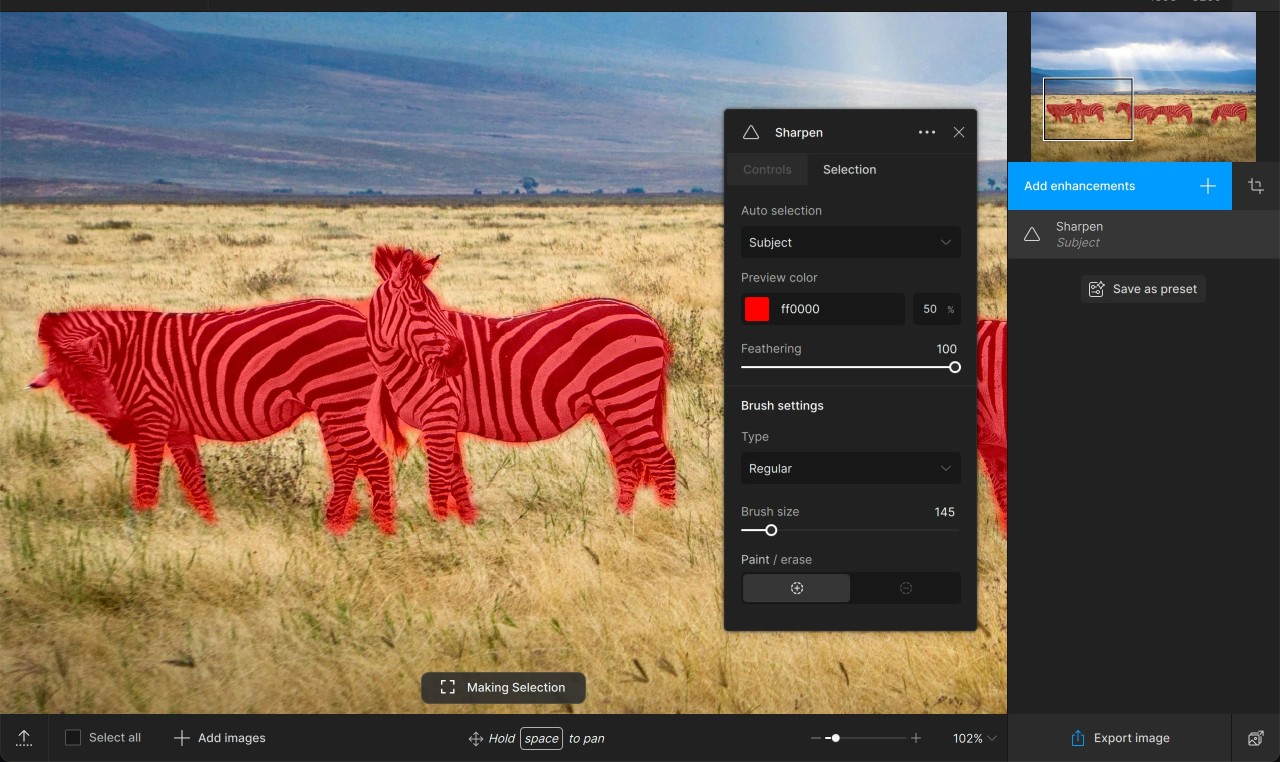
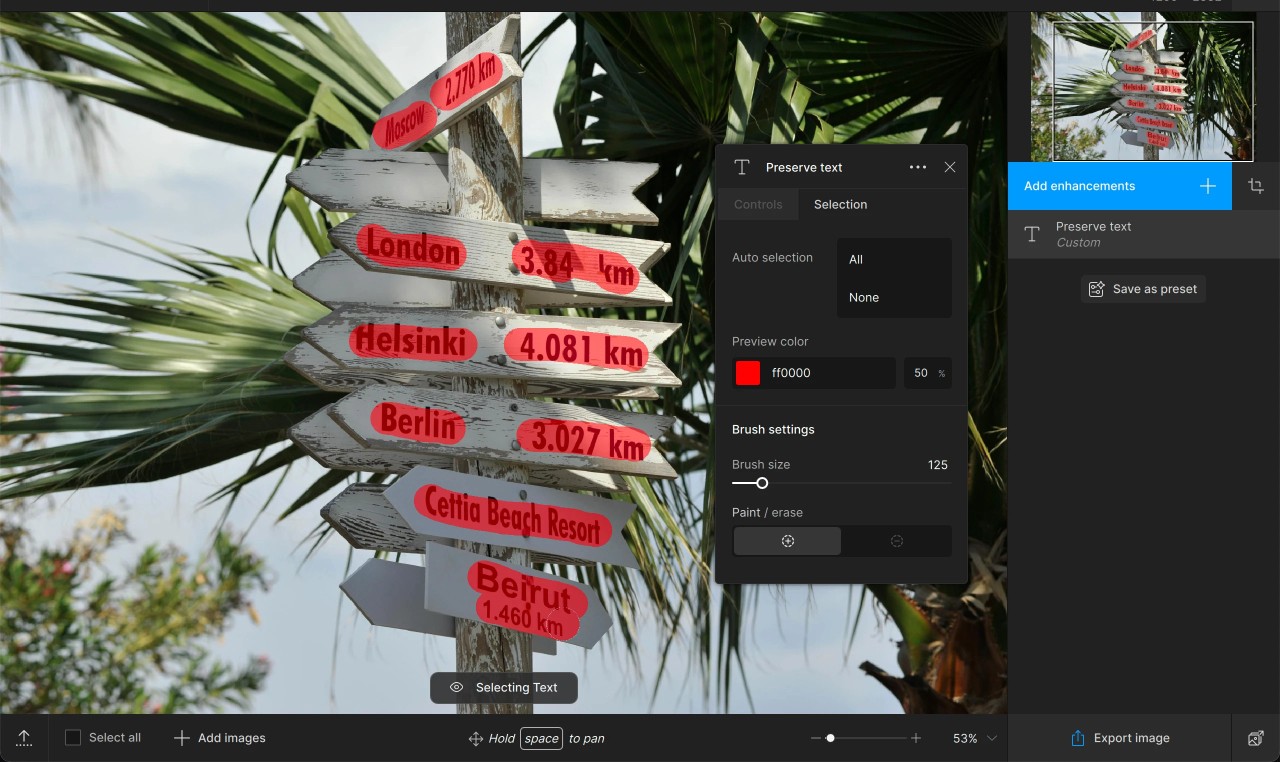
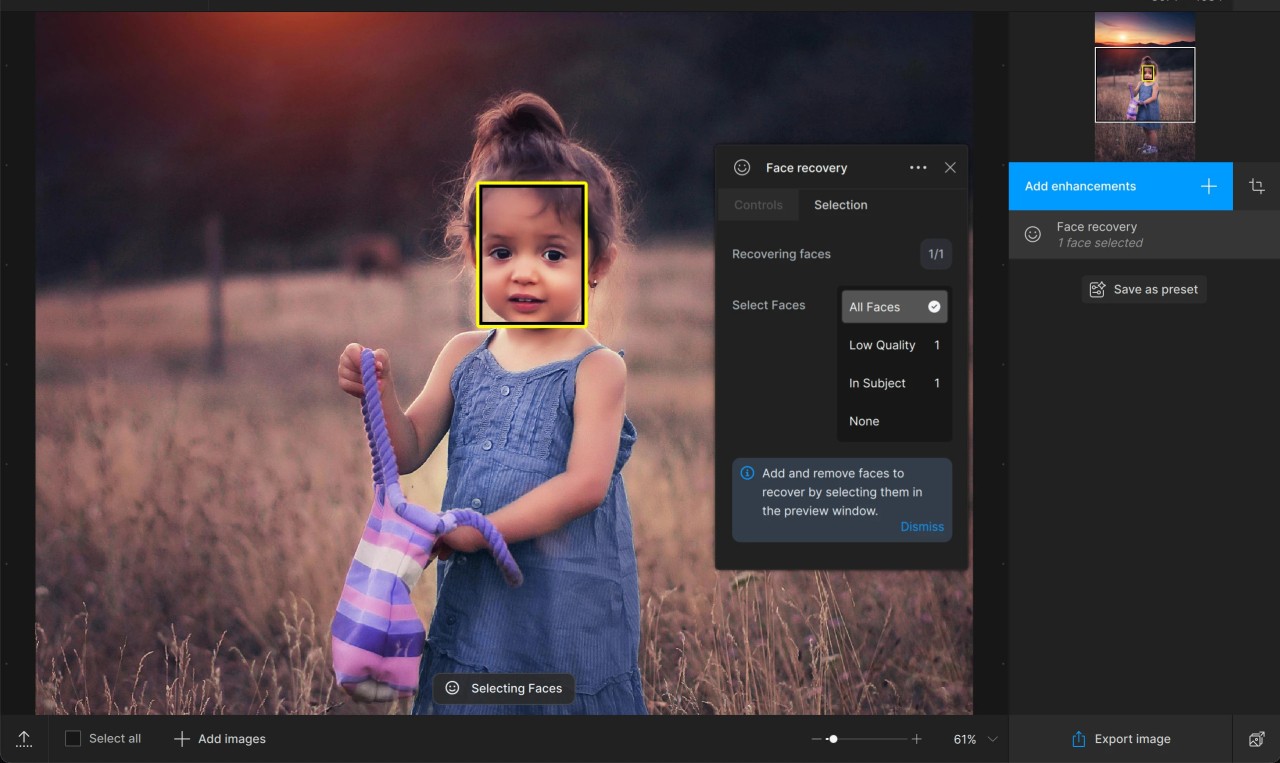
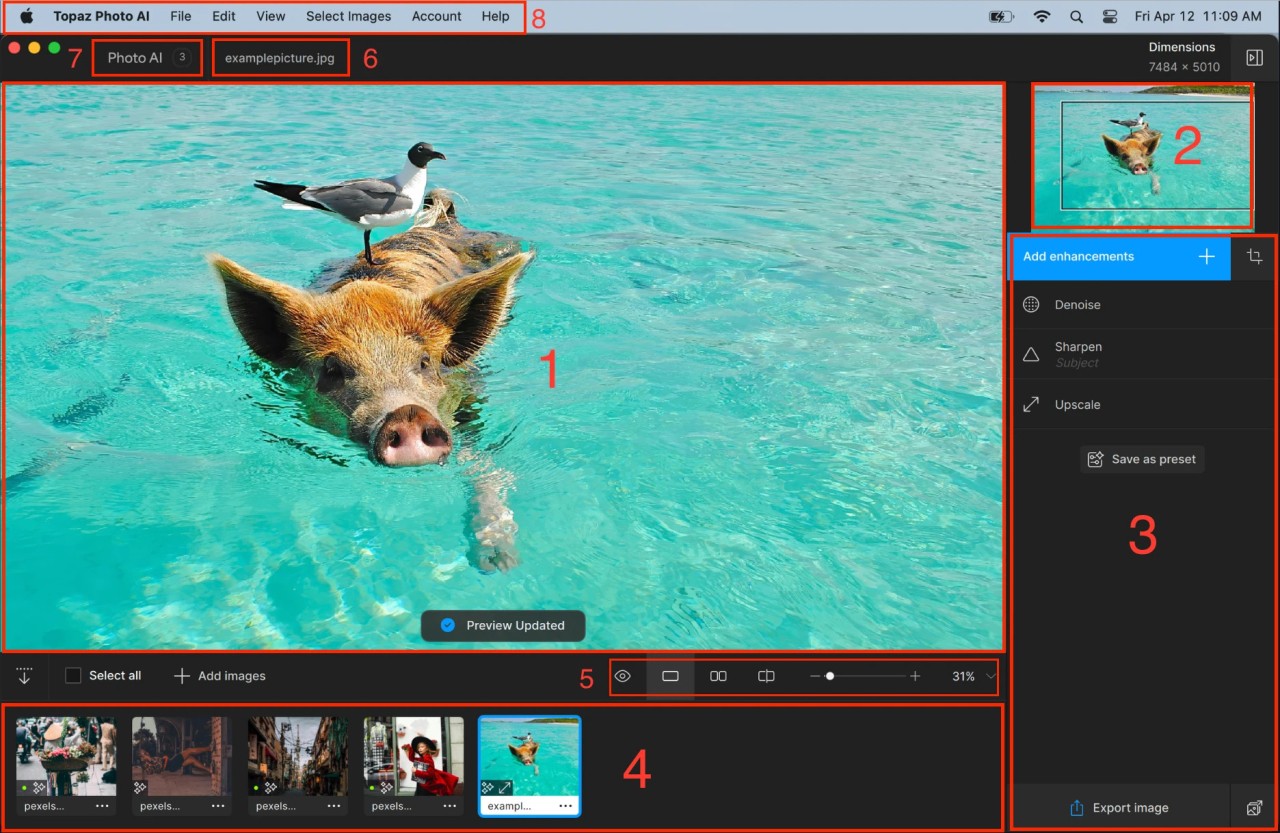
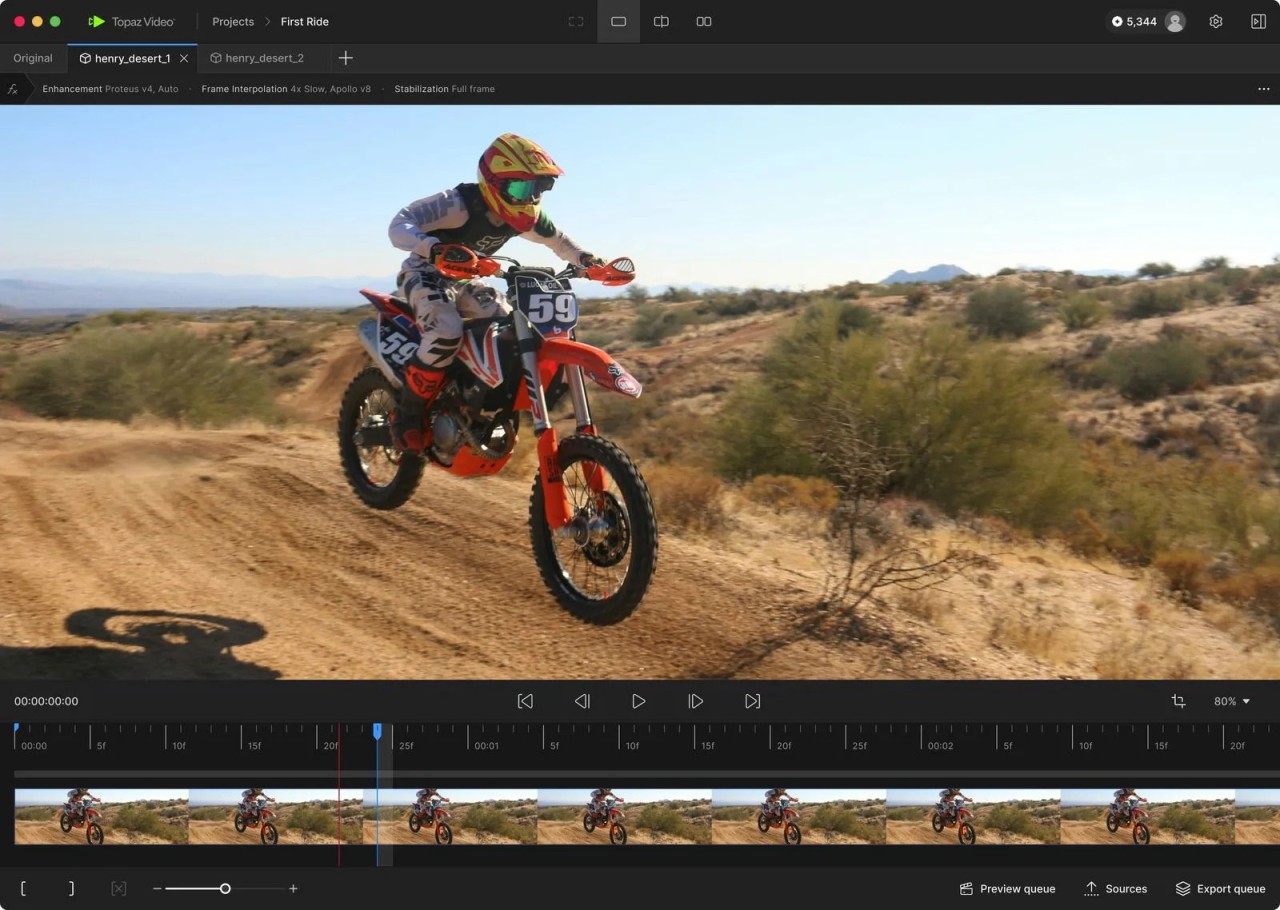
Topaz Video is built around a pretty simple idea. You bring in footage that looks soft, noisy, shaky, low resolution, or just rougher than you want, and the software tries to improve it. Its focus is on upscaling, denoising, restoring, stabilizing, slow motion, and frame interpolation, which gives it a pretty clear role. It’s not really trying to be a full editor. It’s there to fix and improve the video you already have.
That also explains why it feels different from something like a standard editing suite. Topaz Video is built around image quality first. You’re not opening it because you need a timeline full of titles, transitions, graphics, and layered audio. You’re opening it because the footage itself needs help. If you’ve got old archival clips, low-light footage, soft focus video, or shaky handheld shots, that’s the kind of problem it’s built for. And because it works on both Mac and Windows, it fits more naturally into desktop editing workflows than mobile or browser-first tools do.
Why Should I Download Topaz Video?
The main reason to download Topaz Video is that it keeps a lot of quality repair tools in one place. Topaz highlights upscaling, denoising, restoration, stabilization, slow-motion, and interpolation as the core features of the software. So if the main job is making footage look cleaner, sharper, steadier, or smoother, the product is one you will want to use.
That gives Topaz Video a fairly clear role. It’s a finishing tool first, even if it overlaps with editing software in some small ways. A lot of the draw comes from being able to take footage that already exists and push the quality further without rebuilding everything in a more complex editing app. That makes it useful for restoration work, client footage that needs cleanup, and everyday clips that just need to look stronger before they go anywhere else.
Is Topaz Video Free?
Topaz Video is not free. Topaz is part of its paid product lineup, and its pricing page now puts a lot of emphasis on Topaz Studio subscriptions rather than a permanently free version of the software.
That means this is not really the kind of tool you download for casual free use. It sits more on the paid software side, which fits the way Topaz positions it for serious enhancement work rather than quick one-off edits.
What Operating Systems Are Compatible with Topaz Video?
Topaz Video works on Mac and Windows.
That makes the platform story pretty simple. Topaz Video is desktop software, and it reads that way in how it’s described and used. It’s built for people who want to process footage on a computer, not for quick edits on a phone or in a lightweight mobile app.
What Are the Alternatives to Topaz Video?
WinXVideo AI is the closest alternative if what you want is another tool built around improving footage rather than full editing. It puts a lot of focus on upscaling, stabilization, frame interpolation, denoising, and simple edits, so it lands in a very similar space. Compared with Topaz Video, it feels a bit broader and a bit less specialized, since it also leans into conversion, recording, and lighter editing tasks.
Vmake goes in a different direction. It does have a video enhancer, but the main focus is on all-in-one UGC video creation, captions, thumbnails, and fast content output for creators and small businesses. Compared with Topaz Video, it feels less like a dedicated quality tool and more like a content workflow product that happens to include enhancement as one part of it.
Adobe Premiere Pro is the broader editing option here. It’s built around full video editing, with timeline work, audio, effects, captions, masking, and AI tools like Text-Based Editing and Generative Extend. Compared with Topaz Video, it feels much wider in scope. Topaz Video is more about improving the footage itself. Premiere is more about building the finished project around that footage.