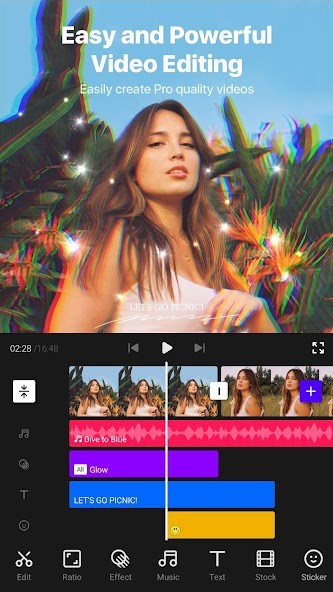
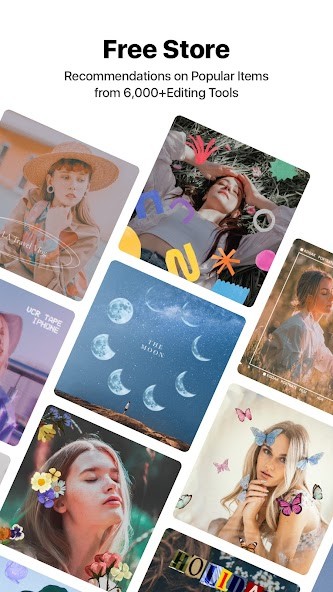
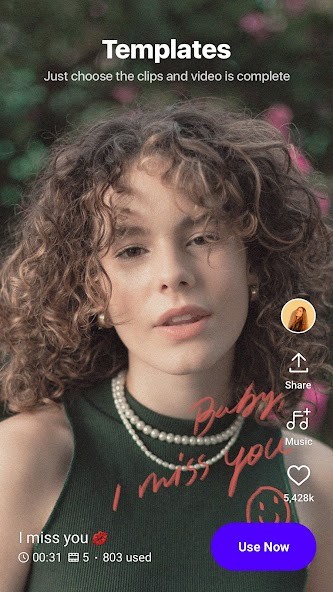
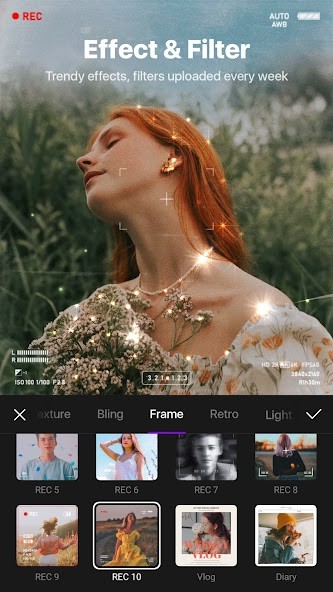
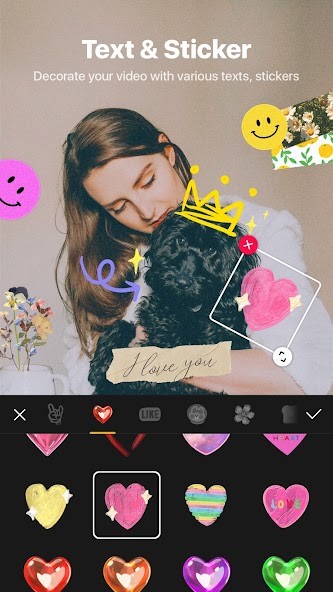
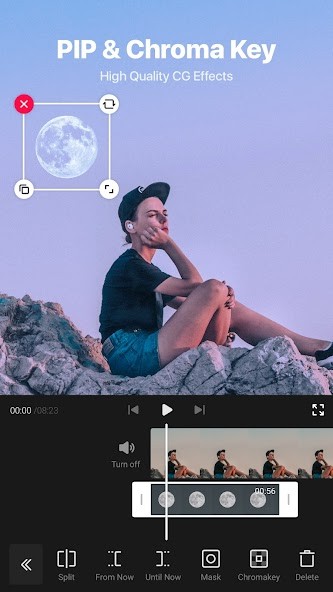
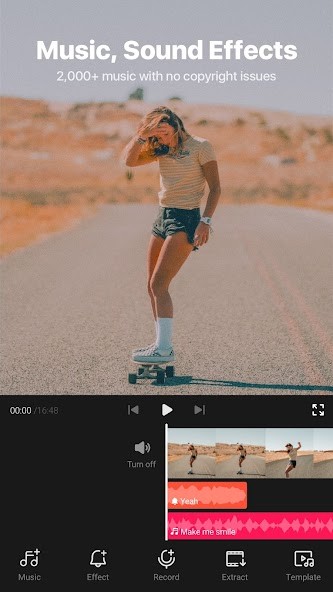
VITA is built around a clear idea. It is there to help you make clean, social-ready videos without spending too long learning the app first. It is a way to create pro-quality videos easily. A lot of the focus is on things like templates, effects, text, music, and quick edits that make sense for short clips rather than longer, more technical projects.
VITA is not trying to look like a full desktop editor squeezed onto a phone. It is more about making video editing feel simple enough to pick up quickly, while still giving you enough control to shape the result. If you mainly edit content for social media, that approach is easy to understand.
Why Should I Download VITA?
The main reason to download VITA is that it pulls together a lot of the editing tools people use most often in one place. It offers full HD export, speed controls, slow motion, transitions, filters, music, templates, pre-made fonts, and animated text. That gives it a practical setup for anyone making short videos that need to look finished without taking too much time to put together.
It also has a clear style. The app leans into effects like glitch, glitter, and bling, along with color filters and ready-made templates for vlogs and other quick edits. So the appeal is not only that it can cut and arrange clips. It is what gives those clips a more designed look without asking you to build everything from scratch. That makes it easy to place next to other mobile editors aimed at creators and casual users rather than professional editors.
Is VITA Free?
Yes, VITA is free. It's available for free on the Google Play and App Store, and the official site links directly to those app downloads rather than a paid desktop product or subscription-only service.
What Operating Systems Are Compatible with VITA?
VITA is available on Android and iPhone. Its current listings are on Google Play and the Apple App Store, and the official site points users to those two mobile platforms.
What Are the Alternatives to VITA?
CapCut is the closest alternative if you want another editing app built around fast social video creation. CapCut positions itself across web, desktop, and mobile, and it puts a lot of emphasis on templates, AI tools, captions, effects, and quick editing for YouTube, Instagram, and other social platforms. Compared with VITA, it feels broader in scope and less tied to mobile-only editing.
InShot sits closer to VITA in how it is used. It is also built around mobile editing, with music, text, transitions, effects, and a simple editing flow that works well for short videos and social posts. Compared with VITA, it feels like another all-purpose phone editor rather than a move into a different kind of tool.
Pikimov is web-based, free, and positioned more like a hands-on editor with motion design tools rather than a mobile app built around quick templates and effects. Compared with VITA, it feels less like a phone-first social editor and more like a browser-based creative tool for people who want a bit more control.