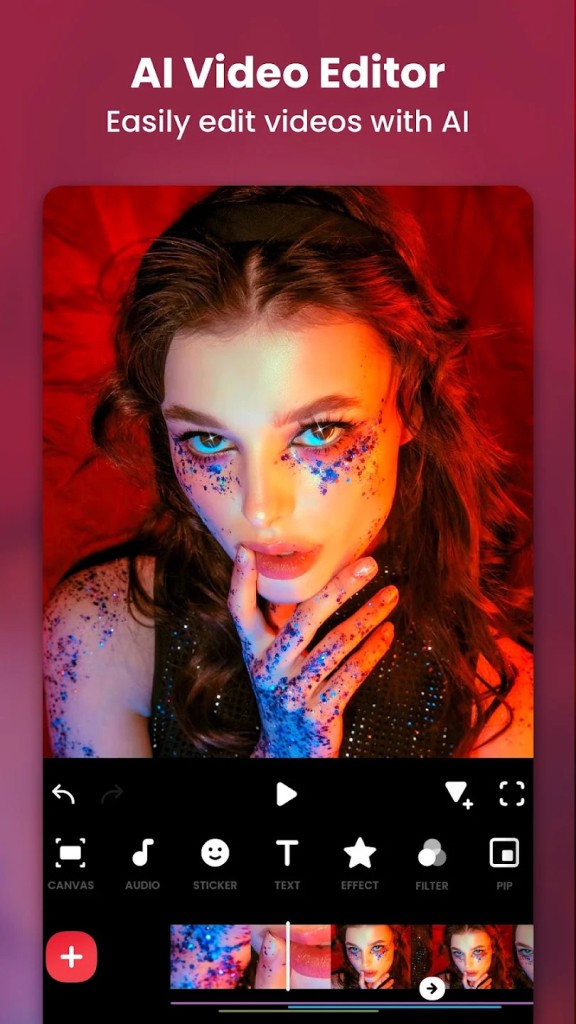
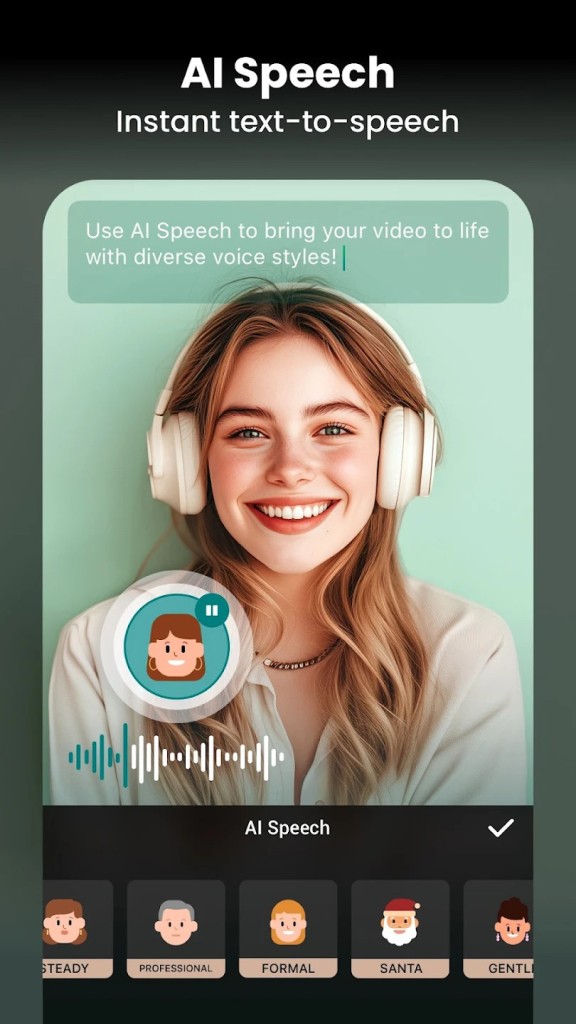
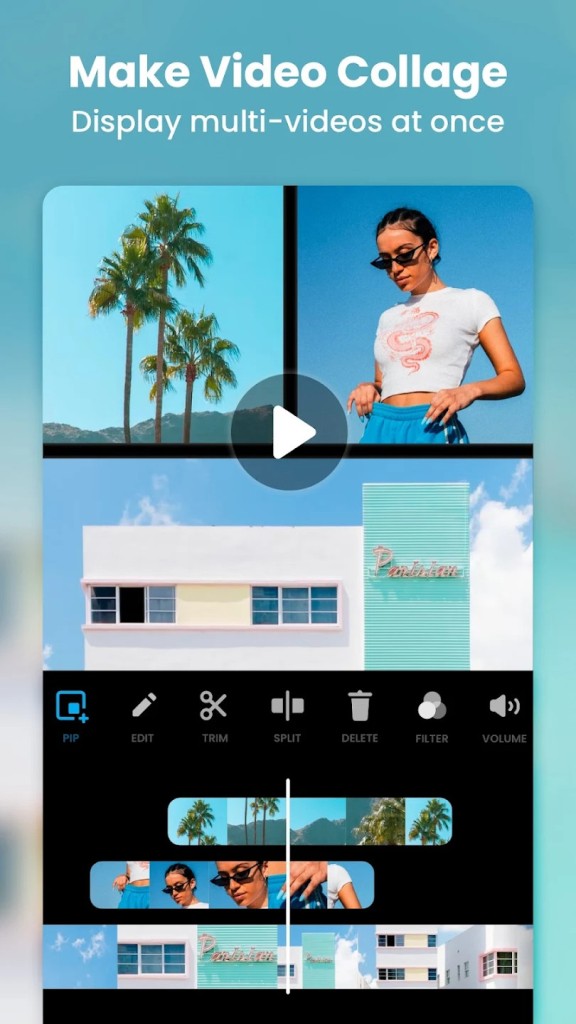
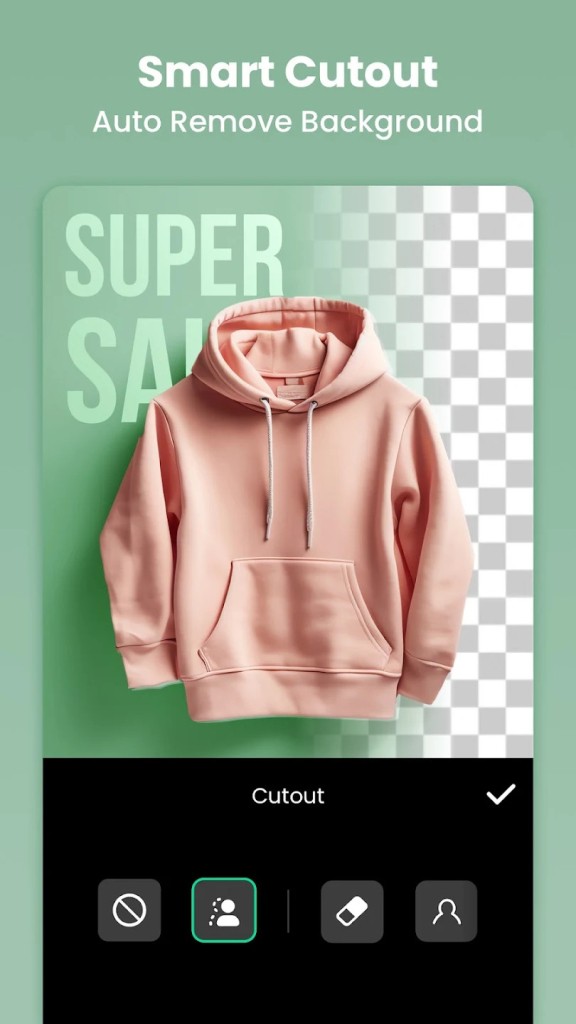
Users seeking professional video editing quality through a straightforward app should consider InShot as their first mobile choice. The user-friendly interface of InShot is what makes it stand out in comparison to professional-grade software. It ensures beginners and social media content creators can be productive right away. Users can perform multiple editing operations through InShot, such as trimming and merging content, speed adjustment, filter application, and adding music and text.
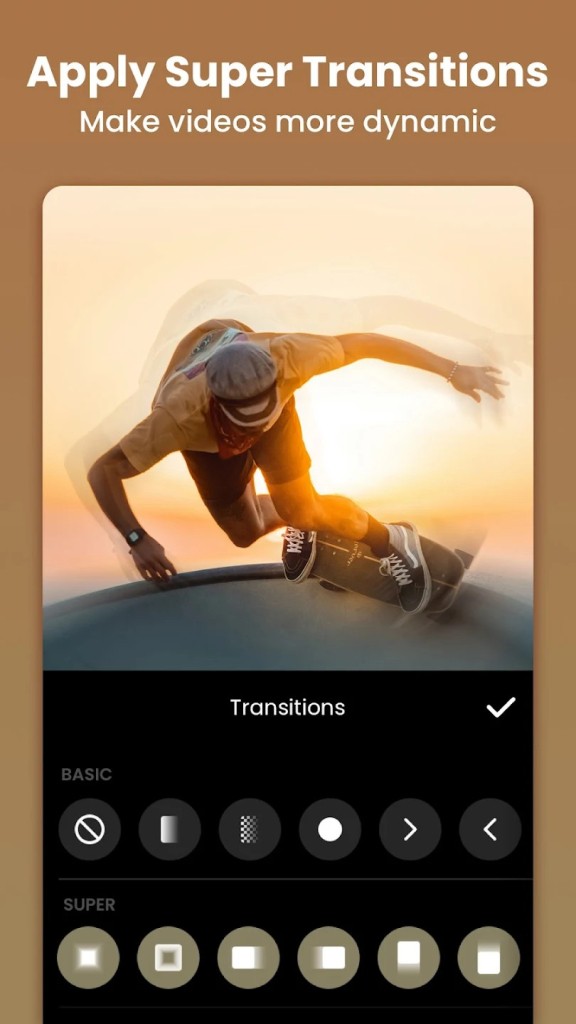
The main thing that makes InShot stand out from other options is its dedicated approach toward making social media videos. Many users depend on InShot to produce videos that they publish on Instagram and TikTok, as well as YouTube and Facebook. With pre-configured social media ratios, users can use the app to resize videos without losing crucial elements in the final format. It also provides numerous transitions and effects, which bring professional polish to short-form content.
The InShot app allows users to work with pictures by providing collage creator tools alongside filters, photos, text, and sticker elements. Users who need an app that has all media editing functions should consider InShot because of its versatility. Users who don’t have advanced editing skills can still have access to a well-equipped platform within InShot for producing visually pleasing video content through features designed for effortless creation.
Why Should I Download InShot?
Users who want fast and simple video creation and editing should consider InShot. A main reason to get the app is how convenient it is to work with. Users can edit right away since the program has a user-friendly interface that doesn’t require any previous experience to understand. All video-editing newbies can perform basic video functions, including merging and enhancing, by using simple touch commands.
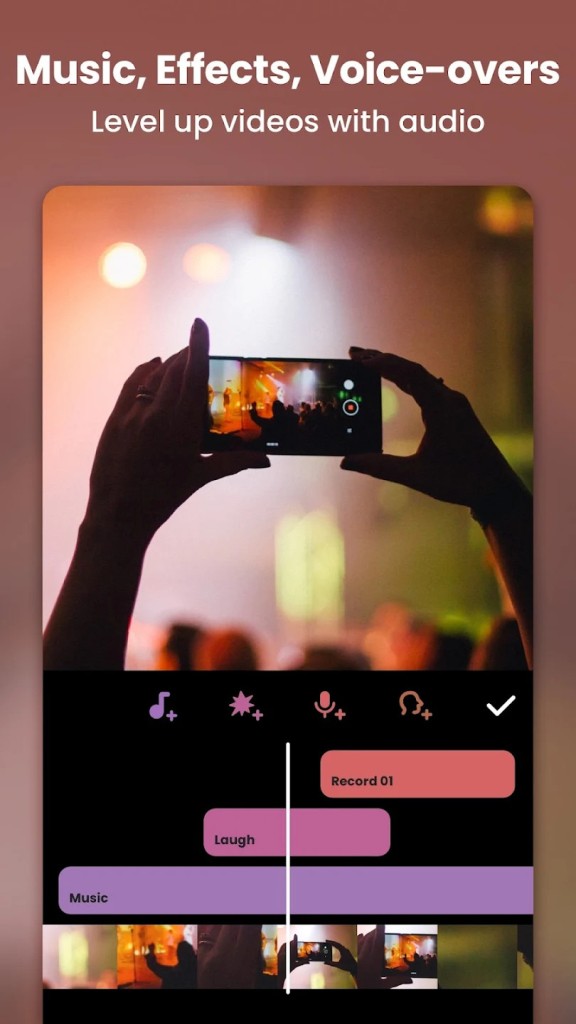
High-quality YouTube videos can be made using InShot because of its special features for social media. InShot offers all the essential features required to make top-quality TikToks and Instagram Reels through its combination of slow-motion functionality, transition enhancements, and more. With these features, users can customize their audio by adding music tracks, changing sound intensity levels, and adding a recorded voice for vlogging.
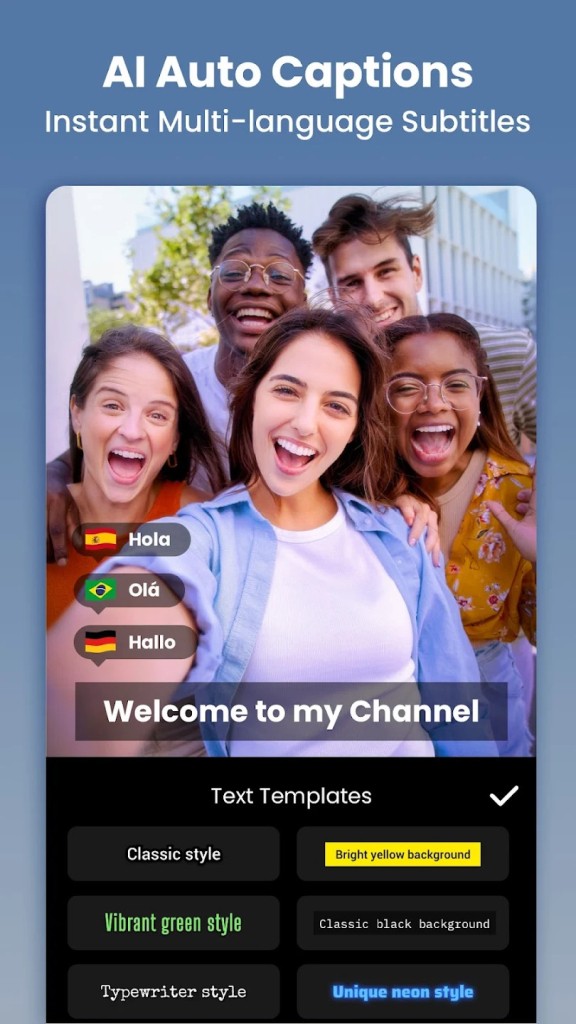
Users who want a high level of customization enjoy InShot because it provides multiple filters and color correction tools, as well as animated stickers. Everyone can find their preferred video enhancement through this app because it provides a comprehensive selection of color adjustments and other features. Using the text editing tools enables users to easily create subtitles and title effects for their videos.
A huge benefit of using InShot is its capability to export videos at various qualities. InShot allows users to select video output resolution options between 720p, 1080p, and 4K quality. Users can select video configuration options according to their platform-specific needs because the app enables adjustable video parameters for social media postings as well as YouTube high-definition video sharing.
InShot allows users who edit on their phones to have a smooth experience because it functions without using significant device resources. Most smartphones operate InShot smoothly because this program requires less processing power compared to professional desktop editors, making it suitable editing software for users who need to work anywhere.
Users can find all the picture editing functions they require inside InShot. It offers tools to generate eye-catching thumbnails or arrange collages and promotional graphics through a single app. Users benefit from one application through which they can complete their work and will no longer need to move between different platforms.
InShot gives users a simple platform containing robust tools that help both social influencers and business owners with video campaigns and casual video editing users. The app enables users to convert unprocessed video clips into expressive and visually stunning video materials, even without any professional video editing experience.
Is InShot Free?
InShot delivers its basic version for free, which gives users access to multiple editing tools. The free version of InShot includes restrictions in the form of watermarked exports and built-in ads during use.
A user needs to subscribe to InShot Pro to obtain premium filters, transitions, and advanced editing tools after removing the basic version's limitations. The free version works for ordinary users, but professional editors who want both exclusive features and unmarked exports benefit from buying the premium offering.
What Operating Systems Are Compatible with InShot?
InShot supports both Apple iOS and Google Android systems, which enables broad accessibility to users who have smartphones. Various mobile devices can use the app because it operates effectively at all performance levels to provide stable edits. Users don’t need a computer to edit videos within InShot since the app targets mobile platforms exclusively. Users can manage all video editing tasks through their smartphones or tablets.
Mobile content creators find it useful because they can edit videos without requiring a computer. InShot gives users the same feature set that works identically across iPhone, iPad, and Android smartphone platforms, which prevents compatibility-related editing problems.
What Are the Alternatives to InShot?
The video editing features of InShot match those available in alternative applications, which serve users with specific styles of content creation. Two different approaches exist in editing programs that deliver expert-level capabilities or specialize in streamlining simple modifications. The preferred video editing substitutions for InShot users include CapCut, VN Video Editor, and YouCut—Video Editor and Video Maker.
Many video editors make CapCut their application of choice because TikTok and Instagram users tend to favor this platform. The application emerged directly from the creators behind TikTok, with AI functionality and automatic caption generation, together with scene background removal detection built into its system. Through its extensive selection of visual tools, the app caters to people desiring simple video creation without human intervention. The main benefit of this software is that it’s free and exports videos without watermarks.
The professional mobile video editing solution, VN Video Editor, serves as a notable alternative to other options on the market. The free video editor stands as one of the most loaded options because it enables multiple editing layers and advanced keyframe animation tools, plus 4K export capabilities. VN Video Editor stands out from InShot because it spares users from unwanted watermarks, which allows users to maintain professional-grade edits with a free subscription plan. Social media content creators, especially among YouTubers and vloggers, depend on this mobile editing app because of its flexible editing process.
Users widely use YouCut—Video Editor and Video Maker for social media content because it offers straightforward yet powerful editing functions. The application includes essential editing functions that let users merge clips and modify speeds, and supports background music addition, filtering, and transition choices. The free version of YouCut stands out because it leaves exported videos without the watermark that InShot includes in its free version. YouCut stands as a reliable editing solution for simple video tasks because it avoids complex features present in VN or CapCut but offers straightforward video editing.