The ShotCut application provides free, open-source capabilities that enable users to work with numerous video editing functions. The tool combines flexibility with usability for users at all experience levels, making it a top choice among beginner and advanced video editors. ShotCut started its life as a basic video editor, but over time, it acquired a broad spectrum of functionalities to address multiple video creation needs. The free software offers superior functionality among its competitors because it offers both basic and advanced audio and video customization features.
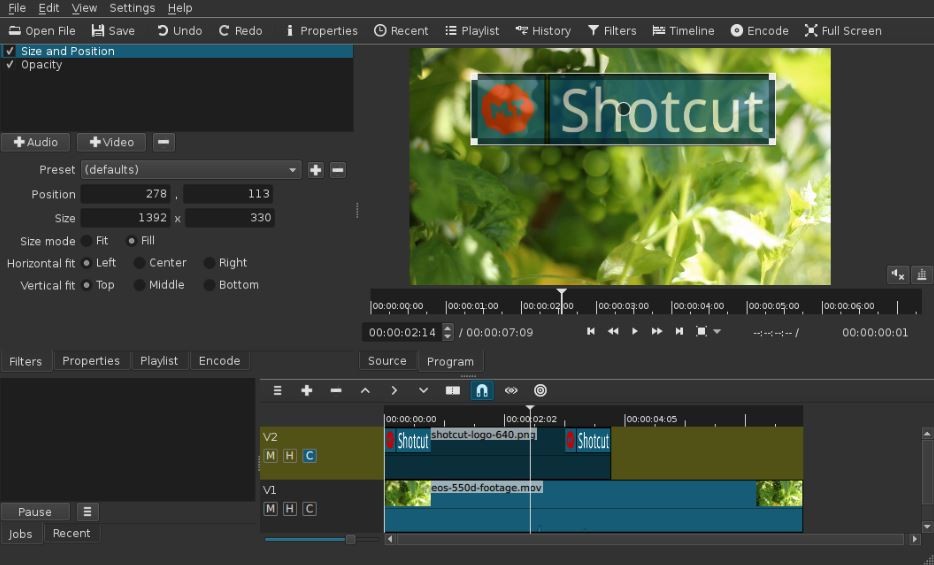
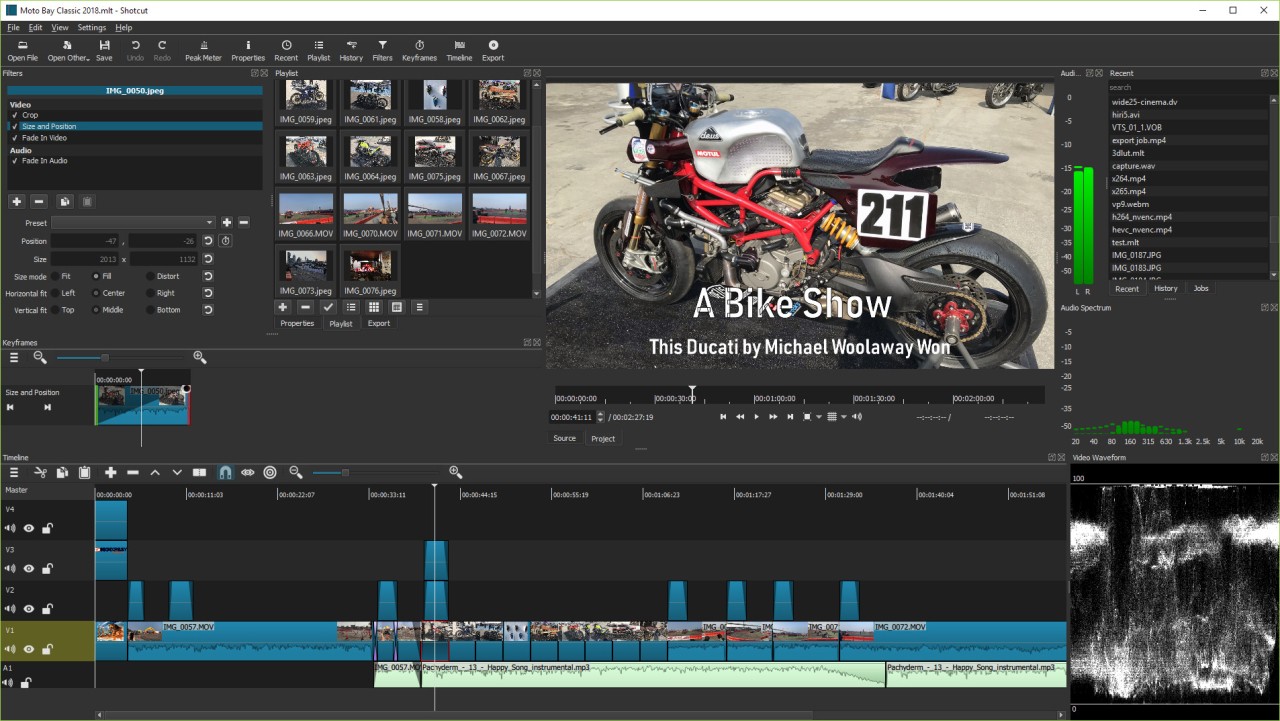
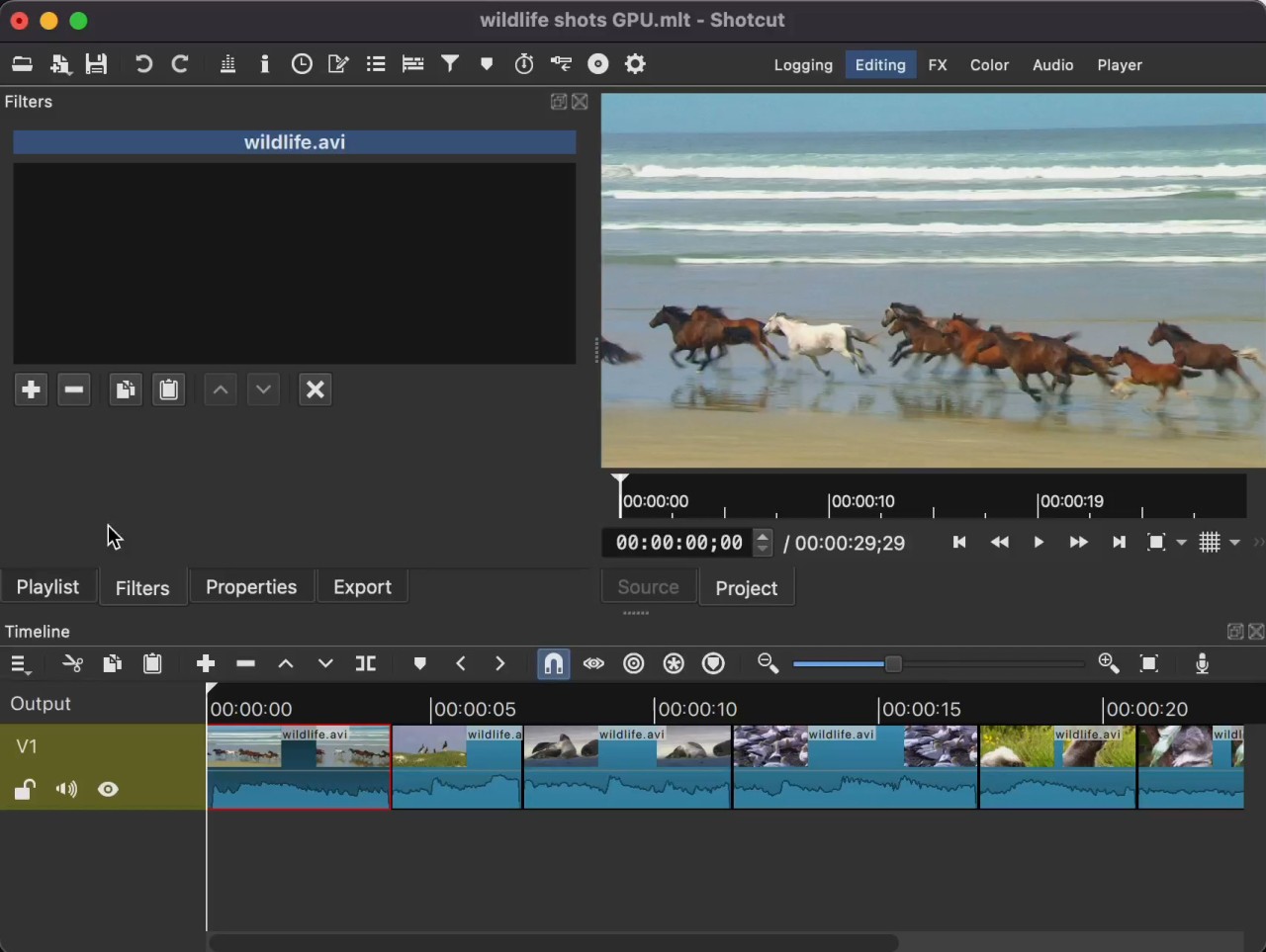
The ShotCut interface features modular panels that enable users to create their desired workspace design. You don't need conversions since this program supports direct timeline editing of different video formats and resolutions. High-definition and 4K media formats are processed smoothly by Shotcut without causing any performance issues. The software accepts all formats that regularly appear when working on professional video editing projects.
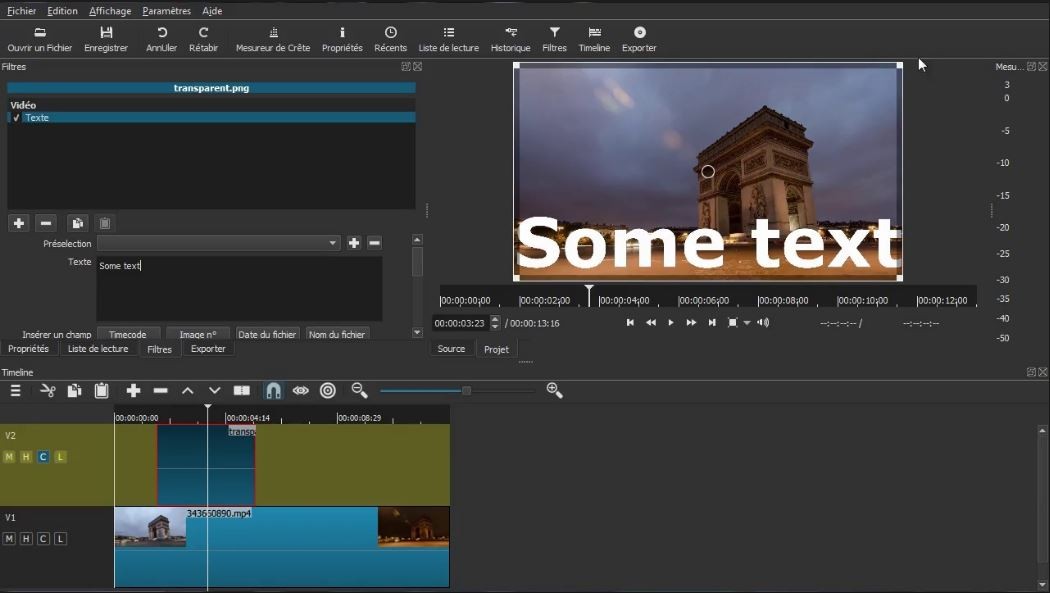
ShotCut's standout feature is its highly comprehensive selection of both video and audio filters. The program provides color grading capabilities, audio balance features, and complex effects, including chroma key and transitions. ShotCut provides advanced capabilities for editing multiple video material streams and video compositing operations. ShotCut's editing capabilities let you select frames precisely when making adjustments. The real-time preview, along with the audio mixing capabilities of ShotCut, creates a superior editing environment because it lets users view their final project before export.
Why Should I Download ShotCut?
ShotCut is a great choice for those who need an all-inclusive video editor that is free. You should consider ShotCut because it is an open-source application that offers full, free use without any subscription costs. The absence of watermarked videos gives content creators a professional appearance at no premium cost.
The main reason to download ShotCut is its extensive selection of editing capabilities. ShotCut, unlike other free video editors, gives you unrestricted access to all project functions. The program supports nearly all video file types, allowing users to avoid time-consuming file conversions. This program enables users to layer content by supporting multiple video and audio tracks, which allows them to add background music effectively. Users editing both short social media videos and full-length movies can find all necessary tools within ShotCut to achieve their project goals.
ShotCut's outstanding speed is another reason to install it. The application works well on basic computer hardware, making it accessible to users who use modest systems. Users experience stability and reliability in ShotCut because its engineering ensures no crashes and fast rendering. The GPU-accelerated processing capability of this free editing software makes it unique.
The ability to customize everything about Shotcut stands out as one of its main advantages. Satiate your workspace needs with panel-adjustment options by moving windows until you create your optimal arrangement. Such flexibility, unlike traditional editors, enables users to customize their workspace freely. Customizable keyboard shortcuts reduce workflow time when editing lengthy or complex projects, allowing users to work more efficiently.
The dedication to quality by ShotCut manifests through its ongoing development processes while also actively supporting its user community. Developers worldwide maintain ShotCut through their open-source development model. All users gain instant access to new updates as well as essential bug fixes that become available. You can receive prompt assistance from a large community when you face problems while using the program.
The official ShotCut website and YouTube channel offer many video tutorials to help users to learn about their product. Video editors with limited experience will appreciate step-by-step explanatory content about all basic features and effects that make Shotcut accessible to beginners. People from all video editing experience levels should explore ShotCut as their platform for editing requirements.
Is ShotCut Free?
ShotCut is free to use. You can get access without any fee plans, premium versions, or additional charges. As part of its open-source nature, the community offers free maintenance to ensure future updates of the platform. The program allows free installation without limitations regarding trial periods or watermarks that appear on exported videos.
What Operating Systems Are Compatible with ShotCut?
The ShotCut application supports all major computing systems, which include Windows systems, macOS, and Linux platforms. The application is compatible across platforms, so users of all operating systems can access it.
Users can obtain the current version directly through the official website, while the software operates without interruptions on Windows, macOS, and Linux platforms. ShotCut delivers identical functionality alongside reliability within all setups that include Windows PCs, Macs, and Linux machines.
What Are the Alternatives to ShotCut?
The alternative video editing tool CapCut has risen in popularity among social media creators thanks to its mobile and desktop apps. CapCut stands out because it provides customers with a simple editing interface and many available effects, combined with a wide range of stickers and transitions. This application works best for short, impression-making edits and less effectively when you need multiple track edit functions. CapCut serves as an efficient option to create interesting videos for specific platforms, including TikTok and Instagram. The application is free to use, while some premium features require payment within the app.
InShot serves as an excellent alternative for users looking for video-editing tools. This application functions as a mobile platform that allows users to perform fast modifications on their mobile devices. The user base of InShot appreciates its easy-to-use editing tools, which include functions for video trimming, splitting, and merging operations. The platform features basic functions for inserting text elements and adding music, alongside an easy-to-use filter implementation. The editing capabilities of InShot fall short of ShotCut, but it is perfect for producing ready-to-share social media videos thanks to its quick operations. Both Android and iOS users can access the video export feature at high resolutions through this application. Users can acquire the application free of cost, yet additional premium features require subscriptions or one-time payments.
Users seeking moderate ease of use along with functional capabilities should explore YouCut instead of multiple alternatives. The application works best for users who need to apply effect modifications rapidly through a straightforward interface rather than complicated options. Users who desire video production without complex edits find YouCut as a perfect mobile-optimized solution because of its simplistic interface. The app delivers multiple template selections with effects that boost your video clips for effective social media posting and short video projects. The app provides free service, although it allows users to buy extra features through optional in-app transactions.