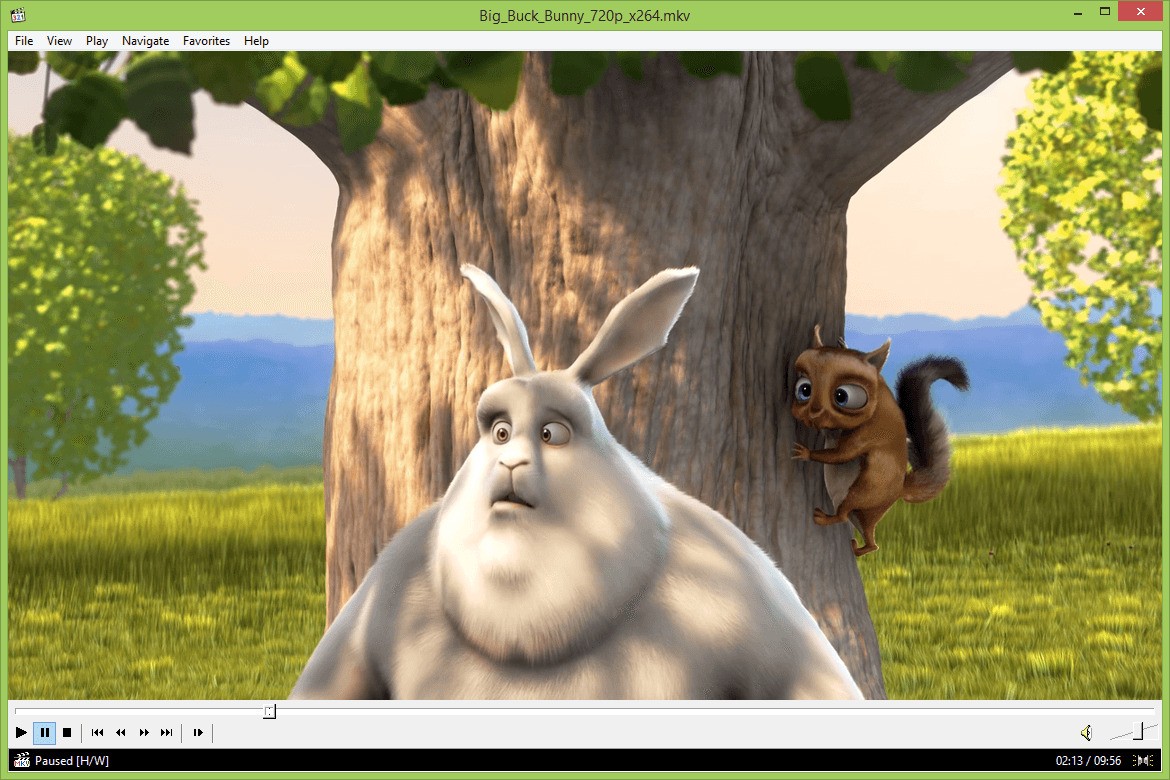
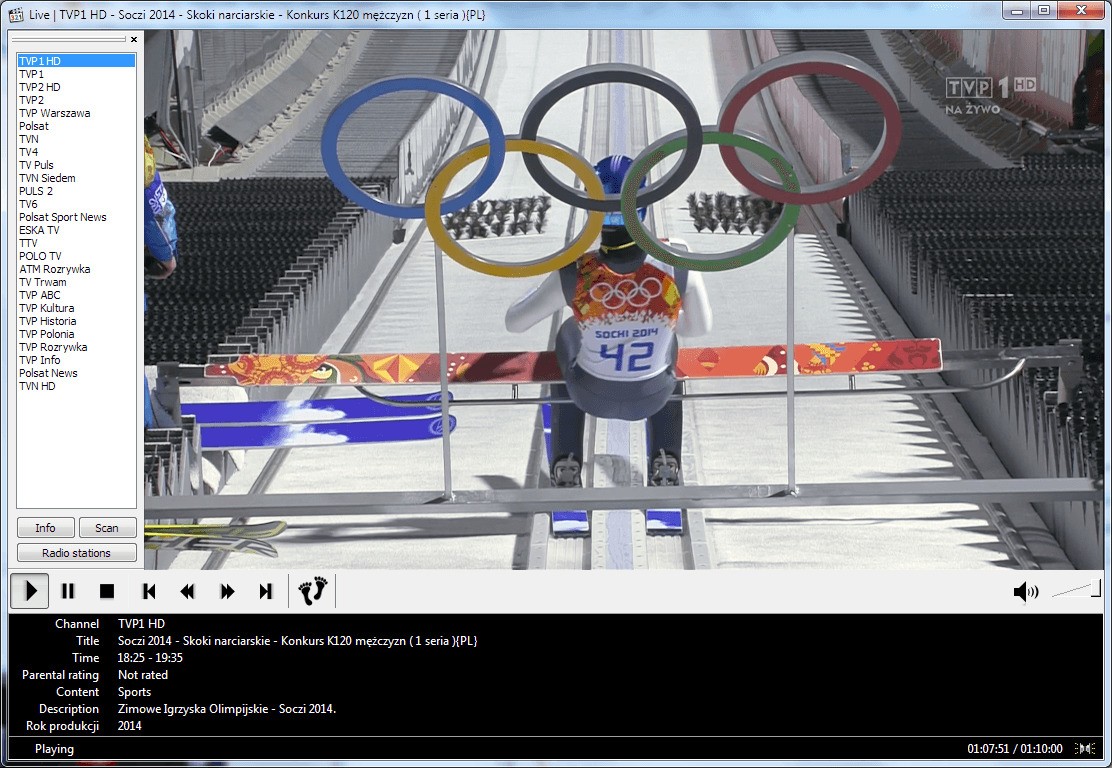
Media Player Classic - Home Cinema, better known as MPC-HC, combines simplicity with real versatility, making it a solid media player for just about anyone. Its interface borrows the clean, familiar look of the old Windows Media Player, but underneath that retro exterior sits a capable engine that handles a wide range of file types without breaking a sweat.
One of its most appealing qualities is its built-in codec support, which means you can play most audio and video formats right out of the box without hunting down additional codec packs. MPC-HC handles high-definition video and various audio formats all within a single lightweight application. That broad compatibility is a big part of why it's remained popular with users who just want their media to play without hassle.
MPC-HC also lets you customize the player's look and behavior to suit your preferences. You can swap skins, tweak playback controls, and adjust settings to get things just right. Subtitle support and hardware acceleration come built in, so you can watch movies without taxing your CPU. Whether you're playing files from your hard drive or a DVD, MPC-HC delivers smooth, reliable playback throughout.
Why Should I Download MPC-HC?
If you're tired of bloated media players loaded with features you never asked for, MPC-HC is the antidote. It plays video at full quality with minimal overhead, with no ads, no nag screens, and no pressure to upgrade to a paid tier. What you get is a clean, no-nonsense interface that stays out of your way and just plays your media.
Low resource usage is one of the strongest reasons to download MPC-HC. It doesn't require a massive installation or eat up your system's memory. You can install it in seconds, and it takes up very little disk space. Once it's running, it launches fast and starts playing audio, movies, or TV shows without lag or delay. This is a media player built around efficiency, not feature creep.
Format support is another area where MPC-HC really shines. It handles all the common media file formats natively, so you rarely run into playback issues. MP4, AVI, MKV, FLAC, WAV, and many more all play without needing third-party codec packs. You can download it knowing that whatever file you throw at it, MPC-HC will almost certainly play it without complaint.
Performance on older or lower-spec hardware is also impressive. Even on aging laptops and budget PCs, MPC-HC plays media smoothly without dragging down system performance. Hardware acceleration offloads processing work to your GPU, enabling fluid HD and even 4K playback on machines that might struggle with heavier players. You don't need cutting-edge hardware to get a great viewing experience.
Is MPC-HC Free?
MPC-HC is completely free, with no hidden fees and no intrusive advertisements. You get the full feature set at no cost whatsoever.
As an open-source project, MPC-HC is maintained by volunteer developers who contribute their time and expertise to keep it updated and running smoothly. You can download MPC-HC from the official website or from trusted software repositories without worrying about bundled adware or unwanted extras. No catch and no premium tier is lurking behind the free version, which means every feature the player offers is available to every user from day one.
What Operating Systems Are Compatible with MPC-HC?
MPC-HC was built specifically for Windows and supports versions from Windows XP through Vista, Windows 7, 8, and Windows 10. It runs on both 32-bit and 64-bit systems. While there's no native macOS or Linux version, you can run MPC-HC on those platforms through Wine or similar compatibility layers. Because it's designed around Windows, MPC-HC runs well even on machines that don't meet the latest hardware specifications.
What Are the Alternatives to MPC-HC?
MPC-HC is an excellent media player, but there are other strong options depending on what you need. Different players offer different interfaces and feature sets, so the right choice depends on your priorities. Three popular alternatives to consider for download are Kodi, KMPlayer, and VLC.
Kodi goes well beyond simple media playback. It works as a full-fledged media center, handling local files, streaming content, and even live TV through add-on extensions. If you're looking for something that organizes and manages your entire media library rather than just playing individual files, Kodi is the way to go. Its interface is fully customizable, and the plugin ecosystem lets you add new features and integrations as you need them. It's more of a complete media hub than a simple player, and that broader scope is exactly the point for users who want everything in one place.
KMPlayer is a solid pick if you want high-definition playback without putting strain on your system. It supports a wide range of formats and offers detailed subtitle customization, letting you adjust font styles, text sizes, and positioning to your liking. Where KMPlayer stands apart is its support for 3D and VR content, which opens up some interesting playback possibilities. On the downside, its settings menus can feel cluttered if you prefer a more streamlined experience.
VLC Media Player is one of the most widely recognized media players in the world, and for good reason. It plays virtually every format without requiring extra codecs, and it's open-source with a clean, lightweight design. One of VLC's standout features is its ability to stream content from URLs and play damaged or partially downloaded files. It works well across a range of use cases, from casual home viewing to more advanced media management workflows.