Winamp has been around for years and is well-known to users who are familiar with the MP3 format. It was the go-to media player when digital music files were gaining popularity. Over the years, users have continued to download Winamp as it has remained an excellent solution for Windows computers, especially for older machines and systems. Thanks to its simplicity and optimization, this tool doesn't overload your system's performance.
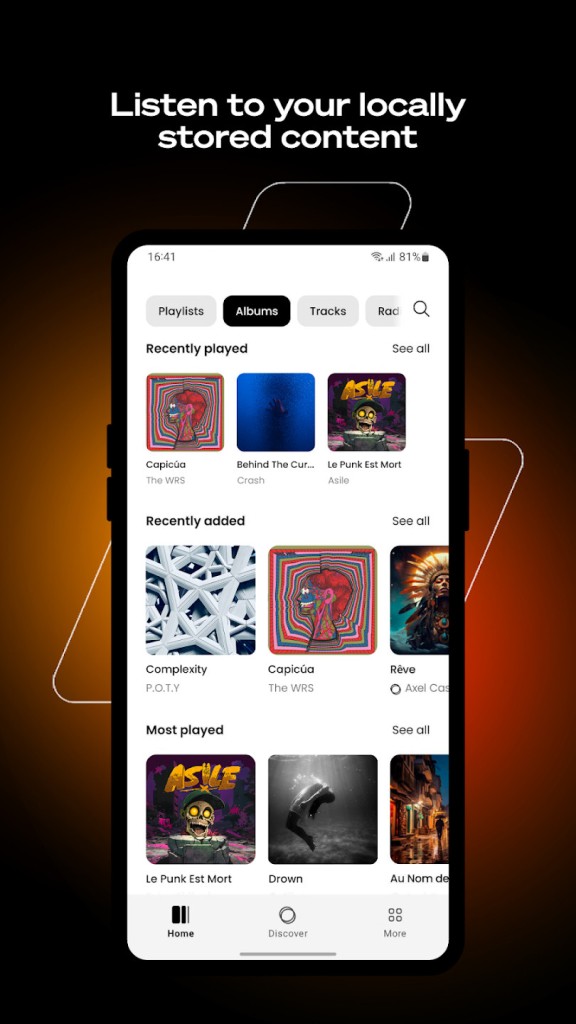
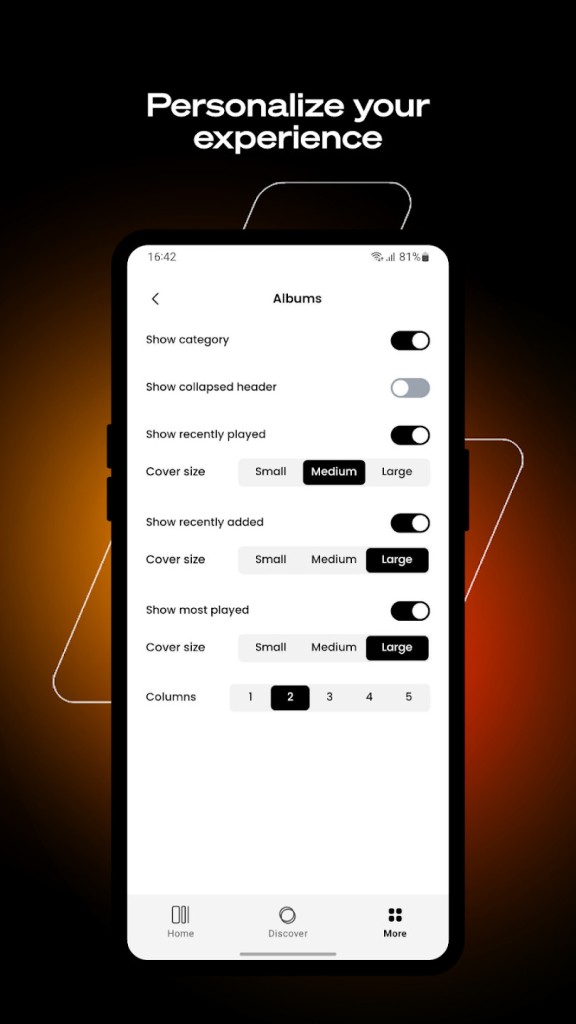
The new version of the system developed by Llama Group offers a modern interface and functionalities. It now combines your local music files, fanzone tracks, podcasts, and radio stations all in one place. You can enjoy every kind of audio content in a single app and customize your listening experience just the way you like it with the legendary Winamp Player. It is available for Windows, but also as a mobile app for Android and iOS. Finally, Winamp became recently available as a web service.
For artists and creators, Winamp also offers a dedicated platform called Winamp for Creators. This service gives musicians all the tools they need to share and monetize their work in one place. It helps them connect with their audience, distribute their music, and manage their content easily.
Why Should I Download Winamp?
For those who remember Winamp Player back in its glory times, there's a charm of nostalgia when you're using this software right now. Most importantly, it's still a reliable, lightweight, and customizable media player. It has an intuitive and easy-to-use UI that can be highly personalized with various interface skins, visualization effects, and plugins that the community around Winamp develops and releases.
When you download Winamp Player, you'll discover that it also supports a variety of audio formats, including but not limited to MP3, AAC, FLAC, and OGG, so even if you have some non-standard files, you'll be able to play them without an issue. With its interface, this software makes it easy to create playlists, playback queues, or automatically shuffle the tracks it's playing. You can also decide to enable visualization to display animations adjusted to your music.
On top of that, there's a built-in equalizer for fine-tuning the sounds, or you can install various DSP (Digital Signal Processing) plugins for more advanced adjustments, making Winamp a great solution for those who care about audio fidelity and playback quality. If you're looking for more advanced features, such as integrations with other tools or advanced playlist management, Winamp has a big ecosystem of plugins to extend its features.
As times have changed, Winamp Player adjusted its features and now also supports streaming internet radios and searching for different stations directly from the application. Whether you want to discover new music or just listen to your favorite shows, you can do it all with this one tool.
Back in the day, Winamp also offered a feature that allowed burning your files onto a CD or DVD to get a physical copy, but since most computers nowadays don't even have a disk reader, that option is no longer developed. However, there's now an online service accessible through browsers where you can browse through different music, artists, podcasts, and radio stations, as well as publish your own content without installing additional software.
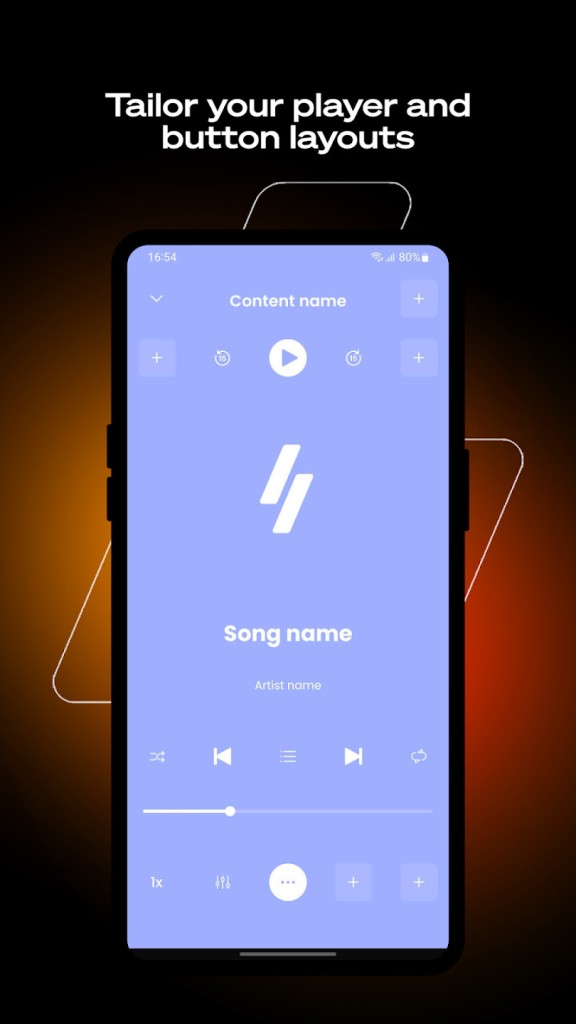
Currently, you can also download Winamp player on your Android and iOS device and enjoy the high-quality playback and media manager you're used to on your smartphone. The app remains as efficient as its desktop version, but it's just been optimized for touch screens. So whether you need something for modern devices or are a user of more old-school machines, Winamp is an excellent choice because of its reliability and rich set of features it offers.
Is Winamp Free?
Winamp has always been a free solution that offers its full services and features at no additional cost. There's no premium version users can upgrade to, so every user can enjoy this robust media player as soon as they download and install Winamp on their device. The plugins and skins are also available for free, as well as their online web-based service.
What Operating Systems are Compatible With Winamp?
For the longest time, you were only able to download Winamp and use it on Windows devices. Even right now, the tool also supports very old versions such as Windows XP or Vista, as well as the newest editions, like Windows 10 or 11, both 32-bit and 64-bit formats. There's currently also a version of this player available for users on Macs, starting with version 13.3, and it requires at least an Apple M1 chip.
Recently, Winamp has also developed and released its player for Android (8.0 or later) and iOS devices (16.4 or higher), making it a cross-platform solution and expanding its reach after years of being limited to Windows systems. And now, it is possible to access Winamp Player as a web service, allowing users to listen to their favorite music directly from their browsers without installing any software.
What Are The Alternatives to Winamp?
If you value customization of the tools you're using, Foobar2000 is the perfect choice for you, as it allows unlimited personalization both in terms of its looks as well as the features it offers. Available on Windows, iOS, and Android, it seems really minimalistic at first, but it provides powerful options, for example, an extensive list of supported formats or handling high-quality files with playback that doesn't compromise the audio standard. The plugin ecosystem gives you access to even the most advanced audio adjustments and processing, even though Foobar2000 is completely free and doesn't contain any ads.
Another popular alternative is called AIMP, which has a built-in equalizer, supports multiple media formats, offers sound enhancement tools, and the users to create custom playlists. In essence, it's quite similar to Winamp, but it has a more modern look and has been designed for Windows devices.
For users who need a media manager, not just a player, MusicBee is excellent for organizing even very big libraries of content. It offers auto-tagging, smart playlists, as well as exhaustive metadata editing, and support for streaming podcasts and radios. This will be a great choice for anyone on Windows computers who needs to manage their collection but also needs high-quality playback of their tracks.
macOS, Linux, and Windows users can explore Clementine, which is a free and open-source music player with a clean interface and the option to manage your music collection, create custom playlists, or edit the metadata of your tracks. You can also link multiple streaming services to it, such as Spotify or SoundCloud, so that you can enjoy access to both your local files and online libraries. It's a reliable and efficient tool that's available on all desktop operating systems, which makes Clementine a great alternative to all tools that are primarily available on Windows only.