The audio player Foobar2000 maintains its position as a convenient and flexible program that delivers an understated yet effective listening experience to music enthusiasts and ordinary users alike. It was developed by Peter Pawlowski, who worked at Nullsoft (recognized for Winamp development). The developer chose not to place emphasis on the visual aspect of the app.
The application lets users manage their audio products through simple controls that don’t obstruct the listening experience. The program allows users to play audio files from various sources that include MP3, AAC, OGG, FLAC, WAV, and even some special formats like Monkey’s Audio and Musepack.
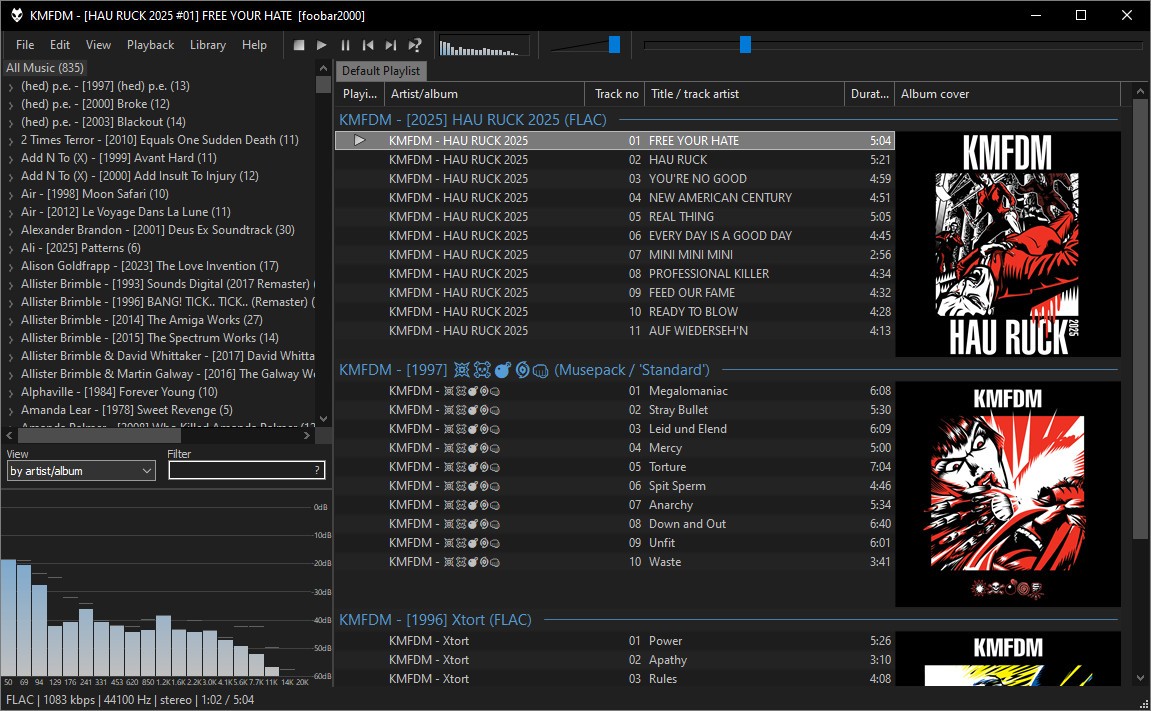
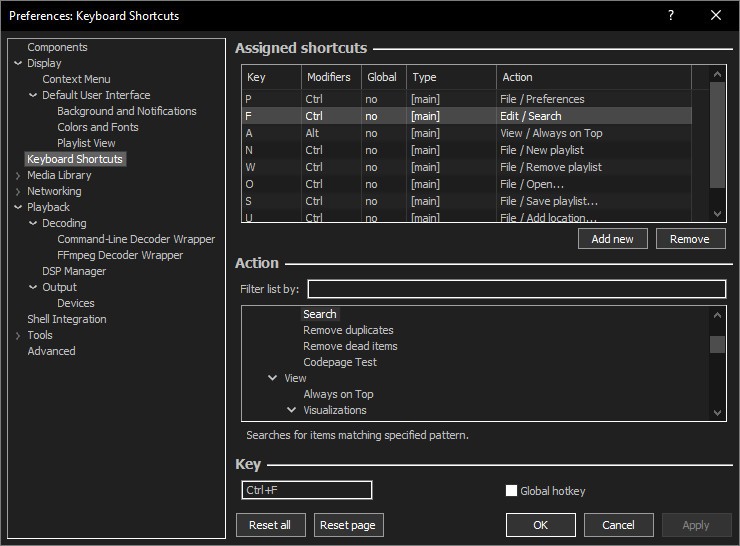
The initial appearance of Foobar2000 may seem outdated, but its power emerges when users explore its depth. Discovering the flexible nature of Foobar2000 interfaces, keyboard shortcuts, and processing chains will transform your understanding of this player. Foobar2000 runs smoothly on minimal system resources and delivers excellent internal power capabilities.
Users can control the interface layout and enjoy unlimited music library management that enables file transformation and tagging during music playback. The application doesn’t feature distracting ads. It just plays music—efficiently, quietly, and with a strong focus on quality.
Why Should I Download Foobar2000?
The reason people download Foobar2000 is to get the powerful functionality of a music player for free. The core idea is freedom. The program doesn’t constrain you from choosing your preferred interface style or predefined skin.
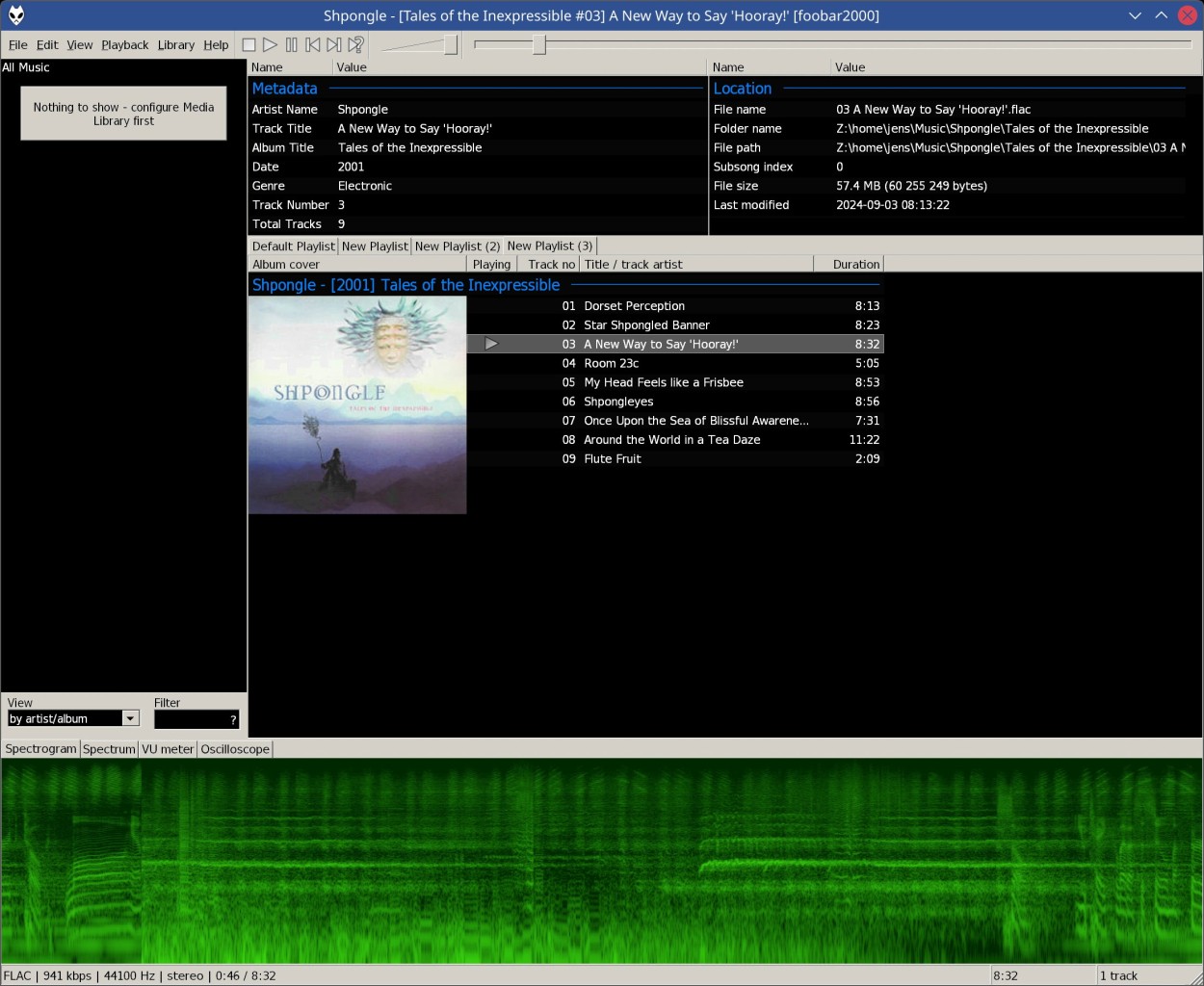
You can control the appearance, behavior, and the auditory effects of your music player. You maintain full control over panel placement, fonts, and design layout. With its third-party component support, Foobar2000 exceeds basic EQ functionality to offer advanced features such as real-time spectrum analysis and ASIO compatibility, besides sophisticated crossfade tools. It doesn't hand-hold. It empowers.
The main reason to select Foobar2000 is its outstanding performance attributes. The program uses system resources sparingly during operations involving extensive music collections. The loading times for large collections of tracks are quick, and these collections can be run flawlessly on any computer system.
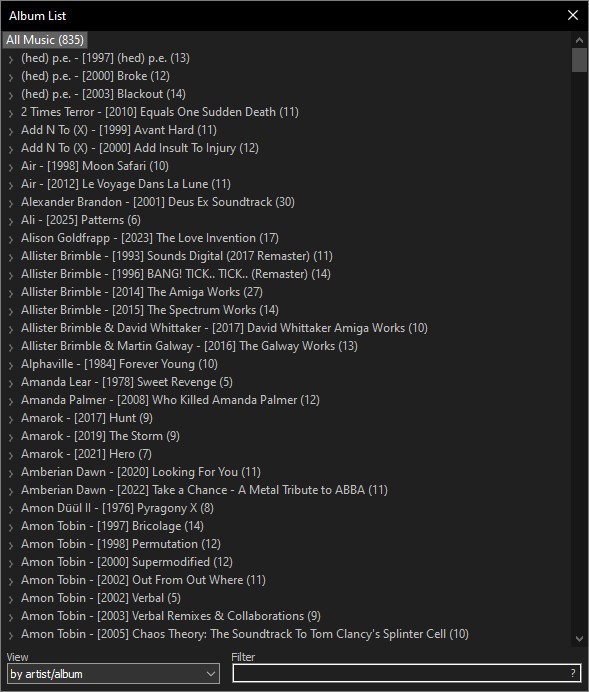
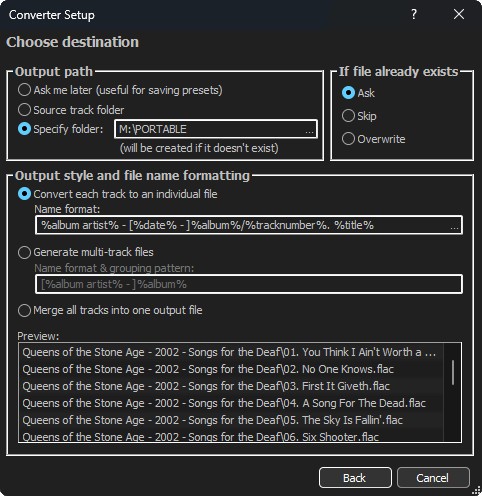
Users with high-resolution FLAC archives and a need to tag their albums will find Foobar2000 quite convenient. All processing tasks, including batch conversions, mass retagging, and ReplayGain, occur without any issues.
Audiophiles use Foobar2000 beyond its player capabilities because the application functions as their sonic testing facility. The application provides a bit-perfect playback mode together with direct access alternatives for WASAPI and ASIO output, which deliver sound as the creators intended. You do not have to depend on extra DSPs that were not part of your original setup.
When you listen through Foobar2000, you receive audio exactly as the producers intended. The straightforward delivery method creates better sound output when you use high-end DACs and headphones. For users seeking a dependable media player with top performance, Foobar2000 provides exactly what they need, even if that only means a player that doesn’t crash or slow their system down.
Is Foobar2000 Free?
Yes, Foobar2000 is completely free. The application doesn’t offer subscriptions and upgrade restrictions. All core features, along with most of its plugins, are free. You can install Foobar2000 for free. There is a mobile application for iOS and Android platforms for portable music listening.
What Operating Systems Are Compatible with Foobar2000?
The music player Foobar2000 is available for Windows and macOS systems, as well as for Android and iOS mobile devices.
The desktop edition of Foobar2000 operates on Windows 7, 8, 10, and 11 by using limited system resources, thus benefiting users with new and old personal computers.
The latest version of Foobar2000 requires macOS 11 (Big Sur) or higher, though you can download older Foobar2000 versions for older machines.
The mobile versions of the app offer a simple user interface that maintains the playback strengths of the desktop application. The program operates optimally on contemporary devices of various types.
What Are the Alternatives to Foobar2000?
According to aficionados, Foobar2000 is the ideal choice, but there are other music player options in the market. Your requirements can lead you to a different audio player.
MediaMonkey is a top-tier music management system. Its features serve users with extensive music collections. Its auto-tagging, genre organization, and device synchronization functions make this application very useful. MediaMonkey provides users with a single application that allows complete CD ripping, metadata downloading, and podcast management through its full graphical user interface. This program delivers a user-friendly interface and provides functionality for people seeking pre-built components rather than customized plugins. Users should keep in mind that advanced features require a paid upgrade.
Winamp is a familiar name in the music playback world. The application has been around for a while and is now regaining popularity. Winamp presents users with a fancier interface that includes aesthetic aspects such as visualizations and built-in streaming, in addition to skin customization features. Purchase options from the new Winamp version aim to enhance its modernization, despite the app’s nostalgic feel. Foobar2000 offers advanced customization options, but less graphical detail than Winamp. Winamp is a great choice for a vintage musical experience that presents a familiar, polished design.
The audio player Dopamine focuses on delivering visual quality and simple operation, along with an elegant design. The application features a contemporary interface that focuses on simplicity. People who seek a minimal interface with attractive functionality should consider Dopamine. The interface suits casual users better than Foobar2000’s, yet it lacks the plugin capabilities and format support of Foobar2000. People who prefer straightforward music playback will appreciate Dopamine. Users who want to customize their audio experience, on the other hand, should opt for Foobar2000 since it offers better control options compared to other players.