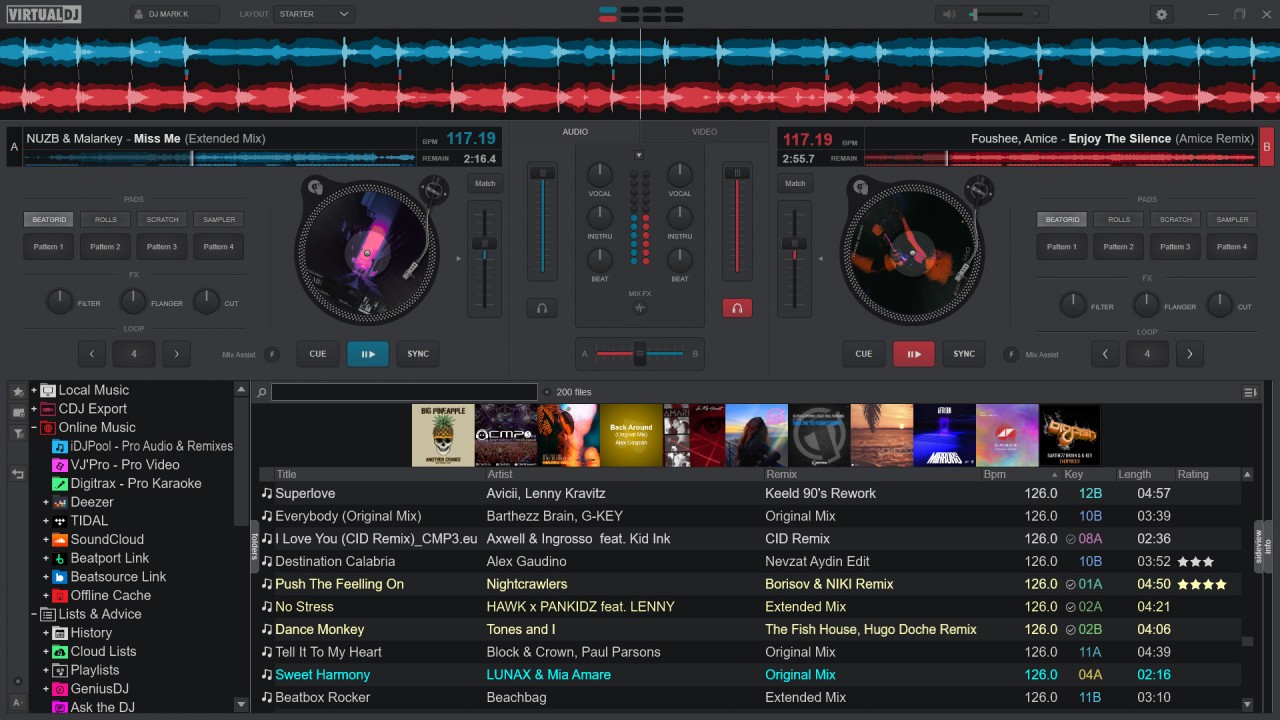
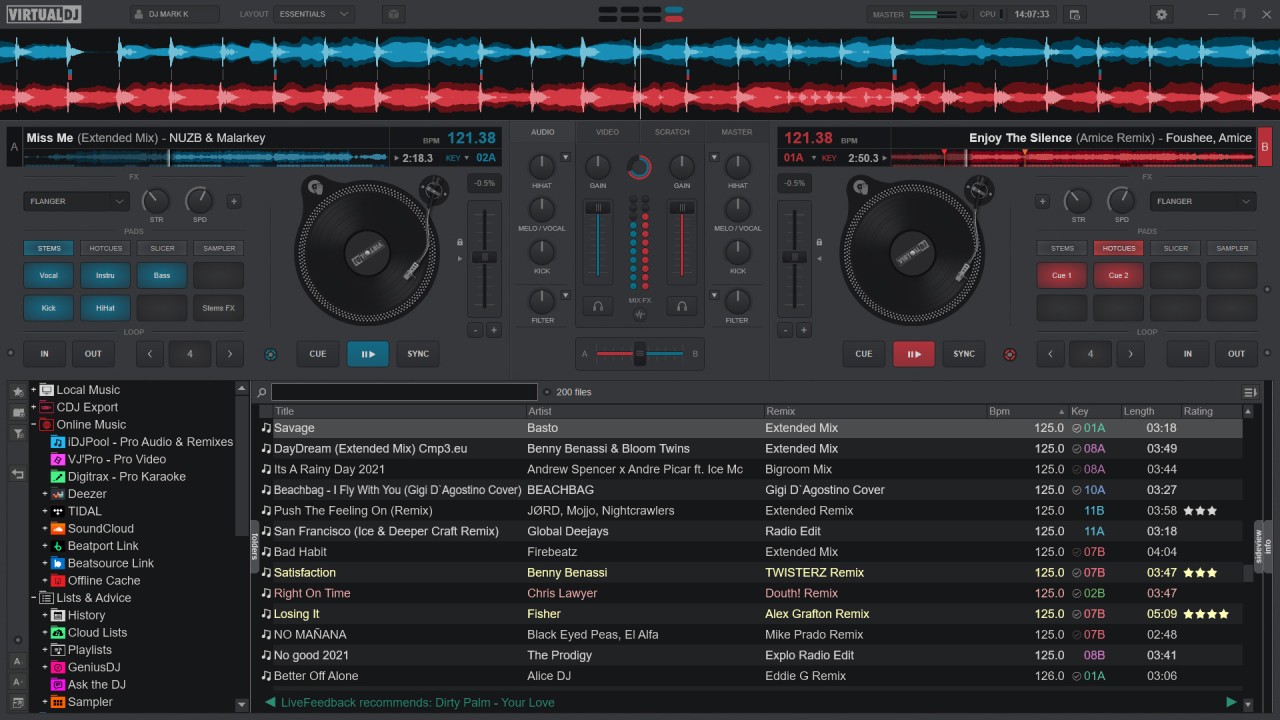
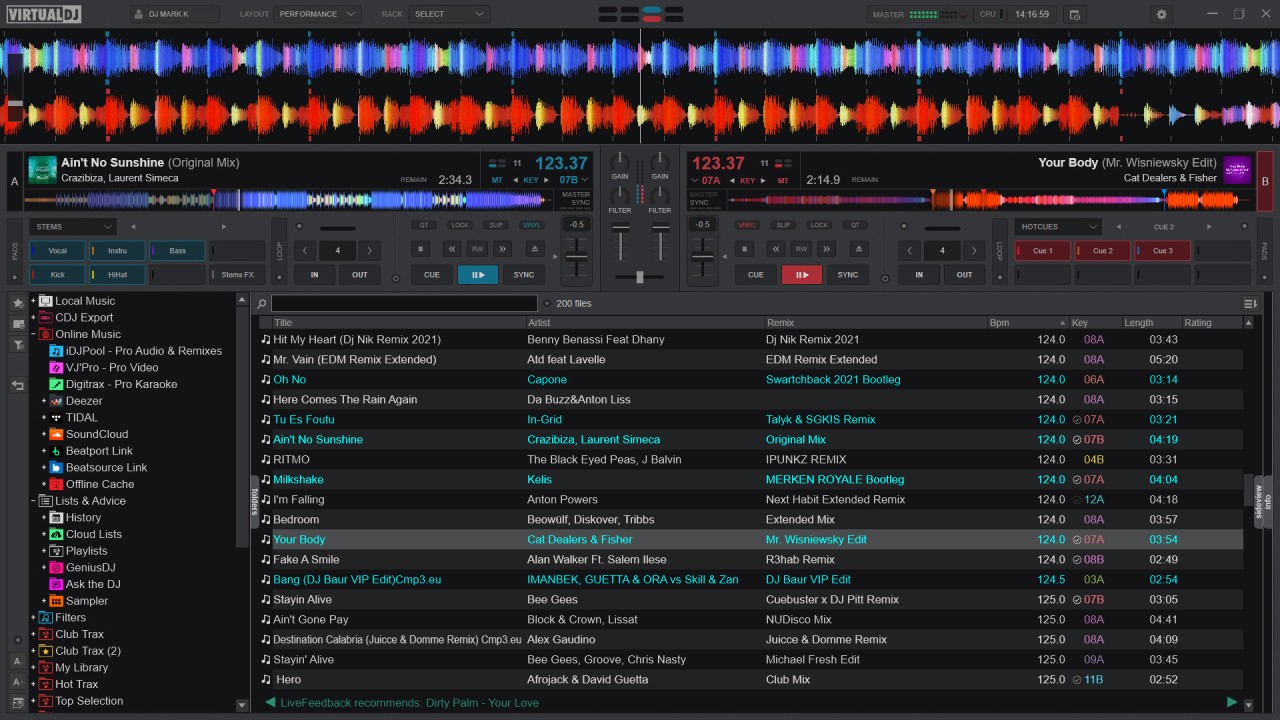
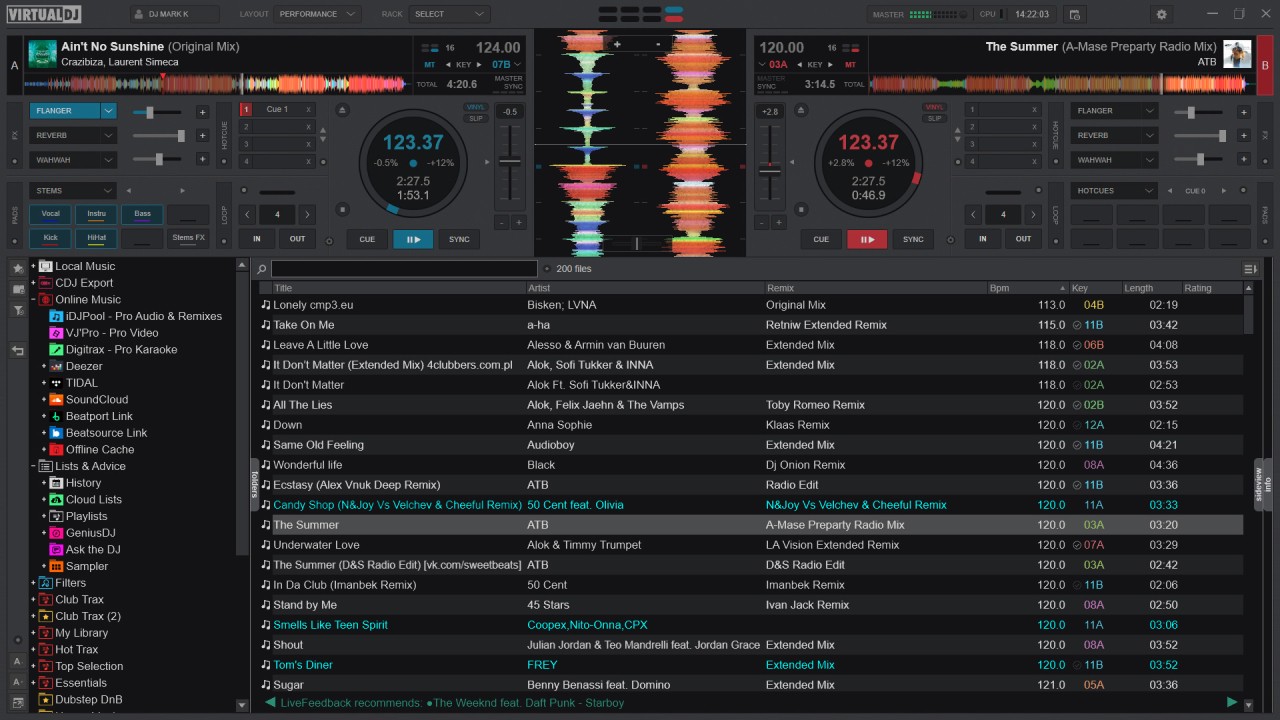
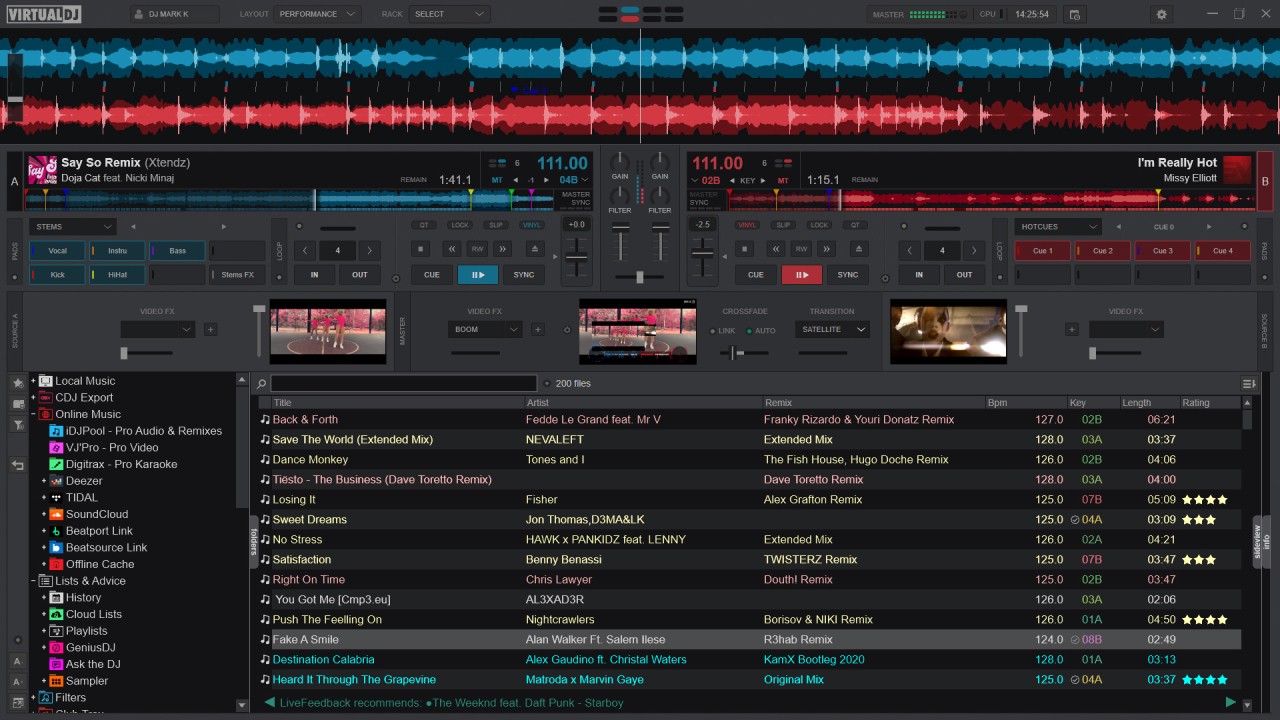
VirtualDJ is a full-featured DJ application that lets you mix music, scratch, and build live performances from your computer. It is one of the most widely used DJ programs in the world, popular with beginners and experienced DJs alike thanks to its combination of accessibility and depth. Whether you are mixing tracks at a live event or putting together a set for your own enjoyment, VirtualDJ has the tools to get the job done.
The software gives DJs precise control over their mixes through automatic beat matching, pitch adjustment, and transition controls. A broad set of effects, loops, and samples is built in to help shape and enhance your sound. For music selection, you can work from your personal library or stream directly from supported services. VirtualDJ also works with a wide range of DJ controllers, covering both analog and digital setups.
An advanced audio engine handles multiple overlapping tracks and complex effects without sacrificing sound quality. The software also supports video mixing, combining footage from music videos with your audio in real time. These capabilities make VirtualDJ useful for both live stage performances and studio mix production.
Why Should I Download VirtualDJ?
VirtualDJ is worth downloading because it works as a complete music performance and production platform, not just a basic mixer. It suits hobbyists who are just getting started and trained professionals who need serious tools, since the feature set scales well across both ends of that range. You do not need professional DJ experience to start creating mixes, but there is plenty of depth available when you are ready for it.
Flexibility is one of the software's strongest points. VirtualDJ does not lock you into a fixed way of working. You can mix manually in freeform style or rely on automatic beat-matching assistance, depending on what the situation calls for. The interface is approachable enough for newcomers to explore without getting overwhelmed, while experienced DJs can customize the workspace layout to match exactly how they like to work.
Controller support is broad, covering models from many manufacturers. The software adapts whether you are using a keyboard and mouse or connecting a professional hardware controller, and operations stay smooth either way. VirtualDJ is actively maintained and regularly updated to stay compatible with new DJ hardware as it comes to market.
Streaming integration is another reason people choose VirtualDJ. Rather than being limited to a local music library, you can pull tracks directly from SoundCloud, TIDAL, and other supported platforms into your mixes. This gives live performers and explorers access to a constantly updated pool of music. Real-time BPM detection and key recognition keep transitions consistent even when working spontaneously with unfamiliar tracks.
Is VirtualDJ Free?
VirtualDJ has a free version that includes a strong set of features at no cost, which is more than enough for home use and personal mixing. Users who need professional DJ controller support and access to higher-quality audio output will want to upgrade to the Pro version. The free tier handles everyday needs comfortably, while the paid version adds the professional-grade capabilities that working DJs require.
What Operating Systems Are Compatible with VirtualDJ?
VirtualDJ runs on both Windows and macOS, covering users on either platform. It works on current operating systems and also runs well on older hardware. Installation is straightforward on both Windows PCs and Macs, and ongoing updates keep the software compatible as operating systems evolve.
What Are the Alternatives to VirtualDJ?
Traktor Pro, developed by Native Instruments, is one of the most respected alternatives for professional DJs. It features four-deck mixing, a powerful effects suite, and tight integration with Native Instruments hardware. The software is known for its precision and reliability, which makes it popular with DJs who prioritize sound quality and complex mixing capabilities. Traktor Pro has a steeper learning curve than VirtualDJ, so it tends to appeal more to experienced users who want professional-grade tools.
Mixxx is a free, open-source DJ application that covers the core bases without any cost. It supports a wide range of DJ controllers, includes BPM detection and automatic beat matching, and allows live effects during playback. Development is community-driven, which means it continues to improve over time. The interface is less polished than commercial alternatives, but Mixxx offers a solid range of customizable features that hold their own against many paid programs. For anyone looking for capable free DJ software, it is the most established option available.
Cubase, developed by Steinberg, is a digital audio workstation rather than DJ software in the traditional sense. It is built for music production and audio editing rather than live mixing, making it a better fit for DJs who also produce and record their own original music. It offers professional MIDI sequencing, multi-track recording, and advanced audio processing. Cubase is primarily a studio tool rather than a live performance platform. However, for users who need both production capabilities and the ability to blend and arrange audio with professional precision, it is a powerful option alongside or in place of dedicated DJ software.