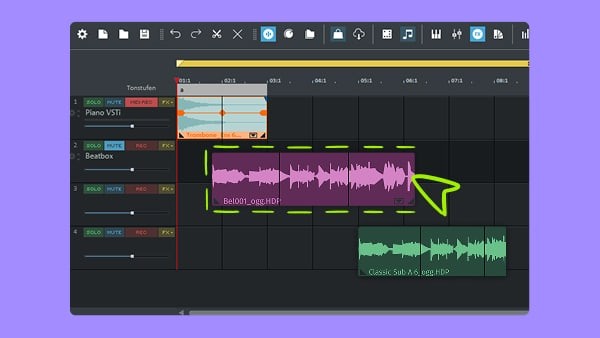
Magix Music Maker is a digital audio workstation designed to let anyone make music without getting overwhelmed by technical complexity. It's aimed more at beginners and hobbyists than professional producers, creating a space where the focus is on creativity rather than engineering. Whether you're just starting out or have some experience, Music Maker is flexible enough to match your ambitions without demanding weeks of study before you can get anything done.
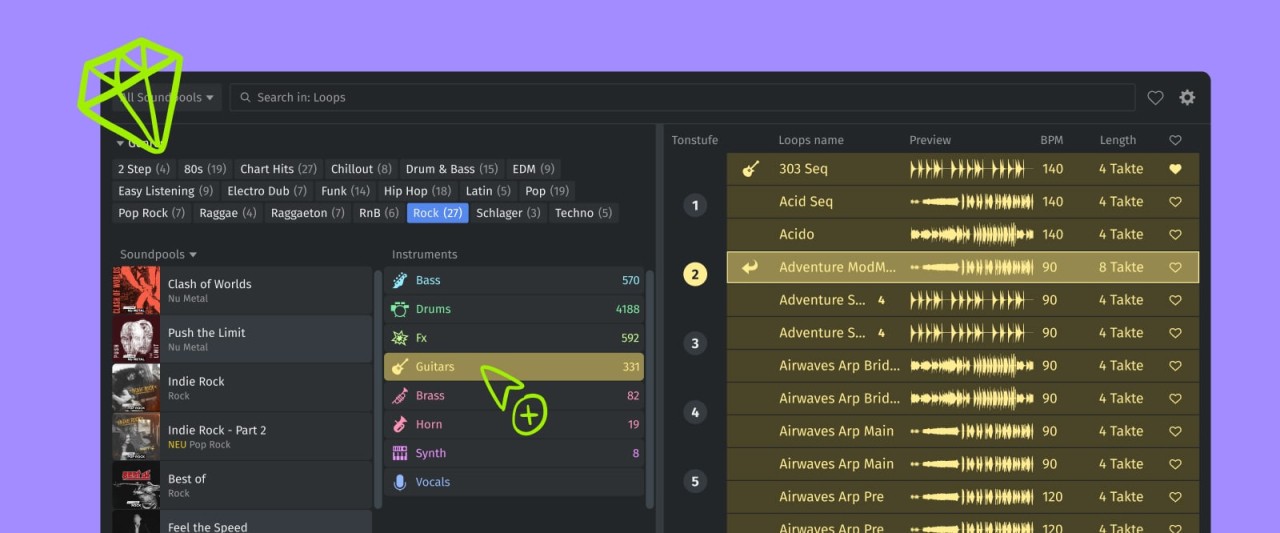
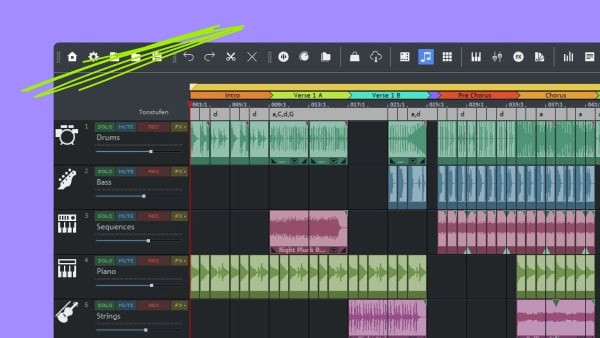
The interface makes entry easy by letting you drag and drop loops, samples, and virtual instruments directly onto a timeline. You can experiment freely with different sound combinations and build up tracks layer by layer. It feels more like painting with sound than traditional music production, and people with little to no experience can still end up with polished-sounding results. That low barrier to entry is one of the biggest advantages Music Maker has over more complex DAW software.
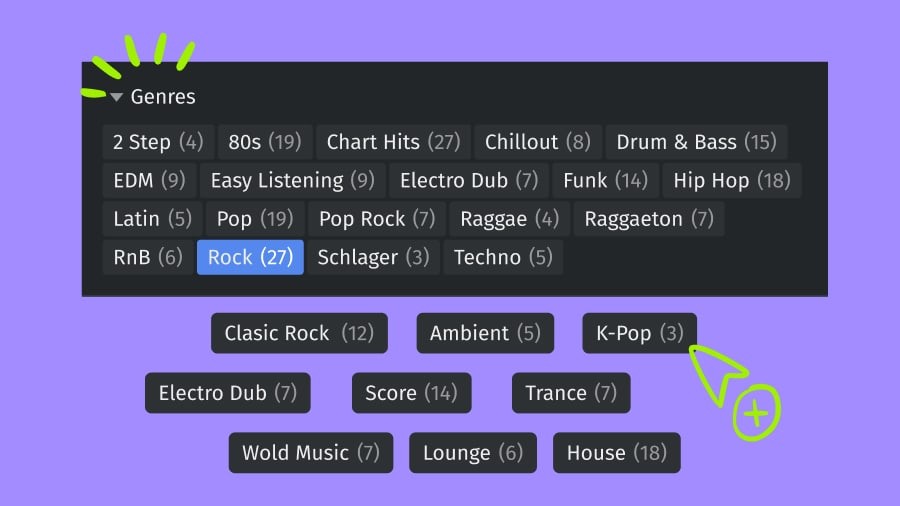
The built-in library is another strong point. Music Maker ships with a large collection of pre-made loops, samples, and musical phrases that you can mix and match to build original compositions. Instead of needing to create every element from scratch, you can work with what's already there and shape it into something that sounds like your own. The platform keeps experimentation low-pressure and enjoyable, and if you want to go further, there's a wide range of additional sound packs and modules available for expanding your creative toolkit.
Why Should I Download Magix Music Maker?
Magix Music Maker is worth downloading because it feels welcoming from the moment you open it, regardless of how much DAW experience you have. It works more like a creative companion than a clinical piece of studio software, encouraging you to explore and play with ideas. The interface is intuitive enough that you can start making music almost immediately after your first launch, which isn't something every production tool can claim.
The sounds are modern and current, so you're not stuck working with dated sample packs that feel like leftovers from a previous era. Music Maker is built with the understanding that inspiration can strike at any moment, and it gives you the tools to capture and develop ideas quickly. Drag-and-drop is central to the experience, letting you arrange sounds and stack audio tracks without wading through menus full of technical jargon. You just interact with the music directly and see what works.
There's also a satisfying flow to how the creative and technical sides of the software fit together. The layout keeps all your tools visible and accessible, so you don't lose momentum switching between making music and managing your project. Beyond just creating tracks, Music Maker also lets you refine and polish them. Built-in effects and mixing tools let you add professional finishing touches so your tracks sound ready to share when you're done.
Is Magix Music Maker Free?
Magix Music Maker is available in both a free version (demo) and a paid edition. The free version is a great starting point for beginners who want to explore the basic features without committing to a purchase.
Even with its more limited feature set, the free version gives you enough to create original compositions and experiment with different sounds. You can do real work with it and get a genuine feel for what the software offers. When you're ready for more advanced tools, expanded sound libraries, and additional features, upgrading to a premium edition is straightforward.
What Operating Systems Are Compatible with Magix Music Maker?
Magix Music Maker runs on Windows, supporting Windows 10 and newer versions. macOS is not supported, which is a limitation for Mac users looking for a music production tool. On Windows, the software runs smoothly and doesn't require high-end hardware to perform well.
The system requirements are accessible enough that most Windows users won't need to upgrade anything to get started. If you're on a Mac, you'll need to look at alternative music production software or consider running a virtual machine, though that approach can introduce its own complications.
What are the Alternatives to Magix Music Maker?
A few other music production tools are worth considering if Magix Music Maker doesn't quite fit what you're looking for.
FL Studio is one of the most popular DAWs available, particularly among producers working in EDM, hip-hop, and electronic music. It has a steeper learning curve than Music Maker, especially for first-time producers, but once you get past the initial adjustment period, it opens up into a full professional-grade production environment. Sound quality is excellent, and it's widely used by working producers across multiple genres. It takes some practice to learn, but the payoff in creative control is significant.
Audacity is a completely different kind of tool. It's free, open-source, and designed primarily for audio recording and editing rather than full music production. If you mainly need to record audio, do basic editing, and handle simple mixing tasks, Audacity is a reliable and lightweight choice. It won't match Music Maker's production capabilities when it comes to building tracks from loops and virtual instruments, but for straightforward audio work, it does the job well and costs nothing to download.
Cubase, developed by Steinberg, is one of the heavyweights in professional music production. It's been an industry standard for years, offering deep sound processing capabilities and an extensive plugin suite that gives you fine-grained control over every aspect of your audio. Cubase is best suited for users who already have some production experience and want to take their work to a more advanced level. The interface can be intimidating at first, and the learning curve is real, but for anyone serious about producing complex, polished musical arrangements, the investment pays off.