BeatMaker is a serious, professional-grade music production tool that you can use without sitting at a computer. This application is a complete and comprehensive studio designed specifically for the iPad. It is considered to be one of the most powerful music-making apps on the market, often compared to full-featured desktop software like Ableton Live or FL Studio. It's built for beat makers, electronic music producers, and artists who want a mobile workflow with professional features.
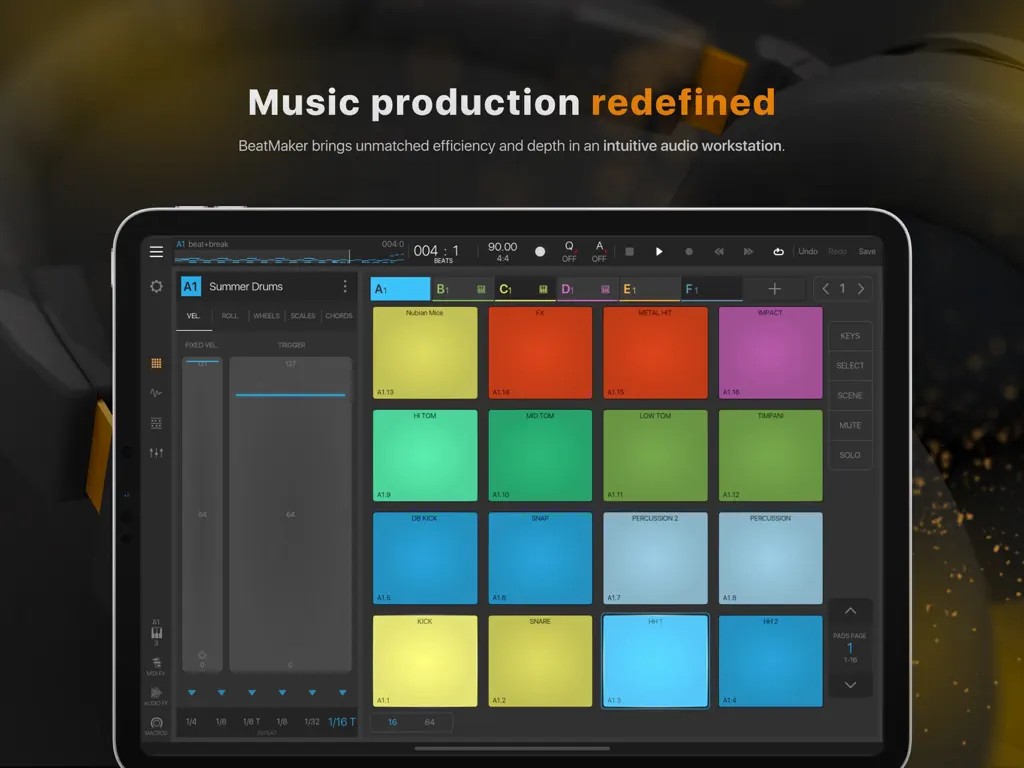
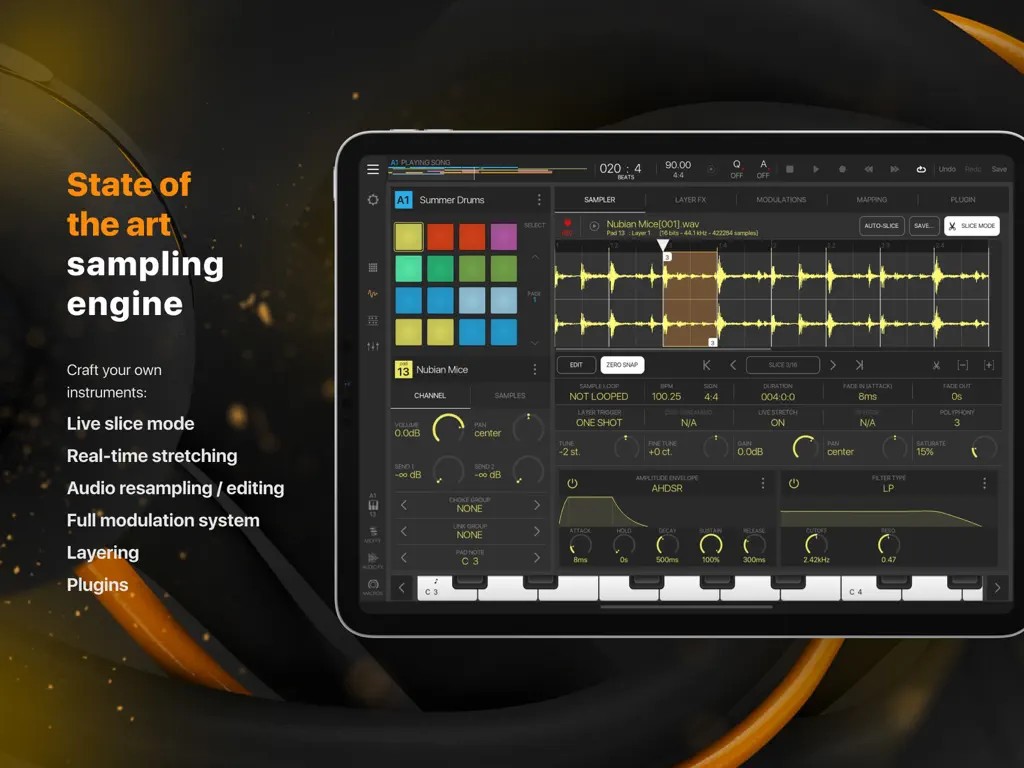
What makes BeatMaker a unique mobile solution is its powerful and deep sampling engine. This engine allows you to record, chop, and manipulate audio to create your own unique instruments and drum kits. The interface, with a 16-pad layout that can be expanded to 128 pads, gives you a tactile and intuitive way to program drum patterns and play your sampled sounds.
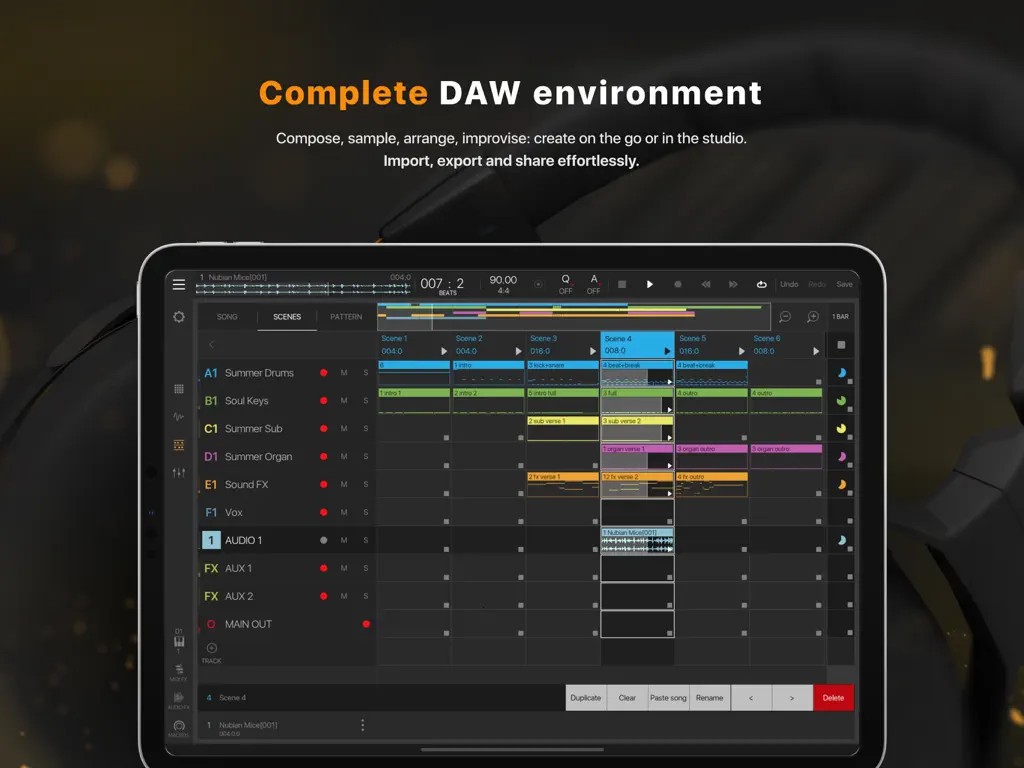
Beyond beat making, BeatMaker is actually an all-in-one Digital Audio Workstation (DAW) that includes a full multi-track song sequencer for arranging your patterns into complete compositions. It also offers a professional-grade mixer with a full suite of audio effects, and you can also add third-party audio plugins. You can buy and download BeatMaker for your iPad and produce an entire track on it, from beginning to end.
Why should I download BeatMaker?
BeatMaker offers a powerful sampling engine that sets it apart from other tools for tablets. Using your iPad's microphone or a connected audio device, you can record sounds directly into the app. You can also import audio from your music library or even sample directly from other apps. Once you have a sound, the detailed sample editor gives you the power to chop it into smaller pieces, stretch it to fit your tempo, and manipulate it in multiple ways to create entirely new sounds.
With BeatMaker, you get an intuitive workflow. The main screen for programming beats has a grid of 16 pads that you can expand to up to 128 pads. This layout is perfect for finger drumming and programming complex and nuanced drum patterns. You can easily assign different samples to each pad and then record your patterns in real time or program them step by step in the pattern sequencer.
If you want to create complete songs, not just loops, BeatMaker also has the right features to do so. It provides you with a flexible song sequencer where you can arrange different patterns and scenes into a complete song structure with intros, verses, and choruses. You can also record musical parts using MIDI from an external keyboard or even add full-length audio tracks for things like vocals or a live guitar performance, allowing you to produce complete songs.
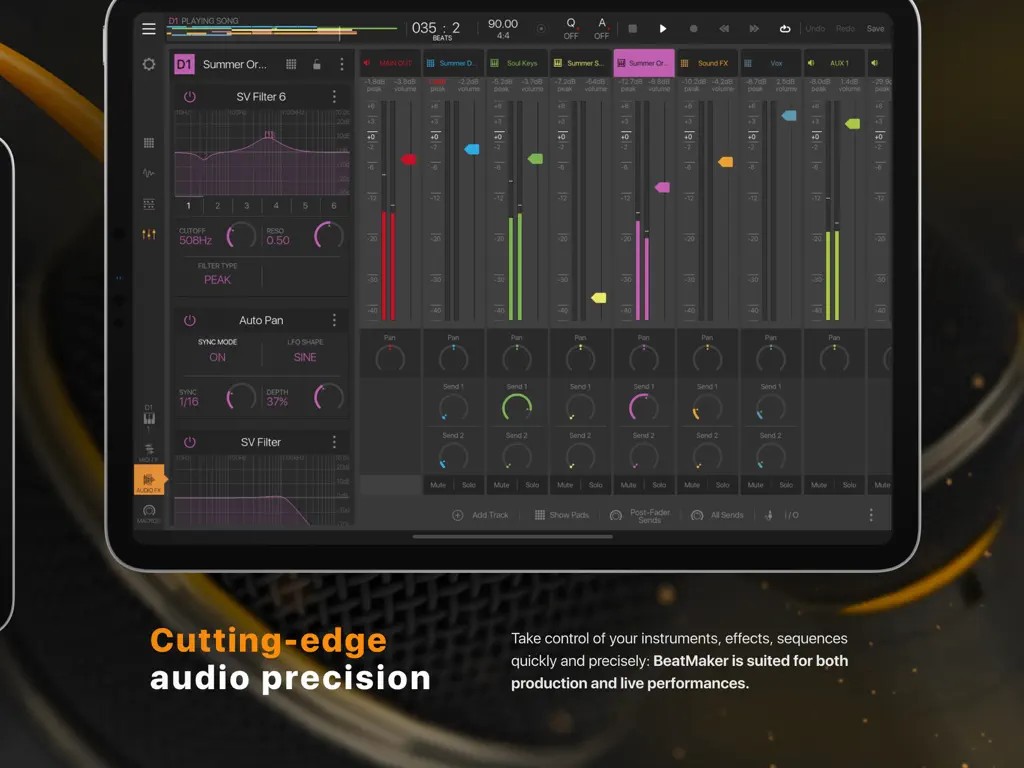
There's also a comprehensive professional mixer in BeatMaker that looks and feels like a real studio mixing console. Every instrument and audio track has its own dedicated channel with controls for volume, panning, and solo or mute functions. You can add up to eight different effects, like reverb, EQ, delay, and compression, to each and every track. BeatMaker effectively gives you all the tools you need to shape your sound and mix your tracks to a professional standard.
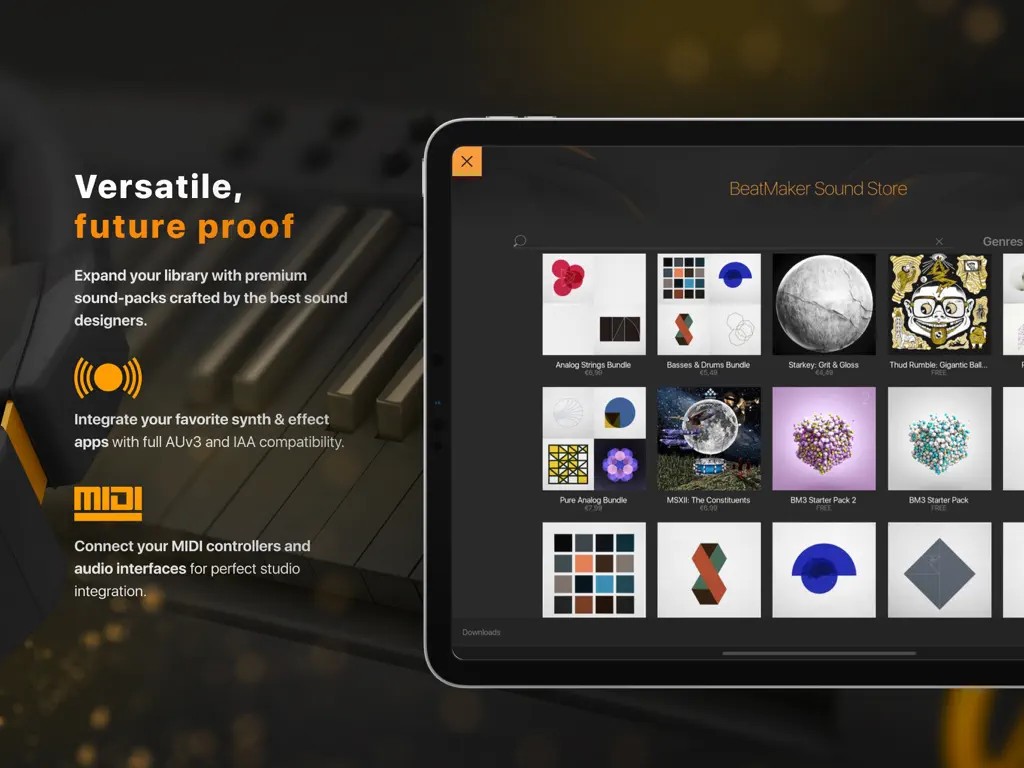
BeatMaker also lets you connect and control your external hardware thanks to its MIDI integration. You can plug external MIDI keyboards, drum pads, and other controllers into your iPad and use them to play and record any of the instruments inside the app. You can even expand BeatMaker with third-party plugins, and even though the app is paid, it is still cheaper than full DAW tools.
Is BeatMaker free?
No, BeatMaker 3 is a paid professional-grade tool, so you need to buy it through the AppStore. It's a single payment, not a subscription plan. There is no free version or trial period, but the tool is a great value for money option if you need professional production software.
What operating systems are compatible with BeatMaker?
BeatMaker 3 was developed exclusively for the Apple iPad and is available for iOS 11.0 or newer. There are no versions for Android, Windows, macOS, or even iPhones.
What are the alternatives to BeatMaker?
Music Maker Jam is a great music production tool for beginners, where you can mix and match pre-made, professionally produced audio loops. You just need to choose a "Style Pack" from a specific genre, and then use an eight-channel mixer to combine drum beats, basslines, and melodies to create a song. You can download it for free, and it comes with some basic loops, but most of the sound packs are unlocked through a paid subscription. You can download Music Maker Jam on iOS, Android, and Windows.
BandLab is a free platform for creating music that also offers community features. With it, you get a full, cloud-based, multi-track Digital Audio Workstation (DAW) in your browser or on your phone. You can record live audio, use a huge library of free loops and virtual instruments, and mix your tracks with unlimited cloud storage. You can use BandLab through its website or on iOS and Android.
GarageBand is Apple's entry-level Digital Audio Workstation that is pre-installed for free on every Mac, iPhone, and iPad. It has full multi-track recording tools, a massive library of high-quality loops, and a collection of realistic virtual instruments, including synths, drum kits, and orchestral sounds. Whatever you create on it can also be synced and used on Logic Pro X, which is a professional recording studio. GarageBand is available exclusively on macOS and iOS.