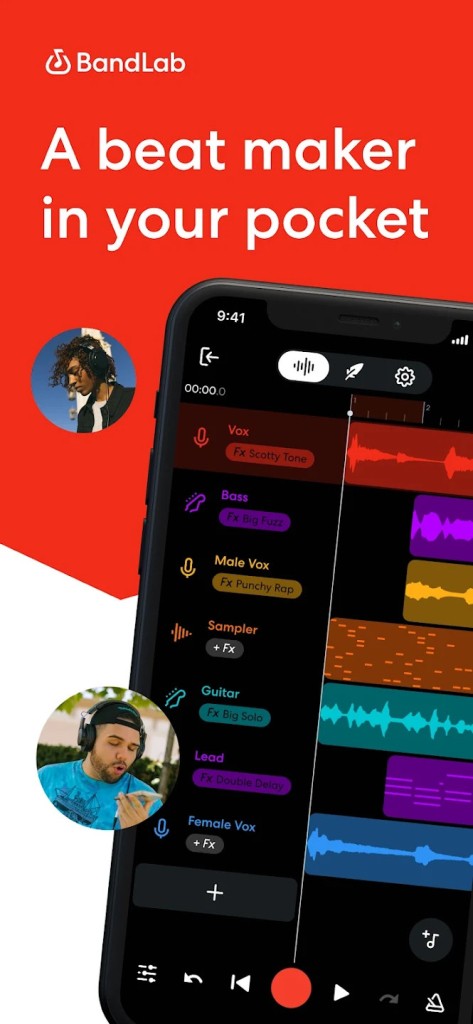
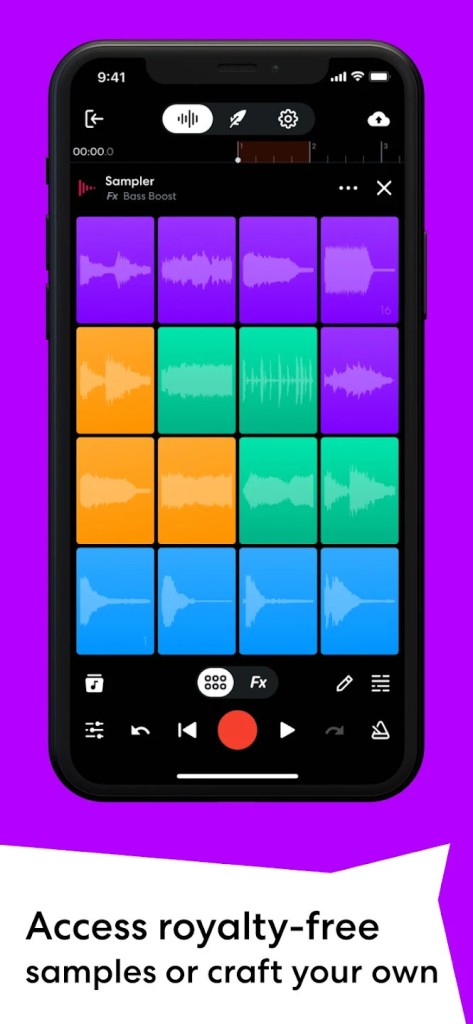
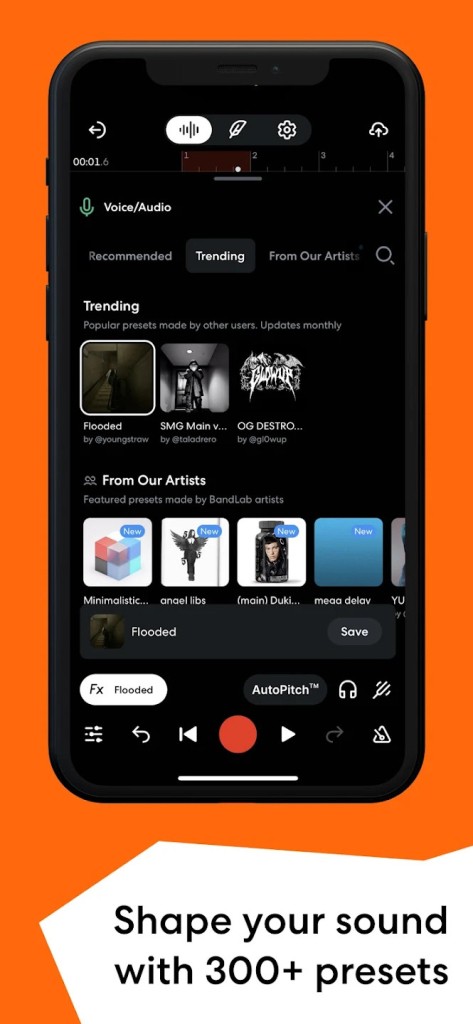
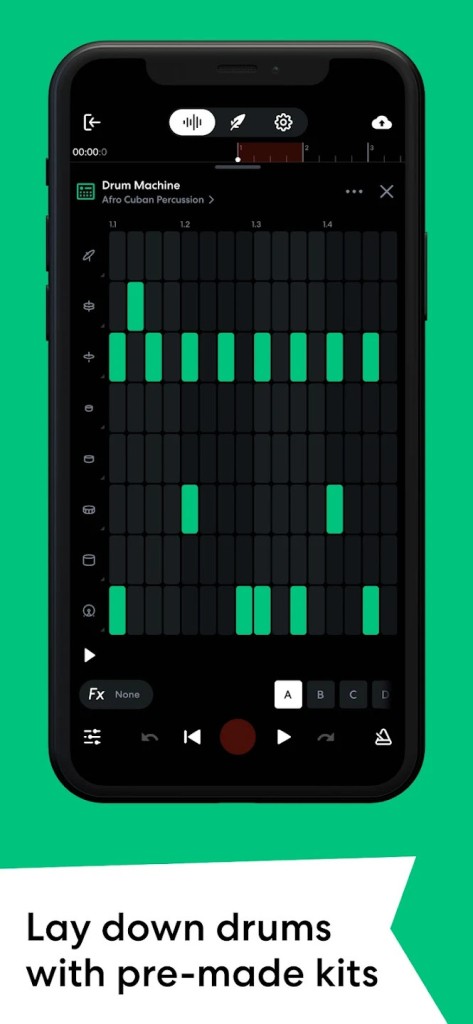
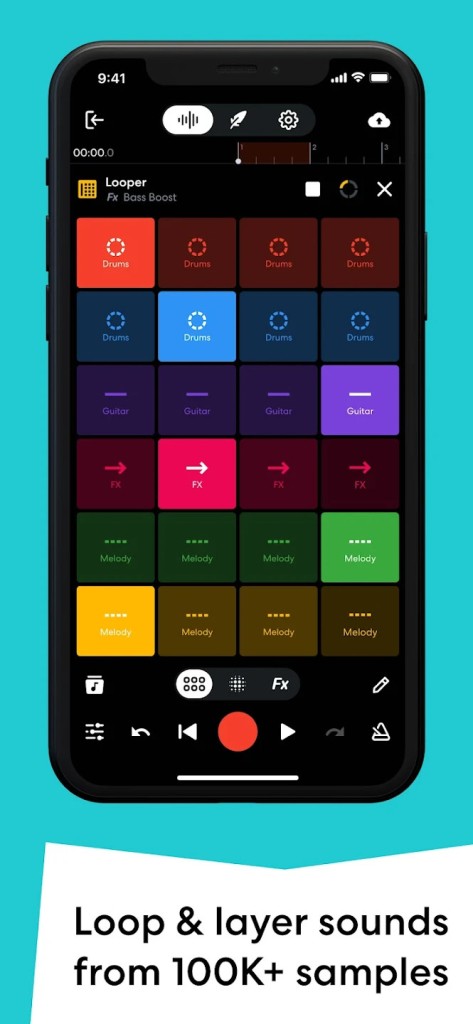
BandLab is a music application which allows recording, mixing, and creating songs without having the studio setup. You can do it on your phone, your tablet, even on a browser in your laptop. It is simply a recording studio, a social platform and a creative room all in one. In case you ever wished to lay down a melody, stump down a riff on a guitar, or even just to play around with some beats, BandLab provides you an opportunity to do so without having to drop hundreds of dollars on the complex software.
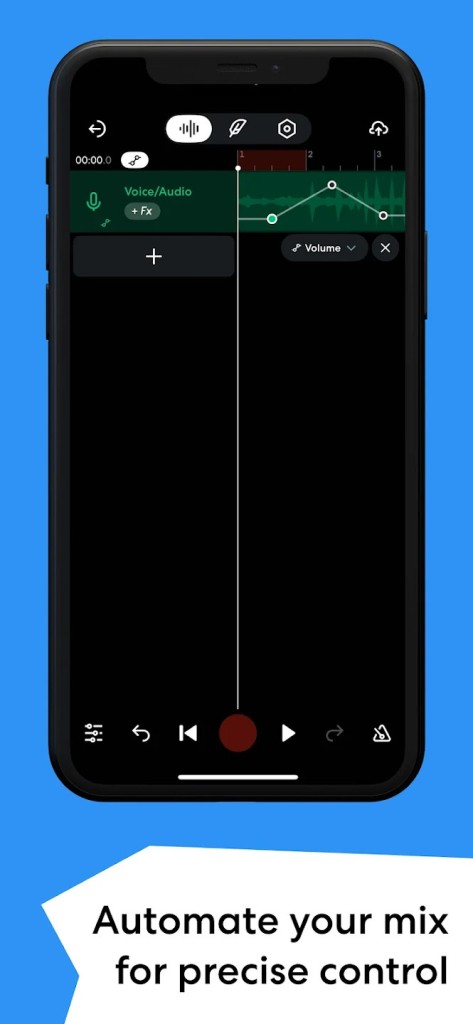
The app includes a multi-track studio, a collection of instruments you can play on screen, loops to create ideas with and clean-up tools that improve your recordings. Singing effects such as AutoPitch can be used to smooth the vocals, and the producers can explore the sound packs ranging across hip-hop to rock. It has also got the community side, where members post their songs, remix projects of others and even begin cross-country collaborations. It is not only a tool; it is a place where music is shared and is built in full view.
The advantage that BandLab has over other devices is the fact that it is cross-platform. Begin something on your phone when you are commuting, and later open it in your laptop to refine the mix. In the world of music, that sort of freedom is hard to come by and most software bonds you to a single machine.
Why should I download BandLab?
The easy explanation: as it makes music easier to compose. A few years ago, it would take one to buy a DAW, study intricate software, and pay a lot of money on the plugins to record songs at home. BandLab skips that. You are downloading the app, sign in, and begin recording. It is so easy that many beginners remain with it.
It does not mean that it is watered down but easy. The application has an adequate multi-track arrangement, effect chain, and mastering option, which can polish your track. It is easy to learn by beginners and is also used by even experienced musicians who need to do hasty sketches when an idea pops.
The collaborative side is considered to be among the largest attractions. Music is usually a solitary affair. You are sitting in a room, and you are trying to finish a beat or a lyric, and you are at a loss. You can share a project with BandLab and someone can pick it up and put a spin on it. It could be a rapper in a different city that sings on your beat, or a guitarist in a different country that layers riffs. Such a feeling of belonging makes people come back again.
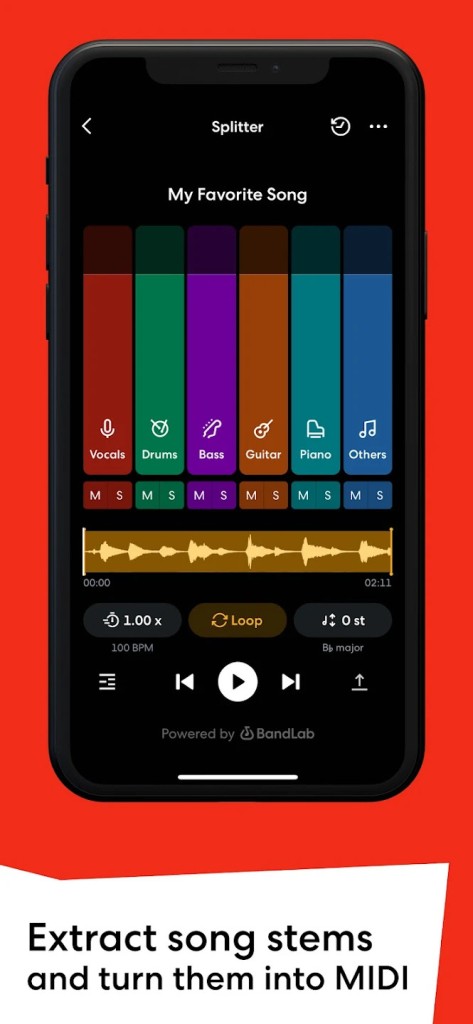
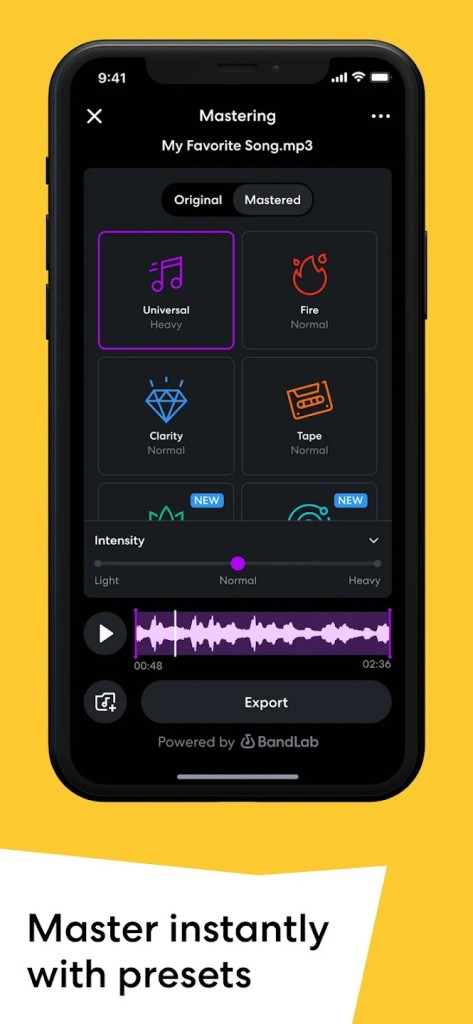
The other cause is due to the AI tools. One of them is called SongStarter, which provides you with some randomly generated ideas when you lack any idea of what to write. Splitter can separate any existing track and isolate it into stems, such as vocals, drums, and bass. That comes in handy should you wish to remix, practice arrangements, or even sing along with the instrumental. And the mastering tool is a savior to anybody who does not have access to an engineer. Record your song and select a style, and you end up with a mix that is loud and clean enough to be uploaded to Spotify or YouTube.
The application is also a social site. It is not merely about the completion of tracks; it is also about being included in an international network of producers. You can share songs, receive feedback, participate in challenges, or simply see what other people are creating. That fusion of a recording studio and a community is hard to come by, and it's what makes BandLab more than another music application.
Is BandLab free?
Yes, it’s free. You can download it and use the main studio, mastering, cloud saving, and even the AI tools without paying. There aren’t ads interrupting your sessions, either, which is part of why it’s so popular.
There is a paid plan called Membership. That opens up extra tools, bigger sound packs, advanced AI options, and distribution to streaming platforms. With it, artists can release their music to Spotify, Apple Music, and others while keeping their royalties. But the important point is you don’t need to pay to use it. For most people, the free version is more than enough to record, mix, and share music.
Which operating systems are compatible with BandLab?
BandLab runs on Android in the Google Play Store and on iOS in the Apple App Store. At least, that is the majority of phones and tablets that individuals use. You do not even need to download software on a desktop. You simply log in to the BandLab website and create music in your browser. Projects are automated to keep in sync across devices. Therefore, when you begin a crass beat on your phone on a commute, you will find it ready on your laptop when you arrive home.
It is compatible with the current generation devices, though, needless to say, the faster your phone or computer, the better. It is equally applicable to the two platforms, and that is one of its large strengths. GarageBand is compatible only with Apple; e.g., BandLab does not lock you in that way. It can be used whether you are an Android user or an iPhone fan.
What are the Alternatives to BandLab?
Music Maker Jam is one of the alternatives. This application is very heavy on loops and packs. It is easy to operate and can be able to assemble songs in a matter of minutes, but the negative thing is that it may make one feel limiting when he/she wishes to record actual instruments or mix in a more profound manner. It is also fine to experiment, but not as versatile as BandLab.
Another option is BeatMaker. This one is more directed to producers who desire drum pads, sequencing and production based on samples. It is strong to create beats, particularly in hip-hop or electronics music, yet it is not matched with the social aspect. You create your own music, though, you do not have that inbuilt collaboration network. It is the good choice of people who like to remain focused only on production.
And then there’s GarageBand. it is the most well-known free DAW since it is included in all Macs and iPad. GarageBand is well-polished, stable and loaded with instruments and loops. It was the beginning of many professional musicians. The problem is that it is available only on the Apple devices. On Windows or Android, you can not. It is also excellent at recording and mixing though it lacks the same instant mastering and social capabilities as BandLab does.