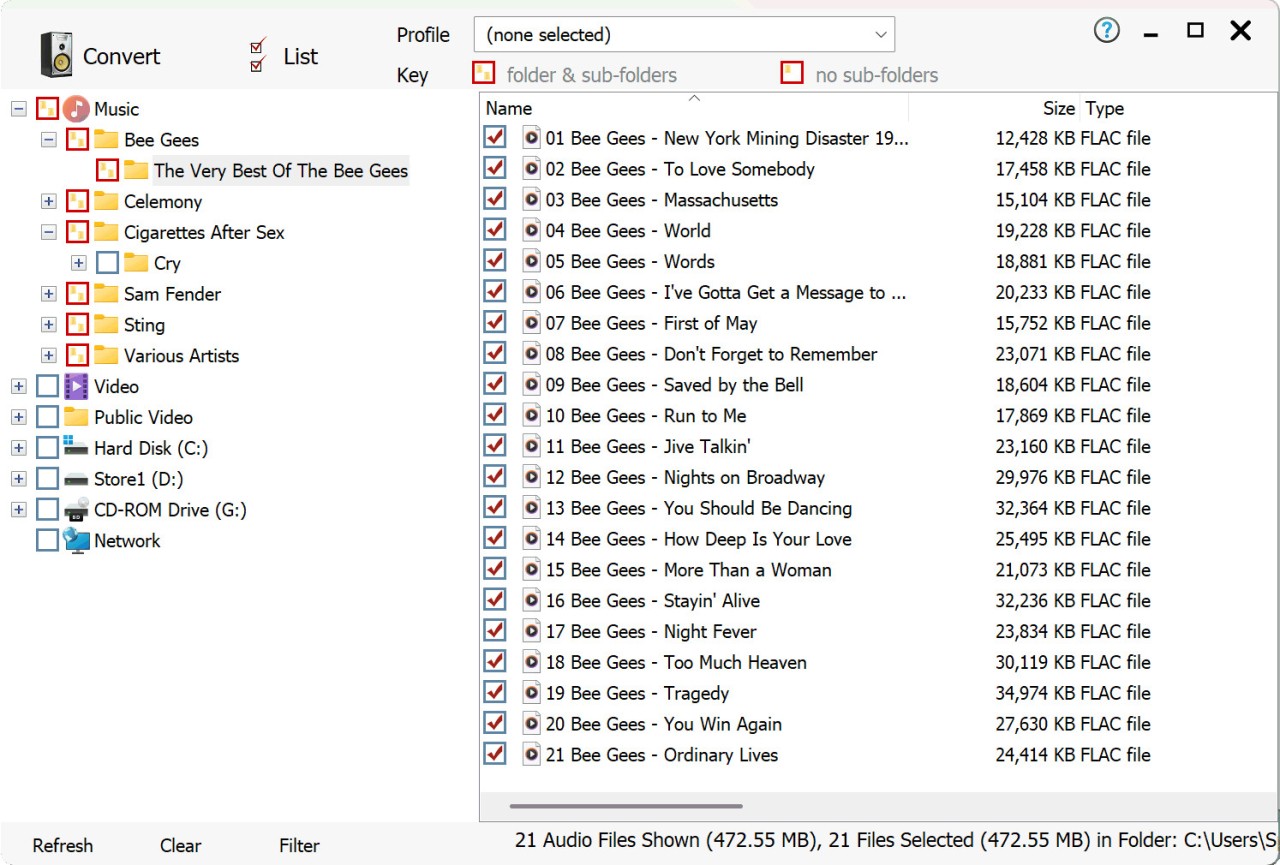
dbpowerAMP is a music conversion and audio utility tool that’s been around for years, and it has earned a reputation as one of the most reliable programs for handling digital music libraries. At its core, it’s a software application designed to convert audio files from one format to another. That might sound basic, but if you’ve ever tried juggling between MP3s, FLACs, WAVs, AACs, and all the other audio file types, you know it can get messy. dbpowerAMP takes away that hassle by giving you a simple way to convert files quickly and accurately.
But it doesn’t stop at simple conversion. dbpowerAMP also lets you rip CDs with precision. Instead of just pulling tracks from a disc, it uses something called AccurateRip technology, which checks your rip against an online database to make sure the copy is bit-perfect. That means the track you just ripped from your old Pink Floyd CD is identical to what’s supposed to be on the disc, no glitches or pops introduced. For audiophiles who care about exact sound reproduction, that’s a big deal.
Another standout feature is metadata support. When you convert or rip music, dbpowerAMP automatically fills in the details like artist name, album, year, genre, and even album art. This is pulled from multiple databases, so you’re not stuck editing everything by hand. Over time, your digital library looks clean, well-labeled, and easy to navigate—something that saves hours of frustration.
Why should I download dbpowerAMP?
The biggest reason is reliability. If you’ve ever used free audio converters, you know how inconsistent they can be. Some don’t support certain file types, others crash midway through a batch conversion, and some even lower the audio quality. dbpowerAMP is known for its stability and accuracy, which is why so many people stick with it for years.
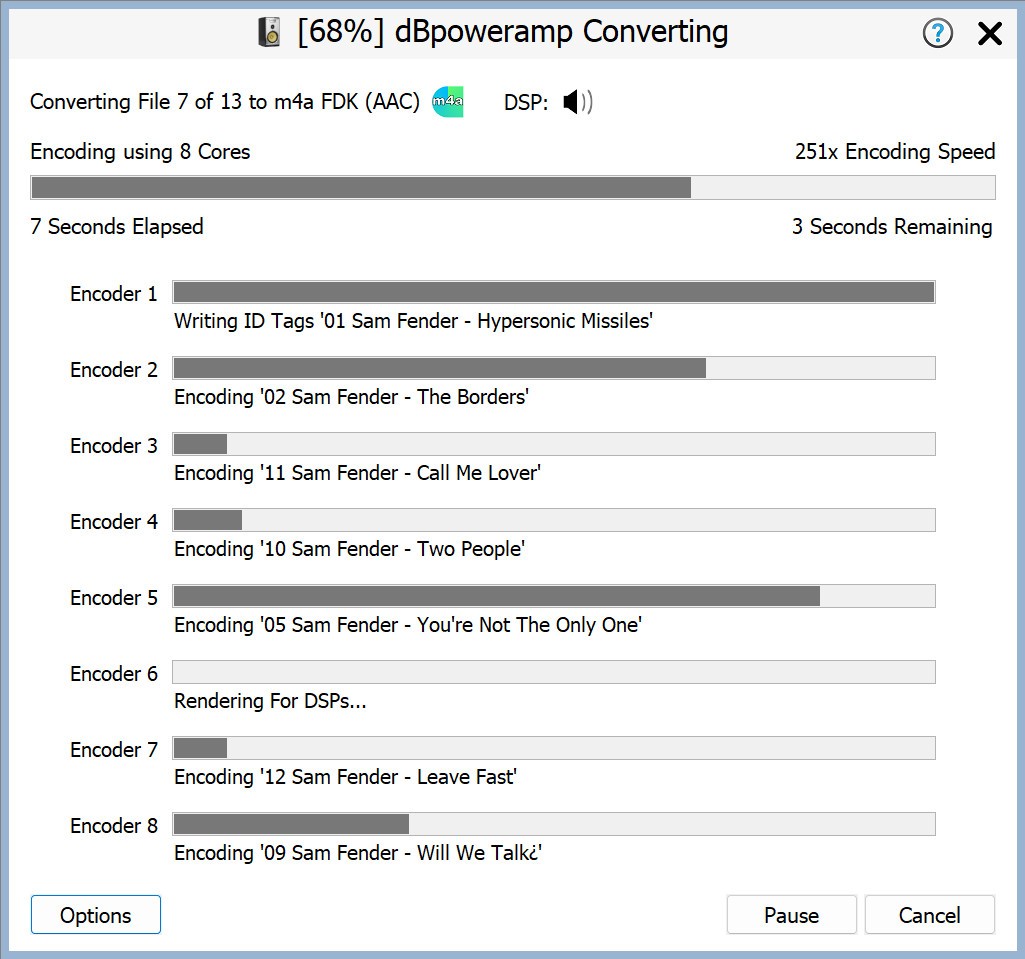
Speed is another factor. dbpowerAMP supports multi-core processors, which means it can use the full power of your computer to convert large batches of files quickly. If you’ve got hundreds of tracks to convert, you won’t be waiting all day—it flies through the process.
For people with big CD collections, dbpowerAMP is almost essential. The AccurateRip technology ensures you get flawless rips, and it even checks for drive errors. That means you can finally archive your entire collection without worrying that some songs might have hidden flaws. It’s a peace of mind you don’t get with most rippers.
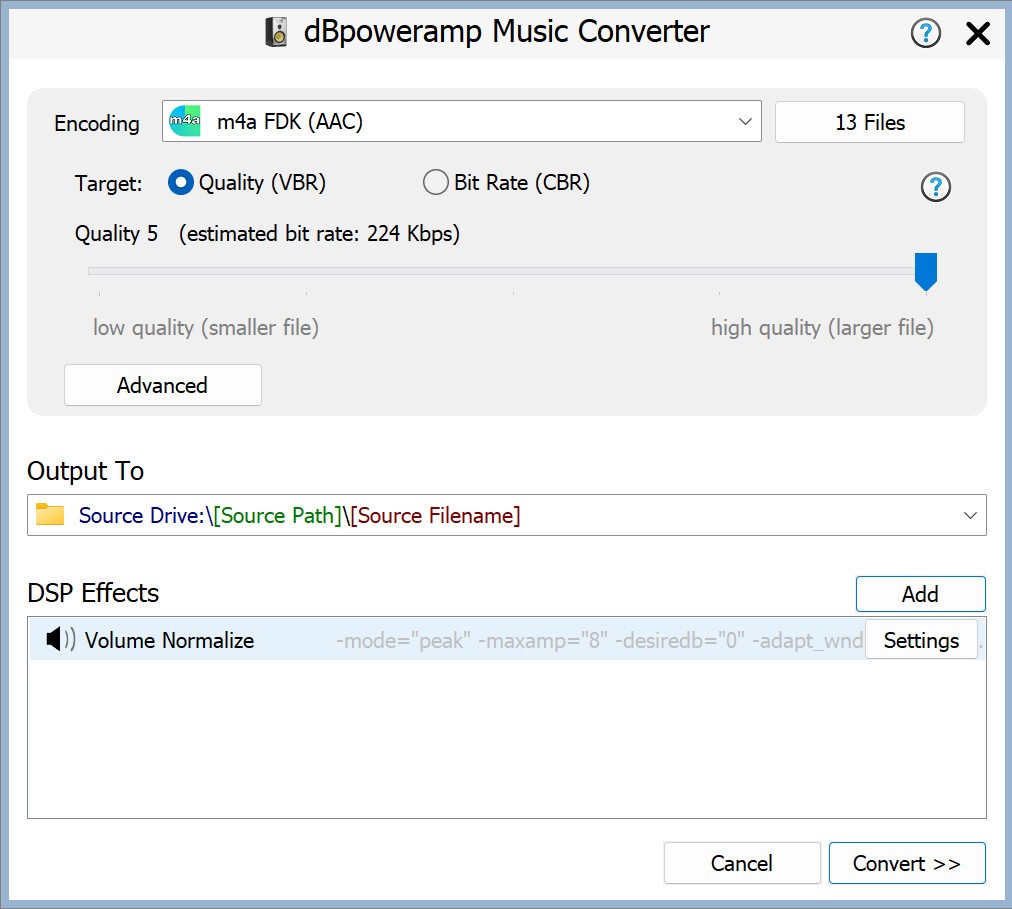
It also shines in flexibility. Whether you’re converting to MP3 for compatibility, FLAC for lossless quality, or something more obscure like AIFF, dbpowerAMP supports dozens of formats. You can even set up “multi-encoder” profiles, which let you rip one CD into two formats at once—for example, FLAC for your home library and MP3 for your car stereo.
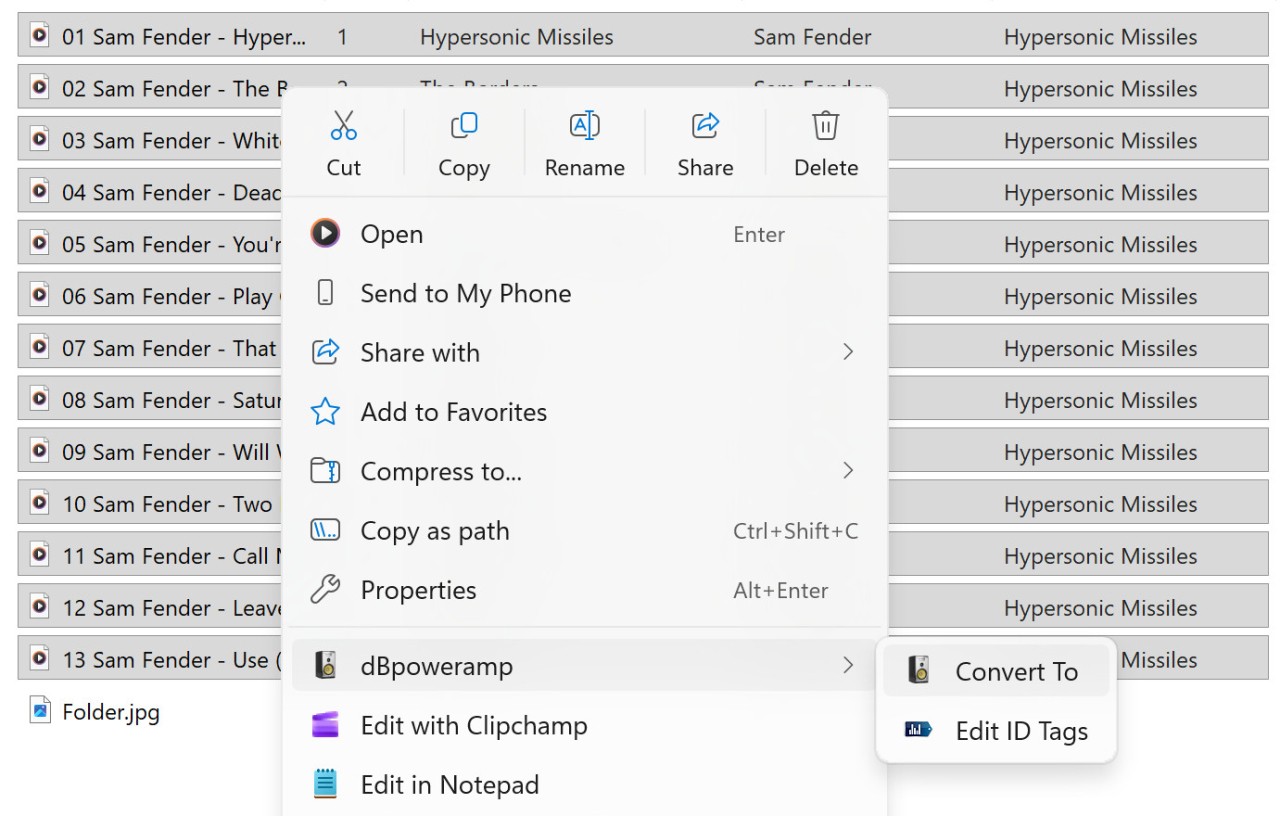
On top of all this, the interface is easy to use. Even if you’re not tech-savvy, dbpowerAMP feels straightforward. Right-click integration into Windows Explorer means you can convert a file by simply right-clicking and choosing your preferred format. No need to open a bulky application every time you want to handle a single song.
Is dbpowerAMP free?
Not exactly. dbpowerAMP isn’t freeware, but it does offer a trial version. The trial usually lasts for a few weeks, during which you get to explore all of its features. This is great for testing it out before you decide to purchase. Once the trial ends, you’ll need to buy a license to keep using it.
The full version is a paid product, but most users agree it’s worth the price. You’re not just paying for basic conversion—you’re paying for precision, speed, and years of development that make it more polished than free tools. Plus, when you buy a license, you often get upgrades for future versions, ensuring the software stays current with new file formats and operating systems.
It’s also worth noting that dbpowerAMP doesn’t nickel-and-dime you. Once you’ve purchased it, you have access to the full set of features. There aren’t confusing tiers or locked functions—you’re getting the real deal right away.
What operating systems are compatible with dbpowerAMP?
dbpowerAMP is primarily designed for Windows systems, and that’s where it runs best. It supports most modern versions, including Windows 10 and Windows 11. Because it’s lightweight, it doesn’t require a high-end machine—you can run it on an average PC without issues.
For macOS users, there is also a version available. It’s not as old as the Windows edition, but it provides the same essential features like conversion and CD ripping. The macOS version has been steadily improving, and for Mac users who need high-quality audio tools, it’s one of the best available options.
This cross-platform support is handy for people who use both systems. Maybe you rip your CDs at home on a Windows desktop but want to manage conversions on your MacBook while traveling. With dbpowerAMP, that’s possible without switching to a completely different program.
What are the alternatives to dbpowerAMP?
Although dbpowerAMP is one of the most reputable tools in its category, there are more that you may consider.
FlicFlac Audio Converter is a small, open-source, and free audio converter. It is portable, that is, you need not even install it, but simply execute the executable and begin a conversion. It works with popular formats such as MP3, WAV, FLAC, and OGG. The bad thing is that it is highly bare-bones. It does not fetch any metadata, does not do AccurateRip, and does not do fancy batch processing like dbpowerAMP. However, when you only need a simple time-saving calculator to make a few occasional conversions, the FlicFlac audio converter is up to the task.
Another alternative is Monkey’s Audio, which is more lossless-compression-specific. It enables you to reduce the size of audio files without sacrificing quality, an excellent archive utility. The disadvantage is that it does not support as many formats as dbpowerAMP, and is less universal a conversion tool. Nevertheless, when you are concerned about lossless storage, and you need something free, it is worth a visit.
Fre:ac is a straightforward audio tool designed to make handling music files simple by supporting a wide range of formats, from common ones like MP3 and FLAC to more unusual types like Monkey’s Audio or WavPack. It also functions as a CD ripper, automatically retrieving artist and album information from online databases to properly name tracks. Lightweight and portable, it can even run directly from a USB stick without installation.