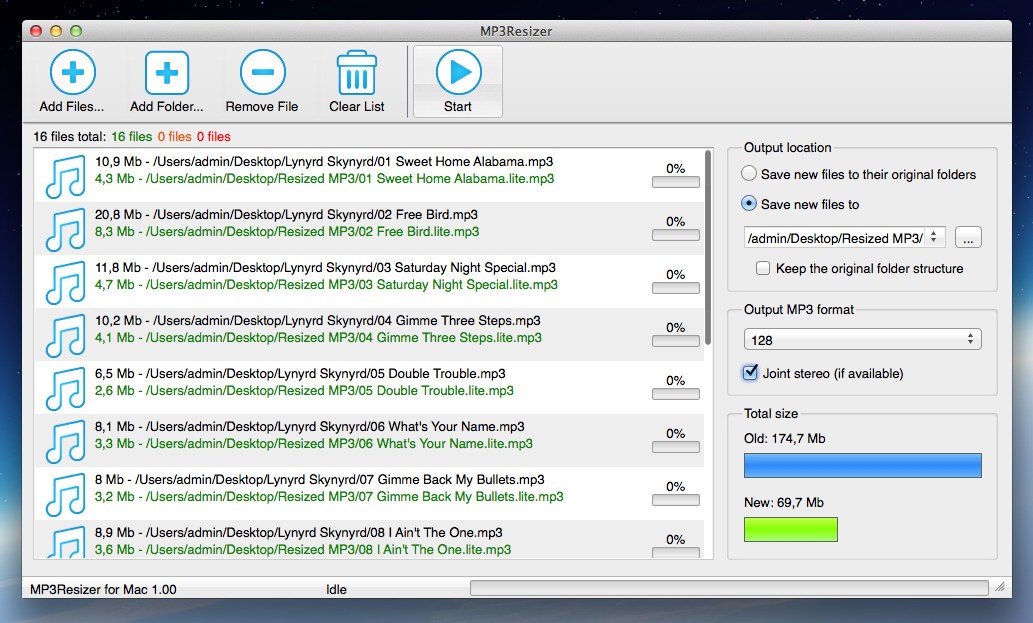
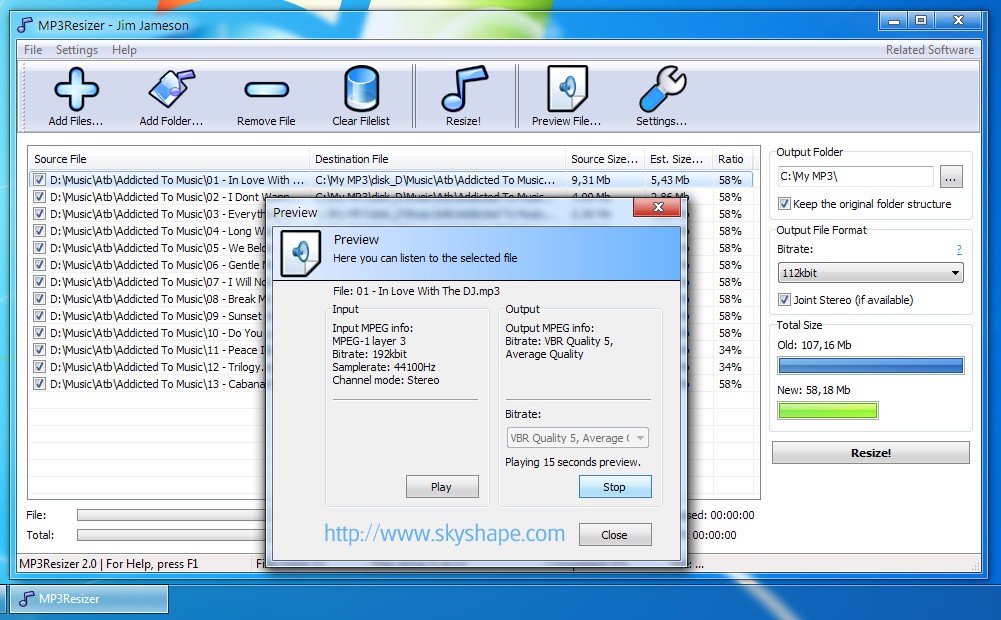
MP3Resizer is a great tool if you want a practical way to manage large collections of MP3 files. High-quality MP3s, like those encoded at 320 kbps, can take up a lot of storage, and by using this utility, you can bring them down to smaller formats, such as 128 kbps or lower, which cuts file sizes drastically while keeping a quality that is good enough for everyday use. Use it if you have an older MP3 player, limited storage on your smartphone or tablet, or if you just want to store more tracks on your device.
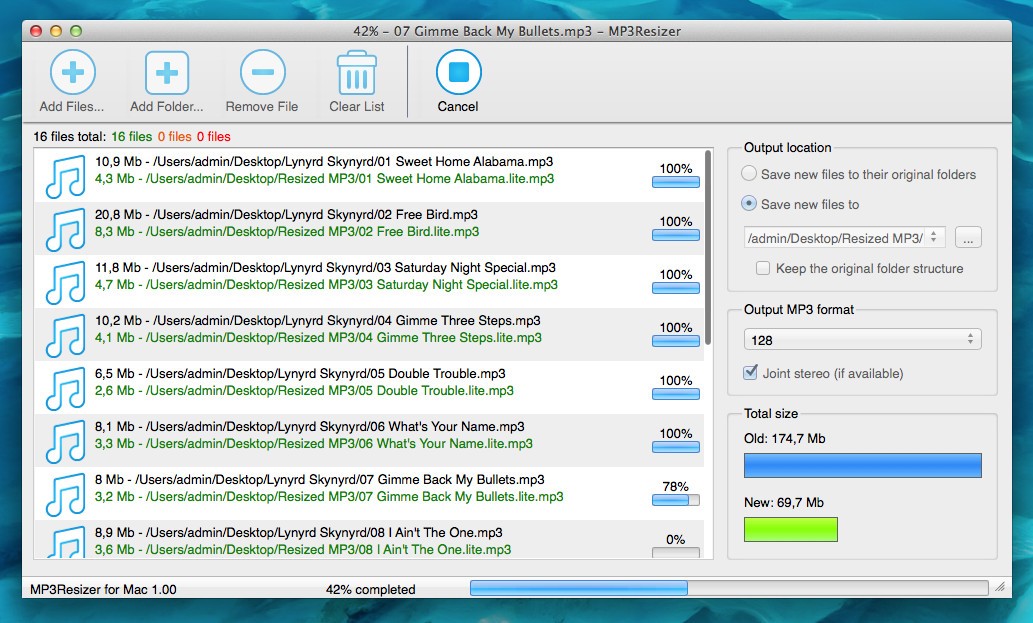
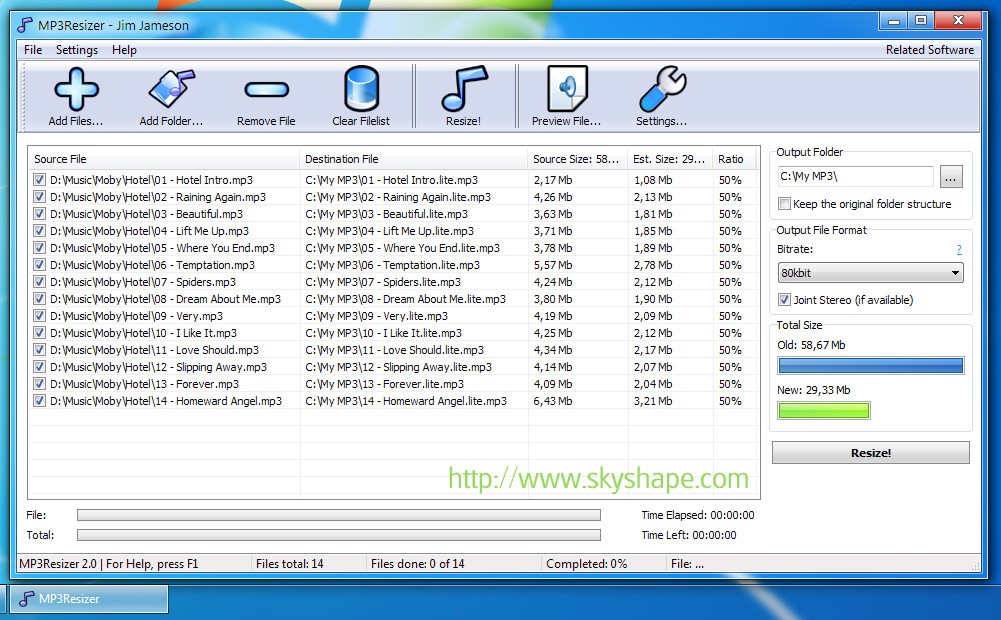
When you open MP3Resizer, you just need to select the files or folders you want to shrink, choose your preferred quality setting, and let the program do its work. MP3Resizer creates new versions of the files while keeping your originals intact, so you can always go back if needed. You can also process files in batches, so you're able to compress entire albums or playlists at once, making it much faster than doing it to each file individually.
While it doesn't try to be a full-featured audio editing suite, MP3Resizer focuses on making MP3s smaller. The software is lightweight, easy to use, and quick, making it a good tool if you just require a simple way to free up storage space. You can buy and download MP3Resizer for macOS and Windows computers, and it offers a free 30-day trial.
Why Should I Download MP3Resizer?
MP3Resizer gives you full control over file size versus quality. By adjusting bitrate, you can decide how much space you want to save, so, for example, dropping from 320 kbps to 128 kbps usually cuts the file size by more than half. This way, you can fit double or triple the number of songs on your device, and even though the audio quality will be a bit lower, it will still sound fine for casual listening on standard earbuds or car stereo systems.
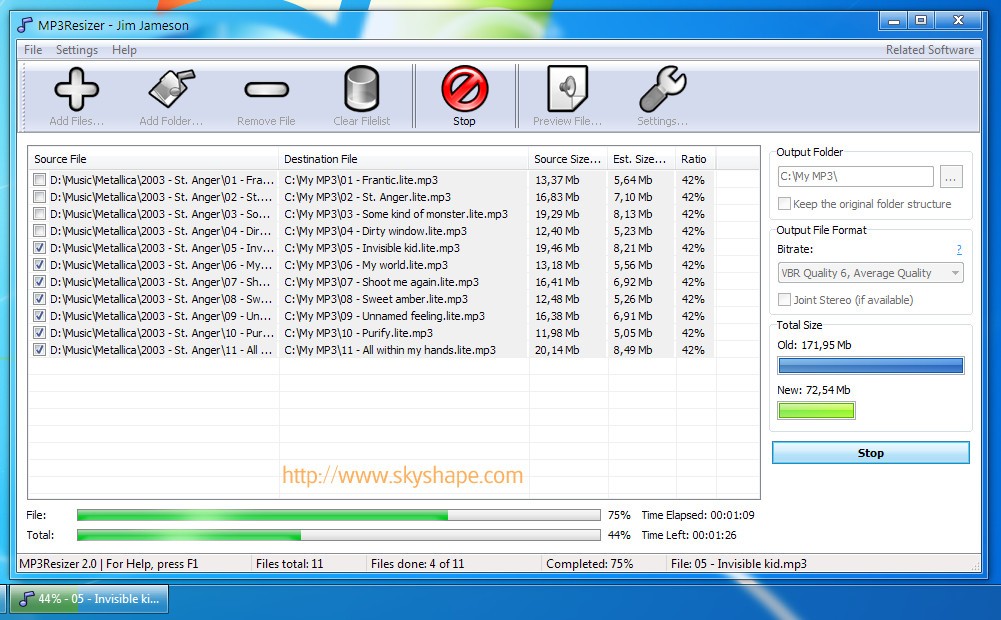
With MP3Resizer, you can convert files in batches to save time, so instead of working file by file, you can add an entire folder of music, set your preferences, and let the program process everything in one session. It's a great option if you have large collections or want to resize an entire audiobook library at once. Since MP3Resizer doesn't overwrite your originals, you can experiment with different settings and you won't lose your high-quality versions.
You can use MP3Resizer to shrink the file sizes of audiobooks and podcasts, especially since this type of content often doesn't need the same high bitrates as music. You can decrease the size of the files significantly with little to no noticeable drop in quality. Usually, audiobooks or podcasts can quickly fill up your device's disc space if they aren't resized, so give MP3Resizer a try.
You can also use MP3Resizer if you want to prepare tracks for MP3 players, USB sticks, or older smartphones. When you have smaller files, you can transfer them faster, and they will still sound good enough for casual listening. MP3Resizer doesn't need high-end hardware, so it doesn't slow down your computer, but it can still resize files within seconds. You can test MP3Resizer for free for 30 days, and then you need to get a paid subscription and the tool works on both Windows and macOS.
Is MP3Resizer Free?
While MP3Resizer is a paid program, you can download a trial version to test it for 30 days. The trial lets you process a limited number of files so you can see how it works before buying the full version. Depending on your needs, you can choose from 4 paid license types, depending on your needs and they remove any limits and give you access to all features and updates.
What Operating Systems Are Compatible with MP3Resizer?
You can download MP3Resizer on Windows 7, 8, 10, and 11 in both 32-bit and 64-bit editions. It also works on macOS systems with version 10.15 or newer. Because the program is lightweight, it runs smoothly on older machines as well as modern systems.
What Are the Alternatives to MP3Resizer?
MP3 Quality Modifier is a free tool for Windows that lets you lower the bitrate of MP3 files to reduce their size. You just need to drag-and-drop files into its interface, but it can also process files in batches. It's a simple utility that lets you keep a good enough quality of files while making them smaller, so you can easily store your music collections on limited disc space.
Monkey's Audio offers lossless compression, where instead of lowering quality, it compresses audio files without any loss of fidelity, so they sound identical to the original. Even though it doesn't reduce the file sizes as drastically as other methods, it's a good option if you want to save space while keeping full audio quality. Monkey's Audio is a free utility you can use on Windows in both 32-bit and 64-bit versions.
dBpowerAMP is a more comprehensive audio conversion tool that works on both Windows and macOS. It can work not only with MP3s but also with a wide range of formats like FLAC, AAC, and OGG. It processes files super fast, also when doing it in batches, and you can use it to edit metadata or rip CDs. dBpowerAMP is a paid program, but it comes with a 21-day free trial so you can test its features before buying the full license.