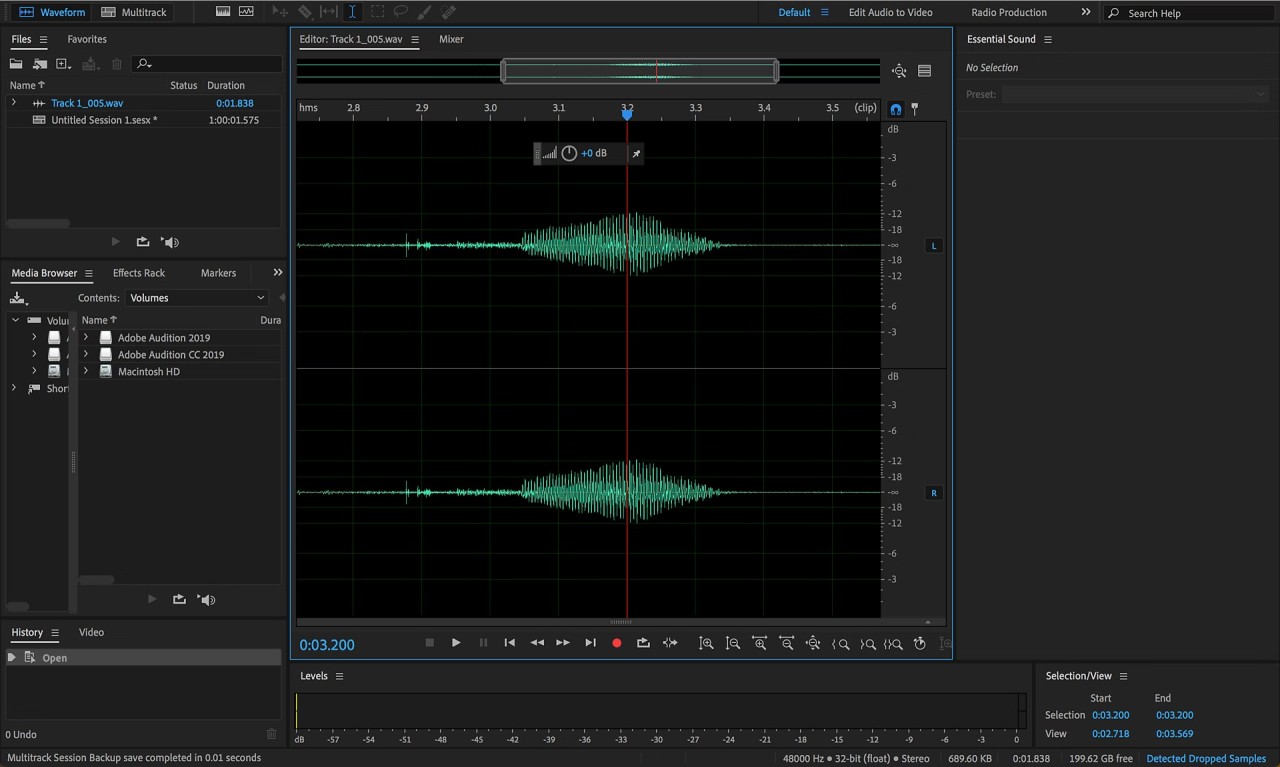
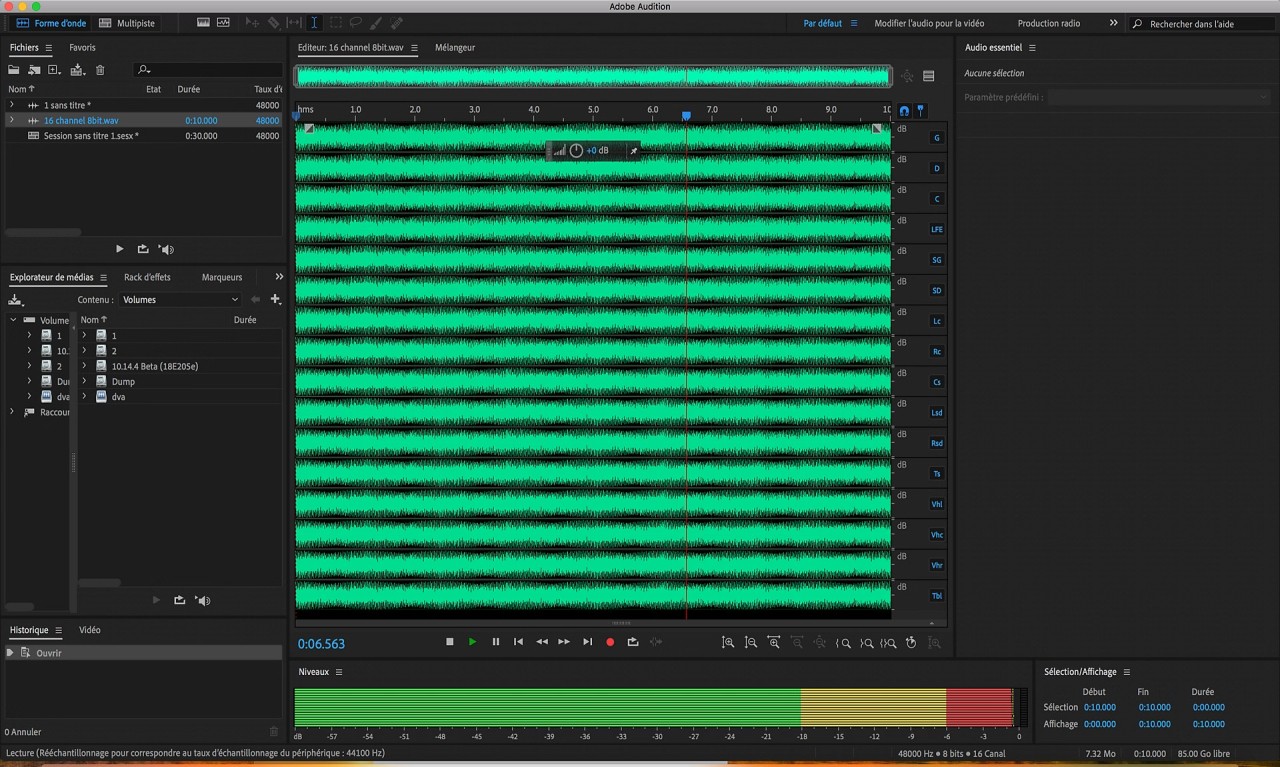
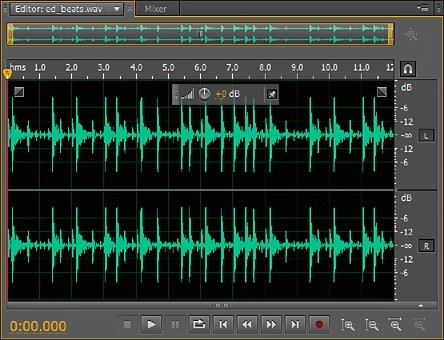
Adobe Audition is professional-level audio editing software and part of the Adobe Creative Cloud suite. It offers a broad set of tools covering audio recording, mixing, precise editing, and mastering, making it a capable choice across a wide range of production workflows. Adobe Audition is well-suited to sound engineers, podcasters, and filmmakers who need professional-grade audio tools for music, voice recording, and soundtrack work.
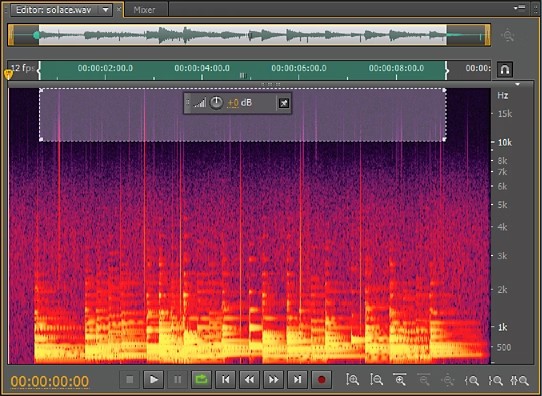
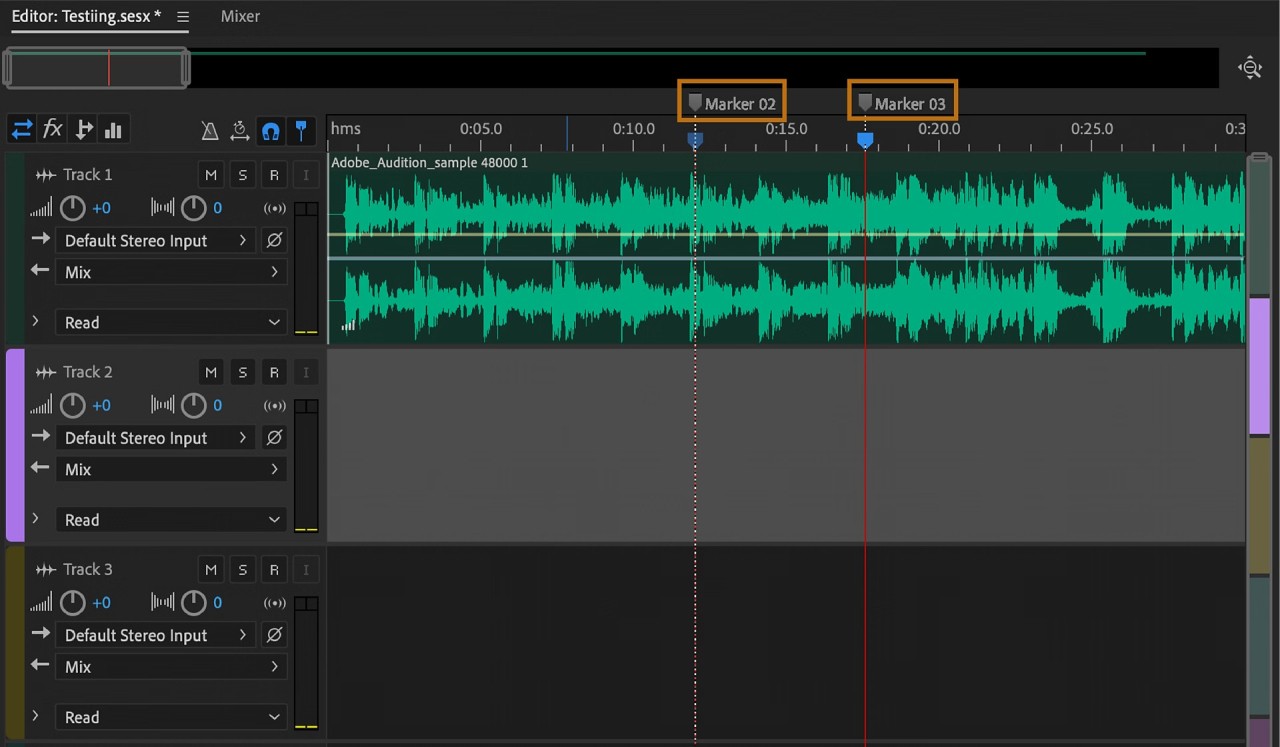
Adobe Audition's standout feature is its multitrack editing. Users can combine multiple audio files, apply effects, and adjust sound levels through a straightforward interface. The spectral frequency display makes visual noise removal practical, letting users pinpoint and eliminate unwanted sounds like background hums and clicks. Large file format support keeps compatibility issues to a minimum.
Beyond raw editing, Audition handles audio mastering well, with built-in effects including reverb, EQ, and compression to polish a final mix. Video editors tend to gravitate toward Audition for its seamless Premiere Pro integration, making audio enhancement a natural part of the video workflow. From voiceover refinement to full soundscape construction, Audition gives you the tools to do it properly.
Why Should I Download Adobe Audition?
Anyone serious about audio production should consider Adobe Audition. It functions as a complete professional workstation, covering everything from basic editing to complex sound design. Whether you're working on podcasts, music mixes, or video audio, it has the tools to deliver polished, professional results.
Versatility is one of the main reasons users download Adobe Audition. The effects and restoration toolkit gives you precise control over your audio, while the multitrack editor handles layering, sound synchronization, and video playback all in one place. Broad file format support eliminates compatibility issues, and tight integration with other Adobe Creative Cloud apps offers seamless file transfer between Audition and Premiere Pro.
Precision is another area where Audition earns its reputation. The spectral frequency display lets you identify and remove noise issues with pinpoint accuracy, whether you're dealing with background hum, clicks, or distortion, without compromising the surrounding audio. The interface is intuitive out of the box, but fully customizable for those who want to arrange their workspace to suit their workflow.
If speed is a concern, batch processing lets you apply effects to multiple files at once, cutting down on repetitive work. The layout keeps your most-used tools within easy reach, so you spend less time navigating menus and more time on the actual edit.
Is Adobe Audition Free?
Adobe Audition is paid software, available through an Adobe Creative Cloud subscription. There is a free trial, so you can test it before committing. Subscribers get automatic updates and access to other Adobe apps depending on their plan, which adds value for anyone already working within the Adobe ecosystem.
What Operating Systems Are Compatible with Adobe Audition?
Adobe Audition runs on both Windows and macOS. Windows 10 and later are supported, along with recent macOS versions, including Big Sur and Monterey. For complex multitrack projects and demanding effects, a capable processor and sufficient RAM will make a noticeable difference in performance.
What Are the Alternatives to Adobe Audition?
Audition is a strong option, but you have some alternatives depending on your budget and workflow.
Audacity is a common go-to free choice. It's been around for years and handles recording, editing, noise reduction, and basic multitrack mixing without any cost. It lacks some of Audition's professional depth, but for beginners or anyone who needs a quick, reliable editor, it's hard to fault.
Ocenaudio is another free option worth considering. It handles large audio files without slowing down, offers real-time effect previewing, and presents a clean, minimalist interface that's easy to navigate. Cropping, normalization, and filtering work are all straightforward, making it a practical choice for users who want simplicity without sacrificing capability.
Reaper is the strongest paid alternative, with full DAW multi-track recording, MIDI sequencing, and extensive plugin support, at a price point well below most professional software. An extended free trial gives you plenty of time to assess before buying. Audio engineers and producers who need deep routing flexibility and a highly adaptable interface tend to find Reaper fits the bill.