The multimedia player PotPlayer originates from the South Korean company Kakao. The software represents a powerful multimedia player platform that delivers outstanding versatility for dealing with almost every video or audio format. The multimedia playback system of PotPlayer ensures dependable performance during sessions of high-definition video viewing, as well as when retrieving old video content or playing music files. The built-in code library in this software makes all codec errors vanish, so you no longer need to deal with compatibility issues because third-party installations are not required.
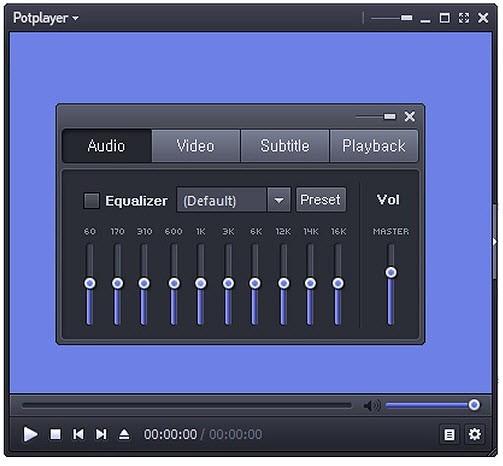
An attractive interface welcomes users with several options, including varying skins and themes, as well as layout customization tools. PotPlayer surpasses basic file playback by including three essential features: screen recording, bookmarking, and 3D and 360-degree video support. The application goes beyond mere file playback since it creates an optimal immersive viewing experience. Your media experience becomes rich yet customizable through the built-in audio equalizer feature and subtitle support available in this software.
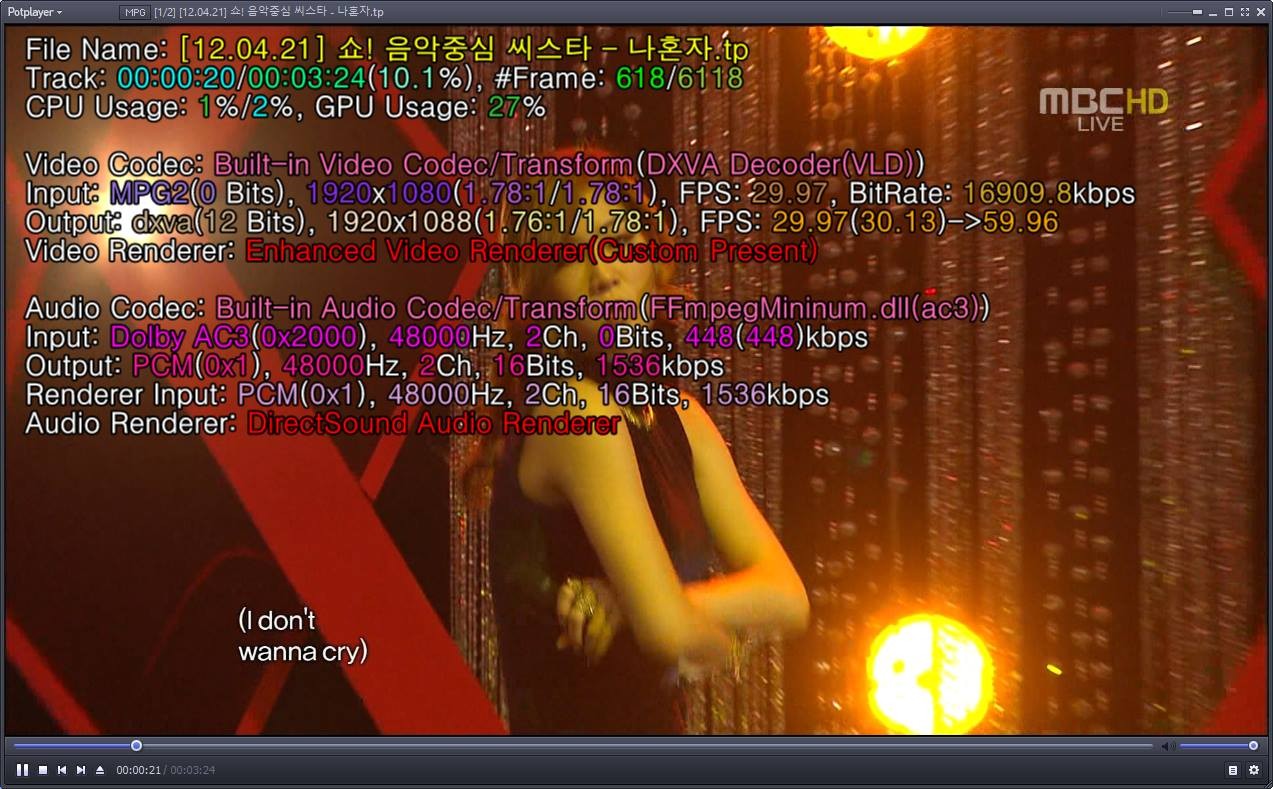
Users recognize PotPlayer for its efficient operation and lightweight design. The software consumes minimal CPU power and memory while running large files regardless of their quality. The software implements hardware acceleration features that execute playback operations more efficiently, particularly for high-definition and ultra-high-definition file formats. The software enables you to avoid lagging and buffering issues when you watch videos. Seamlessness defines playback operations, allowing media to perform effortlessly without interruptions.
Why Should I Download PotPlayer?
You should download PotPlayer because it presents all the powerful features of its media player without any limitations. The main reason people should download PotPlayer is that it supports numerous file formats. PotPlayer goes beyond standard video formats because it processes every major format, including MKV, FLV, MOV, and many others. You can watch any video you downloaded from the past, and your current HD video playback will run flawlessly without codec problems.
Another reason to use PotPlayer lies in its complete customization options. The software avoids sticking to a single unadjustable interface design. It enables users to adjust all major features based on personal taste. Users can transform each interface component, including skin and layout, and configure accessible keyboard functions. When using PotPlayer, you experience content interaction that builds a sense of personal connection combined with effortless usability.
The performance capabilities of PotPlayer make it deliver exceptional results. The system avoids jerky playback, which causes problems in multiple media playback solutions. Through hardware acceleration technology, your system optimizes available resources so you can watch both 4K ultra-high definition videos and complicated 3D media content. PotPlayer avoids creating confusion about what should be a basic task for your high-end PC by using your system resources to deliver your content smoothly.
The integrated codecs enable users to avoid the time-consuming task of searching for and installing external codec packs and finding software to view files. The application includes all required codecs for both fundamental MP3 files and advanced H.265 video formats from the start. The media files you encounter in your daily stream will play without issues through PotPlayer.
Is PotPlayer Free?
PotPlayer is a free application. Users can enjoy free access to all of its features.
The project remains viable through donations, which also include some additional optional software packages that appear during installation. The software maintains a pay-to-play or upgrade requirement.
What Operating Systems Are Compatible with PotPlayer?
PotPlayer operates on Windows operating systems, where it delivers a smooth performance for all systems from Windows XP to Windows 11. The program operates efficiently across a wide hardware range, making it suitable for old systems and new computers alike.
The software automatically responds to the strength of each system, beginning from low-powered basic desktops all the way up to high-performance laptops. It is only available on Windows operating systems, as macOS and Linux users cannot access official support. The program provides outstanding functionality and dependability for its planned operating environment.
What Are the Alternatives to PotPlayer?
Even if PotPlayer serves numerous users well, additional media player options exist. The media player you select should meet your individual requirements. Users who prefer different media player systems from PotPlayer typically choose between VLC Media Player, KMPlayer, and MPC-HC (Media Player Classic - Home Cinema).
The open-source VLC Media Player stands as a popular media player alternative because it supports various platforms and is widely used. VLC successfully handles multimedia content of all kinds, including both basic and unusual codec formats that other media applications would find difficult to play. VLC delivers top-notch performance without incorporating extra characteristics, since its main purpose is delivering a simple user experience. The VideoLAN project maintains VLC Media Player without any hidden expenses or ads because this application exists as an open-source project. Users can benefit from streaming functions and partially playing files that are still being downloaded through this program.
KMPlayer presents itself as a dependable media player, just like PotPlayer since both applications come from South Korea and deliver a complete set of features. The interface of KMPlayer can be configured to match personal preferences, and it provides users with high-definition video playback alongside 3D video capabilities. The application performs well even on outdated machines and provides users with enhanced playback controls that include speed control and frame-stepping. Users acquire more than a basic player because this multimedia tool offers flexible efficiency for managing content across various formats. The listening experience is often focused on KMPlayer's advanced functionality that lets users customize playback settings. It’s worth noting that the app has received advertising complaints.
MPC-HC (Media Player Classic - Home Cinema) stands out due to its simple appearance and lightweight nature. The project exists as an open-source initiative dedicated to developing a basic yet forceful media playback solution. Users value MPC-HC for its basic interface design and lack of superfluous bundled features that are present in KMPlayer and PotPlayer. You have no confusion choosing among its options because the program runs smoothly with basic computer specifications. Numerous users select this player because it delivers stable and reliable performance despite its simple design that lacks a modern flair.