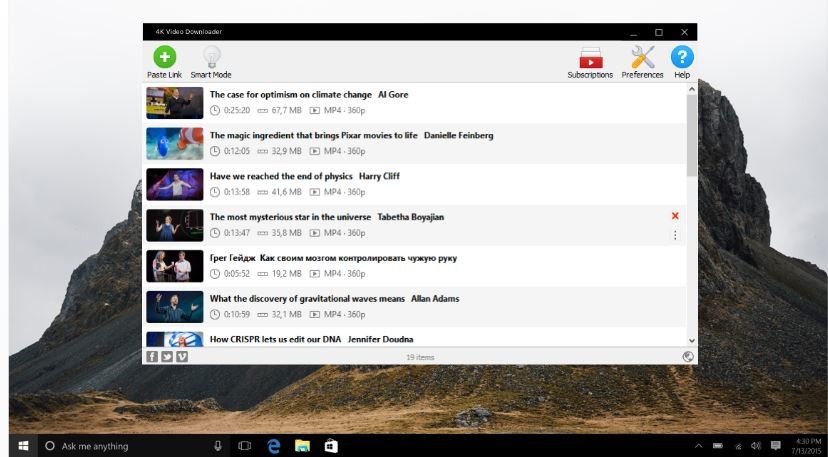
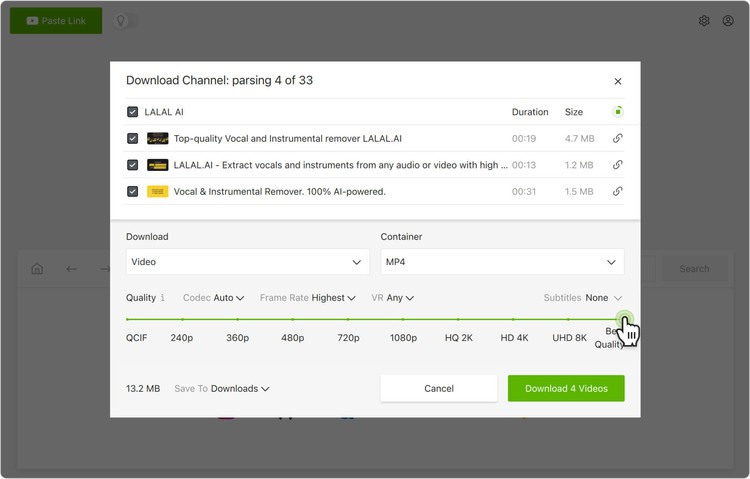
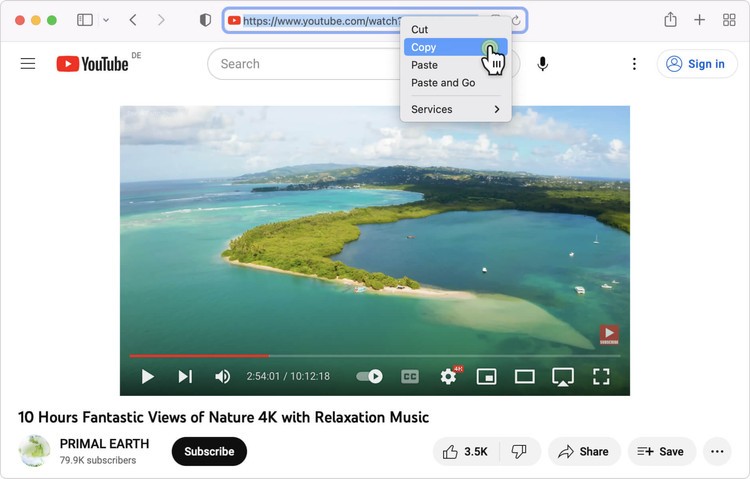
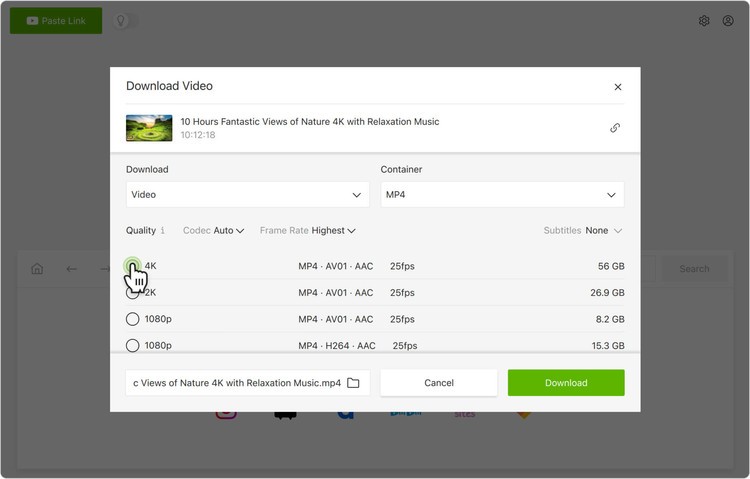
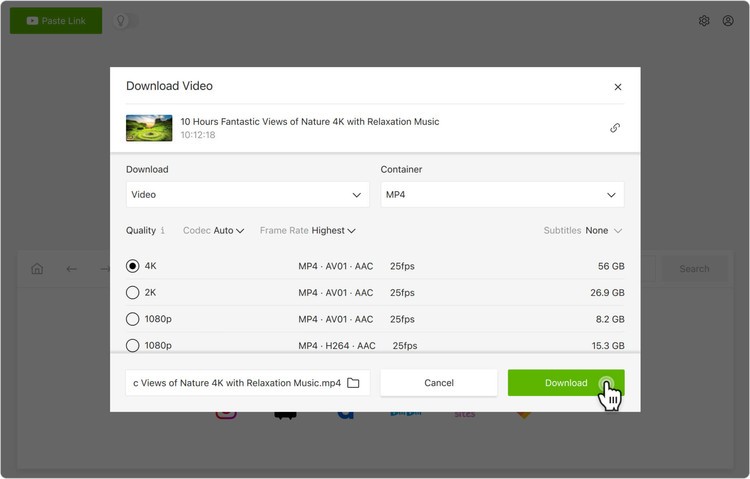
4K Video Downloader Free functions as a software utility that lets users extract videos, playlists, channels, and subtitles from mainstream video platforms, including YouTube, Vimeo, TikTok, Facebook, and various other websites. By using this software, users can enjoy its simple operation, which involves pasting a video URL followed by automatic retrieval of the content in the best available quality.
The software downloads videos at up to 8K resolution yet continues to be named 4K Video Downloader since most users find 4K resolution suitable for their high-definition content needs. Users can manage both downloading preferences and save files in any required format or type with this tool.
The program presents a smooth user experience because it avoids packing useless functions and advertisements. The program provides simple solutions for everyone who collects educational files, requires offline media when traveling, or wants to make personal video archives. The tool allows users to download subtitles, which proves beneficial for working with material in non-native languages.
4K Video Downloader Free presents Smart Mode as one of its settings, which keeps track of user preferences, thus enabling single-click download options in the future. The software only requires a link, along with one click, before starting its process. Its simple interface, combined with high-quality performance, explains why you should learn about this application.
Why Should I Download 4K Video Downloader?
Several video download tools are available, so users want to know which one is best to replace their current desktop applications. Compatibility and clarity, together with trustworthiness, are the key factors that define 4K Video Downloader. The application avoids persistent advertising pop-ups when you use it.
Use 4K Video Downloader Free by pasting video links and choosing the format and resolution, then the content will be saved directly on your device. Users experience a smooth download process with this program since they avoid annoying ads or waiting for timers and do not encounter unwanted watermarks within their saved files. You just open the tool, and it automatically performs its functions without complications.
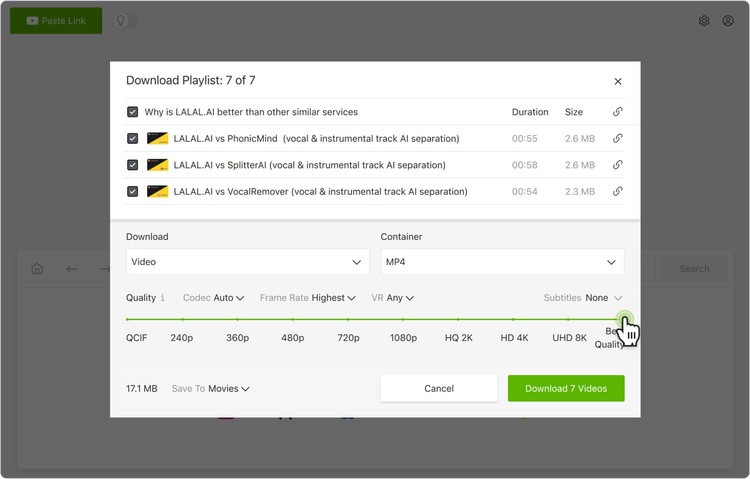
Downloading it proves beneficial because the app offers users adjustable functions. The application enables users to save individual videos as well as entire playlists from YouTube, and it also allows you to grab entire channels for archiving purposes. The system provides significant value for people involved in research, student work, or content production who need reference materials at their fingertips.
The app does not limit itself to extracting single files. The solution enables you to handle vast download collections through an easy management system. The program gives users total control over the video resolution, which spans from mobile-friendly low-resolution formats up to 8K quality for large screens. File size and quality are selectable choices based on your current requirements.
The program presents a simple interface for all users. This interface is clear without requiring any particular technical experience for user understanding. It presents itself in an orderly manner without any visual disturbances. It welcomes casual users who require a simple solution to perform their tasks without complex manual setup. The app operates without taking significant system resources. It operates discreetly in the background during the download of lengthy or high-definition files.
The software offers users the benefit of Smart Mode along with its other features. After using the software for several sessions, you can choose default download parameters, including format, quality, and directory preferences, which will then be automatically used for all subsequent downloads. This seemingly small adjustment ultimately saves numerous minutes and reduces unnecessary clicks. Fast, consistent, and easy operation forms the core focus of the system.
The software developers regularly update their program. The ongoing updates by YouTube, which break the download functionality of outdated tools, are managed effectively by 4K Video Downloader through its regular maintenance. Daily users appreciate the constant stability that 4K Video Downloader provides.
Is 4K Video Downloader Free?
The free version of 4K Video Downloader includes essential features, such as single video downloading, a limited playlist, and subtitle support.
Users can avoid paying any fees to utilize 4K Video Downloader because the free edition enables basic functionality despite its download constraints. Standard users can fulfill their needs using the free version because the paid version provides only additional download capabilities. Those who need more features, such as downloading large playlists, channels, or high-resolution videos, can upgrade. Three versions are available: Lite, Personal, and Pro.
What Operating Systems Are Compatible with 4K Video Downloader?
Users can run 4K Video Downloader Free on Windows computers, macOS, and Ubuntu (Linux) systems. There is even an Android APK! The app operates smoothly on all types of computers, including old ones, as it does not need high-performance equipment to work properly.
The software adopts an equivalent interface on all platforms, so moving between different computers will not cause any learning curve. Users can install this software easily without any complicated setup requirements because it consumes a few system resources once installed.
What Are the Alternatives to 4K Video Downloader?
Several additional programs exist for video downloading purposes, but 4K Video Downloader still leads the market.
The widely used application for downloading YouTube content is Free YouTube Download. 4K Video Downloader maintains its reputation as an old yet basic and fast video-downloading software.
The program allows users to paste a video link into the app, followed by a choice of quality levels. Users who need basic download capabilities without many added functions will find this program sufficient, although it lacks the functionality found in 4K Video Downloader. The tool provides a simplified user experience with its minimalist design, which makes it a trustworthy backup solution.
YouTube Downloader HD presents many features similar to 4K Video Downloader. Users receive top-quality video downloads without complications through this tool, which works flawlessly on basic computers. Users seeking a straightforward solution without excessive configuration options should consider this tool as a suitable choice instead of 4K Video Downloader.
If you seek a pure audio solution, you may benefit from using the Free YouTube to MP3 Converter program. Users who want to extract audio fragments from their video collection should choose this tool since it specializes in this specific function. You can obtain clear MP3s from YouTube videos with this software, which prepares them for music libraries or audio editing. This tool delivers precise features with a limited scope of operation in comparison to 4K Video Downloader.