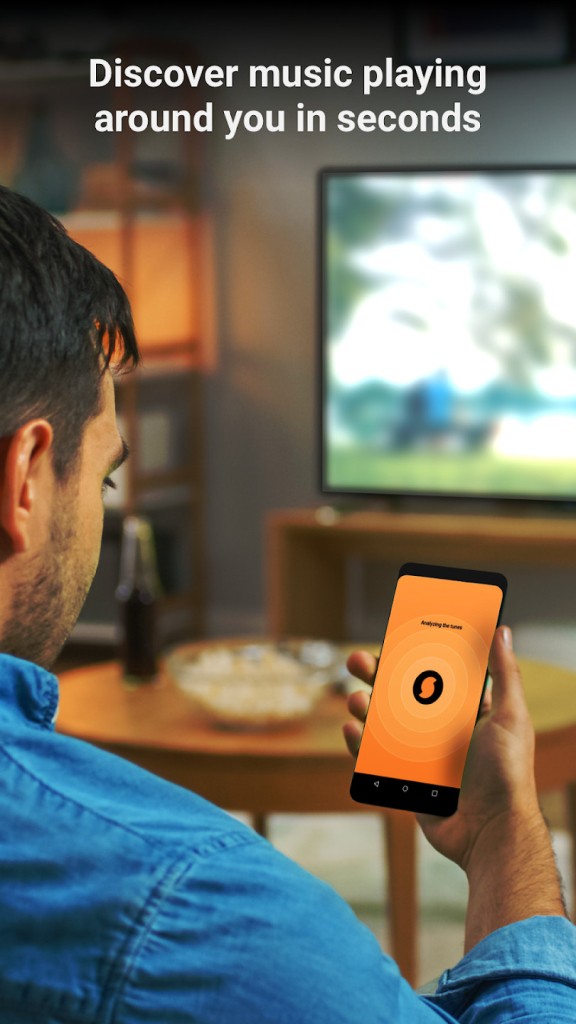
You can use SoundHound to quickly identify any music playing nearby, or even sing and hum the melody to find the right track. The app will provide you with the artist, title, various details, and lyrics. You can also launch Spotify, YouTube, or Apple Music from SoundHound and add those songs to your library or listen to them in full.
SoundHound uses intelligent algorithms and AI, and can provide you with the answer really quickly. You can also use the app when you're offline to record a sample, and it will try to identify it as soon as you have an internet connection. Whenever you activate SoundHound to listen, it can use even partial samples to give you a result in a few seconds. You can also control the app through voice commands, which is helpful when you're driving, riding a bike, or just have your hands busy.
You can also explore various trends and artist insights, as well as go through your search history. Additionally, you can download SoundHound on iOS and Android devices for free. There's also a paid version that unlocks faster response times and removes ads.
Why should I download SoundHound?
When you're using SoundHound, you can count on it to precisely identify music for you, even in noisy environments. It delivers results in a couple of seconds, even if you just sing the chorus you remember or hum the melody of the song, which is a unique feature not offered by many similar apps. SoundHound will attempt to match it to its database of songs, and it will use Houndify AI as its engine to improve recognition.
What's also great is that SoundHound offers offline use. You can still use it as you normally would; it will record your sample, but simply try recognizing it when you're back online so it can connect to its servers.
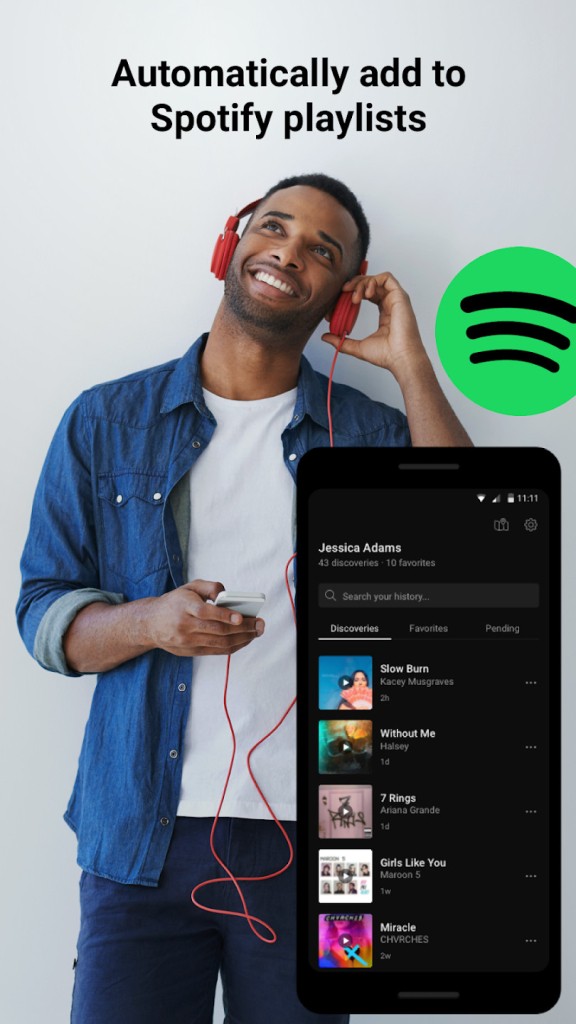
You don't even need to pull out your smartphone; you can simply say "Hey, SoundHound" to activate the app microphone and give a command, for example, to find out what song is playing. Once you get the details about the song, you can use SoundHound integration with Apple Music, Spotify, YouTube, and other music platforms to play the song or include it in your playlists.
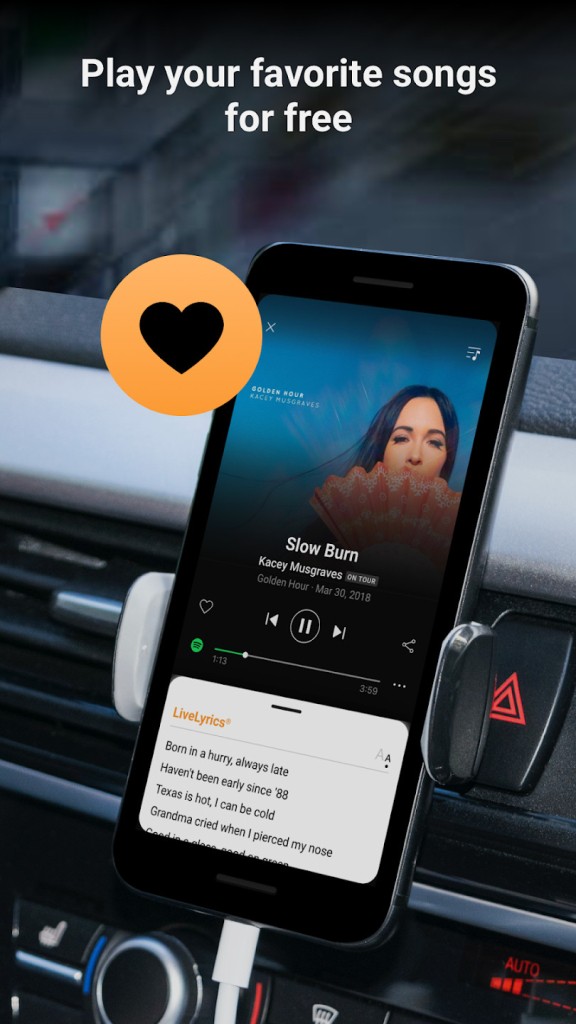
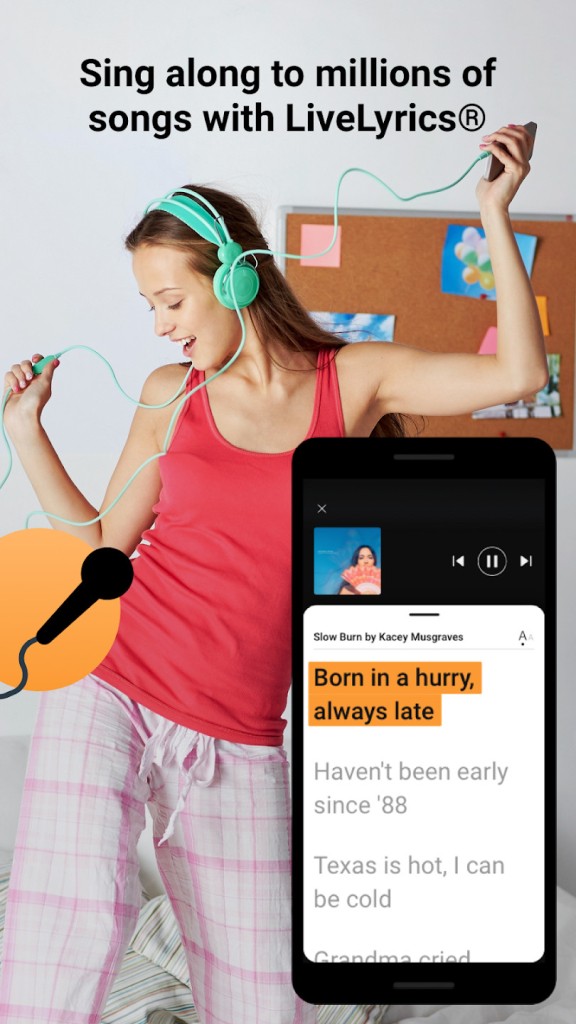
You can also download SoundHound to use its live lyrics feature, where you can follow along with the song line by line, which is perfect for karaoke nights or social gatherings. The app adjusts the lyrics it highlights to the song's rhythm, so the text is perfectly synced with the music. Checking lyrics and listening to songs at the same time is also really helpful when you're trying to learn a new language and how different words are pronounced. It's also a great way to understand a song's meaning better or discover new contexts. If you like a line, you can generate a lyrics card and share it on your social media, like Instagram or Facebook.
If you want, you can also create playlists out of your searches and share them with your favorite music streaming platform, so you can access your song history from various apps. Some features allow you to discover new music and check out trending artists or popular songs in your area.
While you can only download SoundHound for mobile devices, its integration with other services lets you send your music to those platforms and access it on computers as well.
Is SoundHound free?
Yes, you can download SoundHound and use the basic version for free. It contains all the features mentioned above but displays ads from time to time, which could be annoying. If you really want to get rid of the ads, you can purchase the premium version of SoundHound, but it's not required, and most users find the free version sufficient for their needs.
What operating systems are compatible with SoundHound?
To download SoundHound and use it on your device, you need a smartphone or tablet running Android 8.0 or higher. If you're an iPhone or iPad user, then you must run iOS 13.0 or higher. There are also apps for smartwatches, but they have limited support and features.
SoundHound doesn't offer a web-based service or a desktop app, but you can use its integrations with other music platforms to share your songs and make them more accessible.
What are the alternatives to SoundHound?
When it comes to music identification, Shazam is the go-to choice for most people. It integrates well with Apple products as it comes from the same brand, and you can get results in seconds. Because Shazam has such a big user base, its algorithms are better and more precise, and you can trigger the app's microphone without even opening Shazam. The service is completely free, and you can download Shazam on iOS, Android, and macOS devices. You can also use Shazam to open songs you find on Spotify or Apple Music, listen to them, or add them to your playlists. The app also automatically creates a history of your searches and a dedicated playlist to store them.
Musixmatch is a similar tool to SoundHound, but it specializes in finding lyrics because it has the largest licensed song text library. While it can also identify music from humming, singing, or background playback, it's the synced lyrics feature that most users appreciate. You can also use Musixmatch on various devices and operating systems, as the app is available on iOS, Android, Apple Watch, and desktop computers through its web-based service or Google Chrome extension. You can use most of Musixmatch for free, but there is also a paid version on a monthly or annual subscription. The premium option removes ads, allows you to access lyrics offline, and has more advanced tools for synchronizing lyrics with music.
Deezer is a streaming platform, but it offers a recognition tool. Open the search page of your Deezer application, and you’ll see a “recognize the music” feature. Click on it, and Deezer will use the mic of your smartphone to listen to the noises around you and detect the music you’re interested in. It will then offer the result, and you will be able to put it in one of your playlists, access the artist page, etc.