FL Studio, previously known as Fruity Loops, is one of the most popular and versatile music production software programs available. Both novice and experienced producers have turned to this DAW for years. It was created by Belgian company Image-Line and has built a loyal following across electronic music, hip-hop, pop, and beyond. Producers working in nearly every genre use it as their primary creative environment, and a large number of well-known tracks across multiple decades were made with it.
FL Studio offers a full suite of production tools covering multi-track recording, pattern-based composition, melody sequencing, and clip arrangement. Its piano roll is well-regarded for precise note and rhythm editing, while a broad library of instrument samples and sound effects supports any musical style from electronic beats to orchestral compositions.
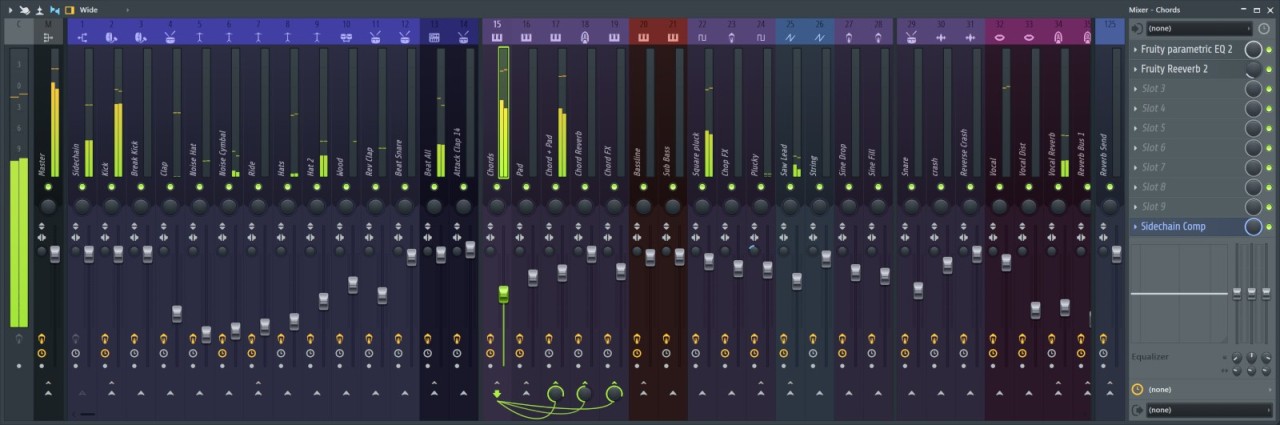
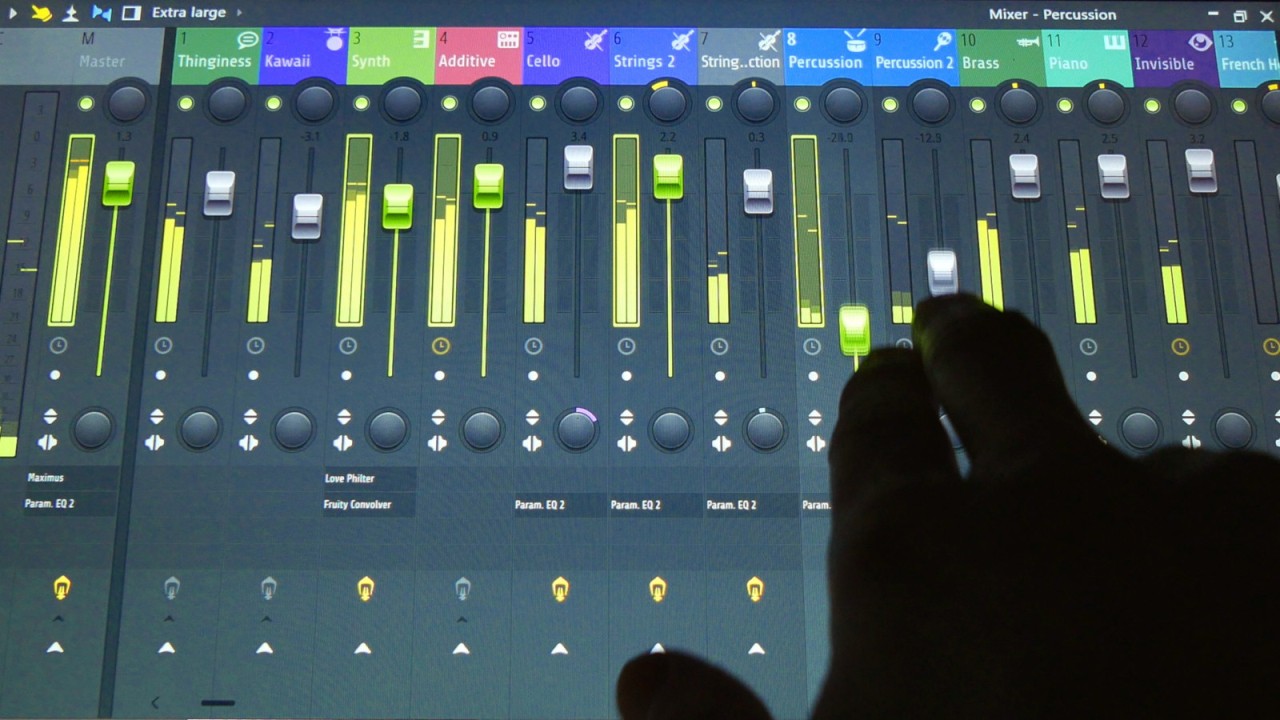
The software includes an advanced sound equalizer system for fine-tuning the volume and tone of individual instruments. Users on the Producer, Signature Bundle, or All Plugins editions can add their own recordings and third-party plugins to the sound library for a more personalized workflow.
FL Studio is available to download on Windows PC, macOS, ChromeOS, Android, iPhone, and iPad, making it one of the most cross-platform DAWs available for modern music creators.
Why Should I Download FL Studio?
Digital audio workstations are essential when working with sound design, live recordings, or electronic music production. FL Studio is one of the most capable in its category, offering a strong set of features, flexible interface customization, and reliable performance across complex projects.
When someone first downloads and launches FL Studio, the interface can feel busy. Some musical knowledge helps, but online tutorials, detailed documentation, and active community forums cover every feature and flatten the learning curve significantly.
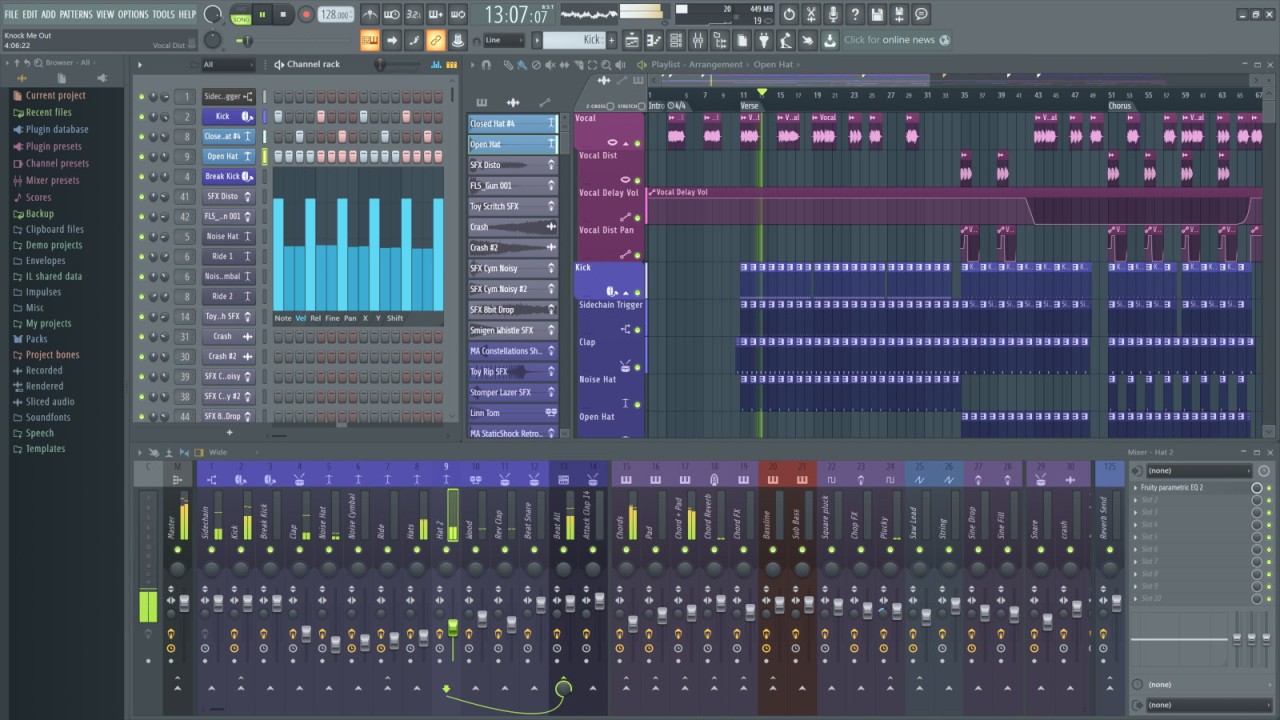
FL Studio's workflow centers on a step sequencer where multiple instruments or channels can be added and color-coded to avoid confusion during complex sessions. This keeps composition and beat-building organized across even large projects, and audio patterns can be created or changed quickly to achieve any desired effect. Tempo, note editing, intervals, pitch, and speed are all controllable, giving full authority over harmonies, melodies, and rhythms without needing to leave the main window.
After downloading FL Studio, users have access to a large library of virtual instruments ranging from synthesizers to pianos, programmable through the FLEX plugin. Effects and samples can be layered on top to add depth and character to any track.
Time-stretching, pitch correction, and a range of additional controls give total command over the music down to fine details. Recording and incorporating live instruments, vocals, or external clips into the mix is supported, as is the Piano Roll plugin, which provides precise control over the virtual piano. Many producers consider it one of the best piano roll implementations in any DAW.
FL Studio also integrates with multiple tools and formats, making file exchange with collaborators much more manageable than it is with some competing DAWs. Moving a project between different software environments is handled without conversion headaches, which matters a great deal when working with others on a shared timeline or delivering stems for mixing and mastering. A wide range of third-party plugins can expand the feature set further to cover any gap in the default toolset.
Once comfortable with the interface, it can be tailored to a specific working style. Adjusting the placement of toolbars, panels, and windows removes clutter and keeps the most-used controls front and center, which helps productivity during long sessions.
FL Studio is available across many platforms and mobile devices, with multiple license tiers available. The software handles complex projects and remains responsive regardless of operating system, so rendering times stay manageable even with heavy effects chains.
Is FL Studio Free?
A free demo version of FL Studio is available to download, though it does not include all features and is time-limited. After the trial period, a one-time license purchase is required from one of the available tiers, including the Fruity Edition and the Signature Edition. Reviewing the specifications of each tier before purchasing is worthwhile. A lifetime license ensures the software stays supported and updated at no additional cost.
What Operating Systems Are Compatible with FL Studio?
One of the practical advantages of FL Studio is its broad platform support. PC users need Windows 10 or 11 in 64-bit architecture, while Mac users can run FL Studio on macOS 10.13.6 or higher.
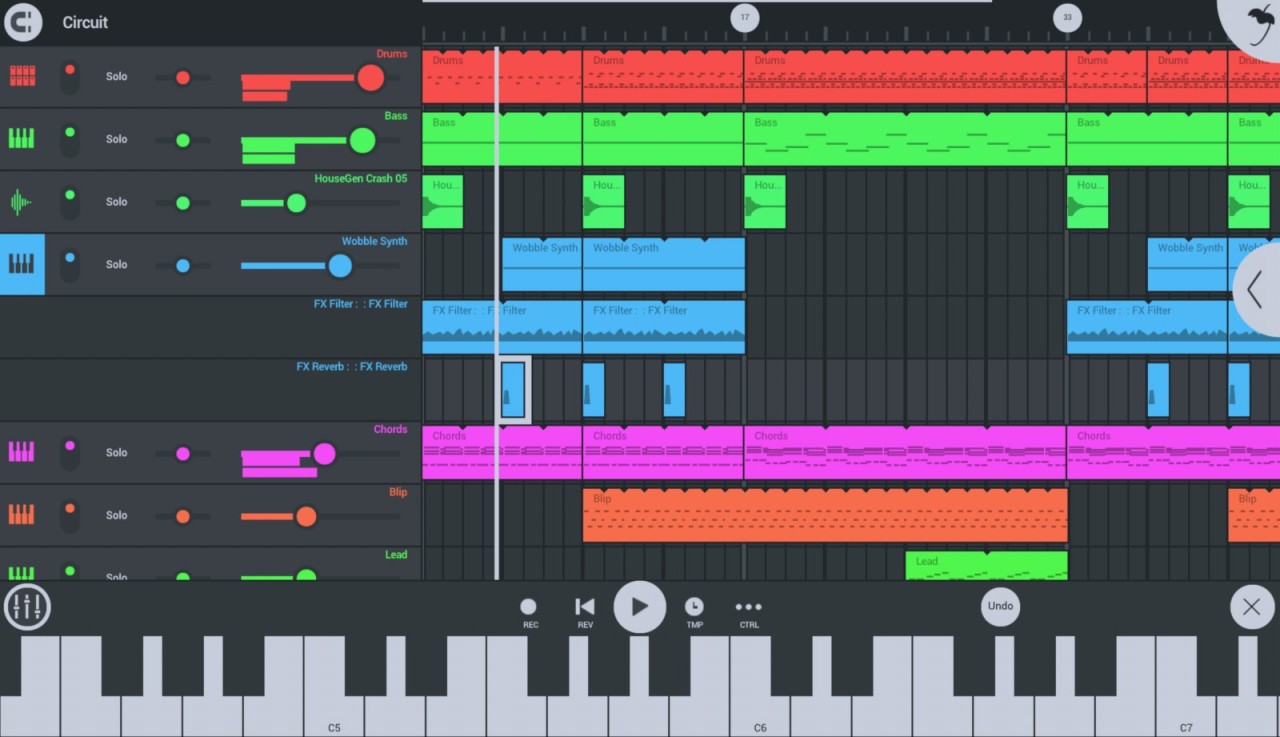
A mobile version is also available with a useful, focused feature set. FL Studio Mobile runs on Android and iOS, and is available for Microsoft Surface tablets through the Microsoft Store for Windows 10/11. ChromeOS support is also included, letting users compose, record, and edit music on Chromebooks.
What Are the Alternatives to FL Studio?
Magix Music Maker is a beginner-oriented tool with a simplified interface and a built-in library of loops, samples, and virtual instruments. A free version with limited features is available, making it a good way to try out music production software before committing to anything. Magix Music Maker is Windows-only, with optional plugins and libraries available for purchase.
Audacity is a free, open-source audio editor available on Linux, macOS, and Windows. It supports recording, editing, and mixing with various effects, waveform editing, and multi-track capabilities. While less fully-featured than FL Studio for production work, Audacity is an excellent choice for podcasts, voice recording, and simpler audio projects.
Cubase is a professional-grade platform for users who need advanced automation, MIDI sequencing, audio recording, and mixing. It runs on Windows and macOS and is available for a trial period before purchase. Cubase suits producers and engineers who need deep control over their sessions and are willing to invest time in mastering a more complex tool.