If you’re a regular on a social media platform like Facebook, you’ve probably come across these quotes before: a generic phrase—often mistakenly attributed to famous figures like Gandhi or Einstein—into which everyone projects a bit of their current mood. Dreambeans works the other way around. The app draws from the user’s real life—absorbing their photos, emails, or calendar—to create something tangible based on their activities. Whereas a Facebook quote is a form of self-presentation—clumsy but deliberate—Dreambeans takes your own story and illustrates it in the style of a comic strip or cartoon. And that’s what makes this app so unique.
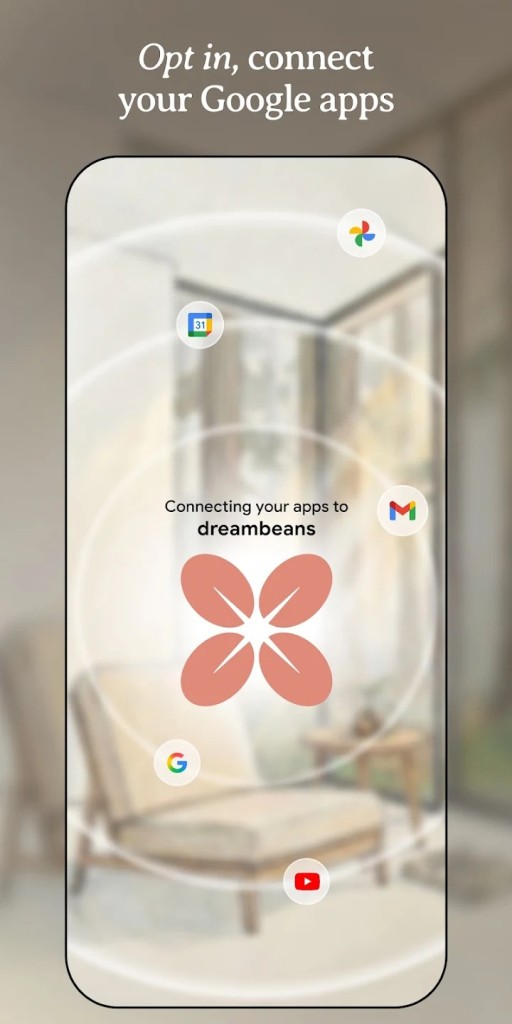
Dreambeans is an experimental mobile app developed by Google Labs, the division dedicated to testing prototypes before they’re eventually released to the general public. Available since June 3, 2026, it offers a concept that sounds appealing on paper. Rather than overwhelming you with an endless news feed, it curates a limited selection of personalized stories every morning, drawing from your photos, calendar, emails, and, more broadly, your daily life. To create these short stories, Dreambeans relies on Google’s Personal Intelligence—the same system that powers the Gemini app and Google Search’s AI mode. After obtaining your consent, Dreambeans will draw from your various Google services—Photos, Calendar, Gmail, YouTube, and a few others—to compose short vignettes based on your past and upcoming activities.
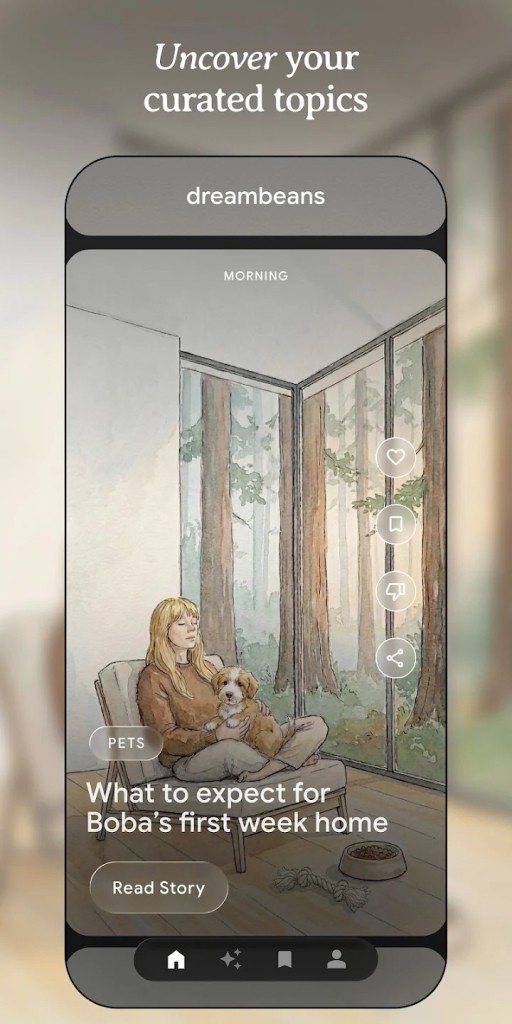
What sets Dreambeans apart from other programs based on a similar concept is that everything is conveyed through images. Each story is accompanied by an illustration generated by artificial intelligence using Google’s Nano Banana 2 model. And if a story relates to you or your loved ones, the app can use Google Photos to incorporate you directly into the illustration rather than relying on a stock image library. Every morning, you’ll discover a series of stories related to your everyday life—a pleasant change from the usual news feeds. Pretty cool.
Why Should I Download Dreambeans?
Using the Dreambeans app is pretty easy. After downloading the app from the Google Play Store or the App Store, simply sign in with your personal Google account, then create your profile for the app. Next comes the permissions step, which is essential for the app to work. It’s up to you—and you alone—to authorize Dreambeans to access your Google services, including Gmail, your calendar, YouTube, and a few others. You don’t have to check all the boxes: connecting just one service is enough to get started, even though the app works better when all of them are connected. The idea isn’t to mine your data for malicious purposes, but simply to use this information to create little stories based on your daily life.
Please note that Dreambeans needs up to 24 hours to prepare its first set of stories. When it’s ready, you’ll receive a notification. A new set of stories will then be delivered automatically every day.
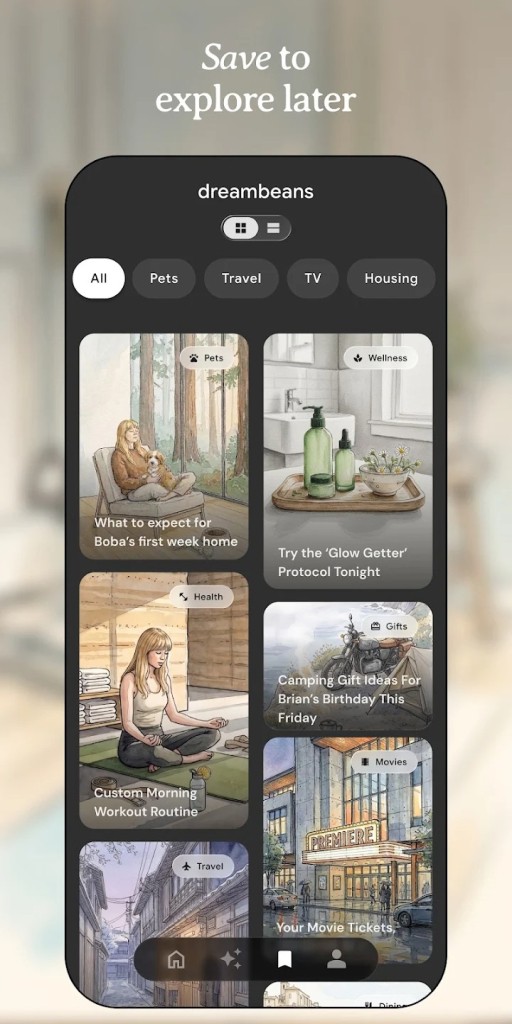
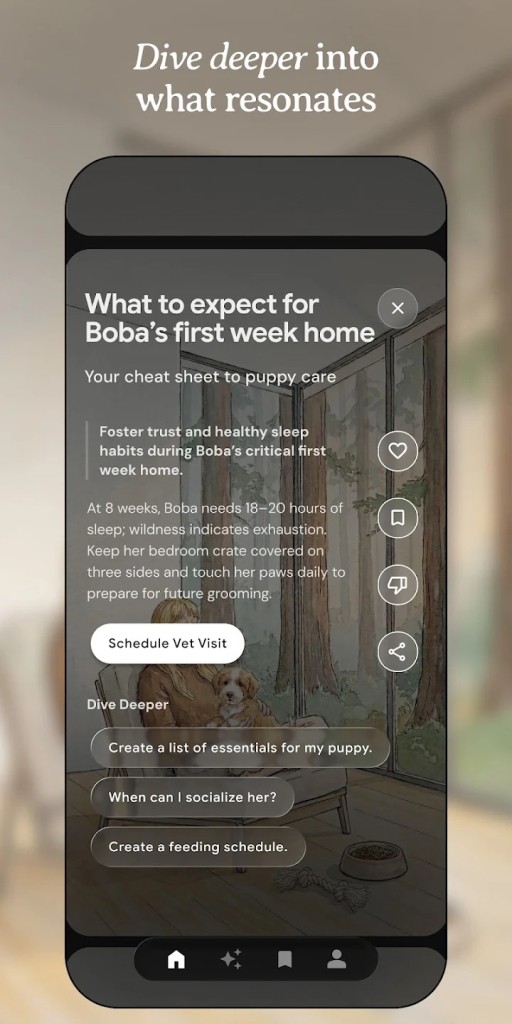
Just like Instagram Stories, these stories are viewed in full-screen mode. You can open each one to get more information, save it for later, or share it with friends and family. There’s even a discussion feature to explore a topic in more depth, with the app searching the web for additional information. Some stories also offer shortcuts to take specific actions, such as watching a trailer or reading a blog post.
The app is still in the experimental phase, and it’s important to understand that Dreambeans can make mistakes, just like any self-respecting artificial intelligence. You can therefore train it using a settings feature accessible via a spark-shaped icon, or by simply giving a story a thumbs-down. This learning process allows Dreambeans to better understand your daily life and thus suggest stories that are increasingly tailored to you. One small detail: your corrections are processed overnight and only apply to the next day’s stories.
Of course, you can easily manage the connected services from your profile, view your feedback history, or delete all your data using the dedicated option. Just because you’ve agreed to let the app access your various services doesn’t mean you can’t change your mind later.
Is Dreambeans Free?
After a beta testing phase reserved for paying subscribers, Dreambeans is now completely free for U.S. users. Simply download it from the Google Play Store or the Apple App Store to try it out.
What Operating Systems Are Compatible with Dreambeans?
Dreambeans is an app available exclusively for smartphones and tablets. You can download it from the Google Play Store for Android devices or from the Apple App Store for iOS devices. At this time, there is no version available for web browsers, whether on Windows, macOS, or Linux PCs.
Please note that, as of this writing, Dreambeans is in the testing phase and is available only in the United States to users of legal age. It is therefore not possible to try it out in Europe. And don’t bother using a VPN: a U.S. account created for this purpose would have no data, which would prevent the AI from generating relevant stories. Before any potential rollout in Europe, Google will likely have to comply with European regulations on personal data protection.
What Are the Alternatives to Dreambeans?
Of all the features offered by Google, Discover is probably one of the most widely used in the world. It’s a personalized news feed built into the Google app, directly accessible on most Android smartphones with a simple swipe to the right from the home screen. The idea behind Discover is to offer users articles, videos, and information related to their searches and interests. Unlike Dreambeans, it’s free and available in France on both Android and iOS via the Google app. For those who wish to do so, Google Discover can, of course, be turned off at any time in your smartphone’s settings.
Like Dreambeans, the Gemini assistant offers a feature that originated at Google Labs: the Daily Brief, which came out of an experiment called CC. It’s a daily report on your day, compiled from your Gmail inbox, your calendar, or even your conversations with the AI. The idea is to help you stay on top of things so you don’t miss an appointment, overlook an important email, or forget a task you need to complete. It even lets you reply to a message or create an event in just a few seconds. Like Dreambeans, it was initially reserved for paying subscribers before becoming free. Available on both mobile devices and web browsers, it, too, is currently only available in the United States at the time of this writing.