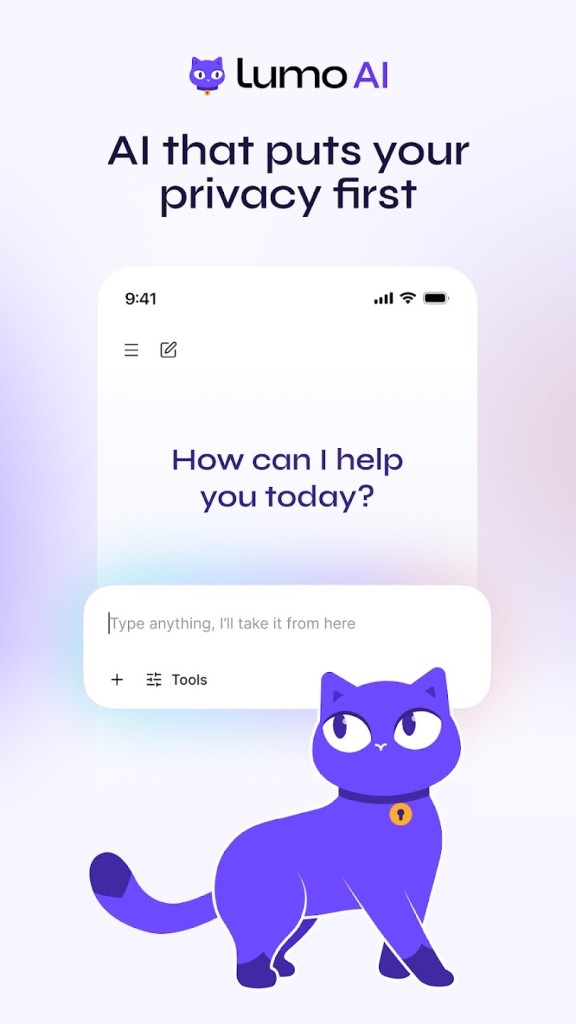
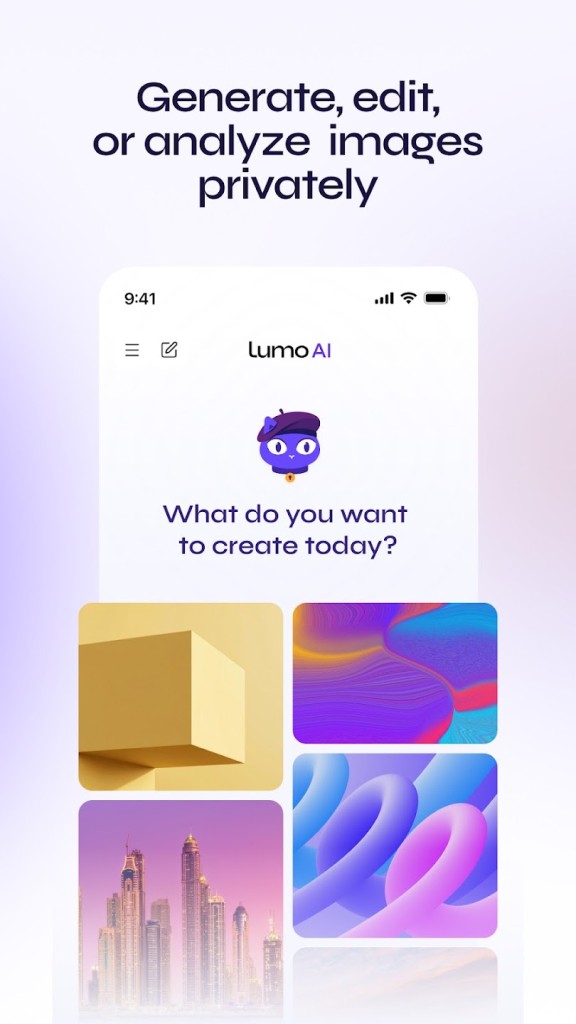
Lumo is an AI-powered conversational assistant developed by Proton, a Swiss company known for its privacy-focused services, including Proton Mail, Proton Drive, Proton VPN, and Proton Browser. Unlike assistants that use user data to personalize their services or train their models, Lumo prioritizes the privacy of your conversations. It is designed for people who want to take advantage of AI while maintaining control over their personal information.
In everyday use, Lumo can help you formulate complex questions, rephrase text, explore ideas, and get explanations on a variety of topics. It does not keep logs of your conversations or use your exchanges to train its AI models. If you choose to save your chat history, it is protected by zero-access encryption, which prevents Proton from accessing the contents of your conversations. With its focus on privacy and ease of use, Lumo is worth considering for anyone who places particular importance on protecting their personal data.
Why Should I Download Lumo AI?
Lumo AI is an AI-powered conversational assistant that can answer a wide range of questions, rephrase text, explain technical or abstract concepts, and summarize documents. It relies on various open-source language models optimized by Proton and selected according to the nature of each request. This approach allows it to adapt to different types of tasks, whether you want to explore an idea, delve deeper into a subject, or get an explanation.
Data protection is one of Lumo’s key features. Requests are processed on servers controlled by Proton, without retaining conversation logs. When you save your chat history, it is protected by zero-access encryption, meaning Proton cannot read its contents. Conversations are not used to train AI models, except when users voluntarily share anonymized feedback about certain responses with their explicit consent. Lumo’s source code is also publicly available, allowing developers and security experts to examine how it works and review its security mechanisms.
Lumo is available without an account through guest mode, which lets you use the assistant without retaining conversations after the session ends. By signing in with a Proton account, you can access additional features, including the ability to save encrypted chat history. Its interface prioritizes ease of use and does not include targeted advertising, while emphasizing privacy and control over personal data.
Is Lumo AI Free?
Lumo AI offers a free version that can be accessed without creating an account through guest mode. This option lets you ask questions and receive answers from the assistant, although usage is subject to certain limits. By creating a free Proton account, you gain access to additional features, including the ability to view your encrypted chat history and use a project to organize your conversations. This plan is particularly suitable for people who want to explore AI or use it occasionally.
For more demanding needs, Lumo Plus offers unlimited questions, faster responses, higher usage limits for advanced models, and more options for managing projects and customizing your experience. This paid plan is designed for users who want to make more regular use of the assistant’s capabilities. It also helps fund Lumo’s development and supports Proton’s mission to promote a privacy-friendly internet.
Regardless of which plan you choose, Lumo follows a privacy policy that rules out selling your data or sharing it with third parties, except in certain cases involving voluntarily submitted feedback. Saved conversations are protected by zero-access encryption, and the service does not include targeted advertising.
What Operating Systems Are Compatible with Lumo AI?
Lumo AI is accessible directly through a modern web browser on Windows, macOS, and Linux, without requiring you to install any software. Simply visit the web version of Lumo to get started. You can also download the Lumo mobile app for Android and iOS, on both smartphones and tablets.
Since minimum operating system requirements may change over time, it is best to check the specifications listed on the relevant download platforms before installing the app. You can find the different versions of Lumo on Proton’s official download page through our direct links.
What Are the Alternatives to Lumo AI?
Lumo AI is designed for users who want to benefit from artificial intelligence while protecting their privacy. It can answer questions, summarize documents, and help with writing, but other AI assistants offer similar features with different approaches to privacy, accessibility, and integration.
Infomaniak Euria is an AI assistant developed by the Swiss company Infomaniak, with a strong focus on data privacy and digital sovereignty. Its infrastructure is hosted exclusively in Switzerland, and user data is not used to train AI models. Euria can answer questions, search the web, write and translate text, summarize documents, and transcribe audio recordings. It is available through a standalone web interface and mobile app, as well as within Infomaniak's kSuite collaboration tools. Its range of document and productivity features makes it suitable for users who want to combine everyday AI assistance with privacy-focused file management.
Duck.ai is a private AI chat service from DuckDuckGo that lets users interact with third-party AI models through an anonymized interface. It can answer questions, help draft emails, summarize text, and support general conversations. Duck.ai is available as a standalone web service, and it is also integrated into DuckDuckGo's search experience and browser. The service is designed to protect user privacy by anonymizing requests and limiting the information shared with AI providers. It is an option for people who want to try different AI models without relying on a single assistant.
Brave Leo AI is an AI assistant built directly into the Brave browser. It can summarize web pages, answer questions about open tabs, generate content, translate text, and analyze documents. Leo also uses Brave Search to provide additional context and more up-to-date information in its responses. Unlike Lumo and Duck.ai, Leo is not offered as a separate standalone assistant; it is accessed through the Brave browser on desktop and mobile devices. Its privacy-focused design includes no requirement to create an account to use the basic service, and conversations are not retained on Brave's servers after responses are generated. Leo is worth considering for users who want AI assistance while browsing the web without switching between applications.